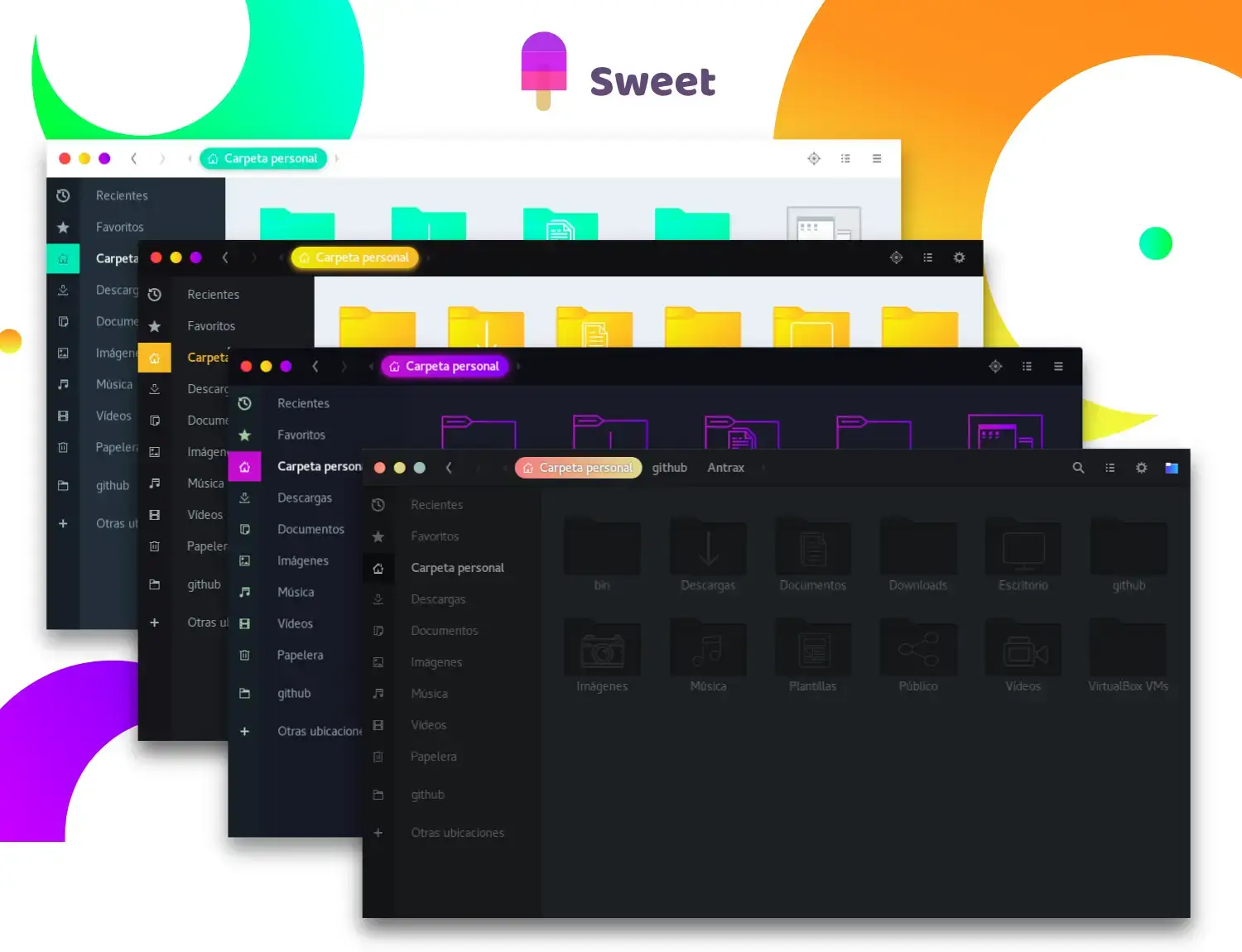
Sweet is available on GitHub and Pling, and you can install it on Ubuntu by cloning the repo or downloading the theme files. It is a vibrant dark theme with neon-colored gradients and glowing accents that make your desktop truly stand out. Below we have instructions on how to get it up and running, screenshots and bonus terminal commands to unlock more features like the matching icon pack.
Feel free to leave a comment or contact us directly for any feedback or help.
Quick Facts
How to Install Sweet on Ubuntu
You can install Sweet on Ubuntu by cloning the GitHub repo or downloading it from Pling. Here is how.
Option 1: Install from GitHub
Clone the repo directly into your local themes folder. This makes updating easy with a simple git pull later.
Option 2: Download from Pling
Download the archive from Pling, extract it, and move the theme folder to your local themes directory.
Apply the Theme
Open GNOME Tweaks (install it with sudo apt install gnome-tweaks if you do not have it), go to Appearance, and select Sweet or Sweet-Dark under the Applications dropdown.
Screenshots
-
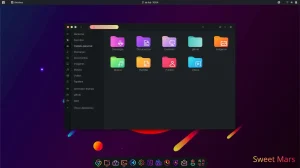
- Sweet mars new color from Download Sweet Theme
-
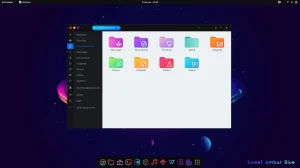
- Sweet amber blue with light background folders
-
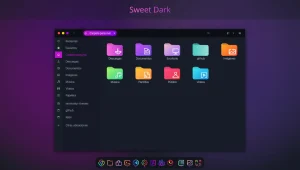
- Sweet dark new color
-
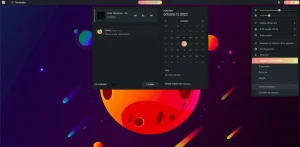
- Sweet mars colors menu options
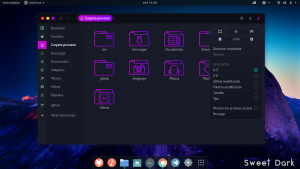
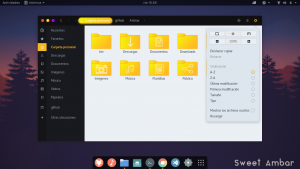
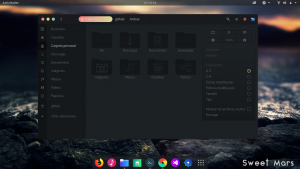
-
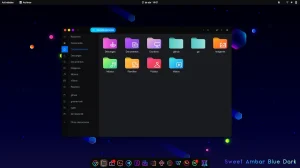
- Amber blue dark
-
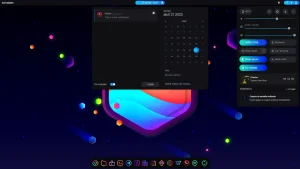
- Amber blue shield
-
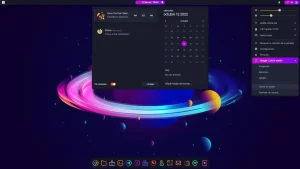
- Calendar menu
-
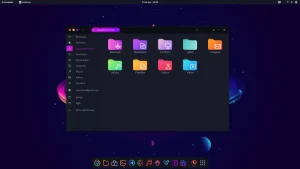
- Multi colored folders
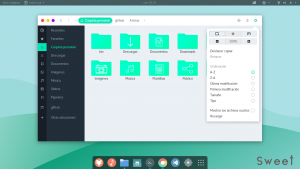
-
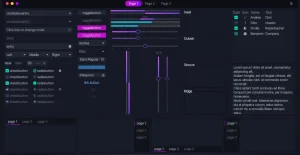
- Neon vibe color from
What Makes Sweet Worth Installing?
Sweet is for anyone who wants their Linux desktop to look bold and unique. While most GTK themes stick to flat solid colors, Sweet uses vivid gradients and neon-tinted accents across everything from title bars to buttons to context menus. It looks especially good on dark wallpapers and pairs perfectly with the Candy Icons pack by the same developer (EliverLara). If you have ever wanted a desktop that glows, this is the theme that does it.
✓ Neon Gradients ✓ 4 Variants ✓ Pairs with Candy Icons ✓ Dark Theme Only ✓ Community Favorite
Bonus: Add Candy Icons to Complete the Look
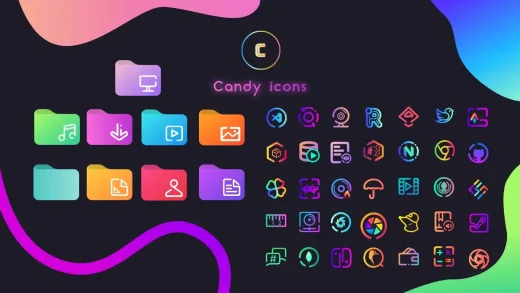
Same developer, same vibrant style. Candy Icons gives every app a gradient icon that matches the Sweet theme perfectly.
Download Sweet GTK Theme
Get the latest version from any of these official sources.
Frequently Asked Questions
How do I install Sweet theme on Ubuntu?
Clone the GitHub repository with git clone https://github.com/EliverLara/Sweet.git into your ~/.themes/ directory. Or download the theme from Pling, extract it, and copy the folder to ~/.themes/. Then open GNOME Tweaks and select Sweet.
Does Sweet theme work on Ubuntu 24.04 and 26.04?
Yes. Sweet works on Ubuntu 24.04 and Ubuntu 26.04. It supports GNOME and other GTK-based desktop environments.
What icon theme pairs best with Sweet?
Candy Icons by the same developer (EliverLara) is the recommended icon theme for Sweet. Together they create a fully matching neon desktop with gradient app icons and vibrant window decorations.
What variants does Sweet include?
Sweet includes Sweet, Sweet-Dark, Sweet-Ambar, and Sweet-Ambar-Blue. The Ambar variants use warmer amber and orange tones instead of the default pink and purple gradients.
Is Sweet GTK theme still maintained?
Yes. Sweet is actively maintained by EliverLara on GitHub. It has a large community following and receives updates for compatibility with newer GNOME versions.
More Ubuntu Customization Guides
Pair Sweet with Candy Icons and a matching cursor for a fully polished neon desktop.