Protecting your data is crucial. Losing important photos, videos, or work documents due to a sudden hard drive failure is an absolute nightmare. That is why having a reliable backup strategy is essential.
The best free backup software for Ubuntu right now include Timeshift, Déjà Dup, and Kopia. We have a list of the top tools depending on your exact setup.
Whether you are a complete beginner looking for a simple graphical interface, or a system admin wanting advanced encryption, there is an option here for you. Plus, we made sure to include terminal installation commands for every single tool, directly alongside their graphical packages.
🏆 Top 3 Ubuntu Backup Tools At a Glance:
In a rush? Here are the best backup solutions based on what you need to protect:
- Best for Complete Systems: Timeshift, the ultimate tool for capturing full snapshot images of your operating system.
- Best for Personal Files: Déjà Dup, the standard Ubuntu tool for backing up folders to the cloud or external drives.
- Best for Power Users: Kopia, a blazing fast, modern application that handles deduplication and encryption seamlessly.
As always, if you need help setting any of these up, feel free to contact us or drop a comment below.
Best Free Backup Software on Ubuntu
1. Timeshift
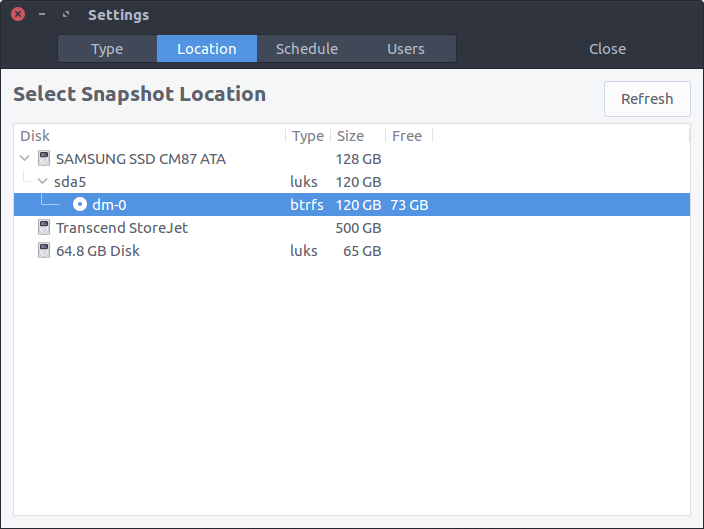
💡 Quick Overview: Timeshift is the absolute best tool for full system recovery. It works exactly like System Restore in Windows or Time Machine in macOS. It creates incremental snapshots of your entire file system, allowing you to instantly revert to a previous state if an update breaks your computer.
🎯 Key Features:
- System-level snapshotting
- Lightweight incremental backups
- Extremely polished GUI interface
- Configurable schedules and rules
💻 Terminal Installation:
2. Déjà Dup (Backups)
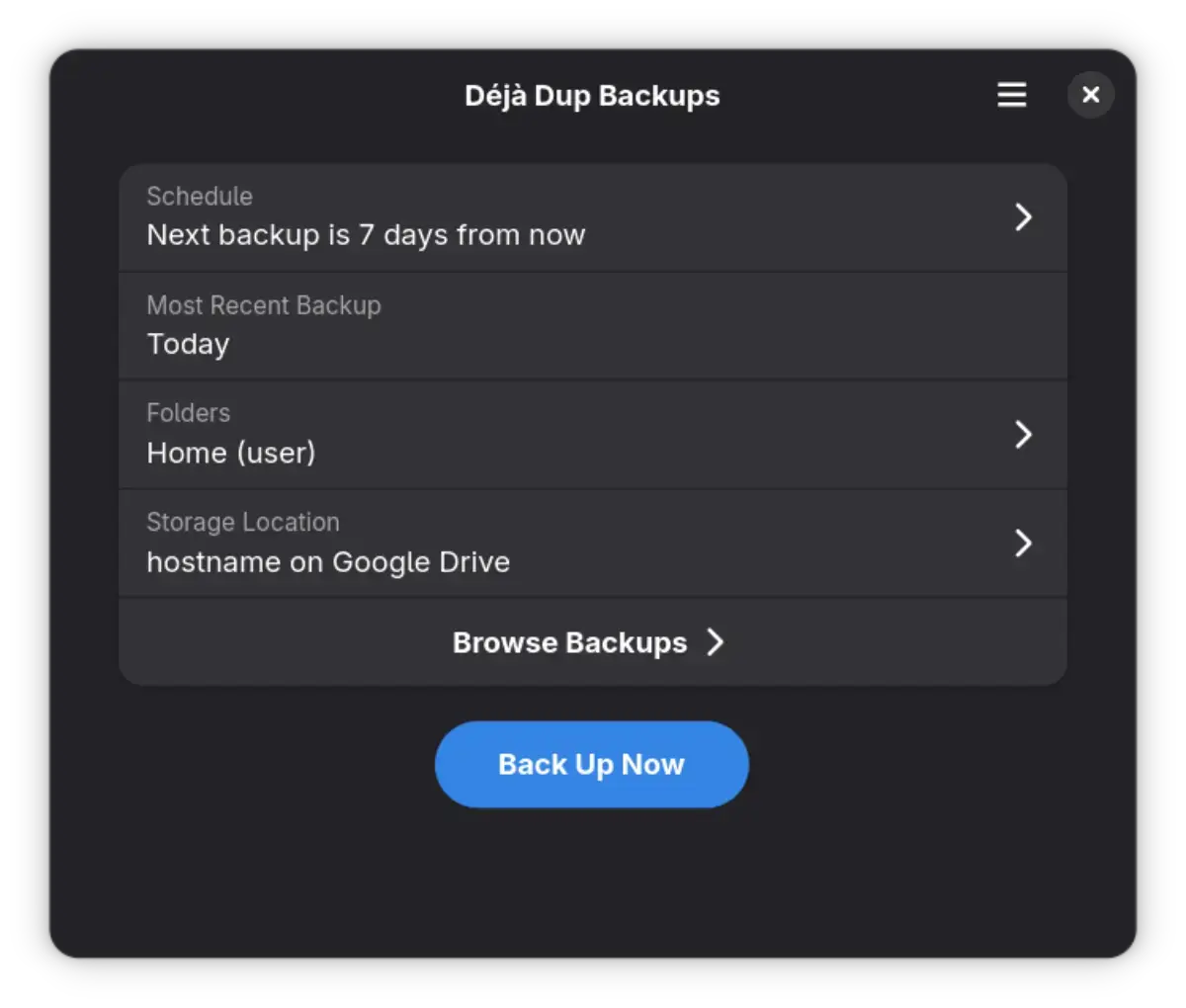
💡 Quick Overview: Déjà Dup is the default, go-to backup tool for personal files on GNOME desktops. It is incredibly simple, acting as a friendly frontend for powerful background software. It supports automatic scheduling and lets you back up directly to Google Drive or a local hard drive.
🎯 Key Features:
- Simplest application for beginners
- Native Google Drive and OneDrive support
- Built-in file encryption for privacy
- Automatic scheduled backups
💻 Terminal Installation:
3. Kopia
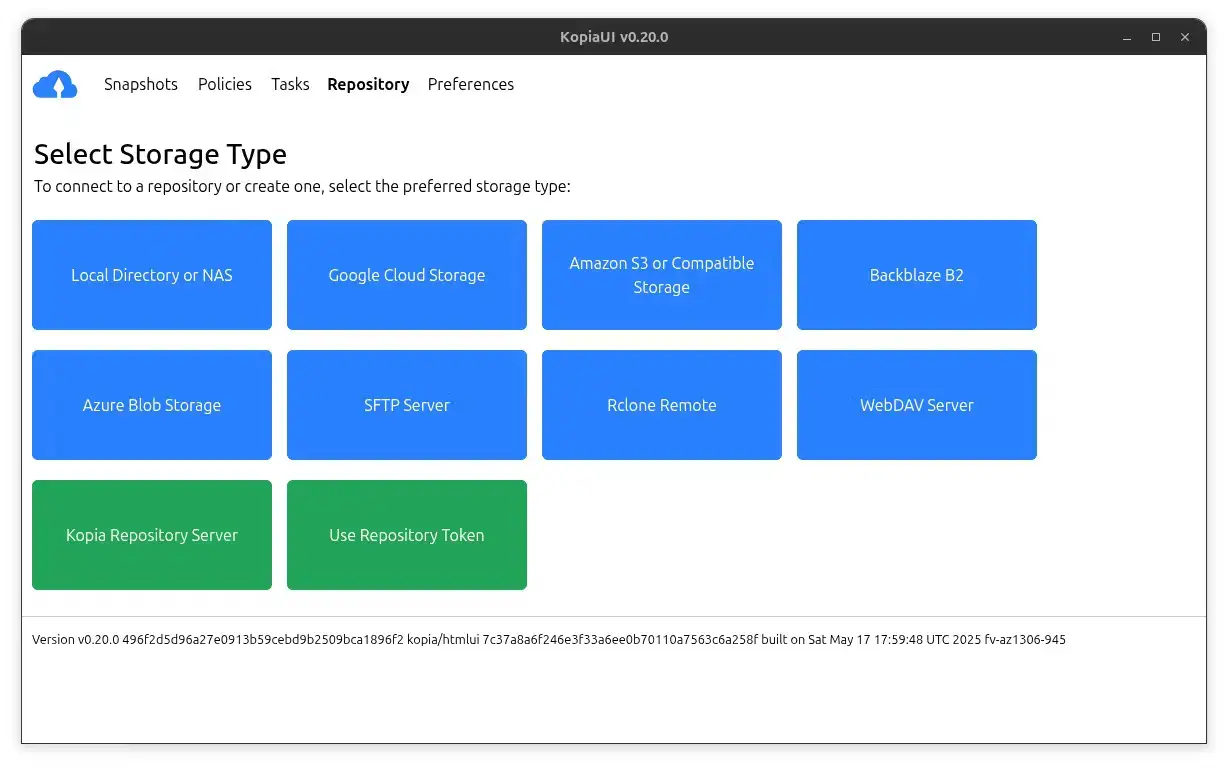
💡 Quick Overview: Kopia is a blazing fast, highly modern backup tool that combines the power of advanced command line utilities with a gorgeous graphical interface. It shines at safely backing up huge amounts of data by only saving the parts that actually change, which saves you a ton of storage space.
🎯 Key Features:
- Modern, elegant GUI and CLI available
- High-performance data deduplication
- Zero-knowledge, end-to-end encryption
- Massive cloud provider compatibility
💻 Terminal Installation:
4. Duplicati
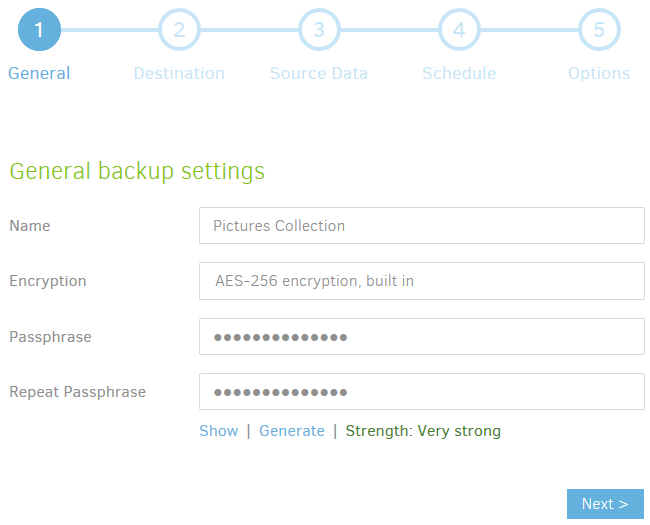
💡 Quick Overview: Duplicati is a free, open-source application that runs via a powerful web-based interface. It works flawlessly with almost any online storage provider and cloud service, automatically keeping your files secure and updated in the background.
🎯 Key Features:
- Huge cloud storage integration support
- Robust AES-256 local encryption
- Storage-saving data deduplication
- Simple browser-based management
💻 Terminal Installation:
5. BorgBackup (with Vorta GUI)
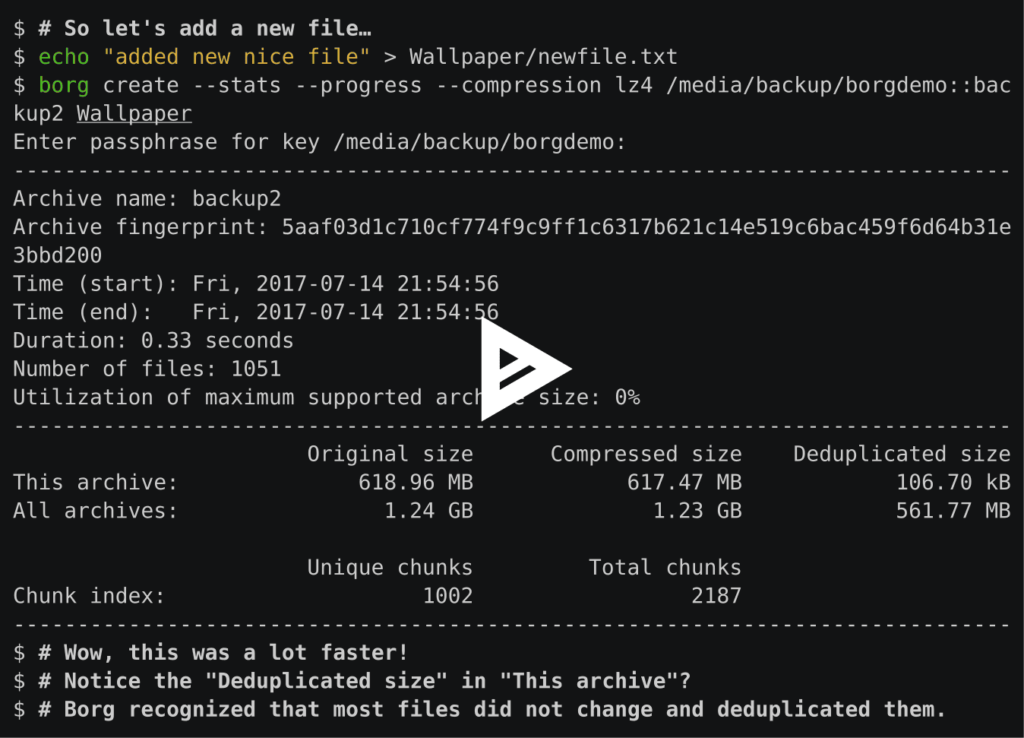
💡 Quick Overview: BorgBackup is an incredibly fast and secure tool that compresses your data so it takes up much less space. While it usually runs in the terminal, you can pair it with the **Vorta** application to give it a full, easy-to-use graphical interface on your Ubuntu desktop.
🎯 Key Features:
- Industry leading data deduplication
- Encrypted, authenticated backups over SSH
- Lightning fast speed on low resources
- Pairs perfectly with Vorta for a full GUI
💻 Terminal Installation:
6. Restic
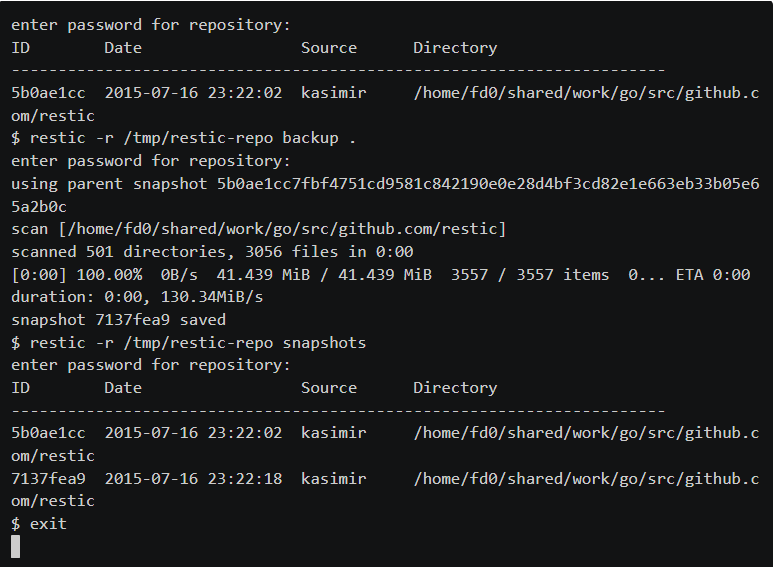
💡 Quick Overview: Restic is an ultra-secure, open-source command line tool beloved by system administrators. It handles everything from local drives to cloud storage, using incredibly strong encryption to make sure no one can ever tamper with your files.
🎯 Key Features:
- Ironclad data encryption protocols
- Supports almost all major remote backends
- Fully written in Go for maximum reliability
- Powerful command line automation options
💻 Terminal Installation:
7. Back In Time
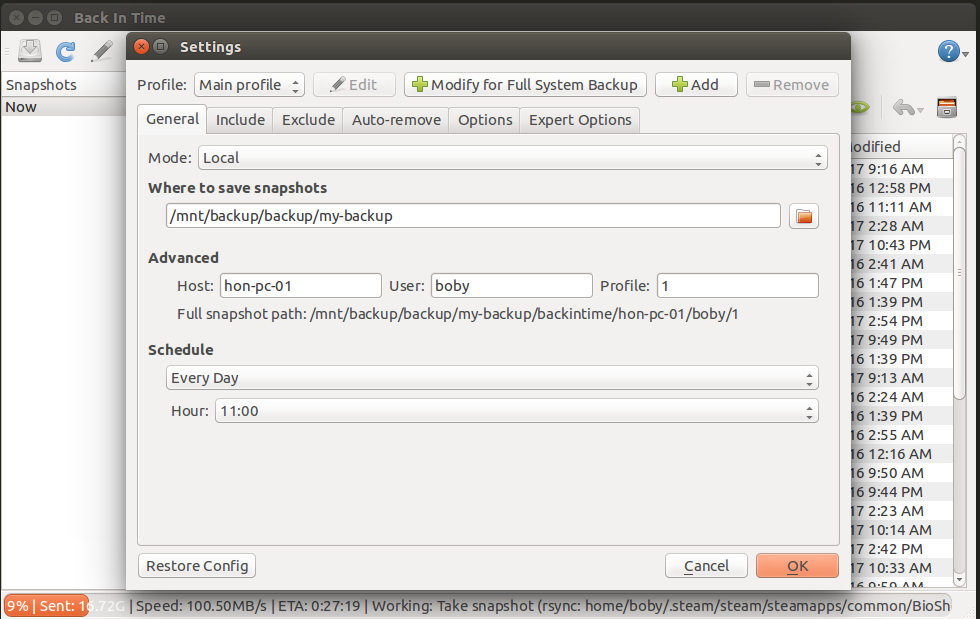
💡 Quick Overview: Back In Time is a simple and reliable tool focusing purely on directories and files. It provides an intuitive GUI where you select specific folders, decide where to send them, and set a schedule to automate the process entirely in the background.
🎯 Key Features:
- Focuses exclusively on local file and directory syncs
- Very clean, traditional menu interface
- Customizable file retention policies
- Granular manual or automatic triggers
💻 Terminal Installation:
You might also enjoy checking our list of the best file managers on Ubuntu, the top Torrent clients, or the best antivirus apps.