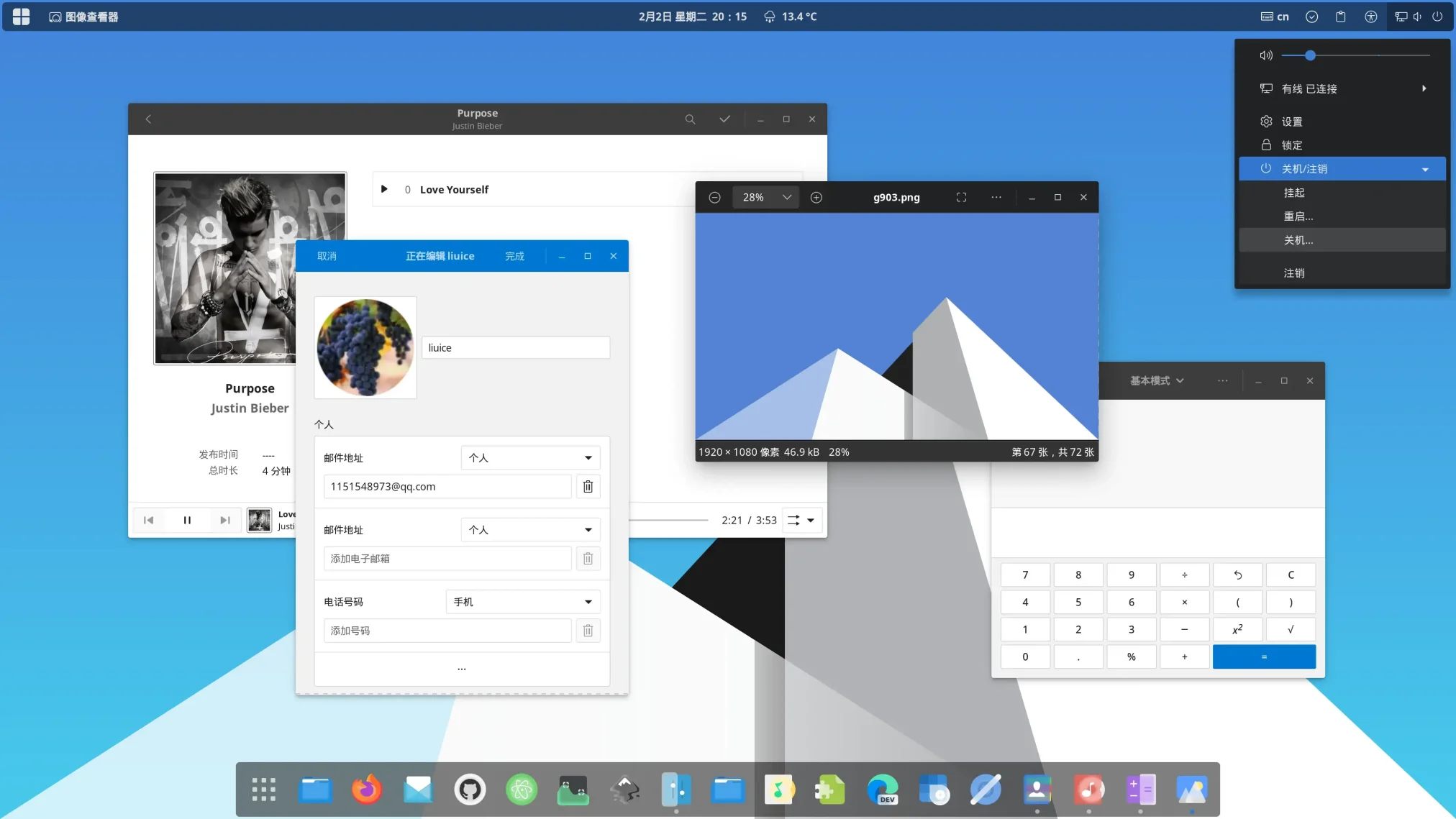
Fluent Round is available on GitHub and Gnome-Look, and you can install it on Ubuntu by cloning the repo and running the install script with a special flag. It is a Windows 11 inspired GTK theme that brings rounded window corners and Fluent Design styling to your GNOME desktop. Below we have instructions on how to get it up and running, screenshots and bonus terminal commands to unlock features like blur and libadwaita support.
Feel free to leave a comment or contact us directly for any feedback or help.
Quick Facts
How to Install Fluent Round on Ubuntu
You can install Fluent Round on Ubuntu by cloning the GitHub repo and running the install script with the round tweak. Here is how.
Step 1: Install the Required Packages
Fluent needs a few packages to build properly. Run this first to make sure everything is in place.
Step 2: Clone and Install with Rounded Corners
Clone the repo and run the install script with the --tweaks round flag. This is what gives you the rounded window corners.
Step 3: Pick a Color (Optional)
Want a different accent color? Use the -t flag. You can also combine tweaks for extra effects.
Apply the Theme
Open GNOME Tweaks (install it with sudo apt install gnome-tweaks if you do not have it), go to Appearance, and select Fluent-round or any of its color variants under the Applications and Shell dropdowns.
Screenshots
-
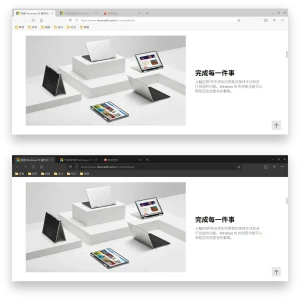
- Firefox theme
-
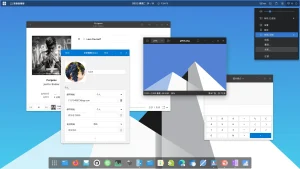
- Fluent gtk linux theme screenshot
-
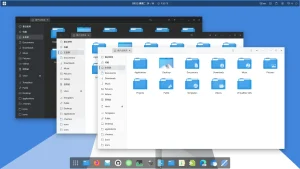
- Light background from Download Fluent Round GTK Theme
-
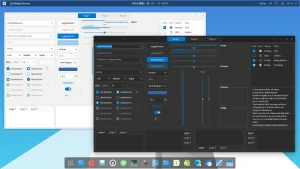
- Toggle colors
-
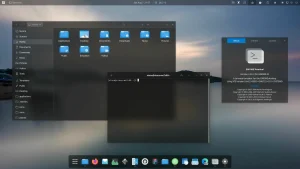
- Transparent dark mode
-
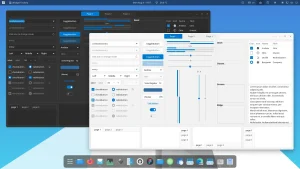
- Widget options
What Makes Fluent Round Worth Installing?
Fluent Round is the closest you can get to Windows 11 on a Linux desktop. The rounded window corners, clean title bars, and Fluent Design accents all come together to create a look that feels modern and polished. It covers GTK2, GTK3, and GNOME Shell, so both old and new apps get the same consistent styling. You also get extra tweaks like blur support (great with the Blur My Shell extension), floating panel mode, and a no-border option for an even cleaner look. With 9+ accent colors and light/dark/compact modes, there is plenty of room to make it your own.
✓ Rounded Corners ✓ 9+ Colors ✓ Blur Support ✓ GNOME Shell Theme ✓ 390+ Commits
Bonus: Enable Blur for the Full Effect
To get the signature Windows 11 transparent blur effect, install the Blur My Shell extension and use the blur tweak when installing the theme.
Bonus: Fix Libadwaita Apps
Newer GNOME apps like Settings and Files use libadwaita and ignore regular GTK themes. Fluent includes a link option that fixes this.
Download Fluent Round GTK Theme
Get the latest version from any of these official sources.
Frequently Asked Questions
How do I install Fluent Round GTK theme on Ubuntu?
Clone the GitHub repository with git clone https://github.com/vinceliuice/Fluent-gtk-theme.git, then run ./install.sh –tweaks round inside the folder. The round flag gives you the rounded window corners that make it look like Windows 11.
Does Fluent Round theme work on Ubuntu 24.04 and 26.04?
Yes. Fluent Round works on Ubuntu 24.04 and Ubuntu 26.04. It supports GNOME Shell and works with both GTK3 and GTK4 apps through its libadwaita link option.
What is the difference between Fluent and Fluent Round?
They are the same theme. Fluent Round is just the Fluent GTK theme installed with the –tweaks round flag, which adds rounded window corners. Without that flag, the windows have standard square corners.
What color variants does Fluent include?
Fluent includes default (blue), purple, pink, red, orange, yellow, green, grey, and teal color variants. Each color comes in standard, light, and dark versions.
Is Fluent Round GTK theme still maintained?
Yes. Fluent GTK theme is actively maintained by vinceliuice on GitHub with over 390 commits and 13 releases. The latest release was in April 2026.
More Ubuntu Customization Guides
Pair Fluent Round with Windows 11 style icons and cursors for a fully polished desktop.