Flat Remix is available on GitHub and the developer’s website at drasite.com, and you can install it on Ubuntu by cloning the repo and running a make command. It brings a material design-inspired look to your desktop with bright, layered icons that add subtle depth through shadows and gradients. Below we show you how to install it step by step.
Feel free to leave a comment or contact us directly for any feedback or help.
Quick Facts
How to Install Flat Remix on Ubuntu
You can install Flat Remix on Ubuntu from the GitHub repo or by copying the icons manually. Here is how.
Option 1: Install from GitHub (Recommended)
Clone the repo and use make install to set it up system-wide. This installs all color variants at once.
Option 2: Manual Install (Single Variant)
If you only want one specific variant, copy just that folder to your local icons directory.
Apply the Icon Theme
Open GNOME Tweaks (install it with sudo apt install gnome-tweaks if you do not have it), go to Appearance, and select your preferred Flat-Remix variant under the Icons dropdown.
How does Flat Remix Icons Look Like?
-
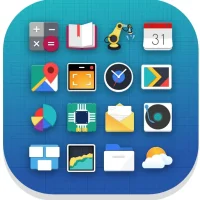
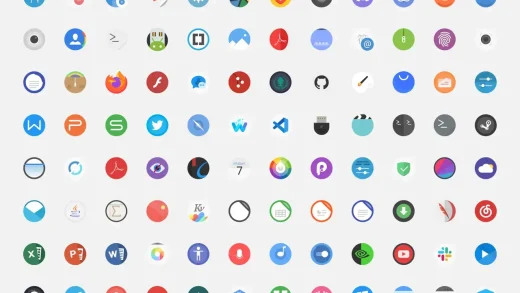
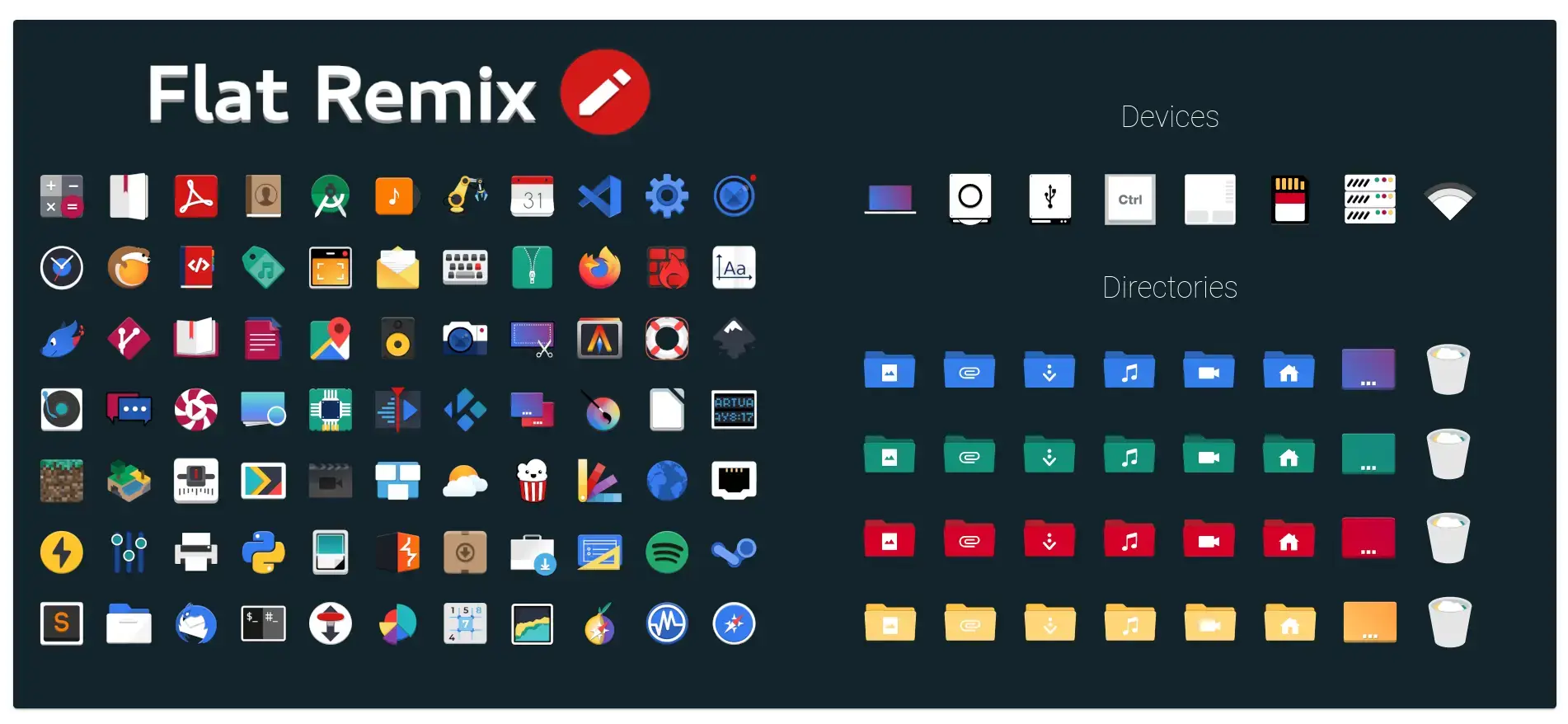
- Flat remix preview from Flat Remix Icon Theme for Ubuntu
-
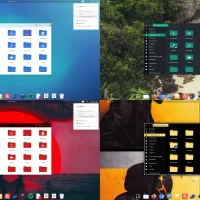
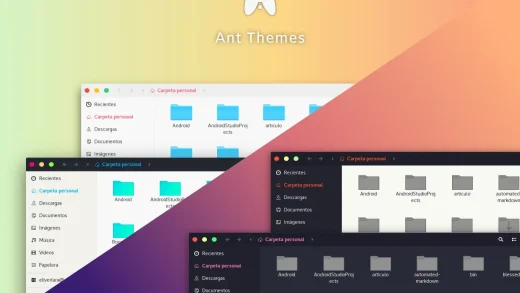
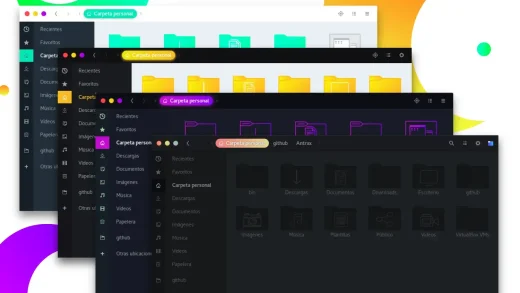
- Multiple desktops from Flat Remix Icon Theme for Ubuntu
What Makes Flat Remix Worth Installing?
Flat Remix stands out from pure flat icon themes by adding subtle shadows and gradients that give icons a bit of depth while still keeping things clean and modern. With 12 color options and three style modes (Light, Dark, and Light with dark panel), it fits into almost any desktop setup.
The project also includes a folder color tool and has over 1,300 commits on GitHub, so it is well-tested and actively supported.
✓ Material Inspired ✓ 12 Colors ✓ Depth and Shadows ✓ Folder Colors ✓ 1,300+ Commits
Bonus: Change Your Folder Colors
Flat Remix includes a built-in tool that lets you swap folder colors across the entire theme with a single command.
Download Flat Remix Icon Theme
Get the latest version from any of these official sources.
Frequently Asked Questions
How do I install Flat Remix icons on Ubuntu?
Clone the GitHub repository with git clone https://github.com/daniruiz/flat-remix.git, then run sudo make install inside the folder. This copies all icon variants to your system icons directory.
Does Flat Remix work on Ubuntu 24.04 and 26.04?
Yes. Flat Remix works on Ubuntu 24.04 and Ubuntu 26.04. It supports GNOME desktops and is compatible with most Linux desktop environments.
Where can I download Flat Remix icon theme?
You can download Flat Remix from its official GitHub page or from the developer’s website at drasite.com/flat-remix. GitHub is the recommended source for the latest version.
What color variants does Flat Remix include?
Flat Remix includes Blue, Green, Red, Yellow, Brown, Cyan, Grey, Magenta, Orange, Teal, Violet, and Black. Each color comes in Light, Dark, and Light-darkPanel variants.
Is Flat Remix icon theme still maintained?
Yes. Flat Remix is actively maintained by daniruiz on GitHub with over 1,300 commits. The project has 54 tagged releases and continues to receive updates.
Does Flat Remix support folder color customization?
Yes. Flat Remix includes a color-folder tool in the repository that lets you change folder icon colors across the entire theme.
More Ubuntu Customization Guides
Pair Flat Remix with a matching GTK theme or cursor for a fully polished desktop.