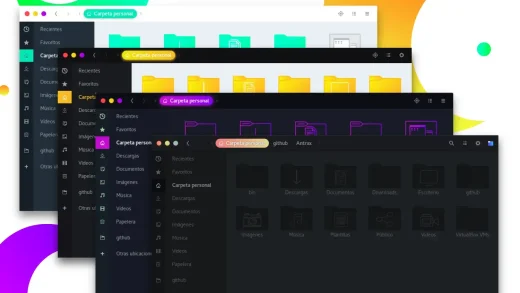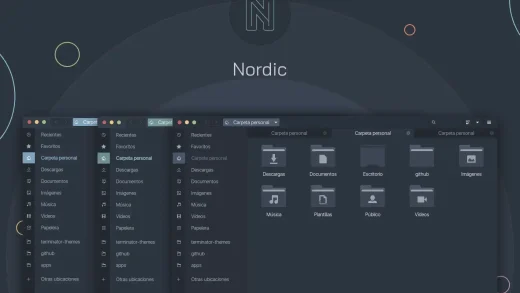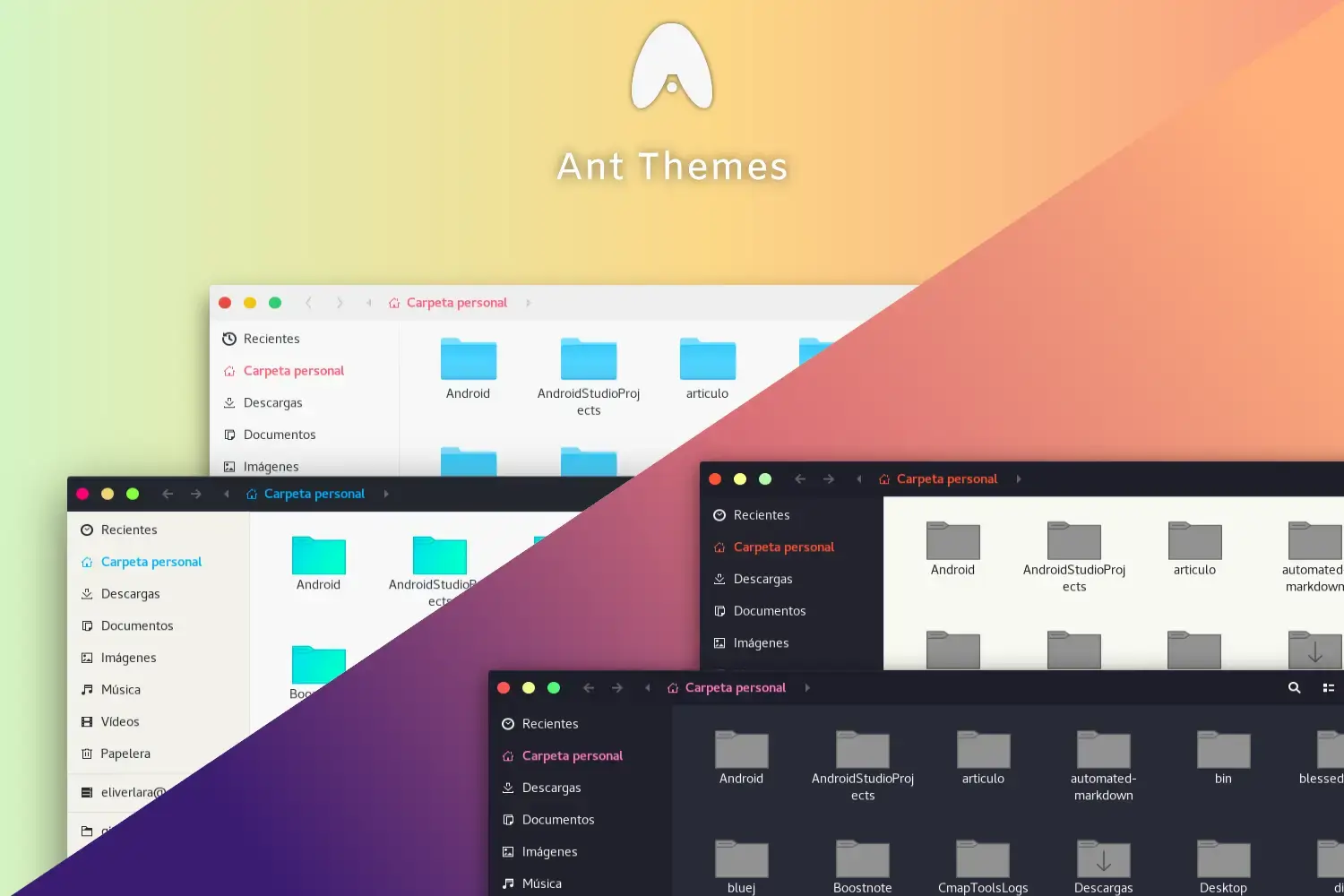
Ant is available on GitHub by EliverLara, and you can install it on Ubuntu using a simple terminal script. It is a clean, macOS-lite GTK theme with unique styling cues that gives your desktop a bold yet highly refined look. Below we have instructions on how to get it up and running, screenshots and bonus terminal commands for installation.
Feel free to leave a comment or contact us directly for any feedback or help.
Quick Facts
How to Install Ant on Ubuntu
You can install Ant on Ubuntu easily by cloning the repository and running the provided script. Here is how.
Step 1: Clone and Install via Script
Clone the repo and execute the installer to quickly get all the Ant variants on your system.
Option 2: Apply via Terminal Commands
If you prefer not to open Tweaks, you can directly activate Ant using gsettings.
Apply the Theme
Open GNOME Tweaks (install it with sudo apt install gnome-tweaks if you do not have it), go to Appearance, and select Ant (or one of its variants) under the Applications dropdown.
Screenshots
-
- Ant bloody alternative gnome
-
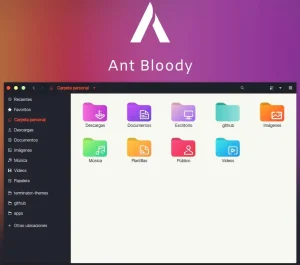
- Ant bloody variant
-
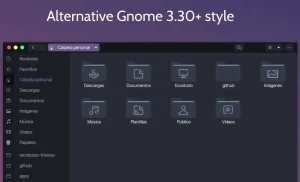
- Ant dracula folder screenshot
-
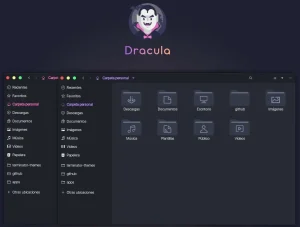
- Ant dracula variant
-
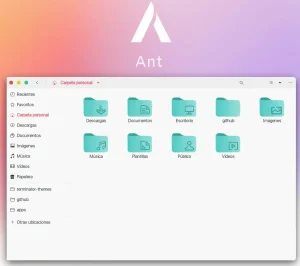
- Ant light mode
-
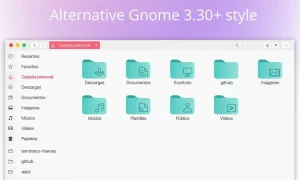
- Ant light mode folder screenshot
-
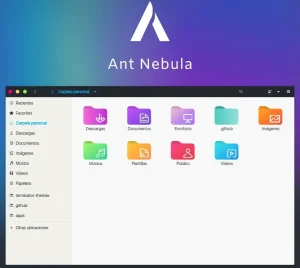
- Ant nebula
-
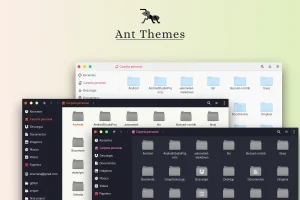
- Ant theme classic screenshot look
-
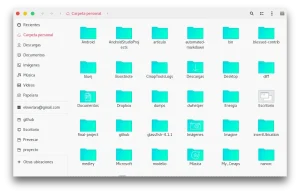
- Light background folders
What Makes Ant Worth Installing?
Ant is a long-standing flat GTK theme that has survived the transition from old GNOME to new GNOME. It offers a very clean, macOS-lite structure with unique red styling cues that set it apart from generic replicas. It’s rare to find an older theme style that still receives fresh commits, but Ant remains simple, stable, and visually pleasing without flashiness. With variants like Ant-Dracula and Ant-Nebula, it accommodates both minimalists and lovers of darker palettes effortlessly.
✓ macOS-Lite Styling ✓ 4+ Unique Variants ✓ High Stability ✓ Clean and Minimal ✓ By EliverLara
Bonus: Try the Dark Variants
If the default light theme with red accents isn’t quite for you, swap to one of the darker versions directly.
Download Ant GTK Theme
Get the latest version from the official sources below.
Frequently Asked Questions
How do I install Ant theme on Ubuntu?
Clone the GitHub repository with git clone https://github.com/EliverLara/Ant.git, cd into the folder, and run the ./install.sh script. Then open GNOME Tweaks and select Ant under the Applications theme.
Does Ant theme work on Ubuntu 24.04 and 26.04?
Yes. Ant works on Ubuntu 24.04 and Ubuntu 26.04. It has survived the transition from old GNOME to new GNOME and supports other GTK-based desktop environments.
What are the different variants of Ant?
Ant comes in different versions including the standard Ant (light theme with red accents), Ant-Dracula (dark theme inspired by Dracula colors), Ant-Nebula, and Ant-Bloody.
Is Ant GTK theme still maintained?
Yes. Ant is actively maintained by EliverLara on GitHub. It continues to receive thoughtful updates in 2026 while retaining its simple, stable, and visually pleasing structure.
More Ubuntu Customization Guides
Pair Ant with matching red-accented icons and a custom cursor for a fully polished desktop.