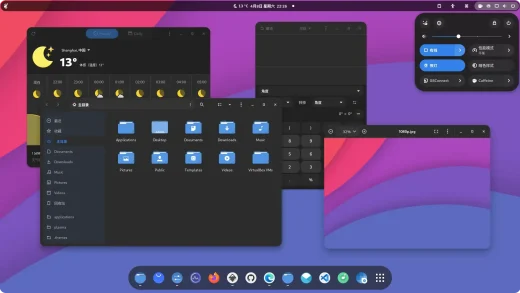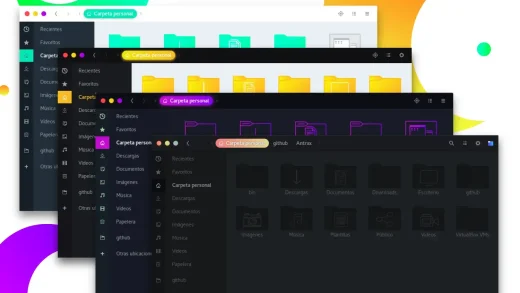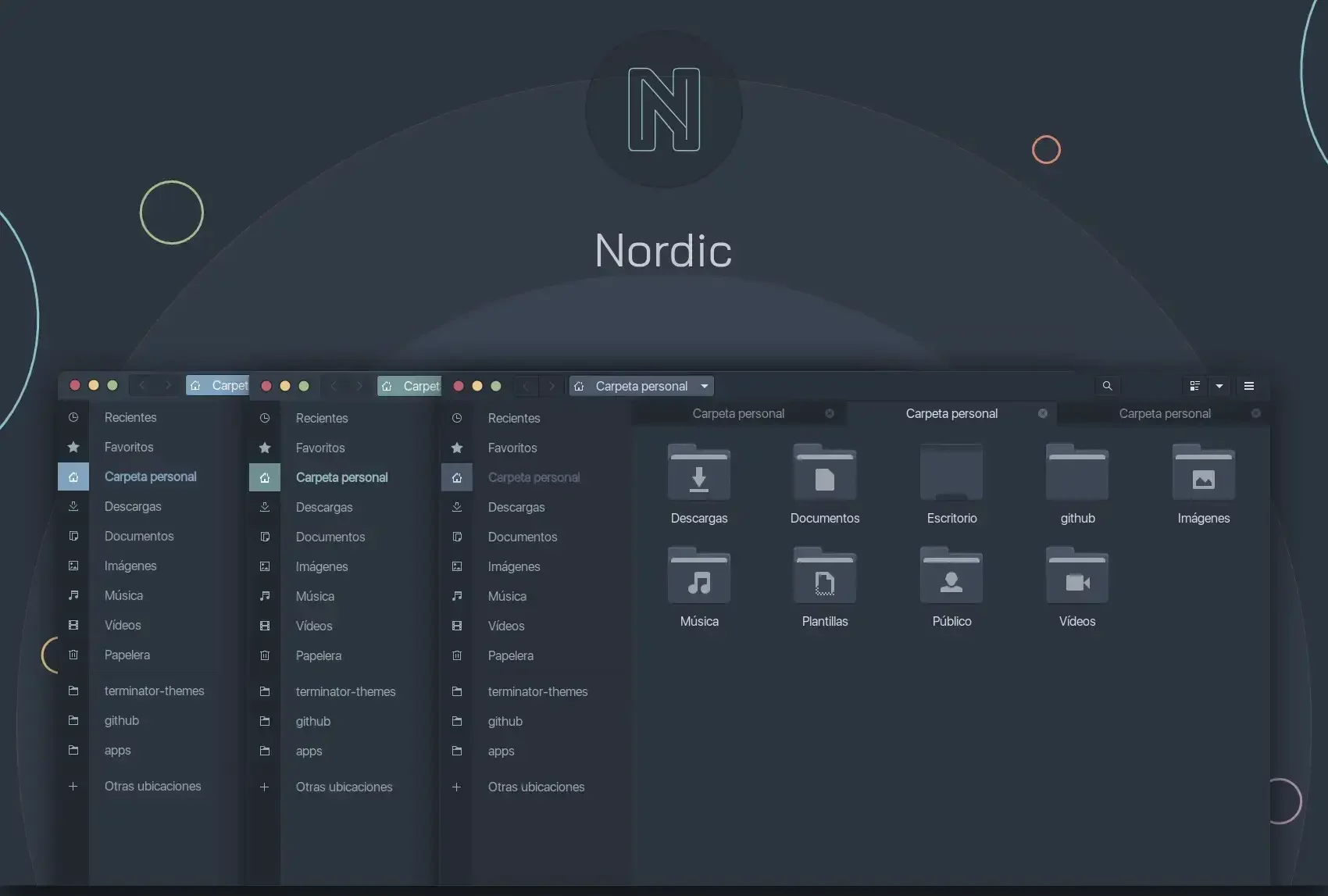
Nordic is available on GitHub and OpenDesktop, and you can install it on Ubuntu by downloading the theme files and extracting them to your themes folder. It is a calm dark GTK theme built entirely around the Nord color palette, giving your desktop a professional, blue-gray look that is easy on the eyes. Below we have instructions on how to get it up and running, screenshots and bonus terminal commands to help you apply it like a pro.
Feel free to leave a comment or contact us directly for any feedback or help.
Quick Facts
How to Install Nordic on Ubuntu
You can install Nordic on Ubuntu by downloading the theme from GitHub or Pling and extracting it to your themes folder. Here is how.
Option 1: Install from GitHub
Clone the repo directly into your local themes folder. This makes it easy to update later with a simple git pull.
Option 2: Download from Pling
Download the archive from Pling, extract it, and move the theme folder to your local themes directory.
Apply the Theme
Open GNOME Tweaks (install it with sudo apt install gnome-tweaks if you do not have it), go to Appearance, and select Nordic under the Applications dropdown. You will also find Nordic-darker, Nordic-bluish-accent, and Nordic-Polar variants there if you installed them.
Screenshots
-
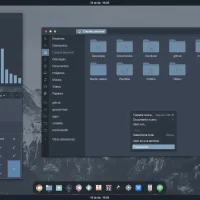
- Blue folders
-
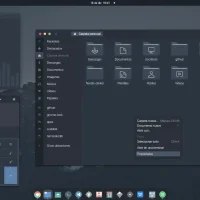
- Example preview
-

- Firefox theme
-
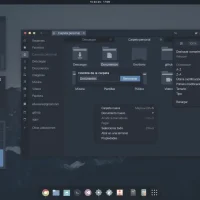
- Full options
-
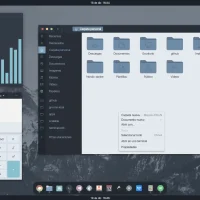
- Lighter background folders
-
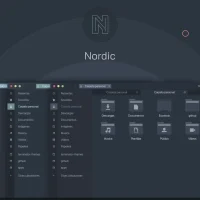
- Nordic linux theme screenshot
-
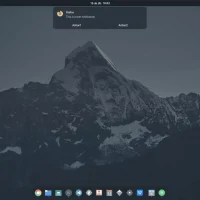
- Wallpaper mountain preview

What Makes Nordic Worth Installing?
Nordic is the go-to choice if you want a dark desktop that does not feel harsh or heavy. The Nord color palette uses muted blues, soft grays, and gentle accent colors that make everything look consistent and relaxing. It pairs perfectly with terminal themes that also use Nord colors (like the popular Nord theme for your code editor), so your entire workflow can share the same look. It is also one of the few community themes that gets regular updates and has a large user base, which means compatibility issues get fixed quickly.
✓ Nord Color Palette ✓ 4 Variants ✓ Easy on the Eyes ✓ Pairs with Nord Terminal ✓ Large Community
Download Nordic GTK Theme
Get the latest version from any of these official sources.
Frequently Asked Questions
How do I install Nordic theme on Ubuntu?
Download the latest release from GitHub or OpenDesktop, extract it, and copy the Nordic folder to ~/.themes/ or ~/.local/share/themes/. Then open GNOME Tweaks and select Nordic under the Applications theme.
Does Nordic theme work on Ubuntu 24.04 and 26.04?
Yes. Nordic works on Ubuntu 24.04 and Ubuntu 26.04. It supports GTK 3.20 and newer, which covers all modern Ubuntu releases.
What variants does Nordic include?
Nordic includes Nordic, Nordic-darker, Nordic-bluish-accent, and Nordic-Polar. Each variant has a slightly different take on the Nord color palette, from warmer to cooler tones.
Where can I download Nordic GTK theme?
You can download Nordic from its official GitHub repository by EliverLara or from Pling. GitHub has the source files while Pling has ready-to-use archives.
Is Nordic GTK theme still maintained?
Yes. Nordic is actively maintained by EliverLara on GitHub. The project has a large community following and continues to receive updates for newer GNOME versions.
More Ubuntu Customization Guides
Pair Nordic with a matching icon theme or cursor for a fully polished desktop.