 You can install GeForce NOW on Ubuntu in three ways. Add NVIDIA’s Flatpak repository so the app updates itself, run the .bin installer if you prefer clicking to typing, or skip installing anything and use the browser version.
GeForce NOW streams PC games from NVIDIA’s servers, so the game never runs on your machine and an older laptop with Intel graphics can play the same titles as a gaming PC.
This guide covers all three install methods on Ubuntu 26.04, 25.10 and 24.04 LTS, connecting your game stores, what each membership gets you, and how to remove the app cleanly.
If you have any questions, write a comment below or contact us. We are happy to help.
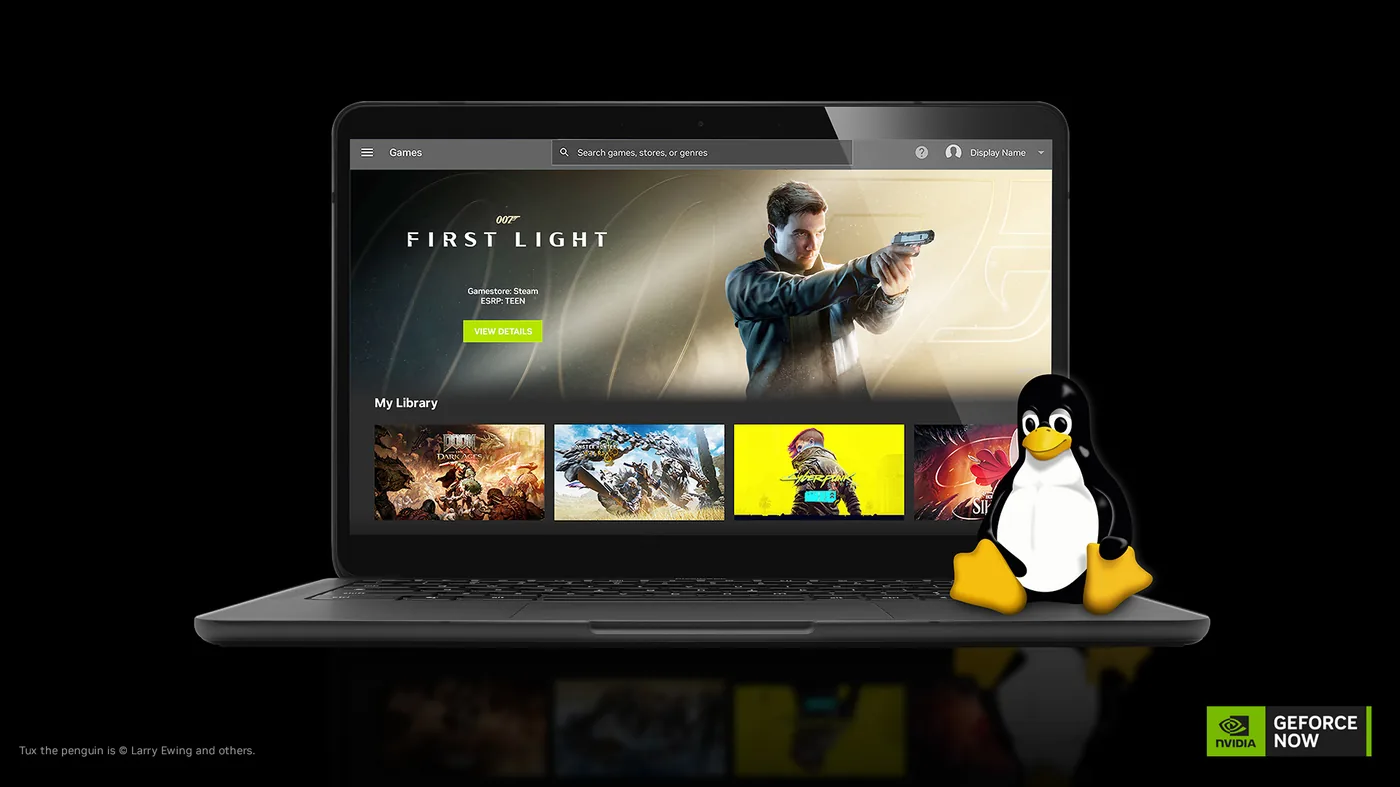
Flatpak, Installer File, and Browser
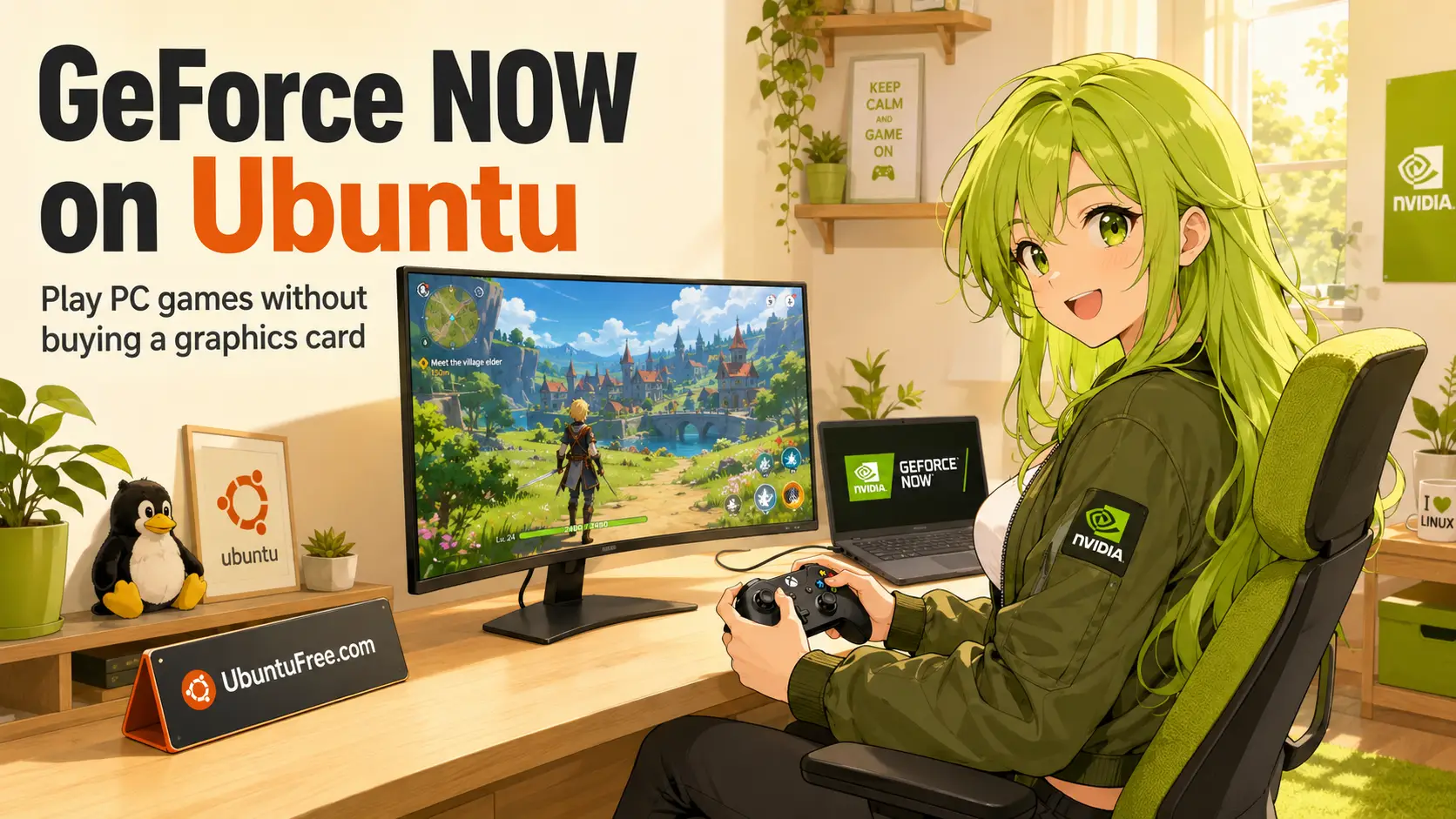
Play PC games on Ubuntu without buying a graphics card. Install the app, connect your game stores, pick a membership, and fix the problems people actually run into.
Compare the three methods, then jump to the one that suits your setup.
GeForce NOW Install Methods Compared
| Method | Updates | Best For | Trade-Off |
|---|---|---|---|
| Flatpak Repository | Automatic | Almost everyone. This is the one we recommend. | Four terminal commands, and a 2 GB download the first time. |
| Installer File (.bin) | Manual | Anyone who would rather click than type. It uninstalls too. | You have to download new versions yourself. |
| Browser | Nothing to update | Trying it out, and NVIDIA card owners on Ubuntu 26.04. | No 5K or 360fps modes, and fewer streaming settings. |
Method 1: Install GeForce NOW via the Flatpak Repository
Add NVIDIA’s software source once and every future update arrives with the rest of your apps.
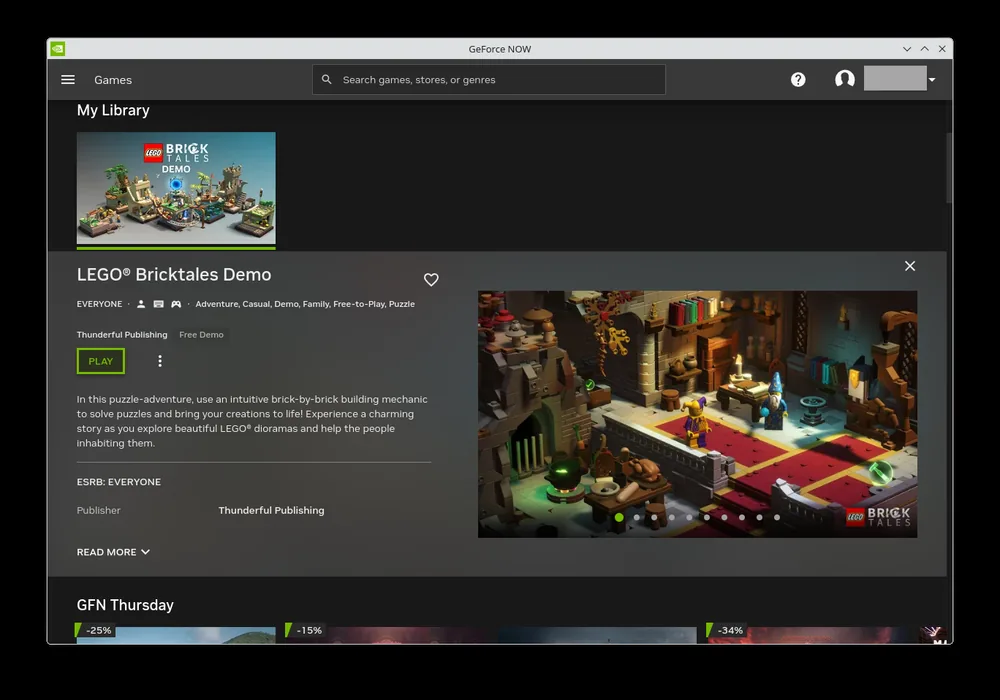
To update it later, run flatpak update, or let your software updater handle it.
Method 2: Install GeForce NOW with the Installer File
Same app, no terminal needed. Keep the file afterwards, because it also uninstalls.
Method 3: Run GeForce NOW in Your Browser
Nothing to install. Open play.geforcenow.com in Chrome, Chromium or Edge and sign in.
Connect Your Game Stores
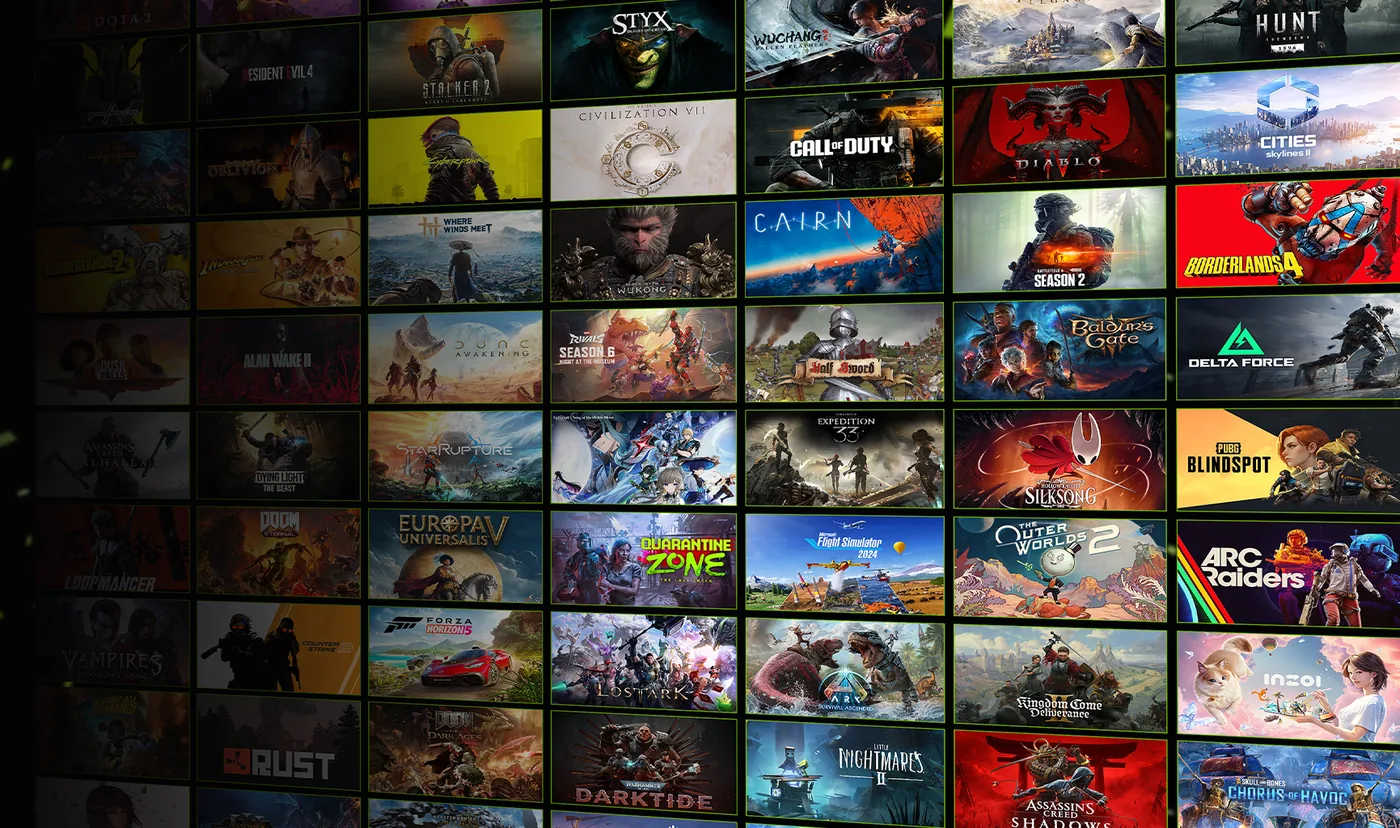
GeForce NOW streams games you already own, so link your shops once you have signed in. Open Settings, then Connections, and sign in to the ones you use.
If Steam is not set up on your machine yet, our guide on how to install Steam on Ubuntu covers that side.
Membership Tiers Explained
Three tiers, plus a Day Pass if you want the fast hardware for 24 hours without signing up for a month.
| Free | Performance | Ultimate | |
|---|---|---|---|
| Price | Nothing | $9.99 a month | $19.99 a month |
| Session length | 1 hour | 6 hours | 8 hours |
| Picture quality | 1080p at 60fps | 1440p at 60fps, ultrawide | Up to 5K at 120fps, or 1080p at 360fps |
| Hardware | Standard servers | RTX with ray tracing | RTX 5080 class, DLSS 4 |
| Waiting to start | Queue, plus up to 2 min of ads | Priority, no ads | Shortest wait, no ads |
| Hours per month | No cap | 100 hours | 100 hours |
| Install-to-Play games | No | Yes | Yes |
| Saves graphics settings | No | Yes | Yes |
Both paid tiers include 100 hours a month, and up to 15 unused hours roll into the next month. If you run out, you can buy more in 15 hour blocks or keep playing on the free tier until your billing date. On the free tier, ads play while you are already sitting in the queue, and nothing interrupts a game once it has started.
Is My Internet Fast Enough for GeForce NOW?
Speed is the easy part. Here is what you need for each quality level:
| Quality | Speed Needed | Tier |
|---|---|---|
| 720p at 60fps | 15 Mbps | Free |
| 1080p at 60fps | 25 Mbps | Free |
| 1440p at 120fps | 35 Mbps | Performance |
| 4K at 120fps | 45 Mbps | Ultimate |
| 1080p at 240 or 360fps | 55 Mbps | Ultimate |
| 5K at 120fps | 65 Mbps | Ultimate |
Do Mods Work on GeForce NOW?
Anti-cheat is not a problem here. The game runs on a Windows machine in NVIDIA’s data centre, so anti-cheat software sees exactly what it expects, and games that will not start under Proton on your desktop often stream without trouble.
Mods are more limited. You cannot drop files into a game folder yourself, because the game runs on NVIDIA’s hardware. Some mods do still work, including Steam Workshop items on games that support them, and it varies from game to game. Check the game’s own page or its community before you count on it.
Troubleshooting Common Issues
These are the problems people hit most often on Ubuntu, and how to fix each one.
How to Completely Uninstall GeForce NOW
If you used the installer file, run it again and choose More Options, then Uninstall. To do it by hand, take these steps in order.
Cancelling your membership is separate and is done in your NVIDIA account, not on your computer.
Frequently Asked Questions
Is GeForce NOW free on Linux?
Yes. The Free membership costs nothing and works on the native Linux app. You get one hour per session, standard servers, no ray tracing, and up to two minutes of video ads while you wait in the queue. Paid tiers remove the ads and raise the limits.
Do I need an NVIDIA graphics card to use GeForce NOW on Ubuntu?
No. The game runs on NVIDIA’s servers, not on your computer. Your computer only plays the video that comes back, the same job it does for a YouTube clip. AMD and Intel graphics work fine. Your graphics chip does need to be able to play H.264 or H.265 video, which means roughly a GeForce 10 series card or newer, or Mesa 24.2.8 or newer for AMD and Intel.
Which Ubuntu versions does the GeForce NOW app support?
NVIDIA officially supports Ubuntu 24.04 LTS and later, which covers 24.04, 25.10 and 26.04 LTS. Because the app ships as a Flatpak it will usually run on other distributions too, but those are not tested by NVIDIA.
Does GeForce NOW work on Wayland?
It does, but NVIDIA advises Xorg if you have an NVIDIA card and Wayland if you have an AMD or Intel card. Ubuntu 26.04 no longer offers Xorg for GNOME, so NVIDIA users on 26.04 have to run it on Wayland. Most people report this working with driver 580 or newer. If yours stutters, use the browser version instead.
Can I use mods on GeForce NOW?
Some of them. You cannot drop files into a game folder yourself, because the game runs on NVIDIA’s hardware, but Steam Workshop items work on games that support them and some studios add their own mod support. It varies from game to game, so check the game’s own page or its community first.
How do I completely uninstall GeForce NOW from Ubuntu?
Run flatpak uninstall com.nvidia.geforcenow to remove the app, then flatpak uninstall –unused to clear the shared support files, then delete the leftover settings and menu entries in your home folder. The full command list is in the uninstall section of this guide.
Related Ubuntu gaming guides: The Best Games for Ubuntu · Best Linux Distros for Gaming · Install Lutris on Ubuntu · Install Wine on Ubuntu