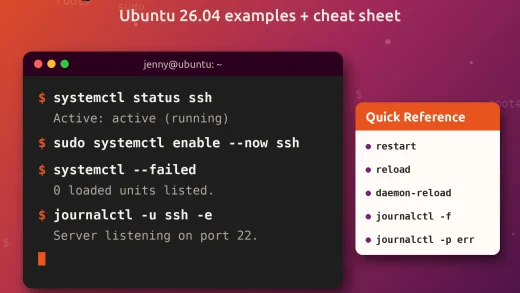
The sudo command lets you run administrative tasks on Ubuntu 26.04 LTS and Ubuntu 26.10 without staying logged in as root. These examples use systemctl, apt and safe file operations you will reuse often.
Download the Sudo Command Cheat Sheet
Sudo examples from this guide in one file. Pick PDF for printing, or EPUB / DOCX / MOBI / AZW3 for your reader.
Also see Linux security commands and Top 40 Linux commands.
How to use sudo on Ubuntu
Basic form: sudo command. Ubuntu prompts for your user password, then caches credentials briefly.

Common sudo examples
1. Update and upgrade packages
Refresh indexes and apply upgrades with apt.
2. Install a package
Install software from Ubuntu repositories.
3. Remove a package
Remove a package you no longer need.
4. Restart a service
Use systemctl on Ubuntu 26.04, not the legacy service command.
5. Create a directory as root
Useful for paths outside your home.
6. Change ownership
Fix files created by root that your user should own.
7. Run as another user
Execute a command as www-data or another account.
8. Preserve environment selectively
Keep needed variables with care; prefer explicit env passing.
9. Edit sudoers safely
Never edit /etc/sudoers with a normal editor.
10. List allowed privileges
Show rules that apply to your account.
11. Follow auth logs
See recent sudo attempts on Ubuntu.
Useful sudo options
| Option | Meaning |
|---|---|
| -u user | Run as another user |
| -i | Login shell as target user |
| -s | Shell with elevated privileges |
| -k | Invalidate cached credentials |
| -v | Refresh timestamp without a command |
| -l | List privileges |
| -E / –preserve-env | Preserve environment (use sparingly) |
Tips and best practices
Prefer full paths when scripts call sudo. Avoid sudo su – for routine tasks; elevate only the command that needs it. After changing sudoers, open a second terminal and verify sudo -l before closing your working session.