The short version: OBS Studio 33.0 is out. The free streaming and recording app gets a big browser engine update, a new way of loading plugins, smarter source snapping in the preview and a long list of fixes. For Ubuntu users the headline is in the changes list: OBS 33 removes support for Ubuntu 24.04, so the official .deb is now built for Ubuntu 26.04 only. The OBS Project published the release on 24 October 2026.
Installing OBS for the first time, or on Ubuntu 24.04? Our updated guide covers every method step by step: How to Install OBS Studio on Ubuntu 26.04 and 24.04.
Ubuntu 24.04 is no longer supported
What changed: the changes section of the release notes includes a single line, “Removed support for Ubuntu 24.04”. In practice, the GitHub release ships one Linux package, OBS-Studio-33.0.0-Ubuntu-26.04-x86_64.deb, and nothing for 24.04. OBS 33 also drops FFmpeg 6 and 7 and Qt versions 6.4 to 6.9 on the developer side.
What it means for you: if you are on Ubuntu 24.04 LTS, your current OBS keeps working, but new versions will not arrive through the official PPA or .deb. Switch to the Flatpak from Flathub, which is published by the OBS Project and already on 33.0.0. Ubuntu 26.04 users can install the .deb from GitHub now or wait for 33.0 to reach the PPA. Our OBS Studio install guide for Ubuntu walks through both.
Where to get OBS Studio 33 on Ubuntu
We checked each channel on 25 October 2026:
Better source snapping
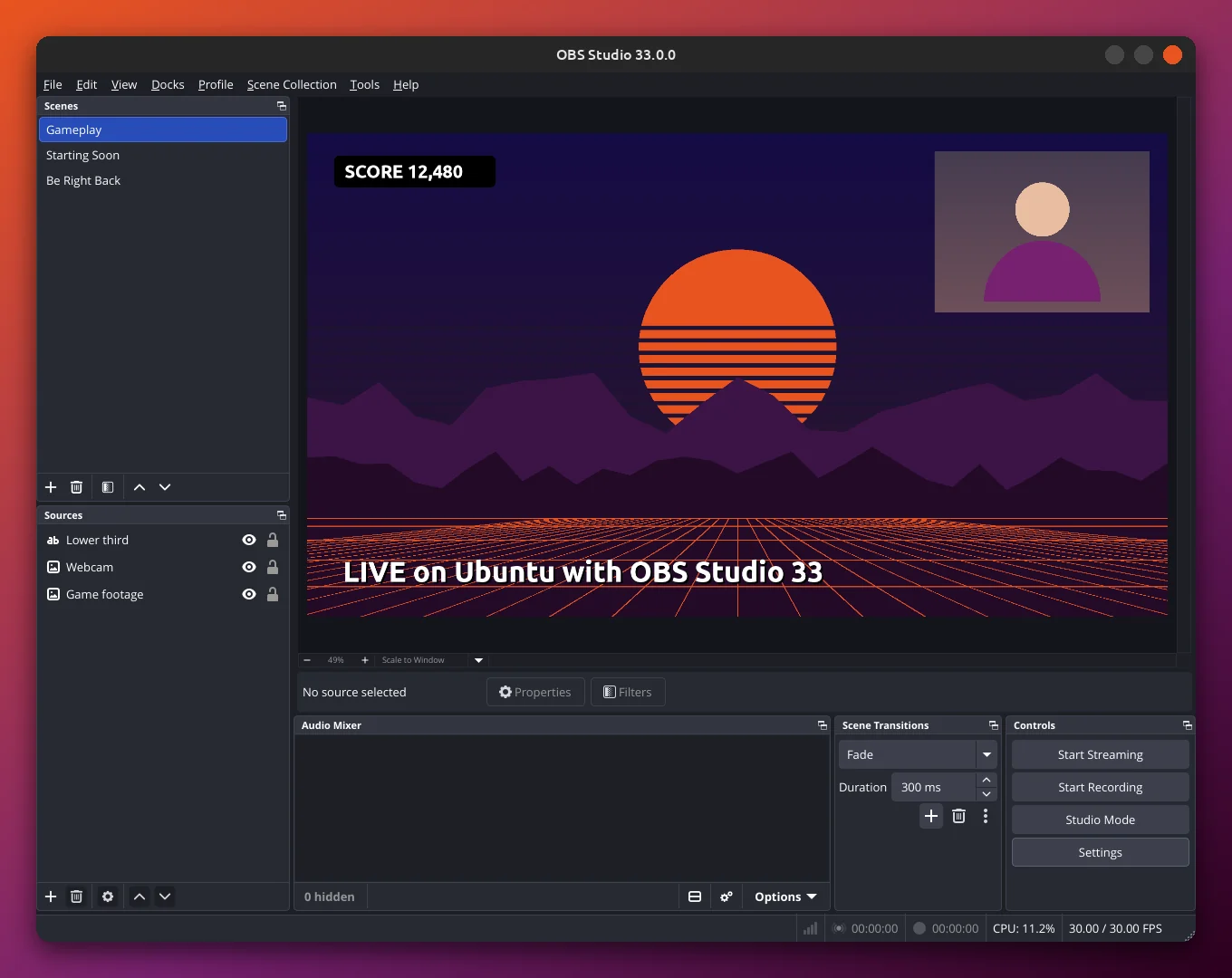
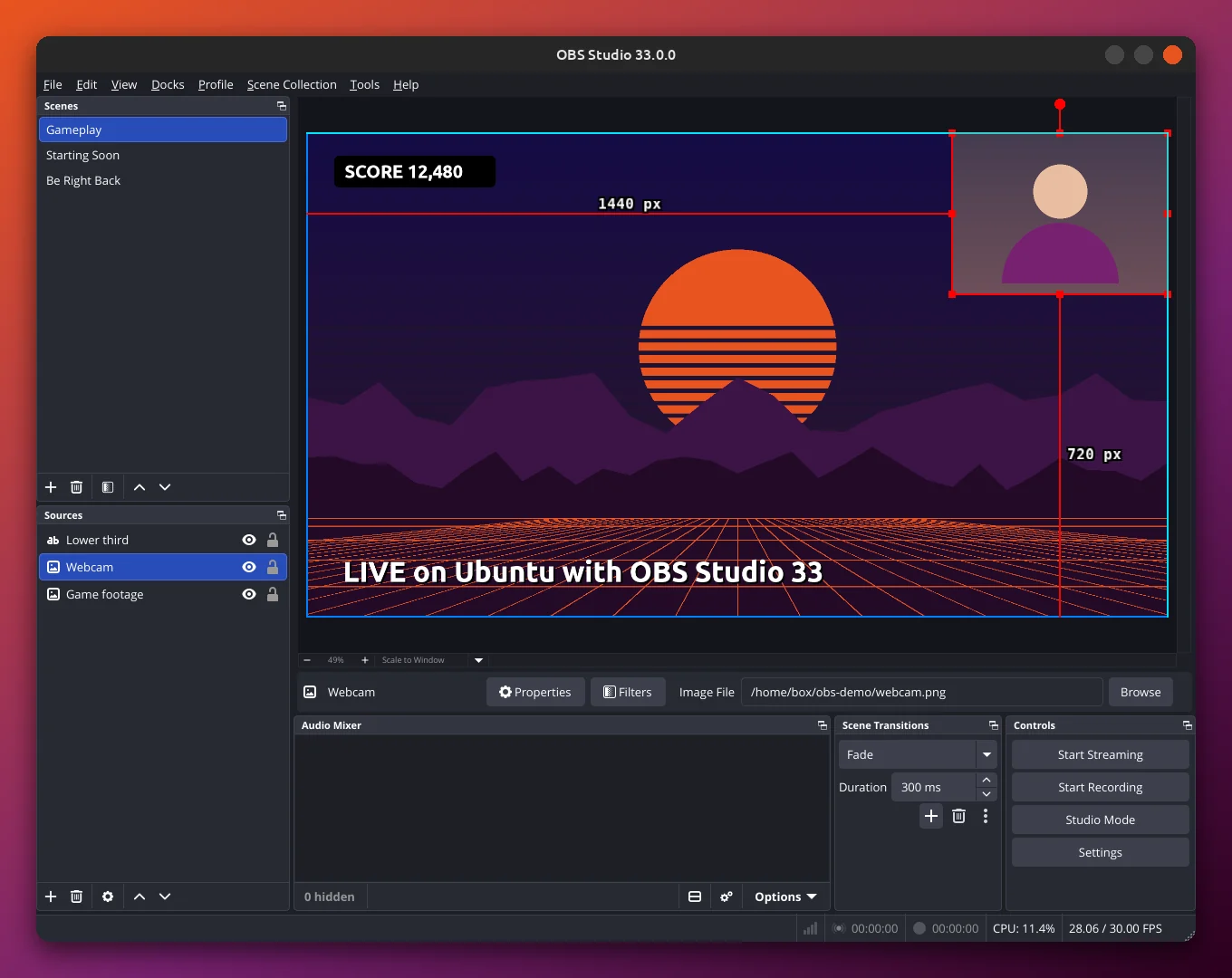
Easier layouts: snapping in the preview has been reworked. A new visual indicator shows when a source snaps, sources now snap along the entire axis instead of only when they touch an edge, and they no longer snap to sources you have hidden. If you build overlays with webcams and lower thirds, this removes a lot of fiddly nudging.
Number boxes behave: spinboxes, the small number fields across the settings, were fixed too. Typing is no longer blocked, values apply when you press Enter without closing the window, and holding Shift with the Up or Down arrow jumps several steps at a time.
New browser engine and plugin folders
CEF 150: the Chromium Embedded Framework behind browser sources and docks jumps from version 127, released in July 2024, to version 150 from September 2026. The OBS team says it should be invisible to users, but asks people to report anything odd in browser sources, which matters if you use alert widgets or chat overlays.
Plugins move house: first-party plugins now live in a folder named core, and third-party plugins have a new install location and folder structure. Plugins in the old locations keep loading until OBS Studio 34.0, which gives developers one release to catch up. On the Flatpak, plugins come as extensions, and 33.0 adds versioning to the Flatpak plugin extension point.
Other changes and fixes
Smaller additions: OBS now warns when a profile uses an encoder that is missing, adds hotkeys for audio monitoring, supports the newest NVIDIA Broadcast SDKs, enables NVENC on Arm64 and improves fullscreen game detection for Game Capture. Safe Mode no longer starts the WebSocket server, and Simple output mode now scales the recording audio bitrate by channel count.
Fixes that matter on Linux: a potential crash when a USB microphone is removed is fixed, PipeWire screencast sources no longer appear twice in Studio Mode, and Hybrid MP4/MOV file splitting is better. Streamers using the AMD AMF encoder also get a fix for a B-frame offset bug that could disconnect streams, and Studio Mode groups no longer glitch or show up live in Program while you move them.
Bottom line
OBS Studio 33 is a solid update with welcome quality-of-life fixes, but the bigger story for Ubuntu users is the end of official 24.04 builds. If you are on 24.04, now is a good time to move to the Flatpak. If you are on 26.04, you can choose between the PPA, the .deb and the Flatpak. Either way, our step-by-step OBS Studio guide has the commands, plus first-run setup and hardware encoding for NVIDIA, AMD and Intel. You can also look back at what came before in our OBS Studio 31.1 coverage.
Source: OBS Studio 33.0.0 on GitHub.