
Windows is the main release, but LastBrowser now has a Linux x64 preview, and Ubuntu 24.04 is the distro Dominik tests it on. We sent him 13 questions about the Linux build, local AI, privacy and where the project is heading. His answers are below, lightly edited for flow. Still shopping around? Our best web browsers for Ubuntu roundup covers the more established options.
LastBrowser at a Glance
The key facts, taken from Dominik’s answers.
Why did you start LastBrowser, and why build yet another browser in 2026?
I wanted a browser where an AI assistant is actually useful without my browsing being sent to someone else’s cloud. Most AI browsers tie you to one provider and one account. LastBrowser puts the assistant, Sidekick, next to the page and lets you choose: your own API keys or a local model via Ollama. No registration, nothing to sign up for.
Who is LastBrowser for: developers, privacy fans or everyday users?
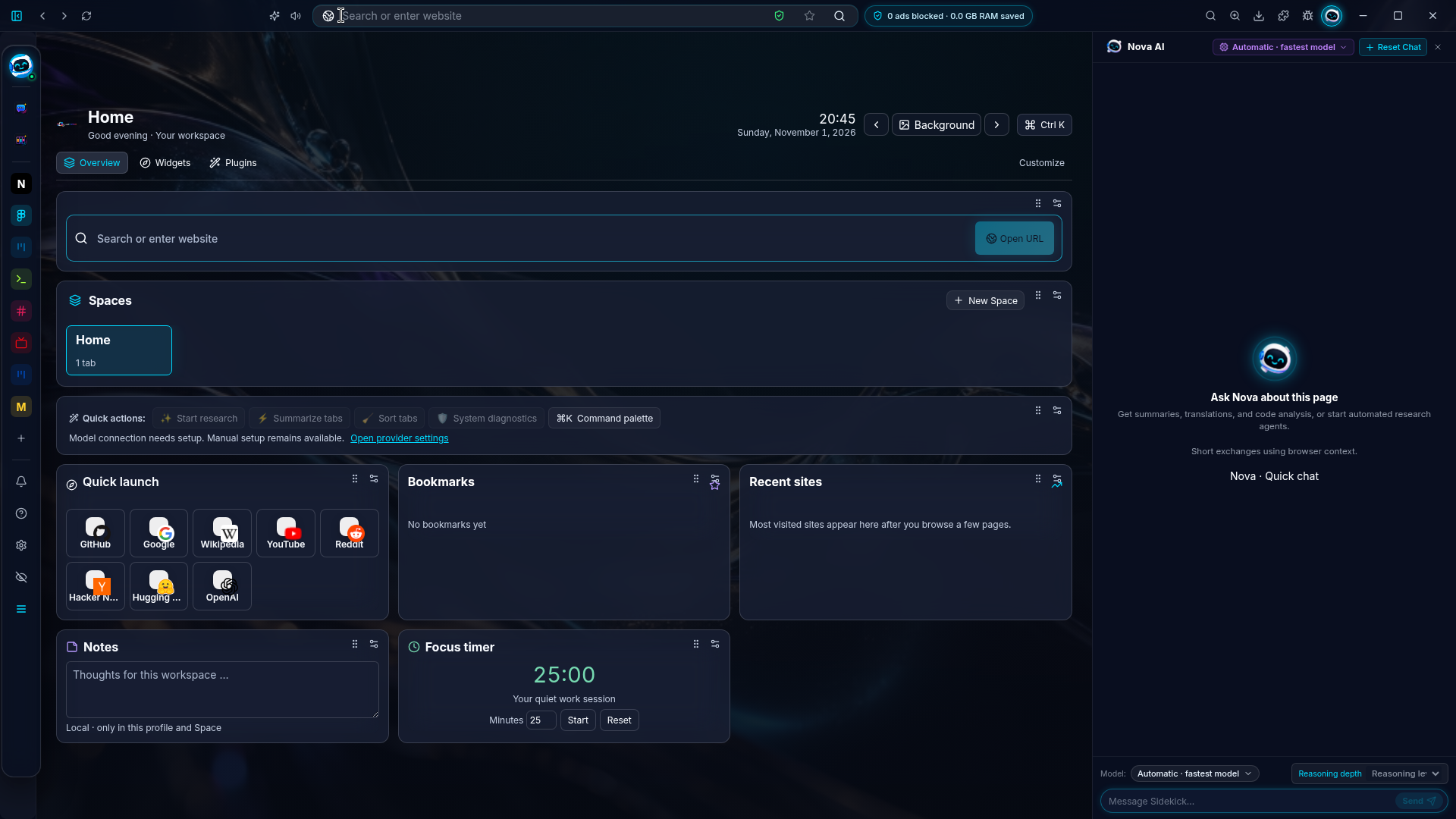
People who spend their day in the browser and want more control: developers (built-in terminal, MCP Hub), privacy-minded users (local-first, Spaces, Privacy Shield), and everyday users who want an assistant without a subscription.
How does the Linux preview compare to the Windows version today, and what is still missing?
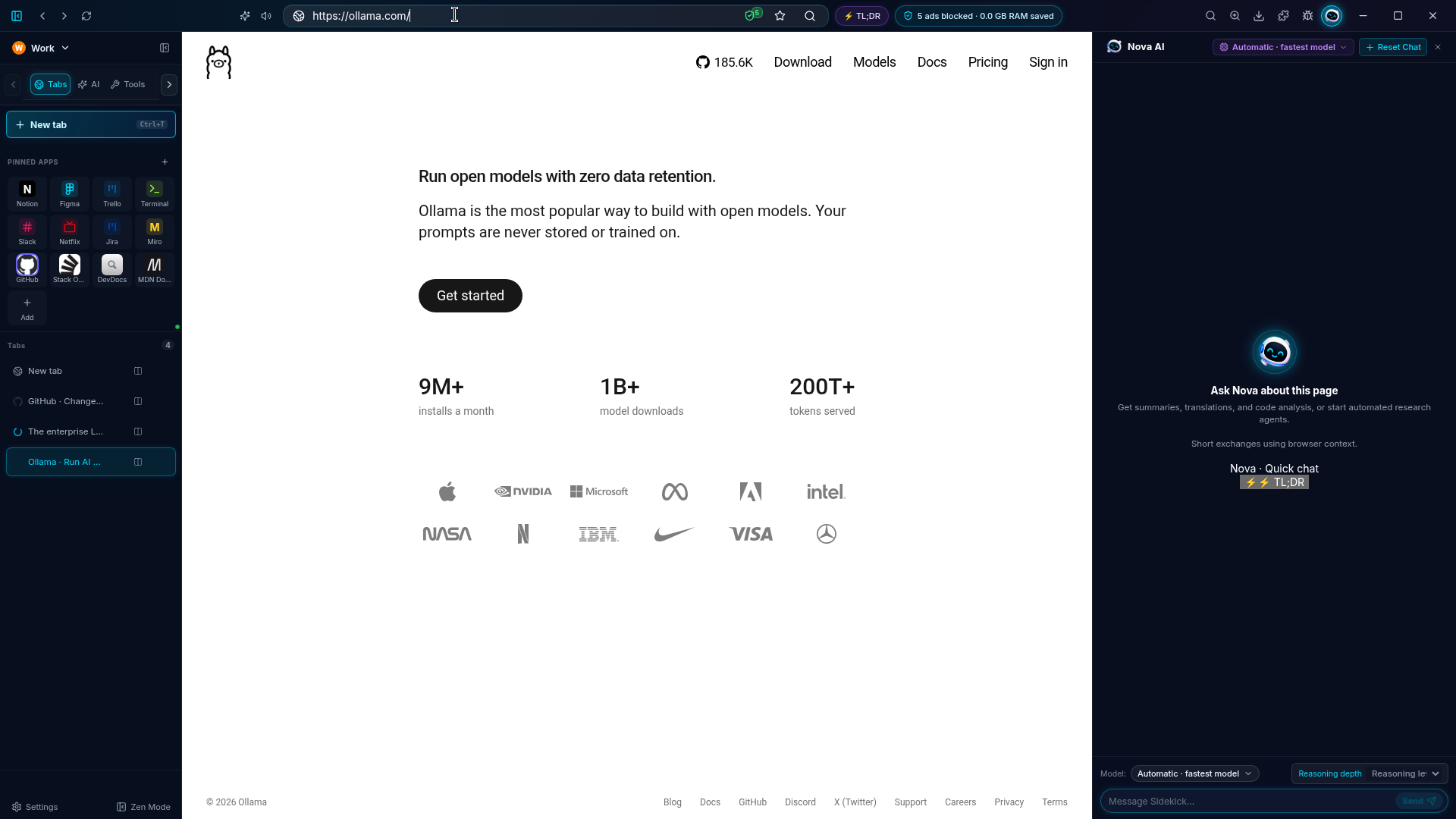
Windows (10/11, 64-bit) is the main release. On Linux, LastBrowser 0.1.60 ships as an x64 preview: browsing, Spaces, Sidekick (cloud keys or local Ollama) and the sidebar terminal work the same as on Windows.
Still catching up: bundled Local AI and the password vault are Windows-only for now, and Linux packages are checksummed but not yet GPG-signed.
Which Linux distros and package formats do you support or plan to support?
Right now we offer an AppImage and a tar.gz for x86_64. There is no .deb, Flatpak or Snap yet. Our Linux testing so far has been on Ubuntu 24.04, so Ubuntu is our reference distro. I’d rather tell you exactly what ships than promise formats I haven’t tested.
Sidekick works with local models through Ollama. How well does that work on a normal Linux laptop?
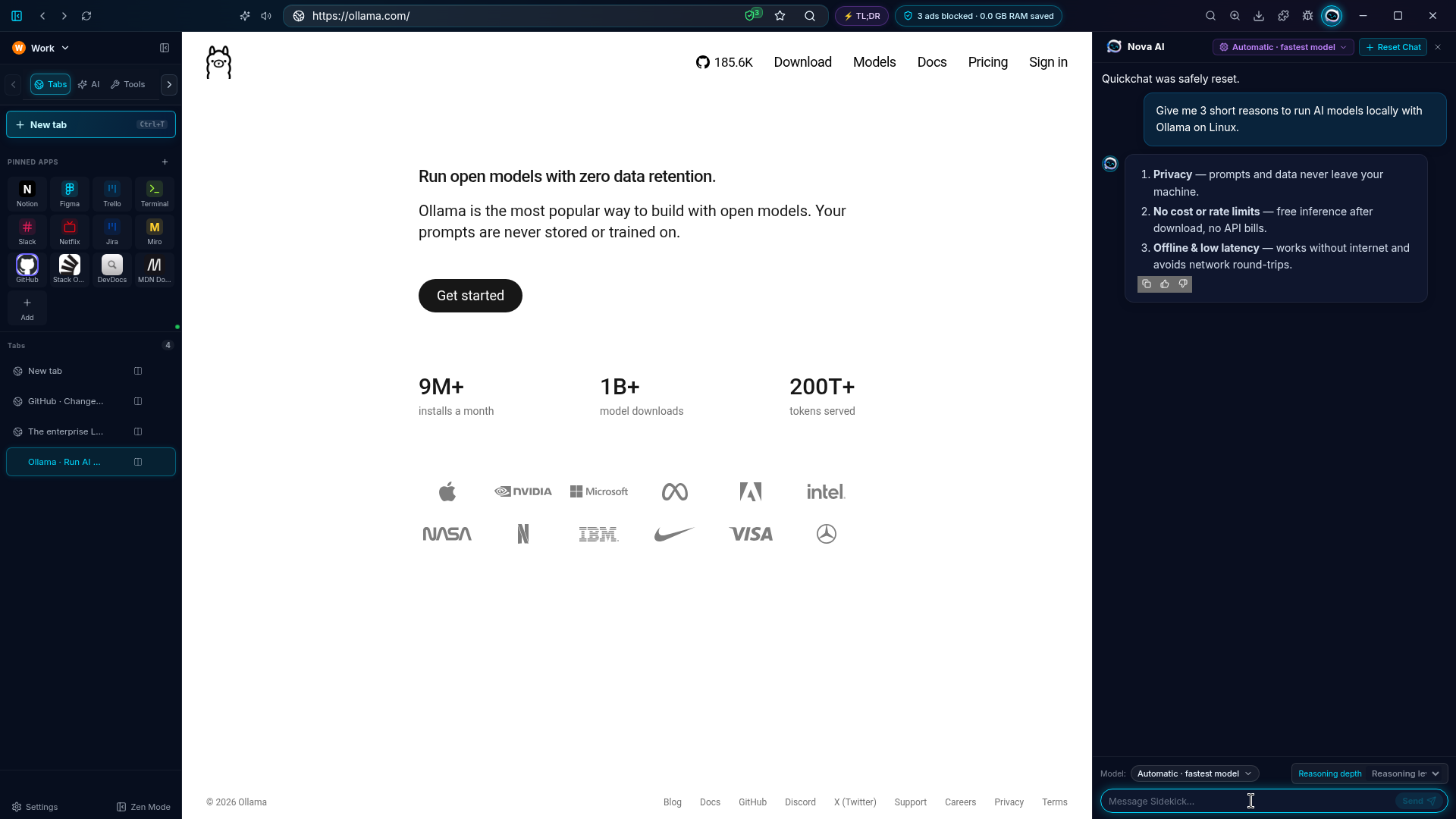
Sidekick talks to any local Ollama model. On a typical 16 GB laptop, a 7-8B model such as Qwen or Llama 3 is a sensible start for summarising and answering questions about a page. LastBrowser itself needs about 4 GB of RAM, 8 GB recommended. If you want bigger models, you can plug in your own API key instead.
What does “local-first” mean in practice? What data, if any, leaves your machine?
Your browsing data, Spaces, settings and Sidekick conversations stay on your machine. There is no LastBrowser account. With a local model, Sidekick prompts never leave your computer. If you choose a cloud provider with your own API key, the request goes directly to that provider.
There’s no analytics or crash telemetry in LastBrowser. The only routine outbound check is the updater, which looks for new releases on our public GitHub every few hours and can be switched off in settings.
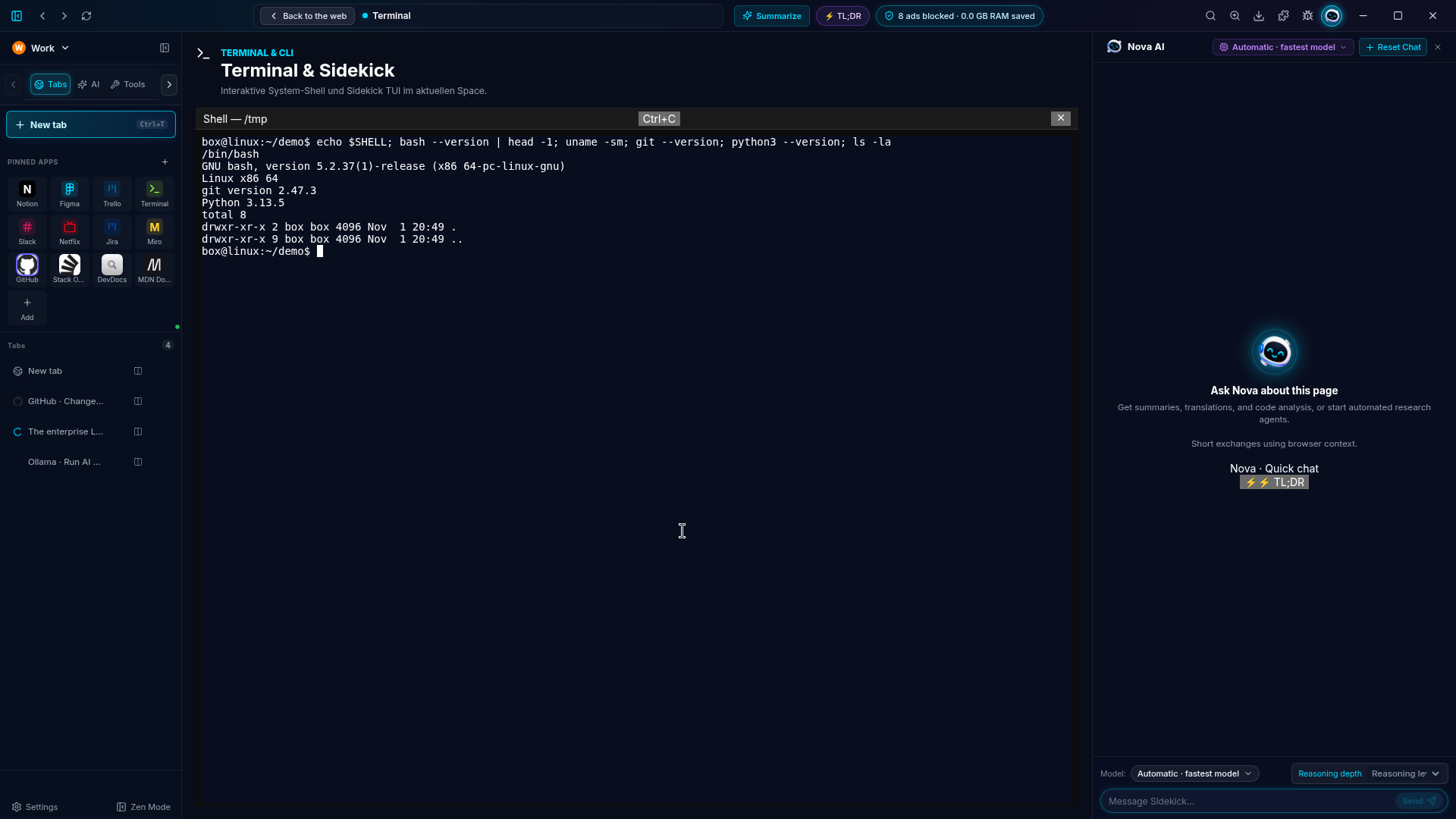
Will Linux users get a native shell like Bash or Zsh in the sidebar terminal?
The sidebar terminal starts your own login shell via $SHELL, so Bash and Zsh both work. It’s opt-in and off by default. On Windows it runs PowerShell and CMD today.
How do Spaces work under the hood, and how are they different from browser profiles?
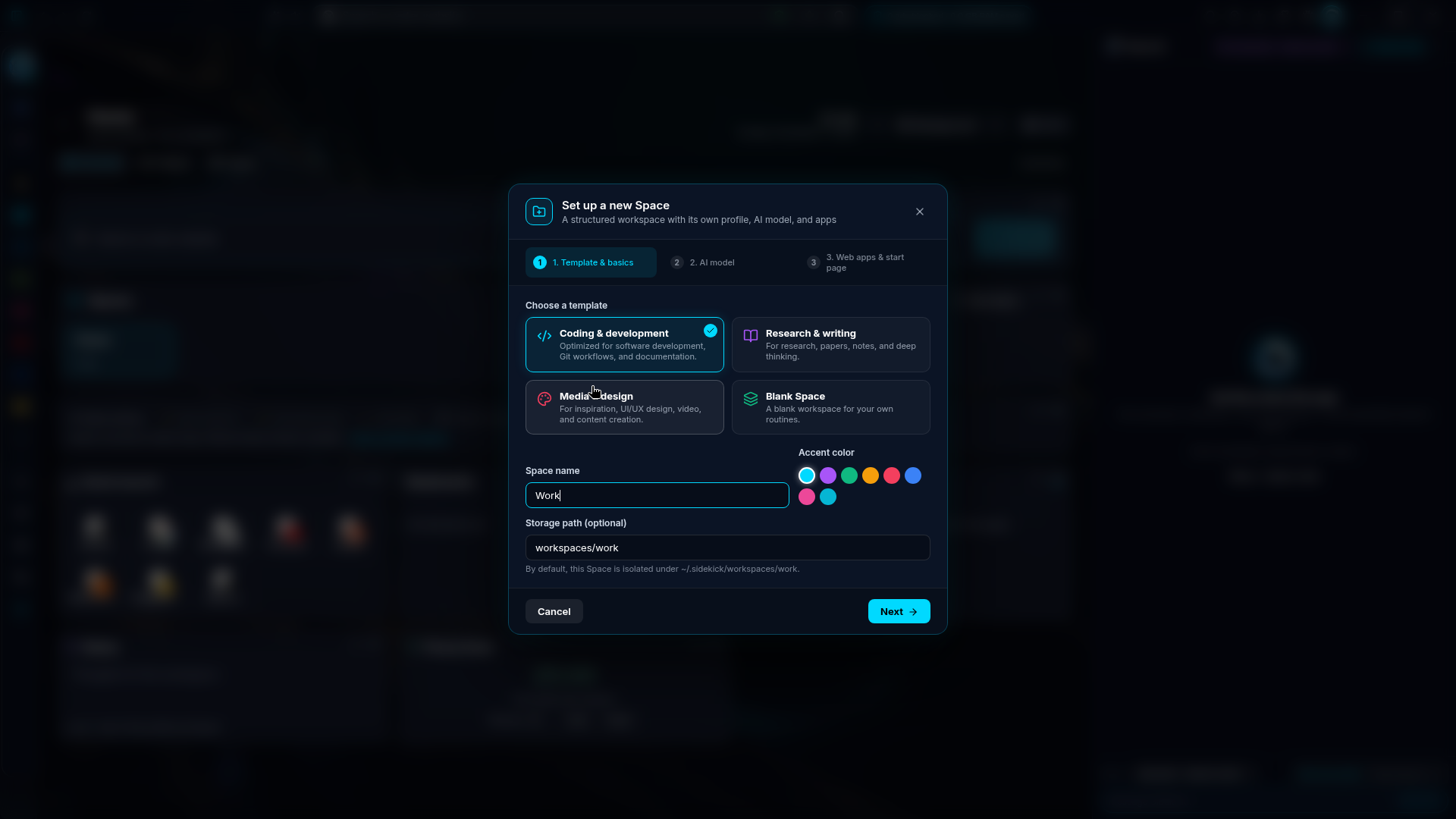
Each Space has its own cookies, cache and logins, so work and personal accounts can live side by side in one window and you switch with a click, instead of juggling separate profile windows.
Every Space is its own persistent Chromium session partition per profile, so cookies, logins and storage never leak between Spaces.
What does the Extension & MCP Hub let people do that a normal extension store doesn’t?
Besides browser extensions, it lets you connect MCP servers (Model Context Protocol) to Sidekick, so the assistant can use tools and data sources you choose.
Out of the box the hub includes a web scraper, a DevTools/CDP inspector, a file-system automator and ComfyUI image generation, and you can add any standard MCP server (GitHub, Git or Postgres, for example) by pasting its JSON config.
LastBrowser is free. How will you keep it sustainable, and will it stay free?
LastBrowser is free and will stay free for personal use. It’s a solo project, so costs are low. I’m applying for open-source funding and cloud/GPU credit programs.
Is any of LastBrowser open source?
Yes. The code is public at github.com/Loggableim/lastbrowser under GPL-3.0. The Sidekick service is MIT.
What’s on the roadmap for the next six months, especially for Linux?
Priorities are driven by our public feature voting, so users shape what comes next. Over the next six months on Linux I’m aiming for three things:
What’s it like building a browser as a small team in Innsbruck?
It’s really just me, a solo founder in Innsbruck, helped by a lot of automation and AI tooling. That means hard prioritisation: I can’t do everything, so I focus on what makes the browser feel different.
The upside is speed. Feedback can land in a build within days.
Try LastBrowser on Ubuntu
Thanks to Dominik for taking the time to answer our questions.
Interview answers and screenshots courtesy of Dominik Rainer, Founder of LastBrowser.