
The short version: Canonical has lifted the lid on its next major desktop project: a unified, keyboard and speech-friendly Ubuntu launcher built with strictly opt-in, local-first AI. Following the Myna speech-to-text preview and October’s warty-prototype mockup, Ubuntu engineer Didier Roche confirmed real working code is now running, with a first installable version due in January.
warty-prototype snap was an automated UI simulation, but Canonical now has a working prototype running on the desktop.From warty-prototype to real working code
Clearing up the October demo: last month, Canonical engineer Didier Roche (known as didrocks) pushed a snap called warty-prototype to the Snap Store. It looked like a futuristic Spotlight-style search bar for Ubuntu, complete with simulated AI actions like matching your desktop accent color to a wallpaper or picking an app to open an ePub.
More than a mockup: in a detailed Ubuntu Discourse post on 24 November 2026, Roche confirmed that warty-prototype was purely an automated UI simulation meant to spark design feedback. Behind the scenes, however, the desktop team has moved into real engineering and shared a screenshot of working code running on Ubuntu.
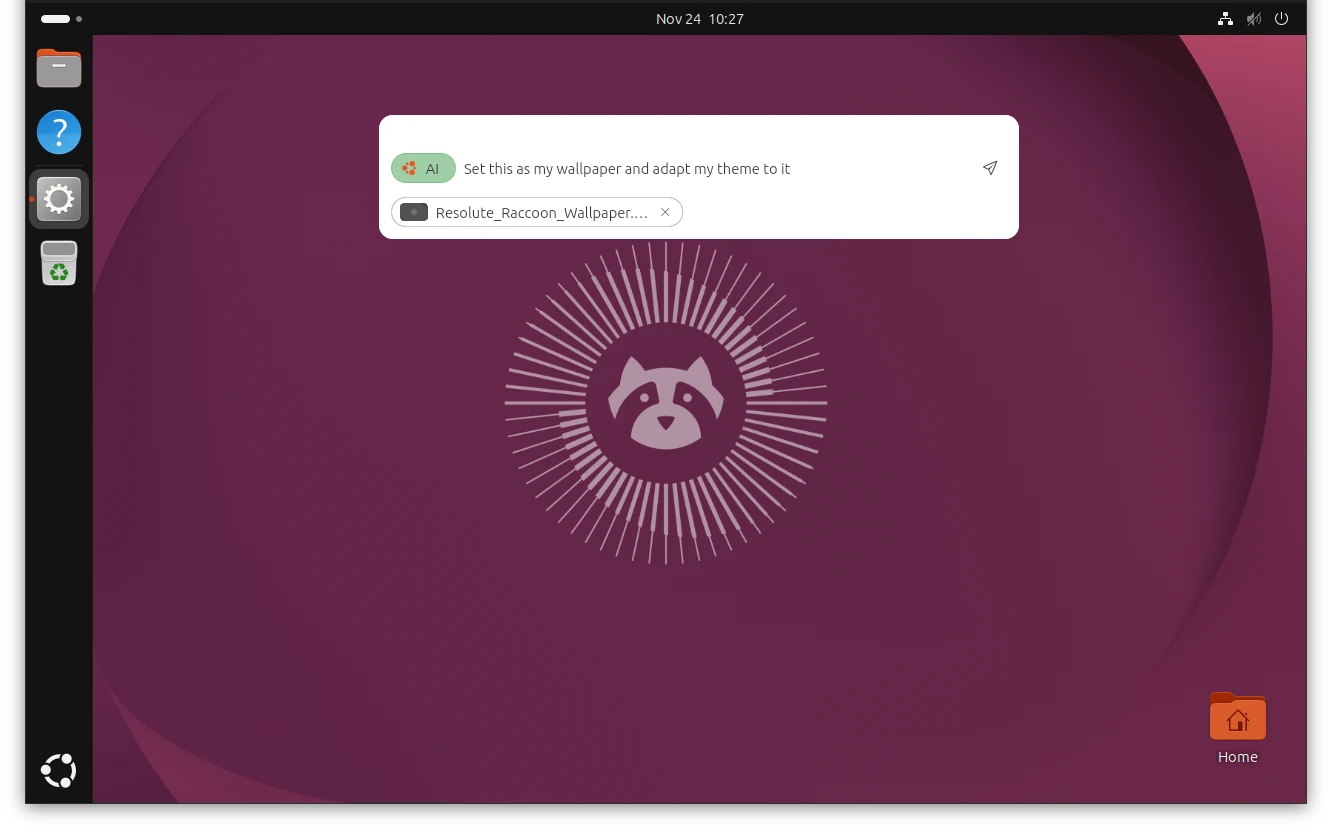
Building on Ubuntu’s AI roadmap: this launcher ties directly into the local AI direction Canonical discussed during Ubuntu Summit 26.10 and its earlier Myna speech-to-text preview. Instead of leaving voice input and smart tools as separate experiments, Canonical wants one clean place where keyboard and voice workflows meet.
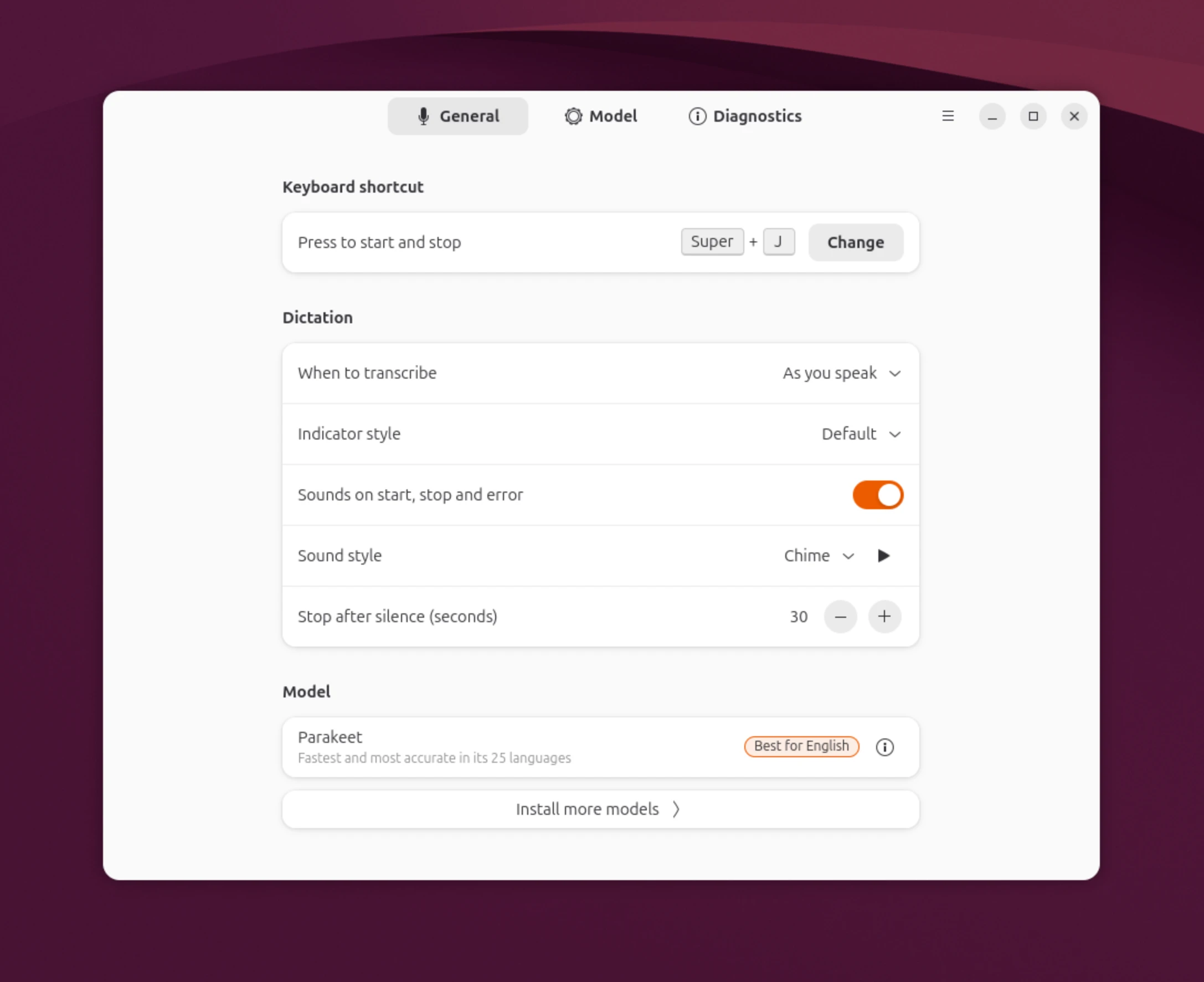
A unified entry point, not scattered AI widgets
Core launcher speed comes first: at its heart, the project is still a fast desktop launcher for opening applications and finding files right away. Canonical says its goal is not to bolt chatbots onto every corner of GNOME, but to build a single, keyboard and speech-friendly entry point that connects your apps, your local files, and optional assistance only when you explicitly ask for it.
Landing the fundamentals step by step: Roche compared the rollout to how Canonical ships major system changes, pointing to its gradual transition to Rust core utilities (sudo-rs and rust-coreutils) in Ubuntu 26.10, dynamic triple buffering in GNOME, and TPM-backed Full Disk Encryption. Before adding flashy agentic tricks, the team is focusing on four basics: fast startup, a light resource footprint, tight desktop integration, and a reliable everyday workflow.
The four principles behind Ubuntu’s AI launcher
Addressing privacy and bloat concerns early: bringing AI onto a Linux desktop understandably makes users wary of telemetry, background RAM usage, and forced cloud accounts. Canonical laid out four non-negotiable rules guiding the project from day one.
- Strictly optional: all AI features are opt-in. If you only want a quick traditional launcher, that remains a first-class experience out of the box, and Canonical will not ship gigabytes of AI models in the default Ubuntu install.
- Local-first: the priority is on-device inference using local models on your own hardware rather than sending prompts to external cloud servers by default, fitting neatly alongside local tools like Ubuntu Inference Snaps.
- Privacy-first: because queries run locally, your personal files, local context, and daily desktop habits stay on your own disk.
- Security-first: components will run inside Ubuntu’s confinement and sandboxing architecture so experimental or agentic actions cannot compromise your host OS.
Mockup vs. January release: what is available now
Wait until January for the real build: Canonical still has foundational engineering to finish before opening public testing. In January 2027, the team plans to publish an architectural deep dive alongside the first installable release so Ubuntu users can test it, challenge UX decisions, and shape workflows much like the community-led effort that created Ubuntu’s Yaru default theme.
| Release | Status | What it actually does |
|---|---|---|
warty-prototype (Oct 2026) |
Simulation only | Automated UI mockup on the Snap Store; shows sample flows but does not launch your real apps or run AI models. |
| First public build (Jan 2027) | Upcoming | Installable release with core launcher fundamentals, real desktop integration, and open community feedback. |
Curious about the October UI mockup? If you only want to click through the simulated design prototype while waiting for January’s real release, you can still install warty-prototype from the Snap Store edge channel:
Bottom line
Canonical’s message is clear: Ubuntu’s upcoming launcher is aiming to make everyday app launching and file search faster first, while keeping AI strictly optional, local-first, and isolated inside snaps. If you care about how Ubuntu Desktop evolves without cloud lock-in, keep an eye out for the first installable build and architecture notes in January 2027.
Source: Ubuntu Discourse (“Beyond a launcher: a new way to interact with Ubuntu”) and Phoronix.