 The best laptops for Linux in 2026 are the Framework Laptop 13 Pro, the Lenovo ThinkPad T14s Gen 6, and the Dell 14 Plus (DB14250), but the right pick depends heavily on your budget and how much Linux compatibility matters out of the box. This guide covers 10 laptops across three price tiers, with honest notes on driver support, known issues, and who each machine actually suits.
Linux hardware compatibility has improved a lot, but it is still not automatic. Wi-Fi chipsets, fingerprint readers, and suspend/resume bugs catch people off guard. Every laptop in this list has been evaluated against those specific pain points, not just raw specs.
Quick Picks by Budget
- Budget (under $600): Lenovo IdeaPad Slim 5 – reliable AMD Ryzen, works well with Ubuntu out of the box, widely available on Amazon.
- Mid-range ($600-$1200): Lenovo ThinkPad T14s Gen 6 – Ubuntu certified, Ryzen AI 7 PRO, solid business build, widely available on Amazon.
- Premium ($1200+): Framework Laptop 13 Pro – the strongest Linux laptop released in 2026, Intel Core Ultra Series 3, Ubuntu pre-install available, fully modular and repairable.
💻 Mid-Range Picks
💰 Budget Picks
🆕 Linux-First Brands
📚 Buying Guide
📋 Compare All
❓ FAQ
Premium Linux Laptops ($1,200+)
Best For: Professionals and developers seeking a powerful Dell laptop with great Linux compatibility and long battery life.
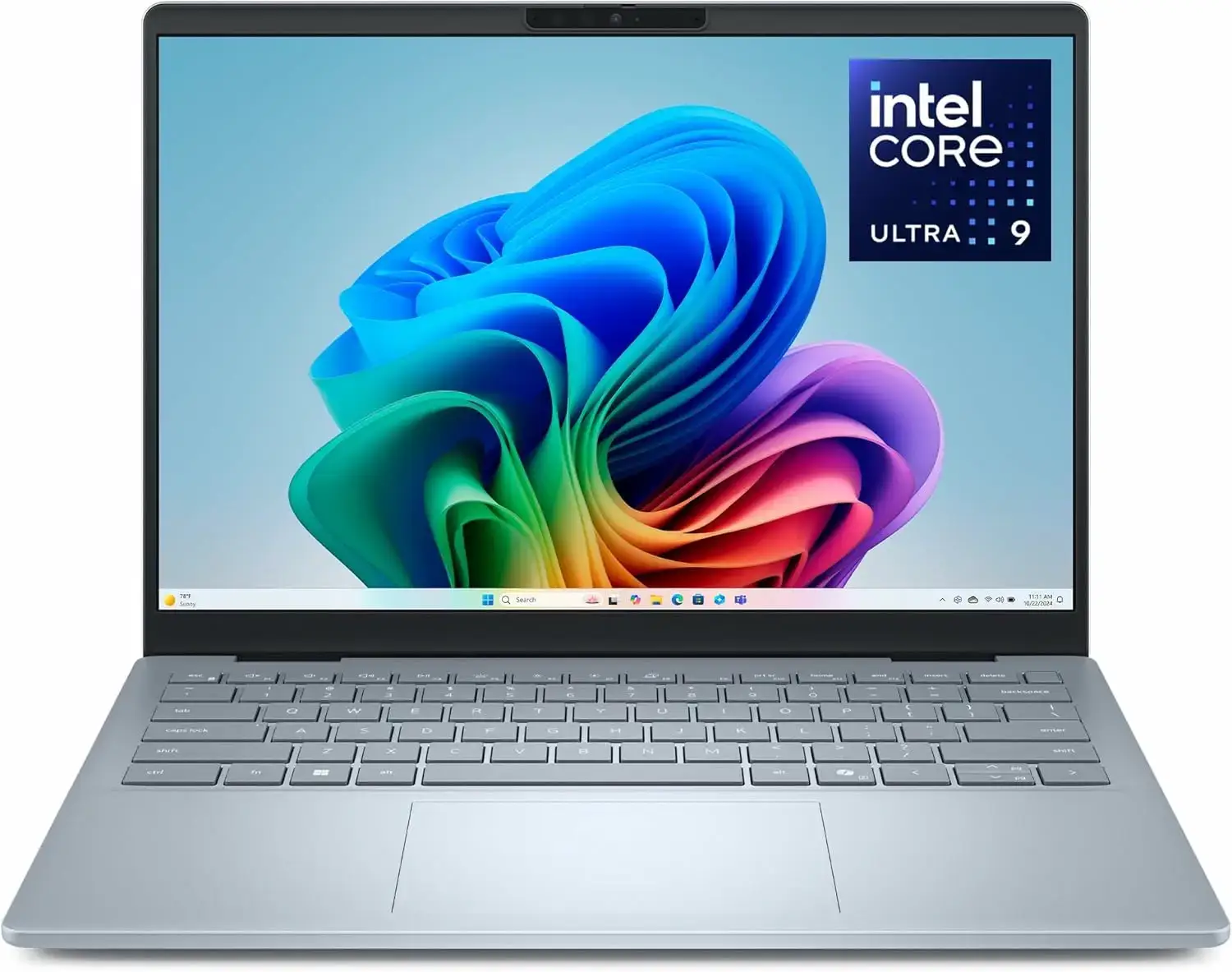
Why Consider It? The Dell 14 Plus is a powerful premium laptop that runs Linux smoothly. It comes with a fast Intel Core Ultra 9 processor and built-in Intel Arc graphics, which work right away on modern Linux distributions without needing extra drivers. The laptop features a sturdy metal frame, a sharp 2.5K screen, and a fast Wi-Fi card for a reliable connection. It is an excellent choice for a fast, durable, and battery-efficient system.
- CPU: Intel Core Ultra 9 288V
- RAM: 32GB LPDDR5X (onboard)
- Storage: 1TB PCIe NVMe SSD
- Display: 14-inch 2.5K (2560×1600) IPS, 16:10 aspect ratio
- Graphics: Intel Arc Graphics
- Keyboard: Backlit with Copilot Key
- OS: Windows 11 Home (you install Linux)
- Wi-Fi: Intel Wi-Fi 7 (fully compatible)
- Linux status: Community tested, clean install with native kernel support for Intel Lunar Lake and Arc graphics
Note: This model comes with Windows preloaded, so you will need to install Linux yourself. The standard hardware components make the installation straightforward.
Best For: Business professionals and developers who want an ultra-thin, ultra-light laptop that runs Linux reliably.
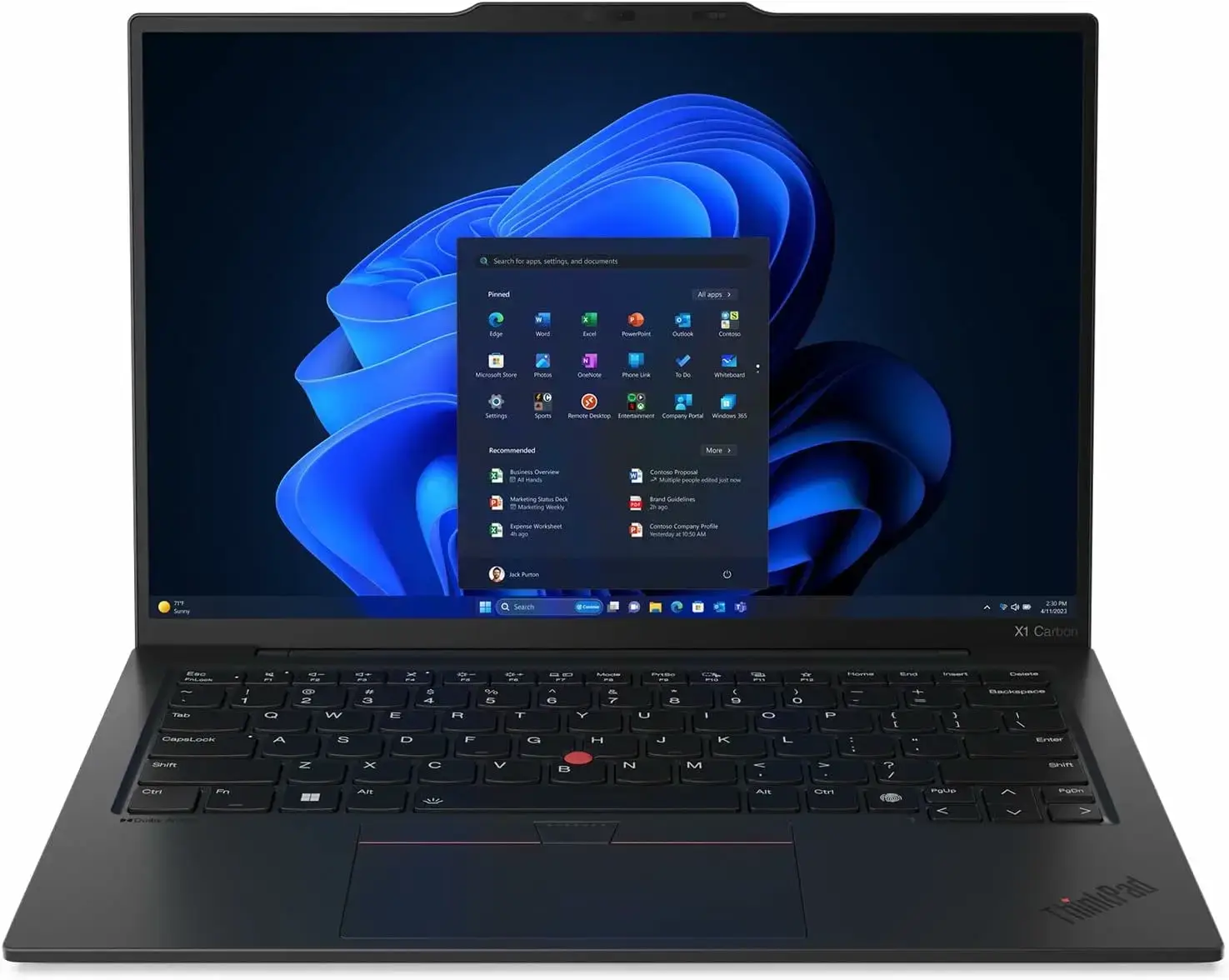
Why Consider It? The X1 Carbon Gen 13 is one of the lightest premium laptops you can buy, weighing just 2.17 pounds. It features a fast Intel Core Ultra processor and Intel graphics, which run beautifully on Linux without any setup hassle. Independent tests show that the screen, keyboard, webcam, and Wi-Fi all work perfectly. Multiple configurations are available on Amazon with plenty of memory and storage.
- CPU: Intel Core Ultra 5/7 Series 2 (Lunar Lake or Arrow Lake)
- RAM: 32GB LPDDR5X (soldered)
- Display: 14″ 2.8K OLED, 120Hz, or 14″ WUXGA IPS
- Weight: 2.17 lbs (986g)
- Wi-Fi: Wi-Fi 7
- Linux status: Tested well on Ubuntu 25.04 and Fedora 42
Known issue: RAM is soldered. You cannot upgrade after purchase, so choose your configuration carefully upfront.
Mid-Range Linux Laptops ($600-$1,200)
Best For: Developers and business users who want Ubuntu certification, strong performance, and a proven build without paying premium prices.
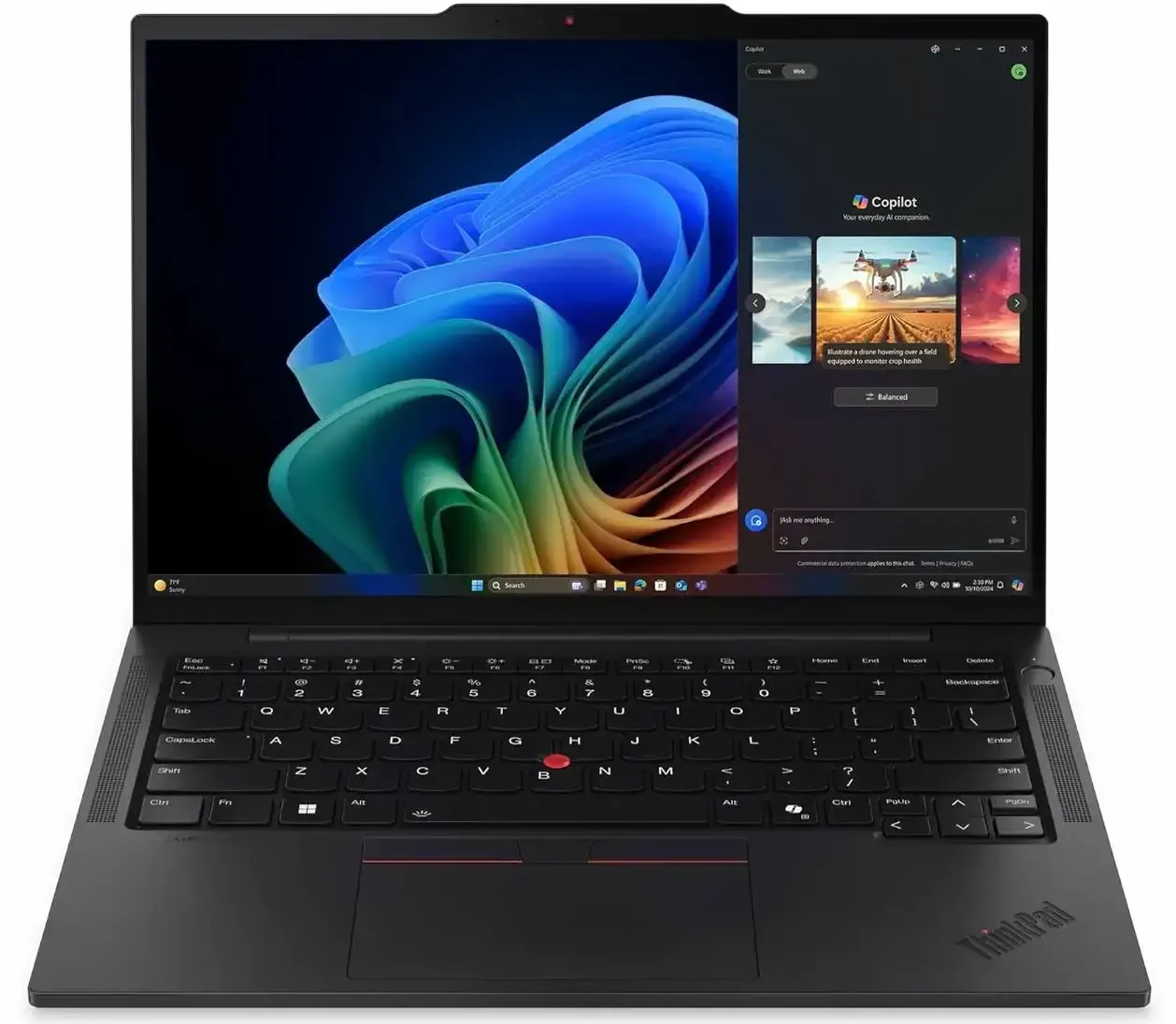
Why Consider It? The ThinkPad T14s Gen 6 AMD is a highly reliable laptop that carries official Ubuntu certification, meaning it is guaranteed to work out of the box. It features a powerful AMD Ryzen processor and AMD graphics, which are extremely well-supported on Linux. Every part of the laptop works cleanly without any driver troubleshooting. It is a fantastic business-grade machine that is widely available on Amazon, often at a discount.
- CPU: AMD Ryzen AI 7 PRO 350 / 360
- RAM: 32GB LPDDR5X-7500 (soldered)
- Storage: 512GB or 1TB PCIe Gen4 NVMe
- Display: 14″ WUXGA IPS, 400 nits, 16:10
- Wi-Fi: Wi-Fi 7
- Linux status: Ubuntu 24.04 LTS certified, Fedora 41+ compatible
Note: RAM is soldered – 32GB is the max and cannot be changed later. Street prices run considerably lower, check Amazon for current options.
Best For: Students, small business users, and Linux newcomers who want ThinkPad reliability at a lower entry price.
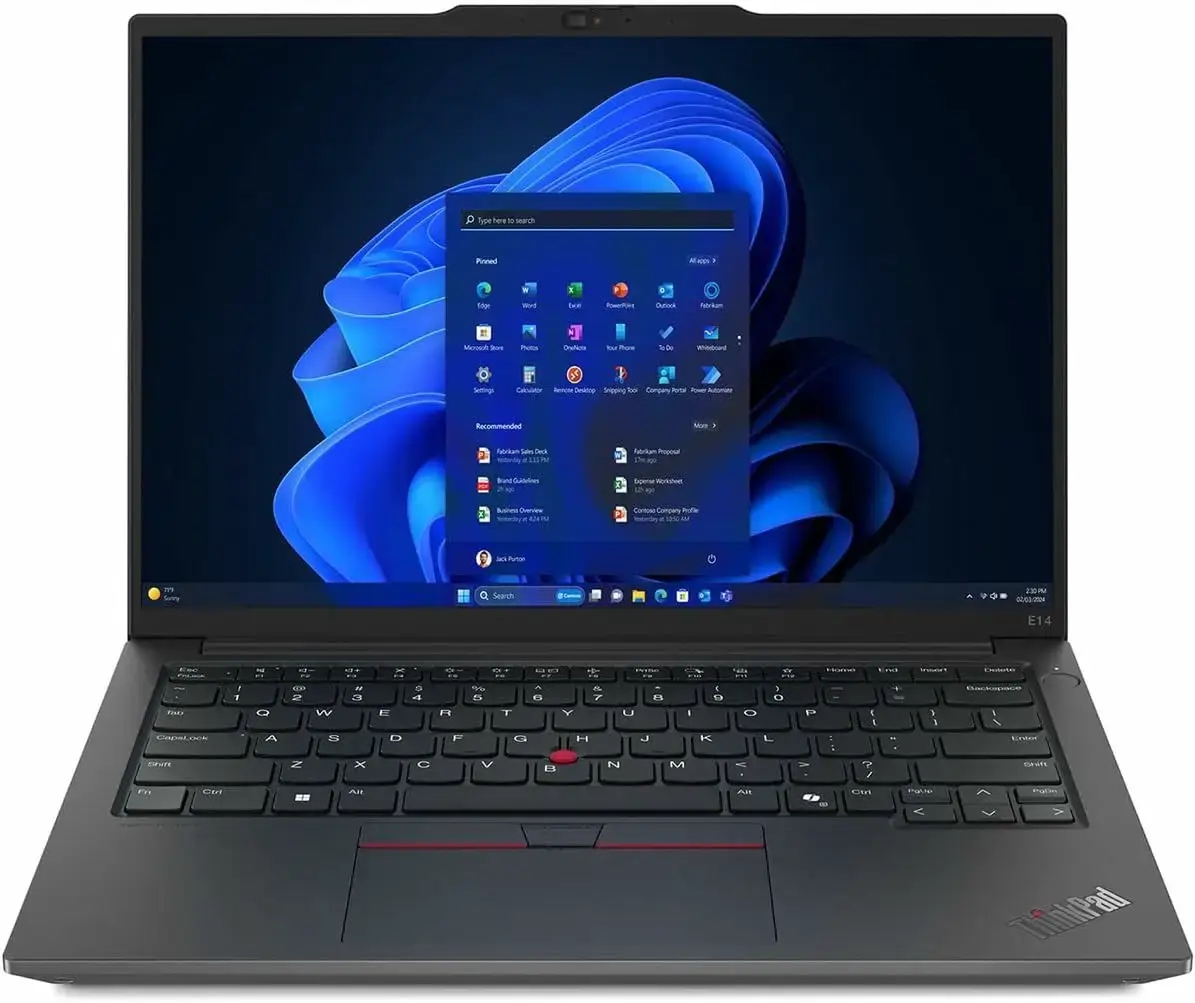
Why Consider It? The ThinkPad E14 Gen 6 is officially certified for Ubuntu and even comes with a dedicated Linux setup guide from Lenovo. It features a powerful AMD Ryzen 7 processor and a crisp 14-inch screen. Unlike many modern thin laptops, the memory is not glued in, so you can easily upgrade it yourself in the future. It is a highly practical, budget-friendly ThinkPad for students and professionals.
- CPU: AMD Ryzen 7 7735U
- RAM: 16GB DDR5 SO-DIMM (upgradeable)
- Storage: 512GB SSD
- Display: 14″ WUXGA IPS, 16:10
- Linux status: Ubuntu certified, official Linux user guide available
Note: Build quality is one step below the T-series. Plastic chassis vs. carbon fiber. Fine for daily use, just not as rigid. A reasonable trade-off at this price point.
Best For: Professionals and developers seeking a powerful, mid-range Dell laptop with excellent hardware compatibility and easy Linux installation.
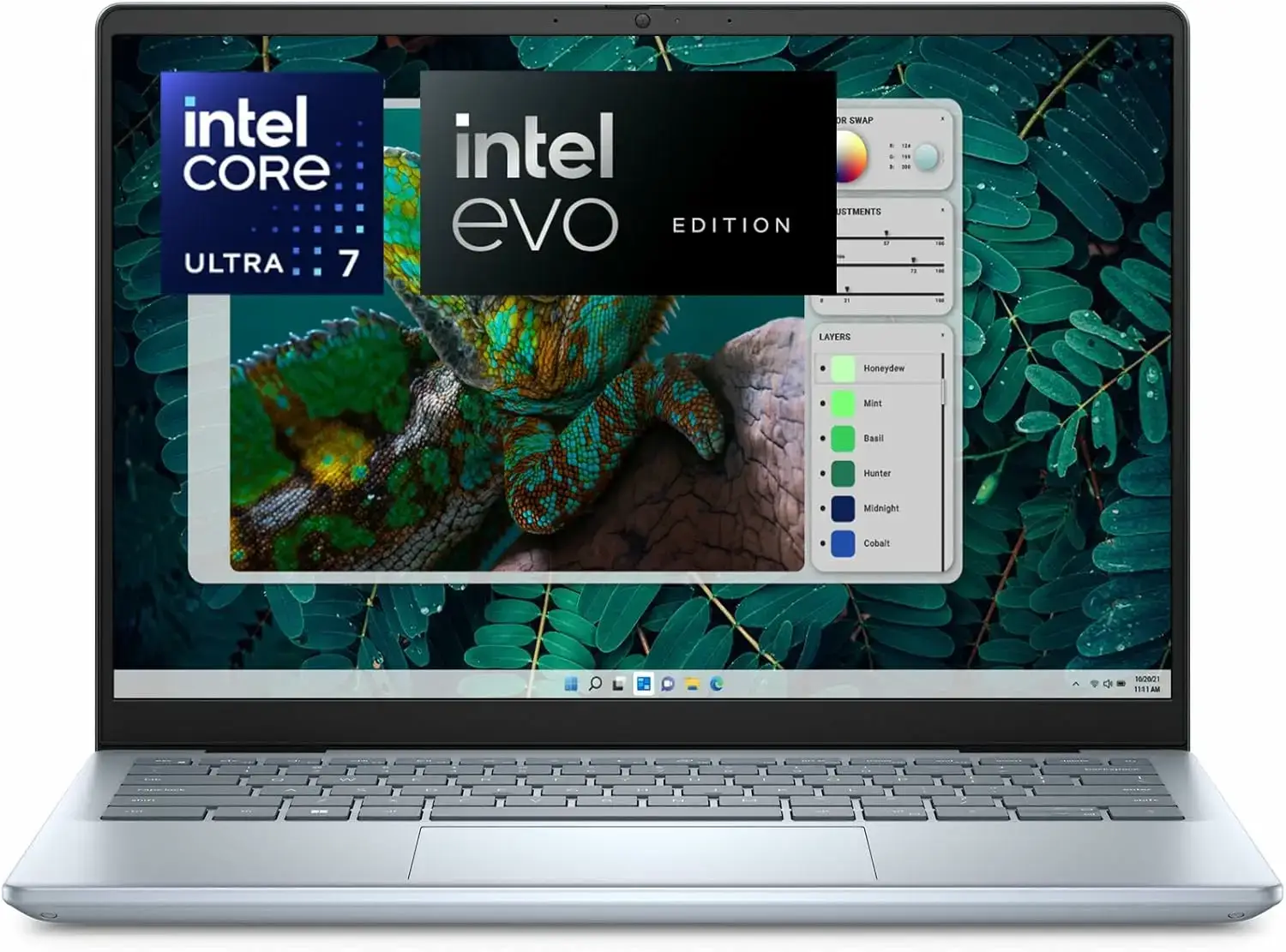
Why Consider It? The Inspiron 14 Plus is a powerful, well-built laptop that works smoothly with Linux. It features Intel Core Ultra processors and built-in Intel graphics, which run cleanly without any manual setup. The laptop has a sturdy metal frame, a high-resolution screen, and a fast Wi-Fi chip that connects immediately. It is an excellent, budget-friendly alternative to more expensive premium models.
- CPU: Intel Core Ultra 7 155H or Ultra Series 2/3
- RAM: 16GB or 32GB LPDDR5X
- Storage: 1TB NVMe PCIe Gen 4 SSD
- Display: 14″ 2.5K (2560×1600) or 2.8K display, 16:10
- Wi-Fi: Intel Wi-Fi 6E/7 (fully compatible)
- Linux status: Community tested, clean install with native kernel driver support
Note: Unlike the business Latitude series, it comes preloaded with Windows Home/Pro, meaning you will perform a standard USB Linux installation yourself. The hardware components are highly standard, making the process straightforward.
Budget Linux Laptops (Under $600)
Best For: Everyday users, students, and Linux newcomers who want a capable, affordable machine without compatibility headaches.
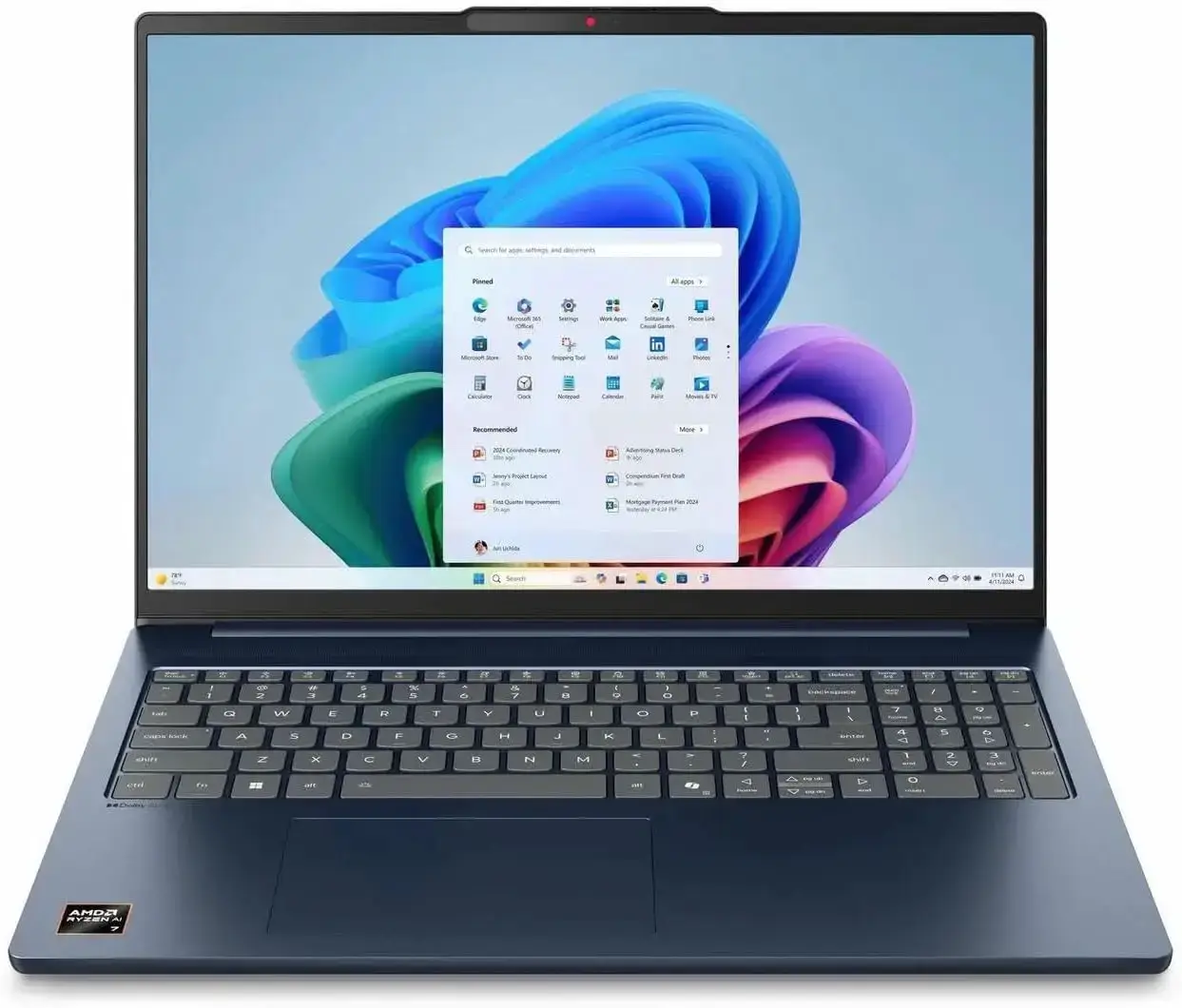
Why Consider It? The IdeaPad Slim 5 is one of the most popular and recommended budget laptops for Linux. Because it uses AMD graphics, you will not have to deal with the complex driver setup issues that often come with Nvidia cards. The Wi-Fi and Bluetooth work immediately, and Ubuntu installs cleanly without any troubleshooting. It is a spacious, fast, and very affordable laptop that offers great value.
- CPU: AMD Ryzen AI 7 350 (Radeon 860M graphics)
- RAM: 16GB DDR5
- Storage: 512GB SSD
- Display: 16″ WUXGA (1920×1200) IPS touchscreen, 16:10
- Wi-Fi: Wi-Fi 7
- Linux status: Community tested, Ubuntu installs cleanly on AMD Ryzen AI variants
Note: This is a Windows machine, so you install Linux yourself. The AMD Ryzen AI 350 and Wi-Fi 7 on this model work well with Ubuntu 24.04 LTS. No Nvidia GPU means no Optimus headaches. Straightforward install.
Best For: Students, writers, and budget-conscious Linux newcomers who want a reliable, ultra-cheap daily driver with good screen space.
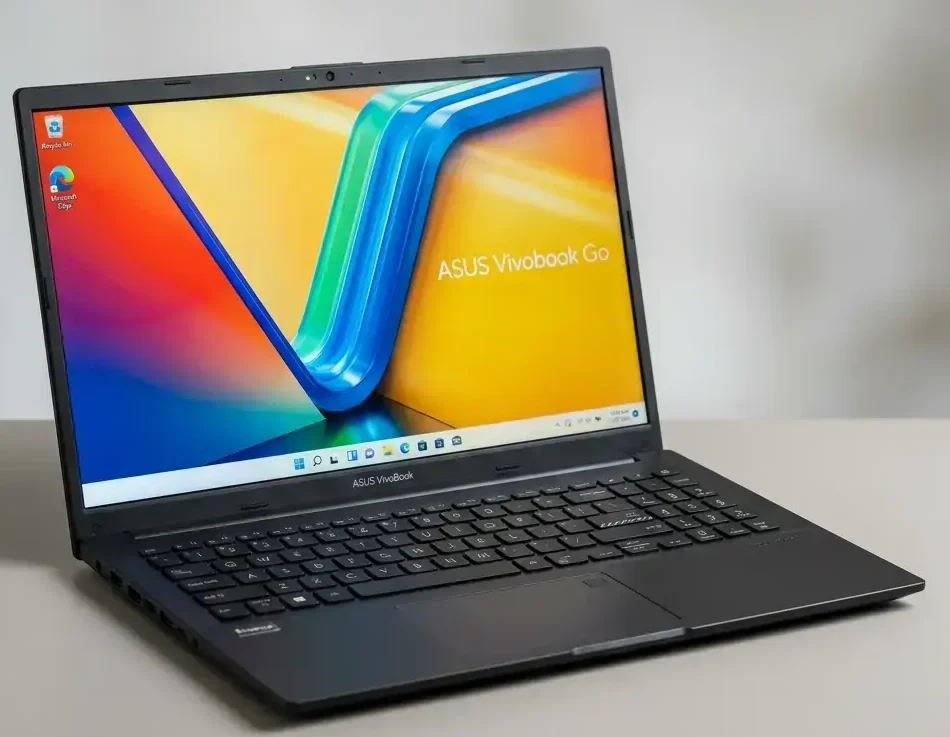
Why Consider It? The Vivobook Go 15 is a reliable, ultra-cheap laptop that is perfect for students or casual users on a tight budget. It uses highly compatible Intel or AMD processors and built-in graphics that work automatically with Linux. The bright 15.6-inch screen is great for writing or reading, and the Wi-Fi works without any driver setup. It is a straightforward, budget-friendly daily driver.
- CPU: Intel Core i3-N305 (8-core) or AMD Ryzen 3 7320U
- RAM: 8GB or 16GB LPDDR5
- Storage: 256GB or 512GB NVMe SSD
- Display: 15.6″ Full HD (1920×1080) Matte IPS
- Wi-Fi: Wi-Fi 6 (fully supported)
- Linux status: Community tested, installs cleanly with standard Ubuntu kernel
Note: While 8GB is sufficient for basic web browsing and typing, we highly recommend selecting a 16GB RAM configuration if you plan to multitask or use heavier development tools.
Best For: General users, developers, and students who want a solid, modern all-metal keyboard base and excellent 16:10 display for Linux.
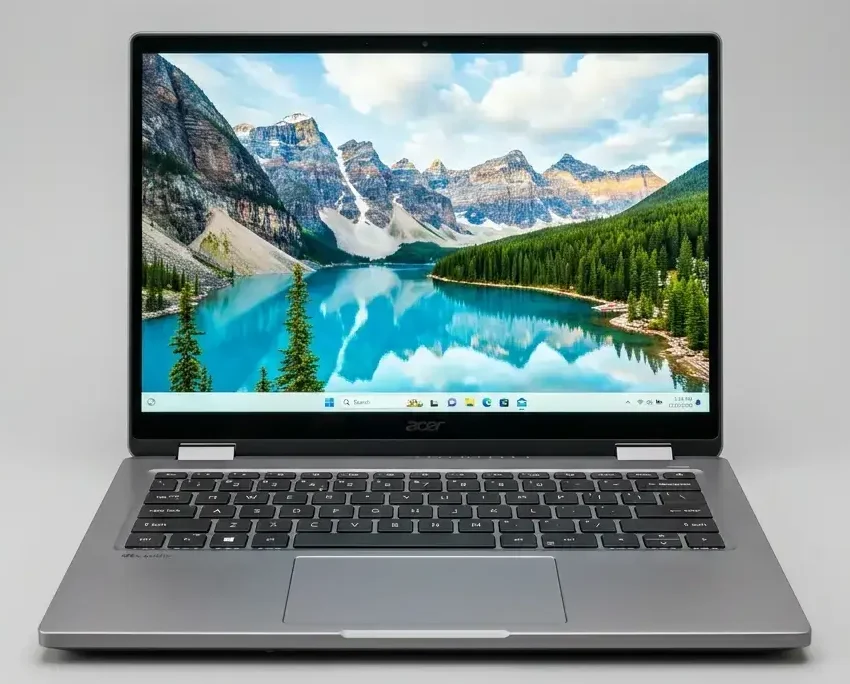
Why Consider It? The Acer Aspire 5 AI offers modern performance at an entry-level price. It comes with an Intel Core Ultra processor and built-in Intel graphics, which work right away on modern Linux versions. The screen has a tall 16:10 shape, giving you more vertical space to read documents or write code. The Wi-Fi chip works automatically, meaning you will not have to search for proprietary drivers.
- CPU: Intel Core Ultra 5 H-Series
- GPU: Intel Arc Graphics (integrated)
- RAM: 16GB LPDDR5
- Storage: 512GB or 1TB PCIe NVMe SSD
- Display: 14″ WUXGA (1920×1200) IPS, 16:10
- Linux status: Community tested, native kernel support for Core Ultra and Arc graphics
Note: The RAM is soldered on this model, so choose the 16GB or 32GB version upfront. Linux installation is straightforward via standard UEFI boot options.
Linux-First Brands: Framework and System76
These two manufacturers build laptops specifically for Linux users. They do not sell on Amazon. Both offer strong Linux-first experiences that no mainstream brand can match. If you are comfortable buying direct, they are worth serious consideration.
Best For: Linux users who want the best possible out-of-the-box experience, full repairability, and hardware they can upgrade for years.
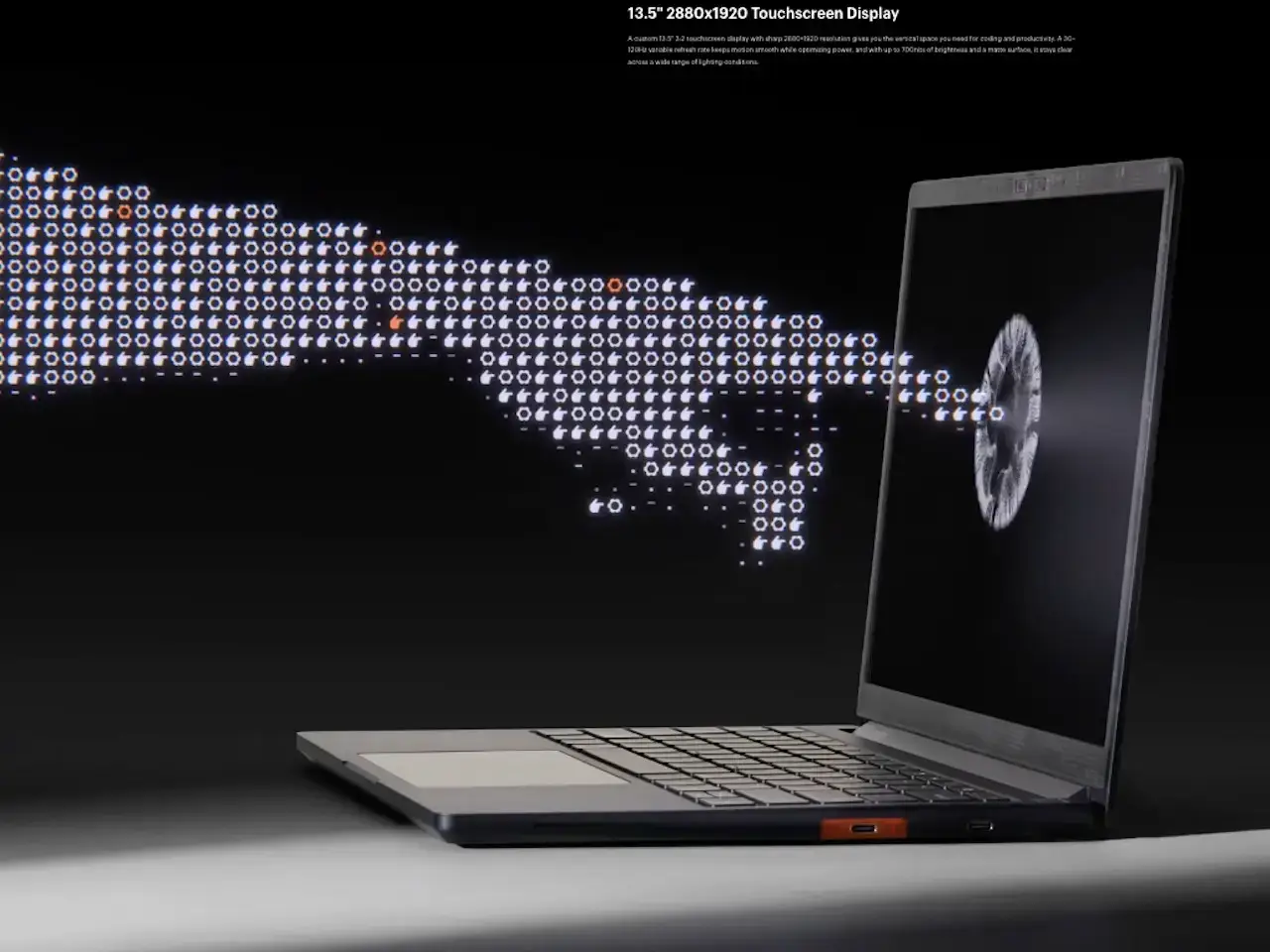
Why Consider It? The Framework Laptop 13 Pro is a fully customizable laptop designed to last for years. Unlike other laptops where parts are glued inside, you can open the Framework and replace the keyboard, battery, screen, or ports yourself. It features the latest Intel Core Ultra processor, long-lasting battery life, and a tall screen that gives you plenty of vertical space. You can even choose to have Ubuntu pre-installed at checkout so it works perfectly right out of the box.
- CPU: Intel Core Ultra 5/7/9 Series 3, or Ryzen AI 300 option
- RAM: Up to 64GB LPCAMM2 LPDDR5X-7467 (upgradeable)
- Storage: Up to 8TB PCIe Gen 5 NVMe
- Display: 13.5″ 2880×1920, 3:2 ratio, 700 nits, 30-120Hz adaptive
- Battery: 74Wh, up to 20 hours
- Wi-Fi: Intel BE211 Wi-Fi 7
- Linux status: Ubuntu pre-install available, best Linux support in its class
Note: The DIY Edition ships with no RAM, storage, or OS, while the pre-built option comes fully configured. First units ship June 2026, with later orders pushed to August. Order early if you want one this year.
Best For: Linux power users who prioritize open firmware, maximum battery life, and an ultralight travel machine.
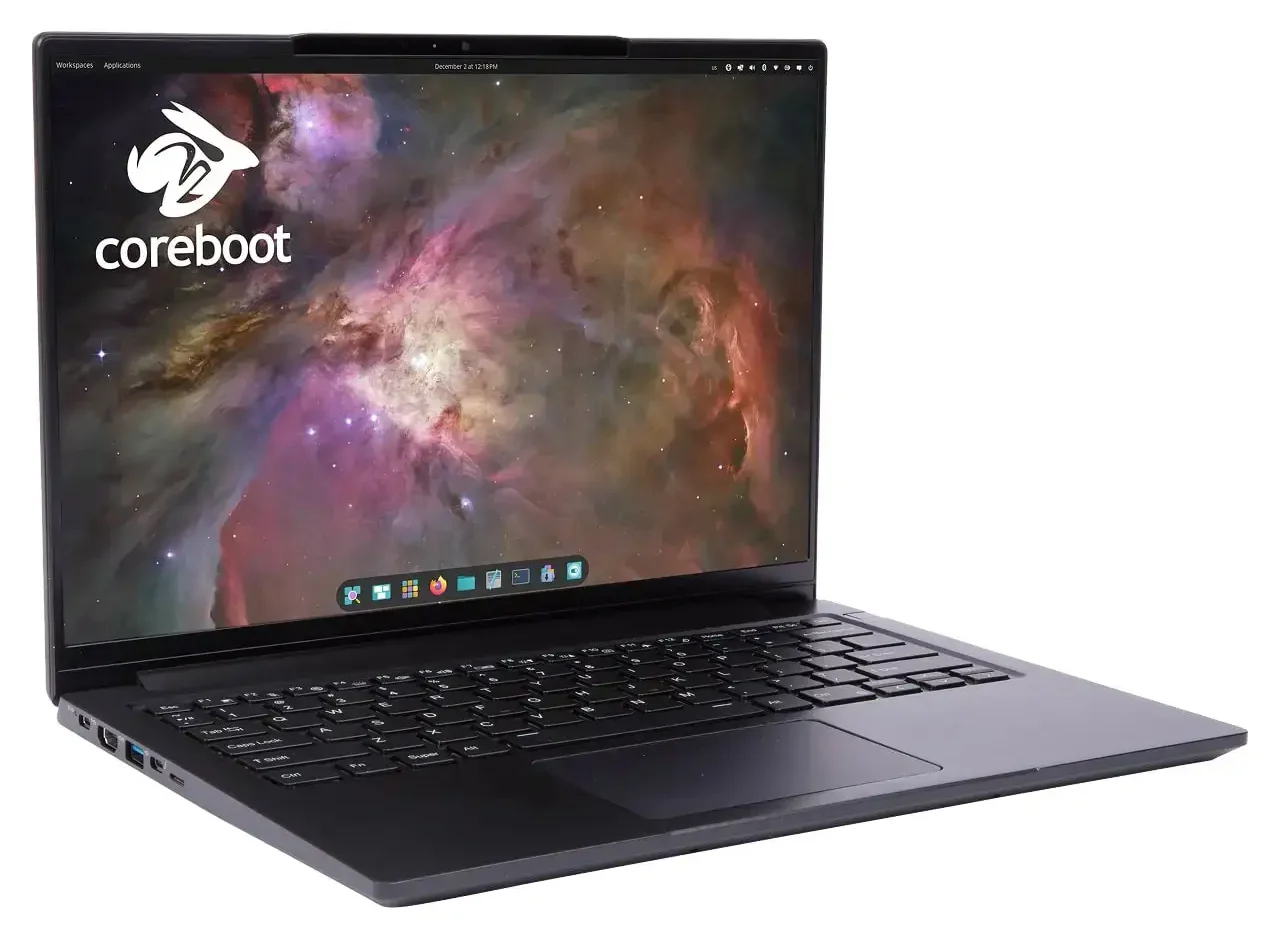
Why Consider It? The Lemur Pro is built by a specialized company that designs hardware specifically for Linux. It comes pre-installed with your choice of Pop!_OS or Ubuntu, meaning every single feature works perfectly from the moment you turn it on. It is incredibly light, weighing just 2.2 pounds, and has a battery that lasts all day. It also uses open-source startup software (Coreboot), making it a popular choice for developers who value privacy and control.
- CPU: Intel Core Ultra 5 125U or Ultra 7 155U
- RAM: Up to 56GB DDR5-5600
- Storage: Up to 8TB (two PCIe 4.0 NVMe slots)
- Display: 14″ 1920×1200 IPS, 16:10, matte
- Battery: 73Wh, up to 14 hours real-world
- Weight: 2.2 lbs (1.15kg)
- Firmware: Coreboot + EDK2 (fully open source)
- Linux status: Ships with Linux, no compatibility concerns
Note: Available directly from System76. The display resolution is 1920×1200 rather than a higher-res panel, which some users find limiting at 14″. If pixel density matters to you, compare with the Framework 13 Pro’s 2880×1920 option before deciding.
Quick Comparison: All 10 Laptops
| Laptop | Best For | Key Specs | Linux Status | Price |
|---|---|---|---|---|
| Dell 14 Plus (DB14250) | Thin & powerful | Core Ultra 9, 32GB, 2.5K, 16:10 | Linux compatible | Check Price |
| ThinkPad X1 Carbon Gen 13 | Business / travel | Core Ultra 7, 32GB, 2.8K OLED, 2.17 lbs | Tested on Ubuntu 25.04 | Check Price |
| ThinkPad T14s Gen 6 (AMD) | Dev / business | Ryzen AI 7 PRO, 32GB, Wi-Fi 7 | Ubuntu 24.04 certified | Check Price |
| ThinkPad E14 Gen 6 (AMD) | Students / SMB | Ryzen 7, 16GB (upgradeable), 14″ 16:10 | Ubuntu certified | Check Price |
| Dell Inspiron 14 Plus | Mid-range power | Core Ultra 7, 16GB, 2.5K/2.8K, 16:10 | Community tested | Check Price |
| Lenovo IdeaPad Slim 5 | Everyday / students | Ryzen AI 7 350, 16GB DDR5, 16″ WUXGA, Wi-Fi 7 | Community tested | Check Price |
| ASUS Vivobook Go 15 | Budget daily driver | i3-N305/Ryzen 3, 8/16GB, 15.6″ IPS | Community tested | Check Price |
| Acer Aspire 5 AI | Budget developer | Core Ultra 5, 16GB, 14″ WUXGA, 16:10 | Community tested | Check Price |
| Framework Laptop 13 Pro | Linux-first, modular | Core Ultra S3, 64GB LPCAMM2, 74Wh, 3:2 | Ubuntu pre-install | Check Price |
| System76 Lemur Pro | Open firmware / travel | Core Ultra 7, 56GB DDR5, 2.2 lbs, Coreboot | Ships with Linux | Check Price |
What to Look for in a Linux Laptop
Most laptops will run Linux. The question is whether they run it well, without spending hours fixing drivers, tweaking configs, or fighting suspend bugs. These are the things that actually matter.
Intel Wi-Fi cards (AX200, AX211, BE200, BE211) work out of the box with Ubuntu. Broadcom chipsets often require manual driver installation. MediaTek is hit or miss. Always check the specific Wi-Fi chip in the product listing before buying.
AMD integrated graphics are the easiest Linux experience. Intel Xe and Xe2 graphics work well on recent kernels. Nvidia discrete GPUs require proprietary driver installation. Nvidia Optimus (hybrid Intel/Nvidia) adds complexity. If you do not need Nvidia for gaming or ML, avoid it.
16GB is the practical floor for comfortable daily use with GNOME or KDE in 2026. 8GB works on lightweight desktops like Xfce. 32GB is worth it if you run Docker, VMs, or Electron apps. Avoid soldered RAM under 16GB – you cannot upgrade it later.
Ubuntu and Fedora handle Secure Boot well through signed bootloaders. Some other distros still require you to disable it in BIOS during install. This is a minor hurdle, not a deal-breaker, but worth knowing upfront so the install does not catch you off guard.
A laptop certified on ubuntu.com/certified has passed Canonical’s hardware testing. This does not mean uncertified hardware is bad – it means certified hardware has been formally verified. For zero-friction installs, certified hardware removes the guesswork.
Closing and reopening the lid should just work. On some laptops with newer hardware and proprietary firmware, suspend/resume can fail or cause freezes. Check community reports for your specific model before buying. ThinkPads and Framework laptops have the best track record here.
Frequently Asked Questions
What is the best laptop for running Linux in 2026?
The Framework Laptop 13 Pro is the strongest Linux-first option released in 2026, with Ubuntu pre-install, Intel Wi-Fi 7, and full repairability. For a mainstream option with Ubuntu certification you can buy on Amazon, the Lenovo ThinkPad T14s Gen 6 is the top mid-range pick. Budget buyers should look at the Lenovo IdeaPad Slim 5 with an AMD Ryzen processor.
Which laptops are officially certified to run Ubuntu?
The Lenovo ThinkPad T14s Gen 6, Lenovo ThinkPad E14 Gen 6, Dell 14 Plus (DB14250), and Dell Inspiron 14 Plus all carry official certification or excellent Ubuntu compatibility as of 2026. Framework and System76 laptops do not go through Canonical’s certification process, but they ship with Ubuntu or Pop!_OS from the factory and have no compatibility concerns.
Can I install Linux on any laptop, or does it need to be certified?
You can install Linux on most modern laptops without certification. Certification just means the hardware has been formally tested and verified by Canonical. The practical risks on uncertified hardware are specific: proprietary Wi-Fi chipsets (Broadcom), Nvidia Optimus, certain fingerprint readers, and aggressive power management firmware. AMD Ryzen laptops with Intel Wi-Fi are the safest uncertified option.
Is 8GB of RAM enough for Ubuntu in 2026?
8GB is workable on lightweight desktops like Xfce or LXDE. On GNOME or KDE with a browser open, 8GB feels tight by 2026 standards – you will notice slowdowns when switching between several applications. 16GB is the comfortable minimum for general use. If you plan to run development tools, containers, or VMs, 32GB is a better target.
Does the Framework Laptop work well with Linux?
Yes. Framework designs its hardware with Linux support as a first-class requirement, not an afterthought. The Laptop 13 Pro (2026) ships with Ubuntu as a pre-install option and uses Intel Wi-Fi 7, which has full mainline kernel support. The modular expansion card system also works cleanly on Linux – USB-C, HDMI, DisplayPort, and storage cards all function without custom drivers.
Related: Best Linux Desktops to Buy