 Some of the best desktops for Linux in 2026 are the Dell Inspiron 7730 All-in-One, the Alienware Aurora R16, and the Lenovo IdeaCentre AIO 3 24, providing excellent hardware compatibility out of the box. Unlike laptops, prebuilt desktop computers offer great upgrade flexibility, but selecting compatible components is still essential to ensure a smooth system installation.
This roundup highlights 8 desktop systems that work reliably with popular distributions like Ubuntu, Fedora, and Debian. Every prebuilt PC on this list has been analyzed for potential compatibility issues, focusing on graphics drivers, network adapters, and general system stability.
Please note that these systems ship with Windows 11 preloaded, so you will need to install Linux yourself. If you are still deciding on a distribution, check out our guides on the best Linux distros for gaming, the most popular Linux distros, the distros for beginners, and the distros for developers.
Quick Picks by Budget
- Budget (Under $600): Lenovo IdeaCentre AIO 3 24 – Space-saving design with a highly compatible quad-core Intel N100 processor.
- Mid-Range ($600 – $1200): HP Envy Desktop Tower – Reliable 20-core Intel Core i7 processor with standard graphics, offering solid power for programming.
- Premium ($1200+): Alienware Aurora R16 – Flagship system with liquid cooling, Intel Core Ultra 9, and Nvidia RTX 5080 graphics.
Budget Linux Desktops (Under $600)
Best For: Home office users, students, and beginners looking for an affordable, space-saving all-in-one setup.
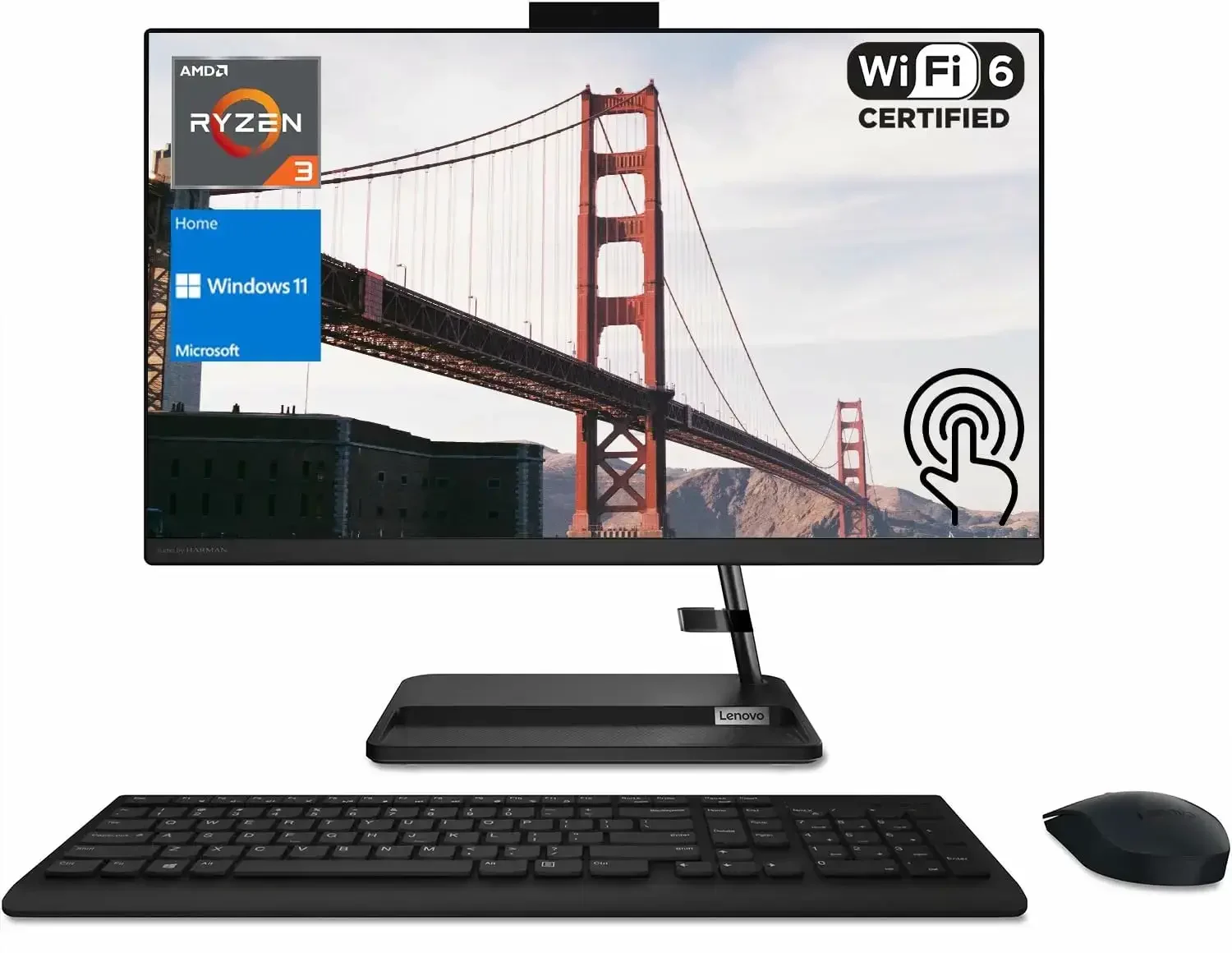
Why Consider It? This Lenovo all-in-one system packs an entire desktop environment into a single 24-inch monitor frame. Powered by a highly efficient Intel N100 processor, it draws very little power while running completely silent. The integrated Intel graphics are supported natively in the Linux kernel, meaning you will not have to worry about driver installation or display scaling issues. It is a highly practical, clutter-free entry point into the Linux ecosystem.
- Processor: Intel N100 (4 cores, 4 threads, up to 3.4 GHz)
- Memory: 16GB DDR4 RAM
- Storage: 1TB PCIe NVMe SSD
- Display: 23.8-inch Full HD (1920×1080) IPS panel
- Graphics: Intel UHD Graphics
- Networking: Wi-Fi 6, Bluetooth 5.3, RJ-45 Gigabit Ethernet
- Linux Status: Excellent out-of-the-box compatibility. Requires Linux kernel 6.2 or newer to support the N100 platform correctly.
Note: The RAM is single-channel and cannot be upgraded to dual-channel, which restricts heavy multi-threaded processing. This setup is ideal for office productivity and web browsing, but not for resource-heavy workloads.
Best For: Small business workers, programmers, and hobbyists looking for a quiet home server or a compact Linux workstation.
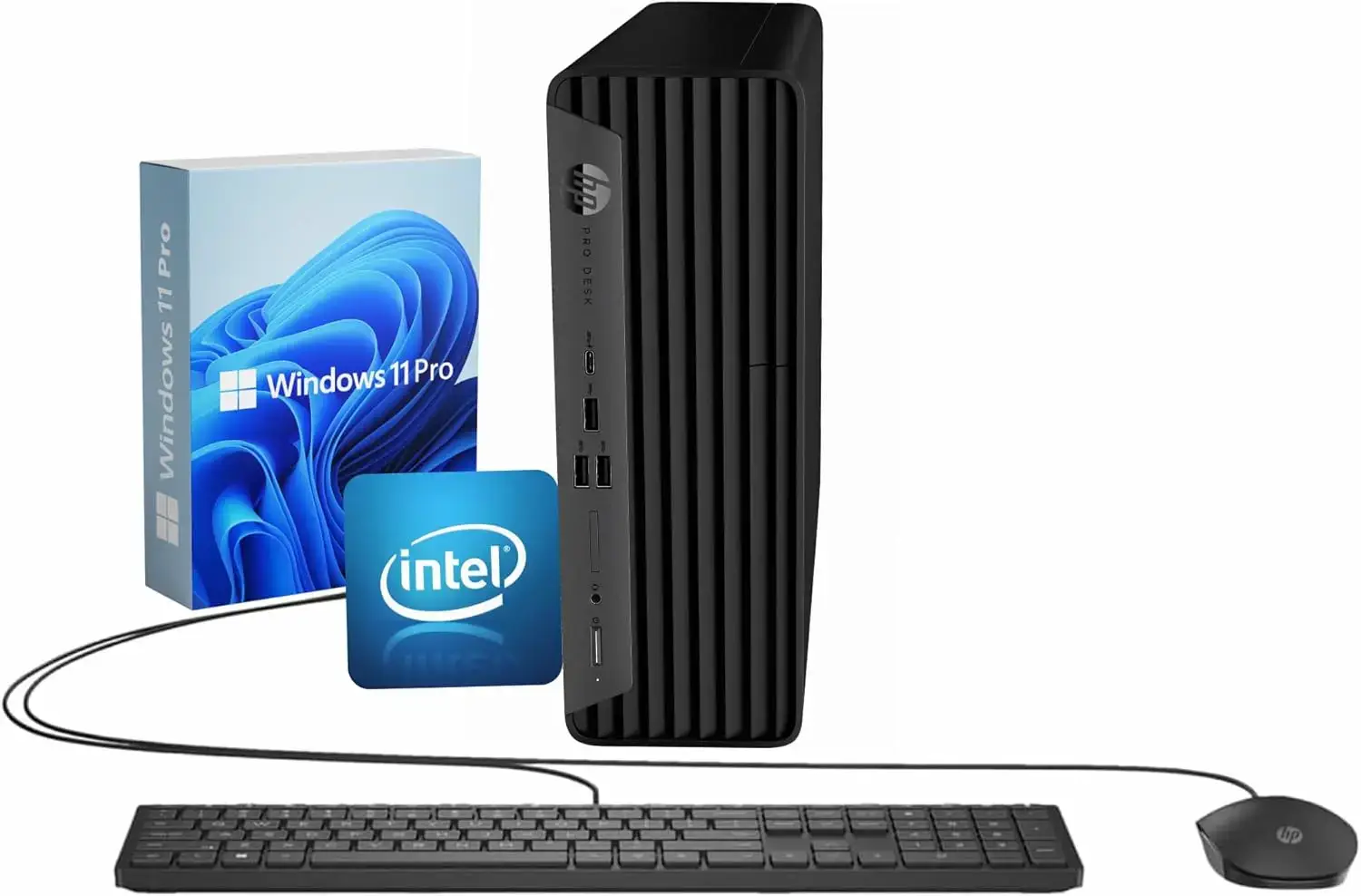
Why Consider It? The HP ProDesk 400 G9 SFF is a business-grade prebuilt computer that fits perfectly into small workspaces. Business hardware is designed for long-term stability, and this unit is highly compatible with enterprise Linux distributions like Ubuntu LTS and Red Hat. The Intel Core i5 processor handles multi-threaded tasks cleanly, and the integrated graphics controller supports dual 4K monitors out of the box.
- Processor: Intel Core i5-12500 (6 cores, 12 threads, up to 4.6 GHz)
- Memory: 32GB DDR4 RAM
- Storage: 1TB PCIe NVMe SSD
- Graphics: Intel UHD Graphics 770
- Networking: Wi-Fi 6, Bluetooth 5.2, RJ-45 Gigabit Ethernet
- Linux Status: Full mainline support. The motherboard components, sound chip, and Ethernet port work out of the box.
Note: The compact case requires low-profile PCIe cards if you decide to add hardware. It has limited power headroom for high-end graphics cards, but it has plenty of space for additional storage drives.
Mid-Range Linux Desktops ($600 – $1200)
Best For: Programmers, video editors, and home office power users needing an expandable tower system.
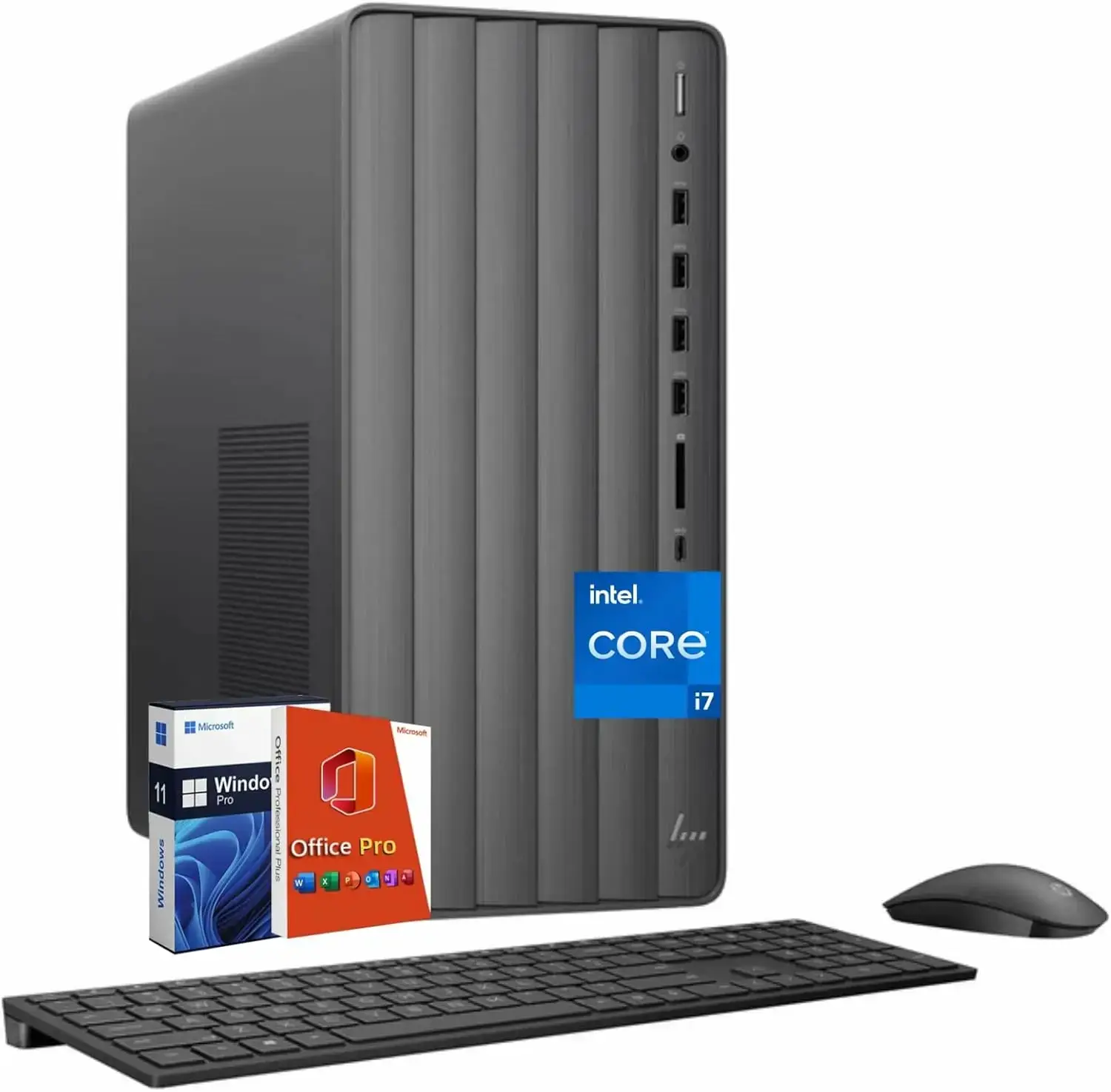 Hp envy te01 linux desktop from The 8 best Linux Desktop Computers in 2026
Why Consider It? The HP Envy Tower TE01-5002 offers exceptional processing speed under the hood. Powered by a 20-core Intel Core i7 processor and 32GB of DDR5 RAM, it compiles code and processes video with ease. Since it relies on the built-in Intel UHD graphics chipset, it functions perfectly on Linux without requiring proprietary driver installations, which reduces system crash risks during kernel upgrades.
- Processor: Intel Core i7-14700 (20 cores, 28 threads, up to 5.4 GHz)
- Memory: 32GB DDR5 RAM
- Storage: 1TB PCIe NVMe SSD
- Graphics: Intel UHD Graphics 770
- Networking: Wi-Fi 6, Bluetooth 5.3, RJ-45 Gigabit Ethernet
- Linux Status: The Raptor Lake Refresh CPU and integrated UHD 770 graphics are fully supported in modern Linux distributions with kernel 6.6 or newer.
Note: The internal power supply uses a proprietary form factor and has a relatively low wattage. Upgrading to a dedicated, high-power gaming graphics card later will require replacing the power supply, which can be difficult to source.
Best For: Users seeking a premium, clean desktop setup with a large touchscreen for office multitasking and lightweight graphics work.
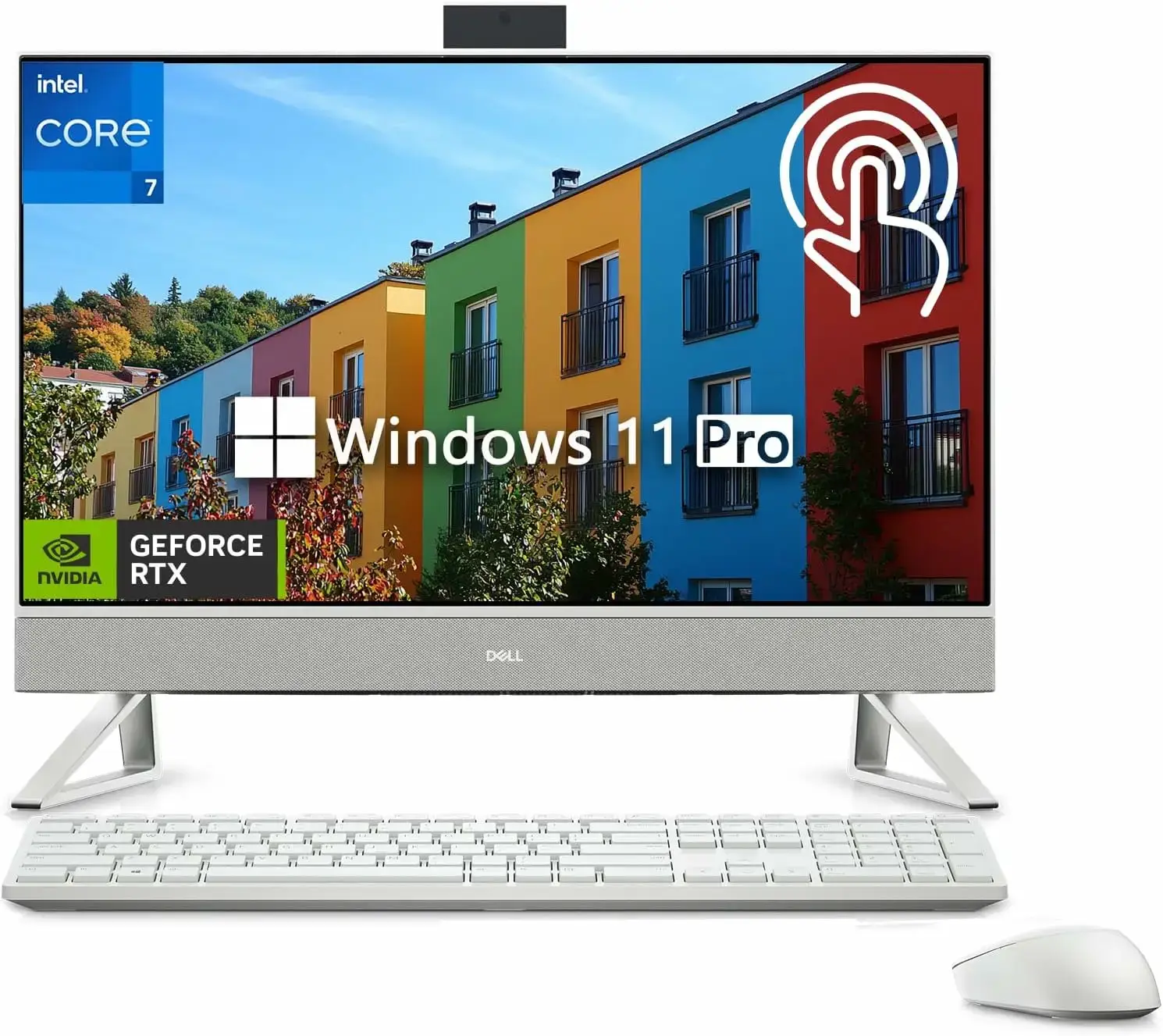
Why Consider It? The Dell Inspiron 7730 AIO offers a gorgeous, clutter-free desktop setup. The 27-inch touch display has narrow borders and displays high-contrast visuals, while the integrated stand features built-in speakers. The Core 7 processor runs productivity apps easily. To handle graphics-heavy applications, this model includes a dedicated Nvidia MX570A graphics adapter, which works well with official Nvidia drivers on Linux.
- Processor: Intel Core 7-150U (10 cores, 12 threads, up to 5.4 GHz)
- Memory: 32GB DDR5 RAM
- Storage: 1TB PCIe NVMe SSD
- Display: 27-inch Full HD (1920×1080) IPS touchscreen
- Graphics: NVIDIA GeForce MX570A (2GB GDDR6 dedicated)
- Networking: Wi-Fi 6E, Bluetooth 5.3, RJ-45 Gigabit Ethernet
- Linux Status: The touchscreen, Wi-Fi, and sound work natively on modern kernels. Installing the official Nvidia driver is necessary to unlock full performance for the MX570A GPU.
Note: The dedicated graphics chip uses Nvidia Optimus technology. In some Linux distributions, you may need to configure display manager settings to control when the Nvidia card is active versus the low-power Intel graphics chip.
Premium Linux Desktops ($1200+)
Best For: Professional software developers, virtual machine administrators, and power users needing lots of RAM in an all-in-one chassis.

Why Consider It? This specific configuration of the Lenovo IdeaCentre features a massive 64GB of DDR5 memory and a 2TB SSD, which is rare for an all-in-one desktop. It is a fantastic machine for developers running multiple Docker containers or compiling huge databases locally. The QHD touchscreen offers a crisp resolution, and the wireless charging base built into the stand is highly convenient.
- Processor: Intel Core i7-13620H (10 cores, 16 threads, up to 4.9 GHz)
- Memory: 64GB DDR5 RAM
- Storage: 2TB PCIe NVMe SSD
- Display: 27-inch QHD (2560×1440) Touchscreen panel
- Graphics: Intel UHD Graphics
- Networking: Wi-Fi 6, Bluetooth 5.1, RJ-45 Gigabit Ethernet
- Linux Status: Full out-of-the-box support for core components. The high-resolution display scales cleanly under Wayland-based desktop sessions like GNOME or KDE Plasma.
Note: The wireless charging base is controlled by internal hardware circuits and works independently of the operating system, meaning it will charge your phone even when running Linux.
Best For: Linux gamers and AI developers who want modern graphics performance with standard desktop parts.
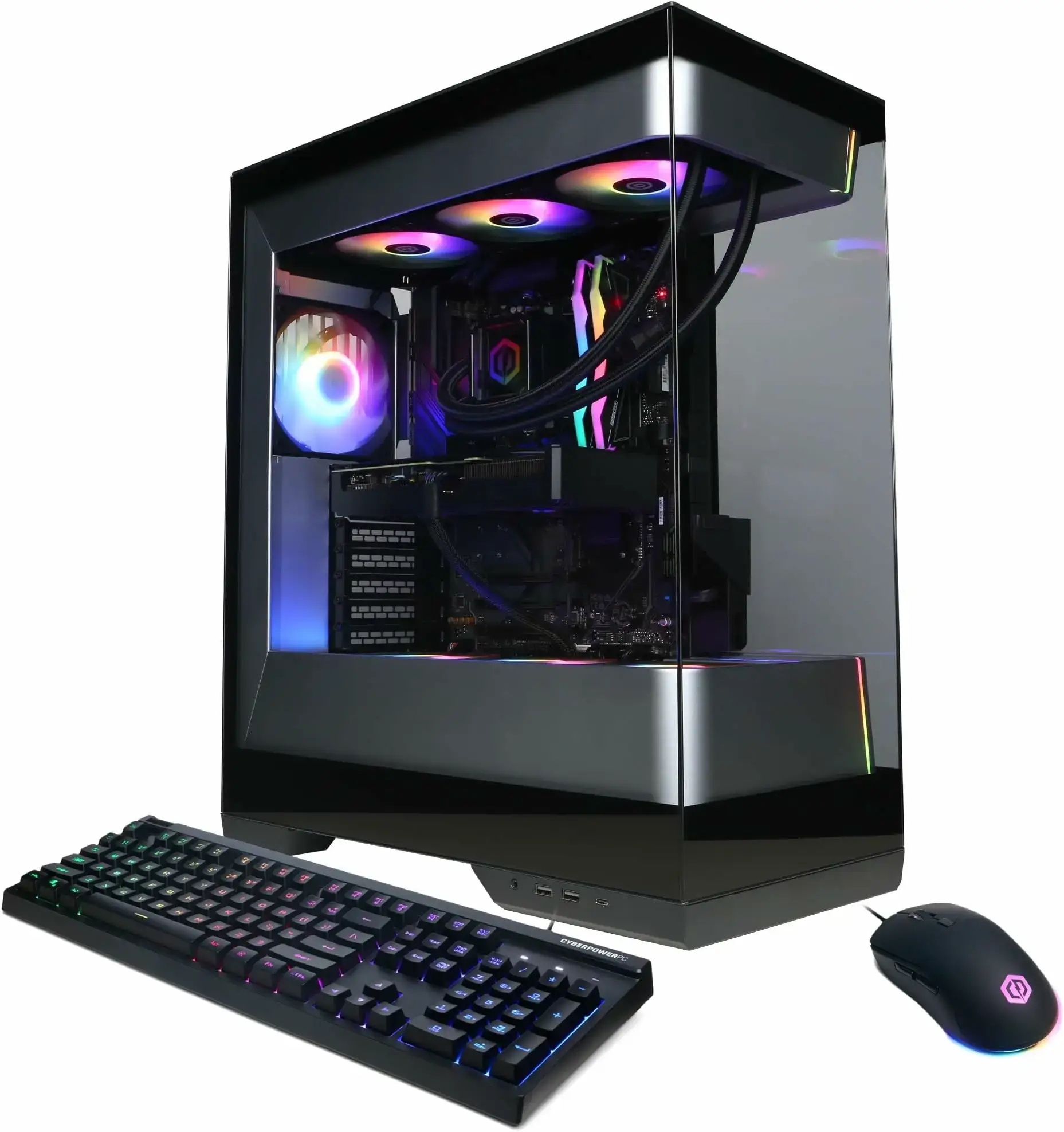
Why Consider It? This CyberPowerPC configuration matches an AMD Ryzen 9 processor with NVIDIA’s GeForce RTX 5070 graphics adapter. Because it is built using standard retail desktop parts, it does not use proprietary motherboard shapes or power connectors. This standard layout makes it highly serviceable and upgradeable on Linux. Steam Proton runs smoothly, and the 12GB of GPU memory handles local AI models easily.
- Processor: AMD Ryzen 9 9900X (12 cores, 24 threads, up to 5.6 GHz)
- Memory: 32GB DDR5 RAM
- Storage: 1TB PCIe NVMe SSD
- Graphics: NVIDIA GeForce RTX 5070 (12GB GDDR7 dedicated)
- Networking: Wi-Fi 6, Bluetooth 5.3, RJ-45 Gigabit Ethernet
- Linux Status: Excellent. The Zen 5 Ryzen CPU has full support in recent kernels. The Nvidia Blackwell graphics chip requires installing the proprietary Nvidia driver (v570 or newer).
Note: The case features custom RGB lighting. To customize the color patterns on Linux, you will need to use third-party open-source packages like OpenRGB, as the official Windows-based control app is not available.
Best For: High-performance gamers, machine learning developers, and 3D designers who need strong cooling and powerful graphics on Linux.
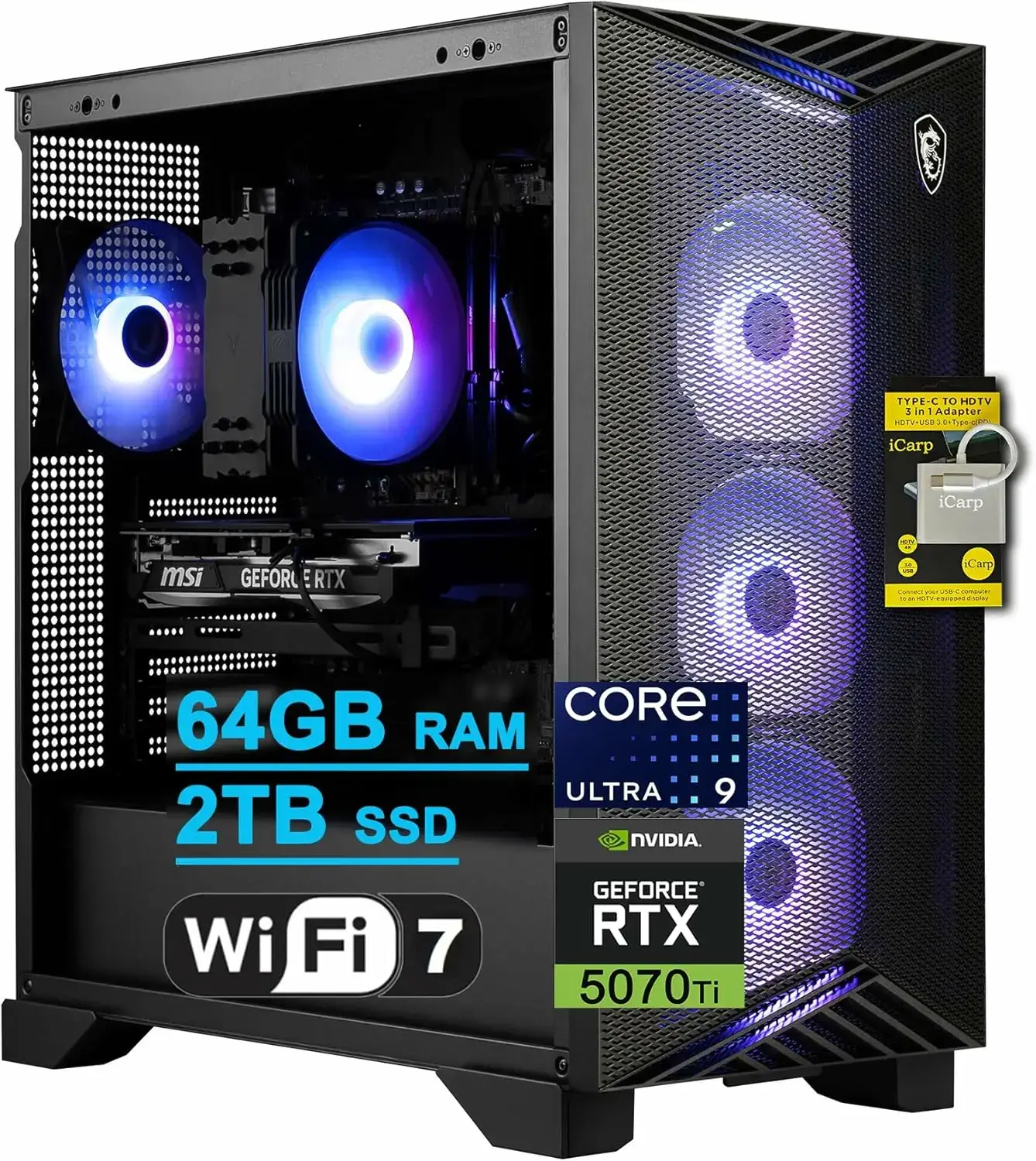
Why Consider It? The MSI Aegis R2 features a robust cooling design with four system fans and a dedicated CPU cooler, which prevents thermal throttling during long compile sessions or heavy gaming. It pairs an Intel Core Ultra 9 processor with NVIDIA’s GeForce RTX 5070 Ti graphics card. Standard hardware layout makes component swaps straightforward, and the large case offers room for hardware customization.
- Processor: Intel Core Ultra 9 285 (24 cores, up to 5.7 GHz)
- Memory: 32GB DDR5 RAM
- Storage: 2TB M.2 NVMe SSD
- Graphics: NVIDIA GeForce RTX 5070 Ti (16GB GDDR7 dedicated)
- Networking: Wi-Fi 7, Bluetooth 5.4, 2.5G Ethernet
- Linux Status: The Arrow Lake Core Ultra CPU runs smoothly on Linux kernel 6.11 or newer. The Nvidia Blackwell graphics chip requires the proprietary Nvidia driver (v570 or newer).
Note: The built-in Wi-Fi 7 chipset requires a recent Linux kernel to load the network driver. We recommend installing a rolling-release distribution or manually upgrading the kernel on LTS distributions to ensure networking works correctly.
Best For: High-end power users, data scientists, and developers who require maximum computing performance, an unthrottled liquid-cooling system, and elite Nvidia graphics.
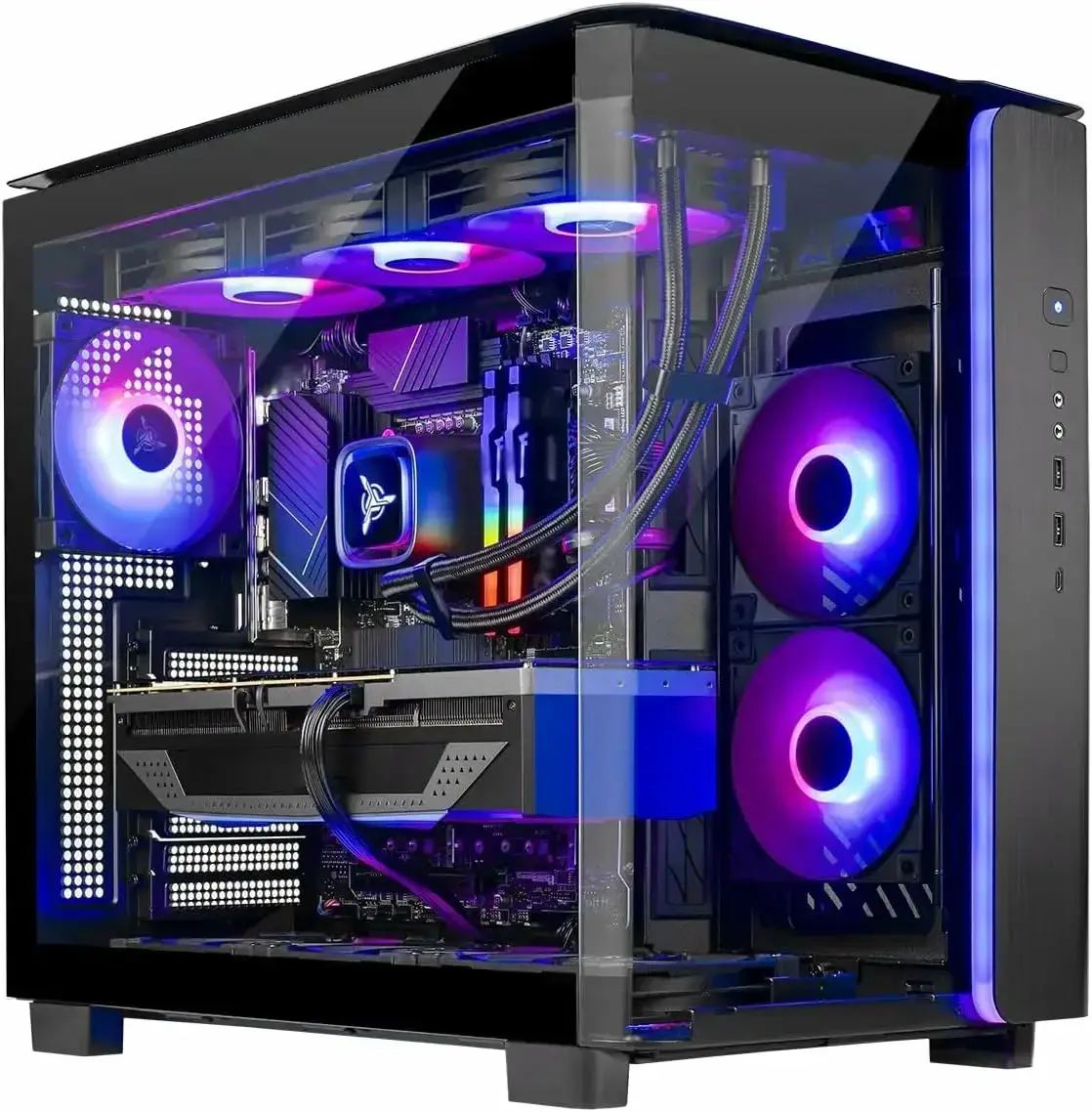
Why Consider It? The Skytech Eclipse brings premium, workstation-class performance into a highly optimized chassis built with non-proprietary components. Rocking Intel’s flagship Core Ultra 9 285K processor alongside 64GB of DDR5 memory and the massive Nvidia GeForce RTX 5080, it handles complex AI LLM training, extensive code compilation, and dense multi-threaded tasks with ease. A robust liquid-cooling loop ensures that the hardware remains cool and exceptionally quiet during heavy long-running operations.
- Processor: Intel Core Ultra 9 285K (24 cores, up to 5.7 GHz)
- Memory: 64GB DDR5 RAM
- Storage: 2TB PCIe Gen4 NVMe SSD
- Graphics: NVIDIA GeForce RTX 5080 (16GB GDDR7 dedicated)
- Networking: Wi-Fi 7, Bluetooth 5.4, 2.5G Ethernet
- Linux Status: Full compatibility on modern distributions using recent kernels. The Nvidia Blackwell chip requires the installation of the official proprietary driver (v570 or later) to handle local AI workflows and graphic acceleration properly.
Note: Because this machine uses a standard ATX motherboard format and standard power supplies, upgrading components down the road or replacing parts is simple and does not lock you into any single manufacturer ecosystem.
Linux Desktop Comparison Table
Compare the key features, categories, and core specifications of our top prebuilt desktops to select the best option for your workspace.
| Desktop Model | Form Factor | Processor & Graphics | RAM & Storage | Target Audience |
|---|---|---|---|---|
| Lenovo IdeaCentre AIO 3 24 | All-in-One (24-inch) | Intel N100 / Intel UHD | 16GB DDR4 / 1TB SSD | Office and Student budget setup |
| HP ProDesk 400 G9 SFF | Small Form Factor | Intel i5-12500 / Intel UHD 770 | 32GB DDR4 / 1TB SSD | Office workers and Home server setups |
| HP Envy Desktop Tower | Mid-Tower | Intel i7-14700 / Intel UHD 770 | 32GB DDR5 / 1TB SSD | Programmers and Office power users |
| Dell Inspiron 7730 AIO | All-in-One (27-inch) | Core 7-150U / Nvidia MX570A | 32GB DDR5 / 1TB SSD | Office workers and Graphic design setups |
| Lenovo IdeaCentre AIO 5 27 | All-in-One (27-inch) | Intel i7-13620H / Intel UHD | 64GB DDR5 / 2TB SSD | Software developers and VM administrators |
| CyberPowerPC Gamer Xtreme | Mid-Tower | Ryzen 9 9900X / Nvidia RTX 5070 | 32GB DDR5 / 1TB SSD | Linux gamers and AI developers |
| MSI Aegis R2 | Mid-Tower | Ultra 9 285 / Nvidia RTX 5070 Ti | 32GB DDR5 / 2TB SSD | Machine learning developers and Gamers |
| Skytech Eclipse | Mid-Tower | Ultra 9 285K / Nvidia RTX 5080 | 64GB DDR5 / 2TB SSD | High-end power users and AI builders |
What to Look For in a Linux Desktop
Buying a prebuilt desktop for Linux is generally safer than buying a laptop, as standard desktop motherboards and peripherals use standard interfaces. However, a few hardware components still require careful attention during selection.
Graphics Chipsets (NVIDIA vs AMD vs Intel)
Graphics processor compatibility is the most common point of friction for Linux installations:
- AMD & Intel: These brands are the easiest to manage. Both have open-source driver suites built directly into the mainline Linux kernel. This means graphics acceleration, video decoding, and multi-monitor display settings function automatically immediately after system boot.
- NVIDIA: These systems are highly capable, but require extra configuration. The built-in open-source Nouveau driver is insufficient for 3D processing. You must install the official proprietary Nvidia driver via your distribution’s driver utility to enable full graphics performance. During system kernel upgrades, the proprietary module can occasionally break, requiring console troubleshooting.
Networking Adapters
A desktop with a non-functional Wi-Fi adapter cannot download updates. Look for prebuilt PCs that use standard Intel Wi-Fi modules (like AX200, AX210, BE200), as the native kernel driver handles these immediately. Be cautious of proprietary Realtek or MediaTek chips, which may require compiling external kernel modules manually to establish a stable wireless connection.
Motherboard and Firmware Control
Prebuilts from mainstream brands like Dell, HP, and Lenovo use customized UEFI firmware. When setting up Linux, you must enter the BIOS to disable Secure Boot (necessary for some custom distributions) and set the storage controller from RAID mode to AHCI mode. RAID configuration blocks the Linux installer from recognizing the NVMe SSD drives.
Frequently Asked Questions
What is the best desktop for Linux?
The Alienware Aurora R16 is the top premium pick for high-end tasks and gaming, while the Lenovo IdeaCentre AIO 3 24 is the best budget all-in-one for daily tasks. For professional work and development, the HP ProDesk 400 G9 SFF is highly reliable.
Can I run Linux on an Nvidia graphics card?
Yes, but you must install the proprietary Nvidia driver (v570+ recommended for Blackwell cards) to get full hardware acceleration, multi-monitor support, and smooth gaming performance. AMD and Intel graphics are supported natively.
Do all-in-one computers work well with Linux?
Most modern all-in-ones from Dell and Lenovo work exceptionally well. Key features like the touchscreen, built-in speakers, and basic peripherals are supported natively. The only potential issues are proprietary Wi-Fi cards, which may require manual driver configuration.
Is AMD or Intel better for a Linux desktop?
Both brands are fully compatible. AMD offers excellent integrated graphics support natively in the kernel. Intel Core and Core Ultra processors work flawlessly, but Arrow Lake processors run best on Linux kernel 6.11+ due to thread scheduling.
Do I need a certified desktop to run Linux?
No. While certified hardware guarantees compatibility, standard desktops using Intel, AMD, and Nvidia components are highly compatible. Selecting systems with standard Intel Wi-Fi cards and avoiding exotic audio or fingerprint hardware will ensure a smooth setup.
Related: Best Laptops to Run Linux On