The best Linux distros for old computers in 2026 are Linux Lite, Puppy Linux, Lubuntu, Bodhi Linux, antiX, MX Linux, and Q4OS.
Using a lightweight Linux distribution can effectively breathe life back into an old computer because these operating systems require minimal RAM and processing power to run smoothly. Whether you are trying to save a relic from the landfill, teach a student to code, or simply create a dedicated web browsing machine, picking the right lightweight OS makes all the difference.
🏆 Top 3 Picks At a Glance:
- Linux Lite: Best transition OS for standard Windows users.
- Puppy Linux: Most portable OS for running entirely off a small USB flash drive.
- Lubuntu: Most robust official Ubuntu software compatibility.
Below we have thoroughly detailed the top 7 options for old computers. We have also included bonus terminal commands for each distribution, helping power users instantly optimize or utilize their new operating systems. If you need help flashing an ISO image to a USB, feel free to contact us.
Best Linux Distros for Old Computers
1. Linux Lite
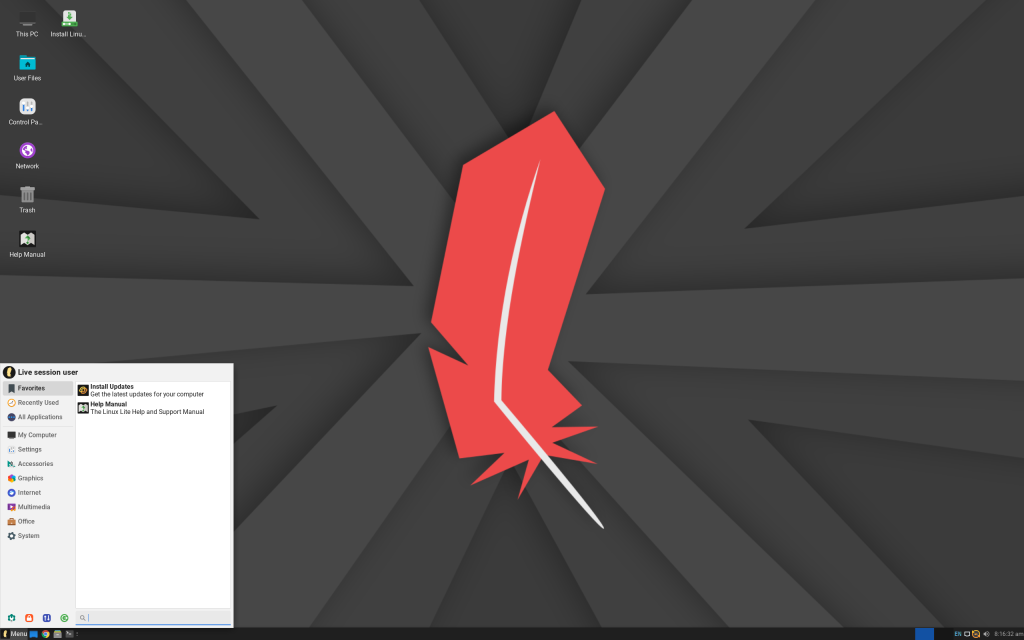
Best for: Total newbies with ancient PCs who want a Windows-like experience.
Why Choose It? Linux Lite is built exclusively for Windows refugees with low-spec machines. It is simple, snappy, and feels highly familiar right out of the box, offering a seamless learning curve.
- Runs exceptionally well on 1GB RAM
- Familiar toolbar and menu layout
- Built-in Windows migration guide included
Quick Tip: 💡 Use the built-in “Lite Tweaks” tool to safely clean cache files and optimize system performance even further.
💻 Bonus Terminal Command: Burn Linux Lite ISO to a USB drive (replace sdX with your USB drive)
2. Puppy Linux
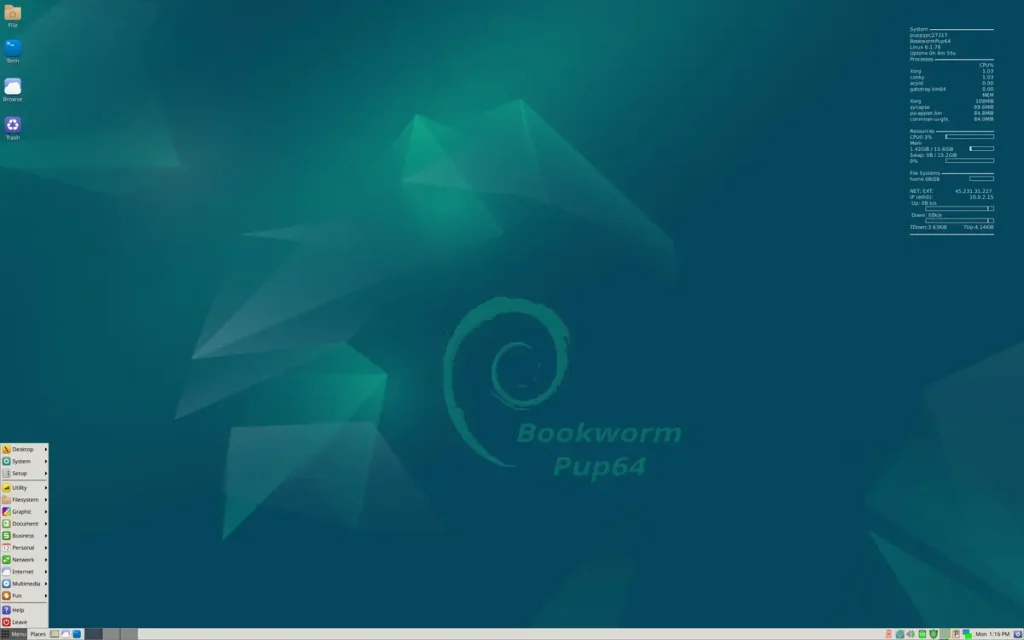
Best for: Tinkerers who need an ultra-portable, tiny operating system.
Why Choose It? Puppy Linux is a featherweight champion. It fits entirely on a small USB stick, boots rapidly, and loads the entire OS directly into RAM for unmatched speed on old computers.
- Comfortably works on PCs with just 256MB RAM
- Portable—carry your OS and files in your pocket
- Surprisingly full-featured application suite
Quick Tip: 💡 Because it runs in RAM, always remember to save your session back to your USB when shutting down via `Menu > Setup > Save Session`.
💻 Bonus Terminal Command: Monitor system RAM and processes in real-time
3. Lubuntu

Best for: Dedicated Ubuntu fans with low-spec machines.
Why Choose It? Lubuntu is Ubuntu’s official lightweight sibling. By utilizing the incredibly efficient LXQt desktop environment, it provides the vast software library and community support of standard Ubuntu without the heavy resource drain.
- Minimal RAM usage overhead (runs on 512MB)
- Familiar core Ubuntu base system
- Great for reviving laptops for basic web browsing
Quick Tip: 💡 If you find that default animations feel sluggish, turn off window animations in the LXQt Session Settings.
💻 Bonus Terminal Command: Install Lubuntu graphical desktop environment onto any existing Ubuntu server/install
4. Bodhi Linux
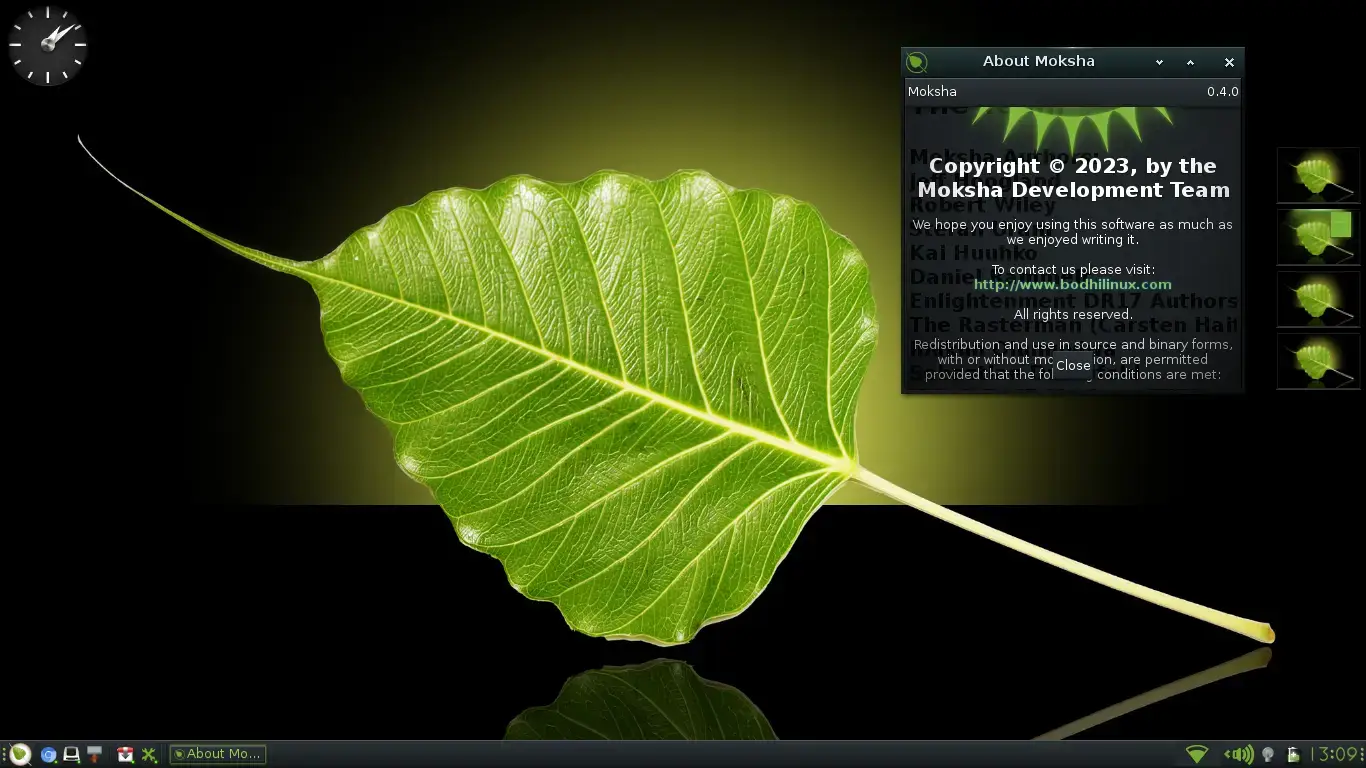
Best for: Users who want a beautiful, highly animated UI on low specs.
Why Choose It? Bodhi Linux is distinct for using the gorgeous Moksha desktop environment. It provides an incredibly fast and elegant interface on minimal hardware, proving that old hardware does not have to look ugly.
- Gorgeously animated Moksha UI
- Bare minimum default software footprint
- Great support for older 32-bit processors
Quick Tip: 💡 Bodhi ships with a minimalist philosophy. You will need to install your own preferred office suite and media players manually from the AppCenter.
💻 Bonus Terminal Command: View your system details and hardware limits directly in the terminal
5. antiX
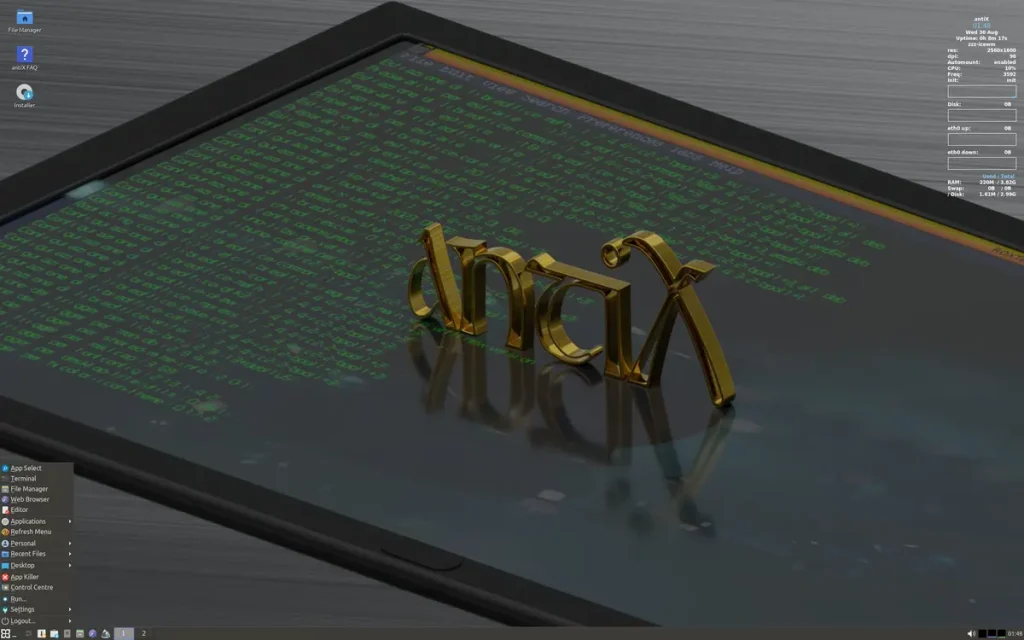
Best for: Power users who demand maximum speed and control.
Why Choose It? antiX is a speed demon uniquely optimized for barebones systems. By using an extremely lightweight interface and operating without heavy background processes, it squeezes peak performance out of machines that other operating systems abandon.
- Ultra-light framework operates on almost nothing
- Runs completely free of heavy background system processes
- Easily creates a portable USB drive that saves your files
Quick Tip: 💡 Open the Control Centre and look for the “antiX Tools” tab to find incredibly handy utilities specific to this distribution.
💻 Bonus Terminal Command: Install extra command-line utilities and tools specifically curated for antiX
6. MX Linux
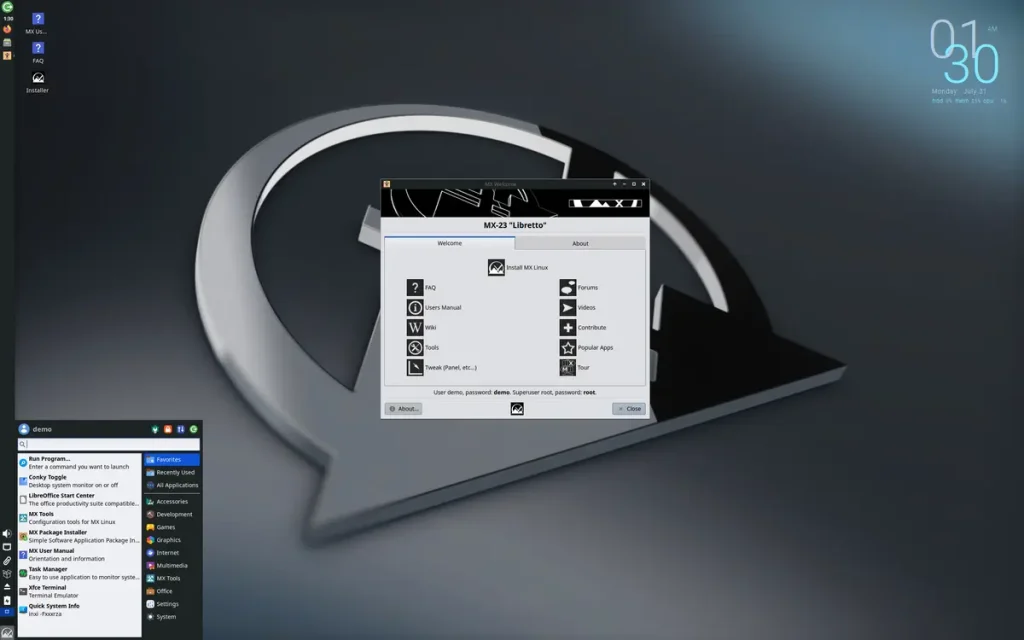
Best for: Practical users who prioritize stability and daily hardware usability.
Why Choose It? Consistently ranked as a most-viewed OS, MX Linux strikes an ideal balance between resource efficiency and modern convenience. By building on Debian stable, it provides rock-solid performance that rarely breaks.
- Customizable, highly responsive desktop interface
- Robust graphical “MX Tools” suite for system management
- Stellar community support documentation
Quick Tip: 💡 Use the “MX Package Installer” to easily handle complicated program setups with single clicks.
💻 Bonus Terminal Command: Ensure your entire system is completely updated
7. Q4OS
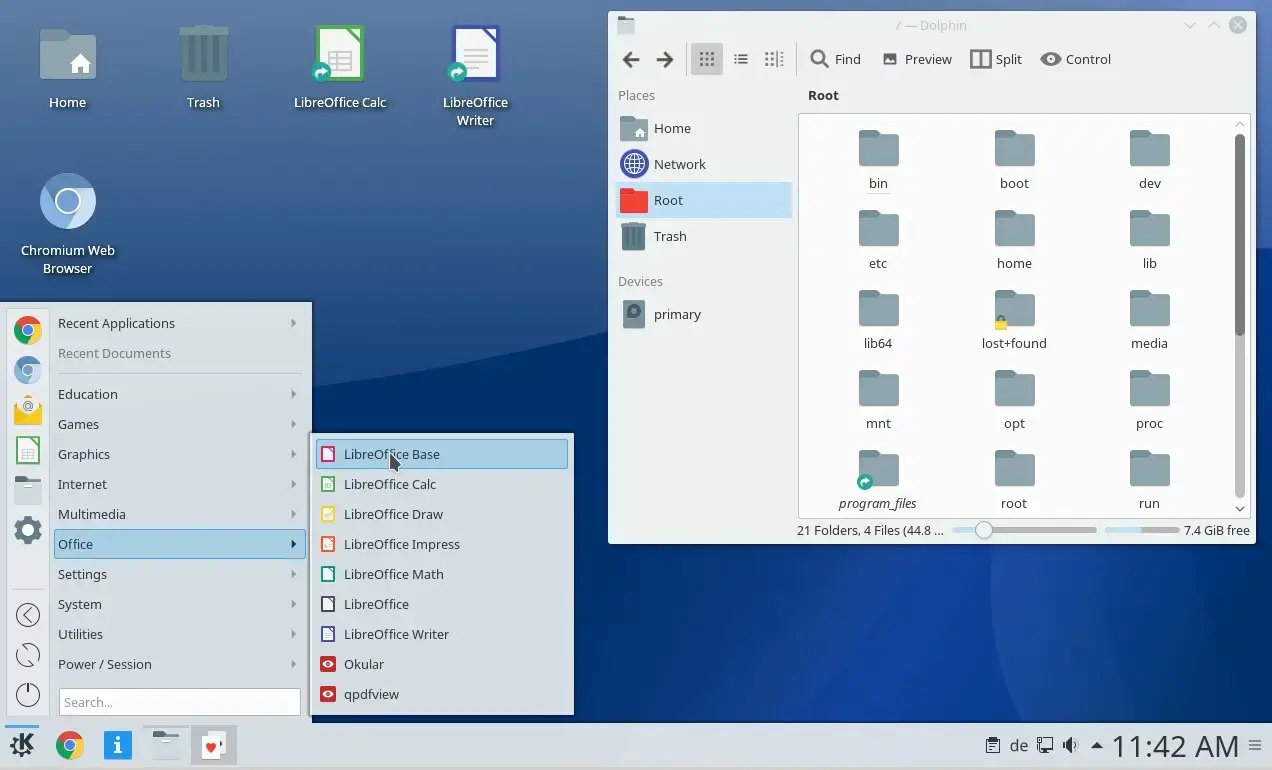
Best for: Users seeking a classic, retro Windows look and reliable performance.
Why Choose It? Q4OS is a highly efficient operating system designed to look and feel like older versions of Windows. It runs smoothly and reliably on older computers that newer operating systems cannot support.
- Classic, easy-to-use layout
- Runs great on older computers
- Long-term support for peace of mind
Quick Tip: 💡 Utilize the Windows installer tool provided by Q4OS if you want to install it alongside an existing Windows partition without formatting your hard drive.
💻 Bonus Terminal Command: Install the Software Profiler to quickly set up categorized app bundles
Want more Linux vibes? Check out the best Linux distros for privacy and security, best Linux distros for developers, best Linux distros for gaming, and best Linux distros for beginners.