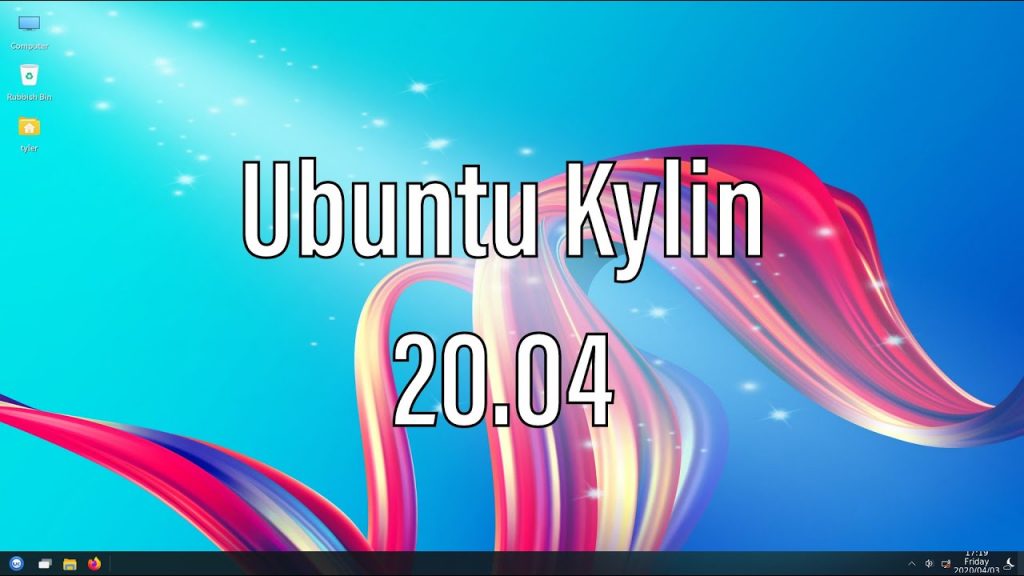
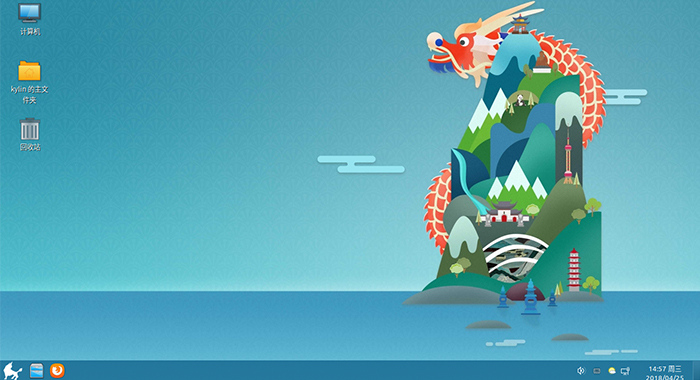
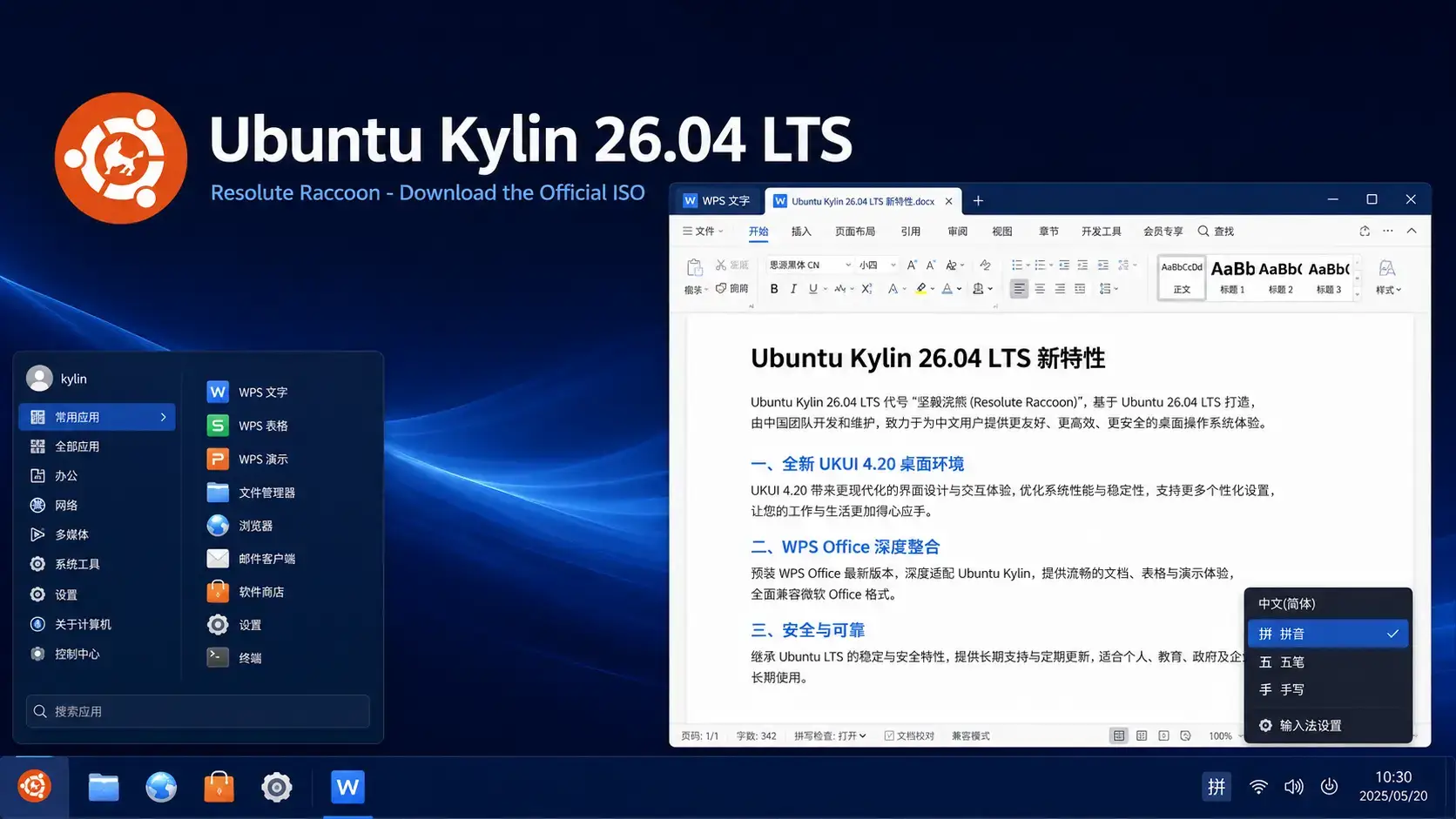
 Ubuntu Kylin 26.04 LTS Resolute Raccoon is available to download now from Canonical’s official image server. This long-term support release ships with UKUI 4.20 and Linux kernel 7.0, built for Chinese-language users who want a desktop that feels familiar and works seamlessly with Simplified Chinese input, regional fonts, and local online services. It receives free security updates until April 2029. Below you will find the direct ISO link, torrent option, SHA256 verification steps, and system requirements.
Resolute Raccoon
A free, open source Linux distro built for Chinese-language users. UKUI 4.20 desktop, full Chinese input support, and a familiar layout. Supported until April 2029.
What Is Ubuntu Kylin?
Ubuntu Kylin is the official Ubuntu flavor built for Chinese-language users. Where standard Ubuntu gives you a GNOME desktop aimed at a global audience, Ubuntu Kylin ships with UKUI – the Ubuntu Kylin User Interface – a desktop environment designed to feel immediately familiar to anyone coming from Windows. The taskbar is at the bottom, apps live in a Start-style menu, and the overall layout follows patterns that hundreds of millions of users already know.
Ubuntu Kylin is jointly developed by Canonical and the China Software and Integrated Circuit Promotions Center (CSIP). It is one of the most widely deployed Linux distributions in China, used in government, education, and enterprise environments alongside consumer desktops. It ships with full support for Simplified Chinese input methods, Chinese system fonts, and regional online service integrations.
It shares the same Ubuntu base and security update schedule as standard Ubuntu. You get the reliability of a mainstream Linux distribution, with a localized setup that does not require additional configuration to work in Chinese.
Download Ubuntu Kylin 26.04 LTS
The link below goes directly to cdimage.ubuntu.com, Canonical’s official image server for Ubuntu flavors. ubuntu-kylin-26-04-lts-downloadis available as a single 64-bit desktop ISO only. There is no ARM or Raspberry Pi image for this release.
Size: 5.3 GB
Desktop: UKUI 4.20
Filename: ubuntukylin-26.04-desktop-amd64.iso
What’s New in Ubuntu Kylin 26.04
This LTS brings UKUI 4.20, an updated kernel, refined system tool integrations, and improved Chinese input method support. For the full changelog, see the official Ubuntu Kylin 26.04 release notes.
UKUI 4.20 brings performance improvements to the taskbar, file manager, control center, and window compositor. The layout remains bottom-taskbar by default, familiar to anyone coming from Windows. Wayland support continues to mature alongside the X11 session.
Ubuntu Kylin 26.04 ships with Linux kernel 7.0, bringing improved hardware support for modern AMD and Intel processors, updated GPU drivers, and better power management. The same kernel base used across all Ubuntu 26.04 LTS flavors.
Built-in support for iBus-Rime and Fcitx5 covers Pinyin, Wubi, Cangjie, and other input schemes out of the box. No additional packages need to be installed. The input method selector is accessible from the system tray on first boot.
The UKUI Software Center provides a graphical app store with curated Chinese-language applications alongside the full Ubuntu software library. Discover tools, utilities, and regional apps in one place without using the command line.
How to Verify Your Download (SHA256)
Always verify your ISO before writing it to a USB drive. This confirms the file downloaded completely and was not corrupted or tampered with.
SHA256SUMS file to the same folder as your ISO.Run the checksumOn Linux or macOS:
sha256sum ubuntukylin-26.04-desktop-amd64.iso
On Windows (PowerShell):
Get-FileHash ubuntukylin-26.04-desktop-amd64.iso -Algorithm SHA256
The expected SHA256 for this releaseCompare your output against the hash below. It must match exactly, character for character.
76d2b4618afac3f764c65ba27419b9c6f061cb7cc6f42593e687a6af073630a8
How to Install Ubuntu Kylin 26.04
Once you have the ISO, the process is the same as any Ubuntu flavor. You need an 8 GB or larger USB drive.
Software Included
Ubuntu Kylin 26.04 ships with a practical set of everyday apps plus the full Ubuntu library available through the UKUI Software Center.
| Application | Category | Notes |
|---|---|---|
| WPS Office | Office Suite | Full Chinese-language office suite, compatible with Microsoft Office formats |
| Firefox | Web Browser | Default browser with Chinese search engine support |
| iBus-Rime / Fcitx5 | Input Method | Pinyin, Wubi, Cangjie and more, ready from first boot |
| UKUI File Manager | Files | Peony file manager with Windows-style navigation |
| Thunderbird | Email client with Chinese character support | |
| GIMP | Image Editing | Available via Ubuntu software library |
| UKUI Software Center | App Store | Browse and install thousands of apps without using the terminal |
System Requirements
Ubuntu Kylin 26.04 is a full desktop operating system. The requirements are the same as standard Ubuntu 26.04.
- CPU: 2 GHz dual-core 64-bit processor
- RAM: 4 GB
- Storage: 25 GB free disk space
- Display: 1024 x 768
- USB: 8 GB drive for installation
- CPU: 4-core 64-bit processor or better
- RAM: 8 GB or more
- Storage: 50 GB+ SSD
- Display: 1920 x 1080
- Internet: Required for updates and app installs
Free. Open source. UKUI 4.20. Supported until April 2029.
Frequently Asked Questions
Can I try Ubuntu Kylin 26.04 without installing it?
Yes. When you boot from the USB, choose the live session option at the boot menu. This loads Ubuntu Kylin directly from the USB drive without touching your hard disk. You can explore UKUI 4.20, test your hardware, and try the system as long as you like. Restart when you are done to return to your current operating system.
What makes Ubuntu Kylin different from standard Ubuntu?
Ubuntu Kylin replaces GNOME with UKUI, a desktop environment designed to feel familiar to Windows users. It ships with built-in support for Chinese input methods via iBus-Rime and Fcitx5, localization for Simplified Chinese, and integrations with regional online services. Standard Ubuntu uses GNOME and is designed for a global audience. Ubuntu Kylin is jointly developed by Canonical and the China Software and Integrated Circuit Promotions Center (CSIP).
What is the difference between an LTS release and a regular Ubuntu release?
LTS stands for Long Term Support. Canonical releases a new Ubuntu version every 6 months, but only LTS versions receive multi-year security updates. Regular releases are supported for just 9 months. For Ubuntu Kylin as a flavor, the support period is 3 years. Ubuntu Kylin 26.04 LTS receives free security updates until April 2029.
Can I use Ubuntu Kylin in English?
Yes. While Ubuntu Kylin is designed and optimized for Chinese-language users, it is a standard Ubuntu flavor and supports all languages that Ubuntu supports. You can install it, set the language to English during setup, and use it as a regular desktop. The UKUI desktop environment itself works in English. Chinese input methods and regional app integrations are simply available if you need them.
How do I create a bootable USB from the ISO file?
On Windows, use Rufus and select the ISO file. On macOS or Linux, use Balena Etcher. Both are free. Select your USB drive carefully as all data on it will be erased. The Ubuntu Kylin ISO is 5.3 GB, so you need an 8 GB or larger USB drive.
Is Ubuntu Kylin 26.04 free to use?
Yes. Ubuntu Kylin is free to download, install, and use on any computer. There is no license fee. It is built and maintained as a joint project between Canonical and CSIP and published under open source licenses.
Can I upgrade from Ubuntu Kylin 24.04 LTS to 26.04 without reinstalling?
Upgrades from Ubuntu Kylin 24.04 LTS will be enabled with the release of 26.04.1 LTS in August 2026. Upgrades from 25.10 are expected shortly after release. Back up your home folder and any important files before upgrading. The full step-by-step upgrade process is covered in the upgrade guide linked in the footer below.
More Ubuntu Kylin 26.04 guides: What’s New in Ubuntu Kylin 26.04 · Upgrade to Ubuntu Kylin 26.04 · Ubuntu Kylin 26.04 Wallpapers · Edubuntu 26.04 Download · Ubuntu Studio 26.04 Download