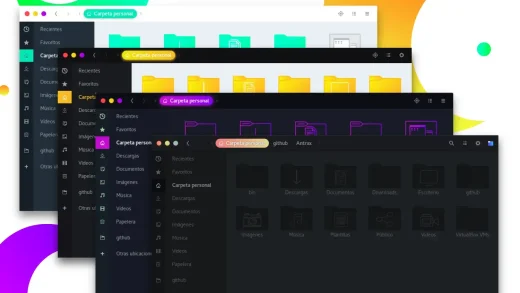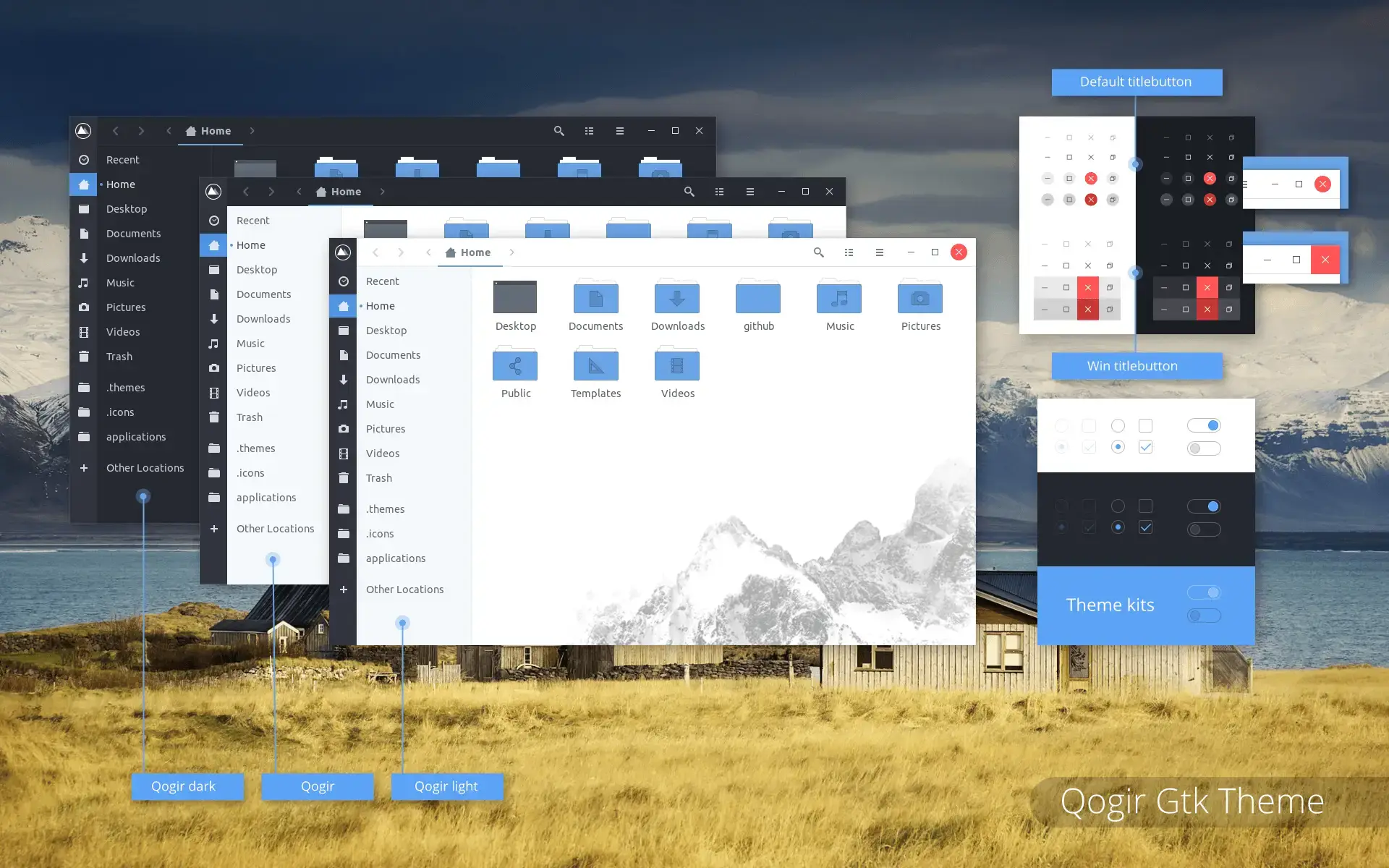
Qogir is available on GitHub and OpenDesktop, and you can install it on Ubuntu by cloning the repo and running a simple script. It is a clean, flat GTK theme that also comes with a matching icon pack to transform both your windows and app icons with one consistent design. Below we have instructions on how to get it up and running, screenshots and bonus terminal commands to install the matching icon theme as well.
Feel free to leave a comment or contact us directly for any feedback or help.
Quick Facts
How to Install Qogir on Ubuntu
You can install Qogir on Ubuntu by cloning the GitHub repo and running the install script. Here is how.
Step 1: Install the Required Packages
Qogir needs a couple of packages to build properly. Run this first.
Step 2: Clone and Install Qogir
Clone the repo and run the install script. This installs both light and dark variants.
Apply the Theme
Open GNOME Tweaks (install it with sudo apt install gnome-tweaks if you do not have it), go to Appearance, and select Qogir or Qogir-dark under the Applications dropdown.
Screenshots
-
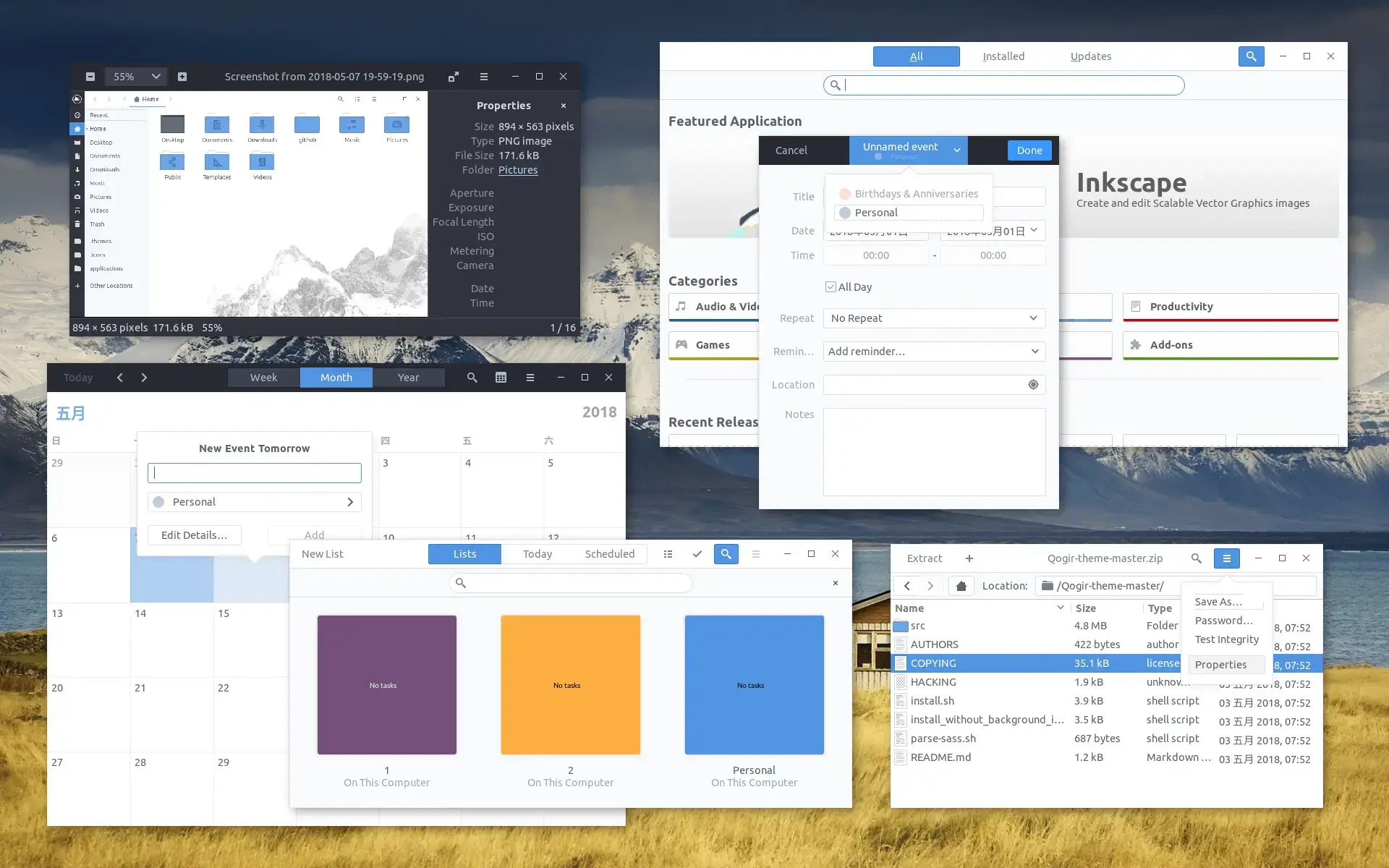
- Screenshot from Qogir GTK Theme for Ubuntu
-
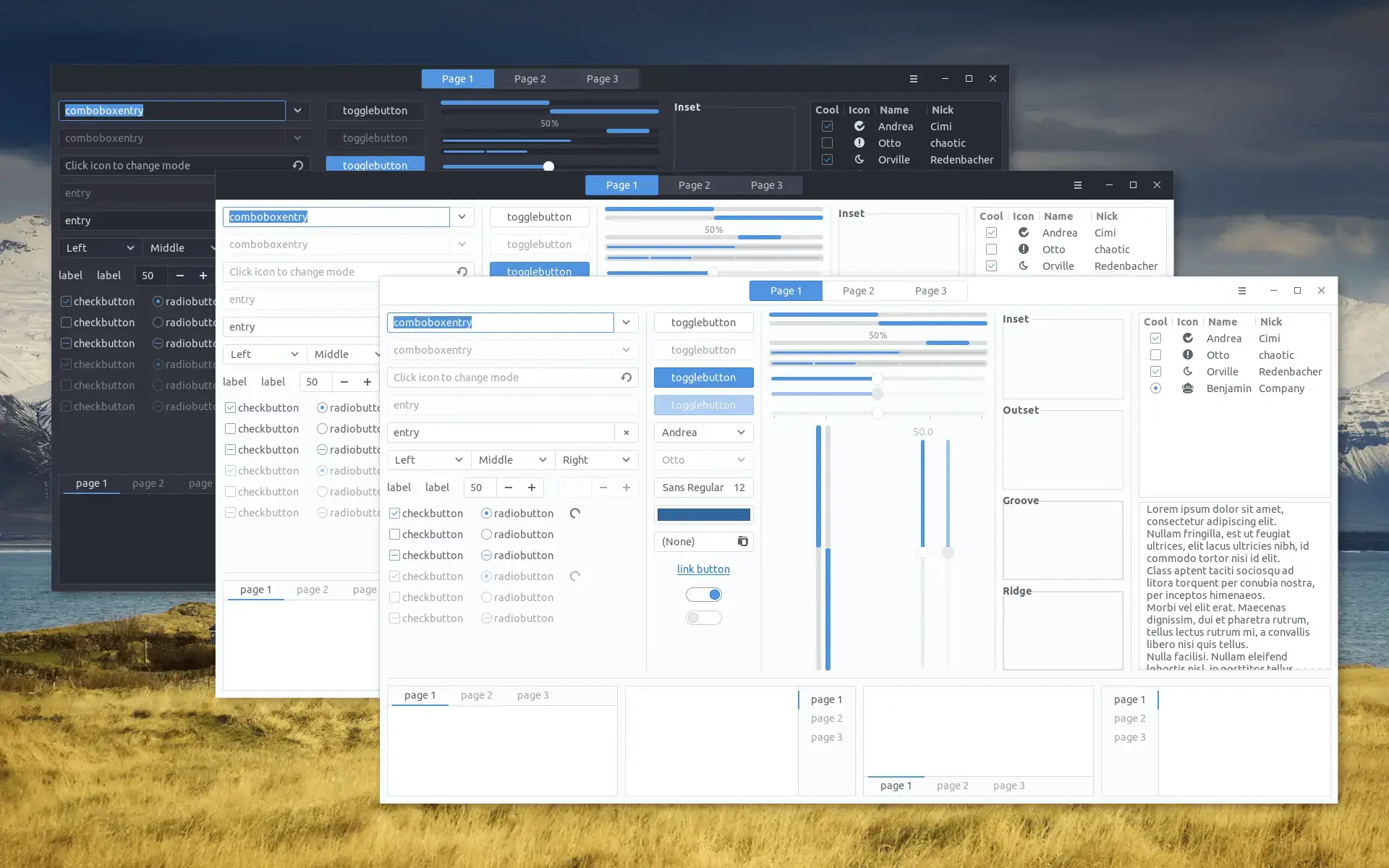
- Multiple options from Qogir GTK Theme for Ubuntu
-
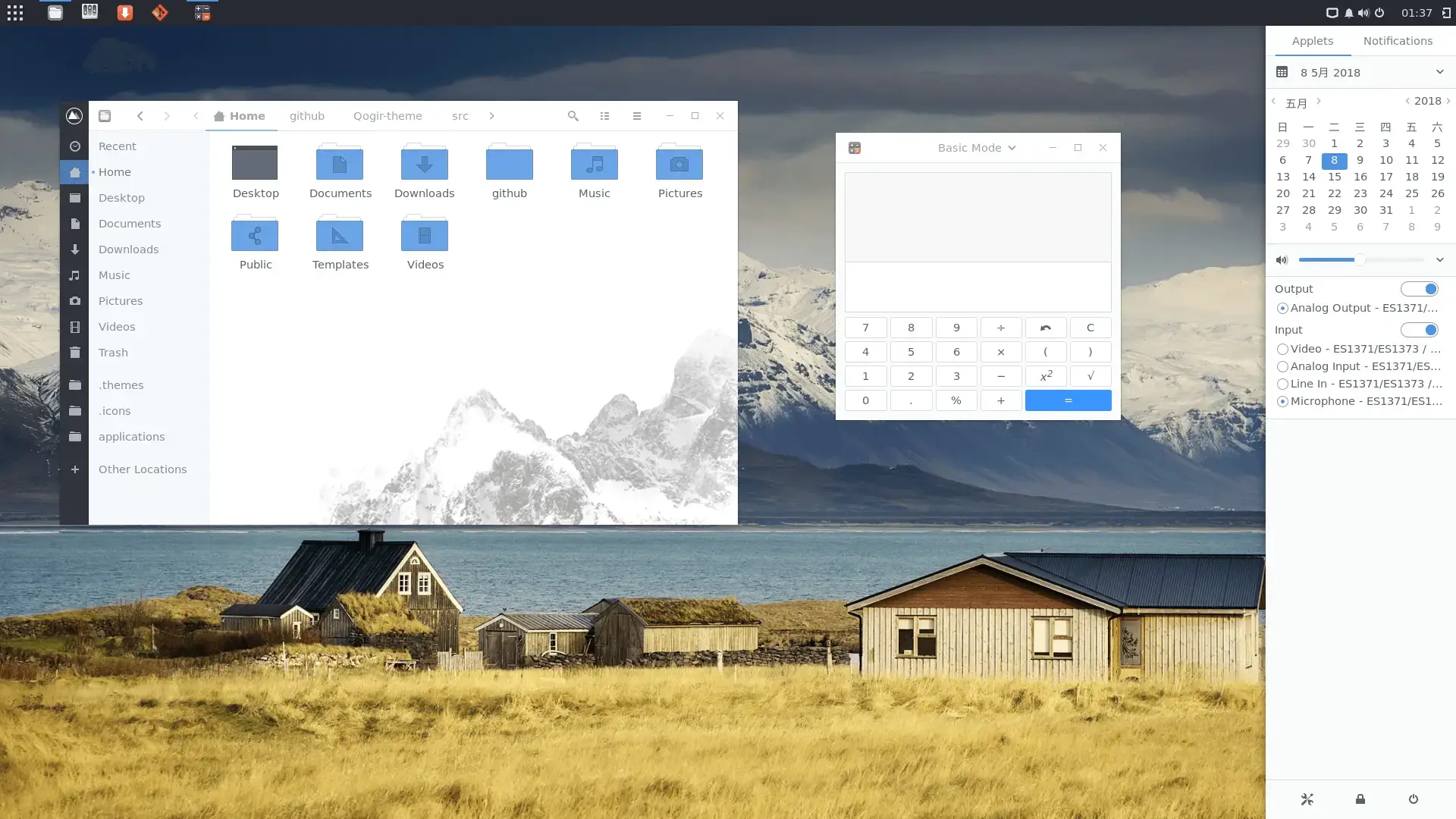
- Light background folders from Qogir GTK Theme for Ubuntu
-
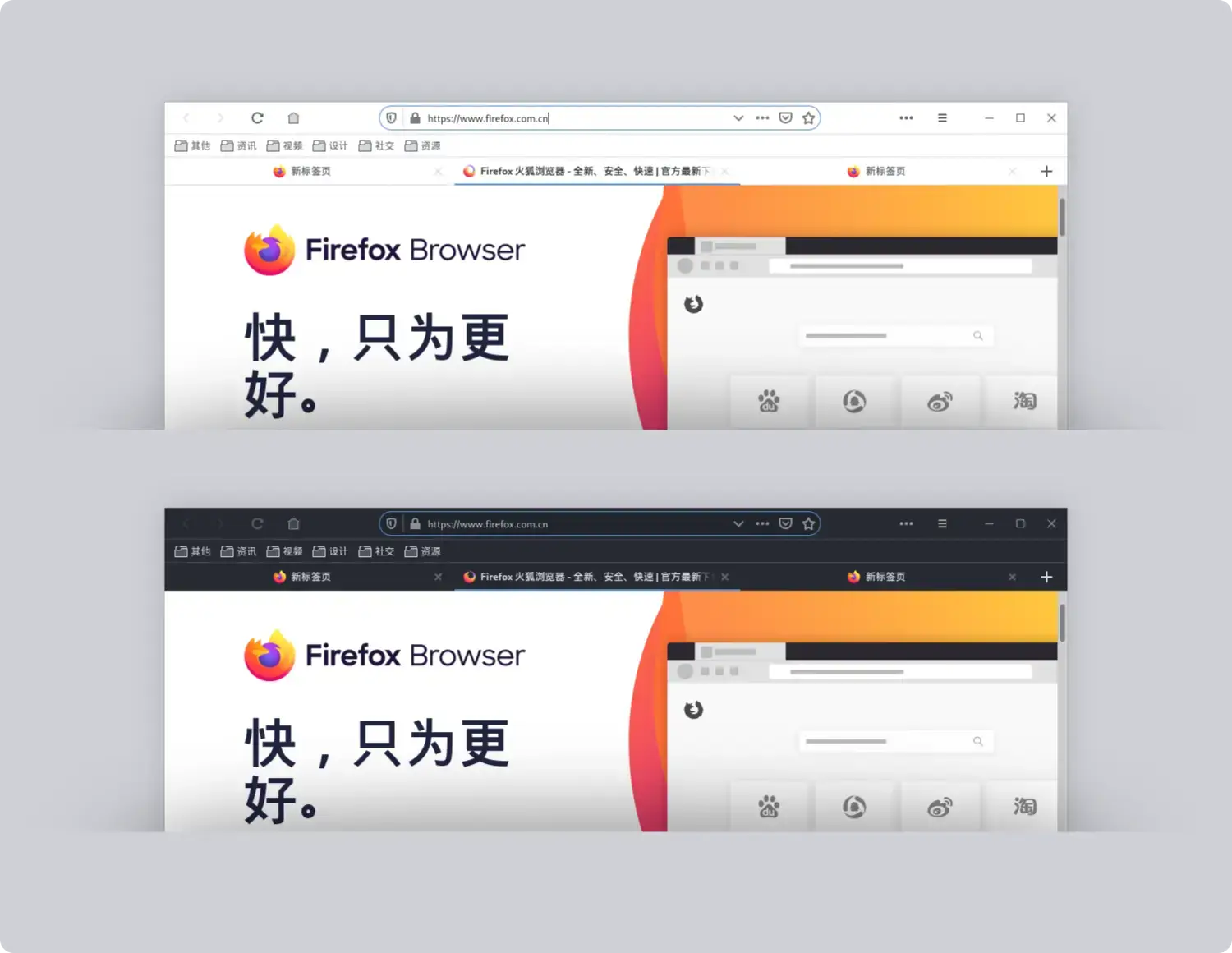
- Firefox theme from Qogir GTK Theme for Ubuntu
-
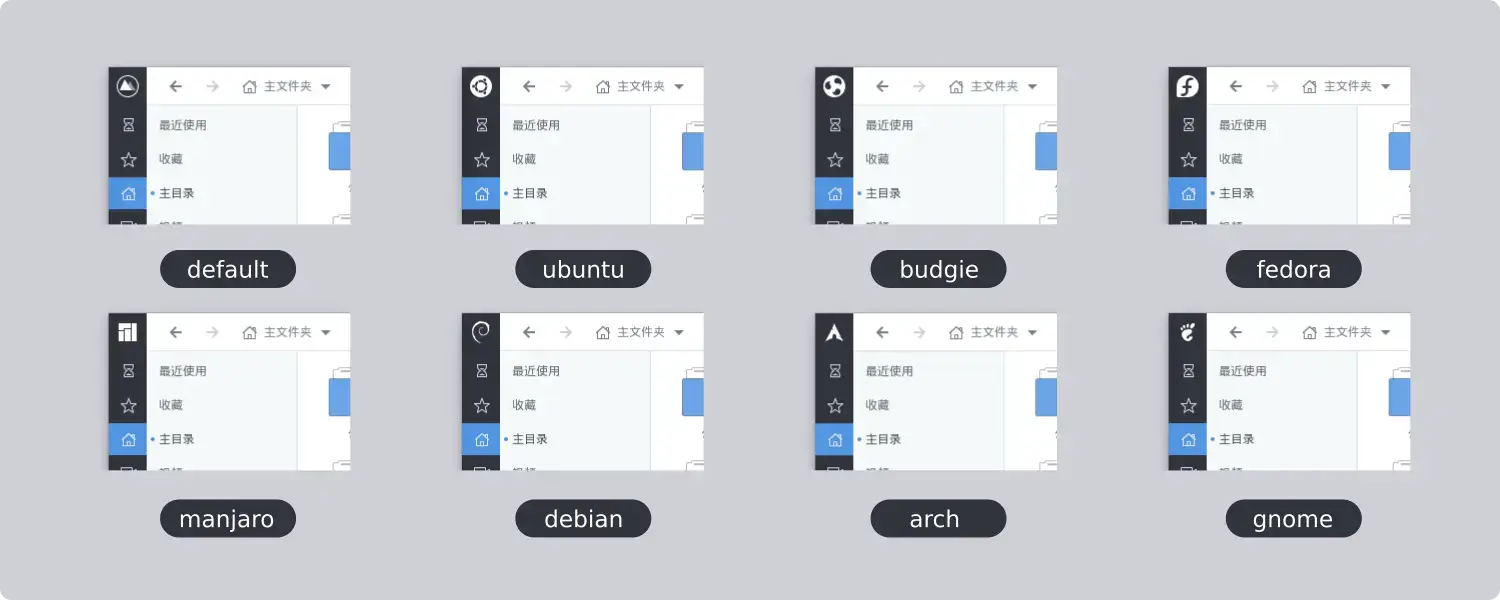
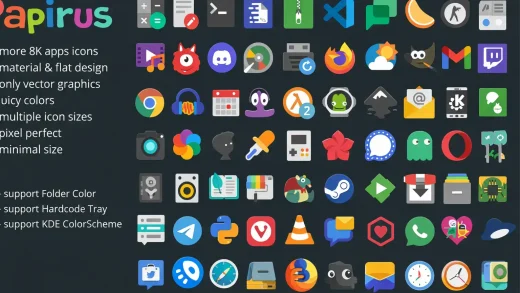
- Different logos from Qogir GTK Theme for Ubuntu
-
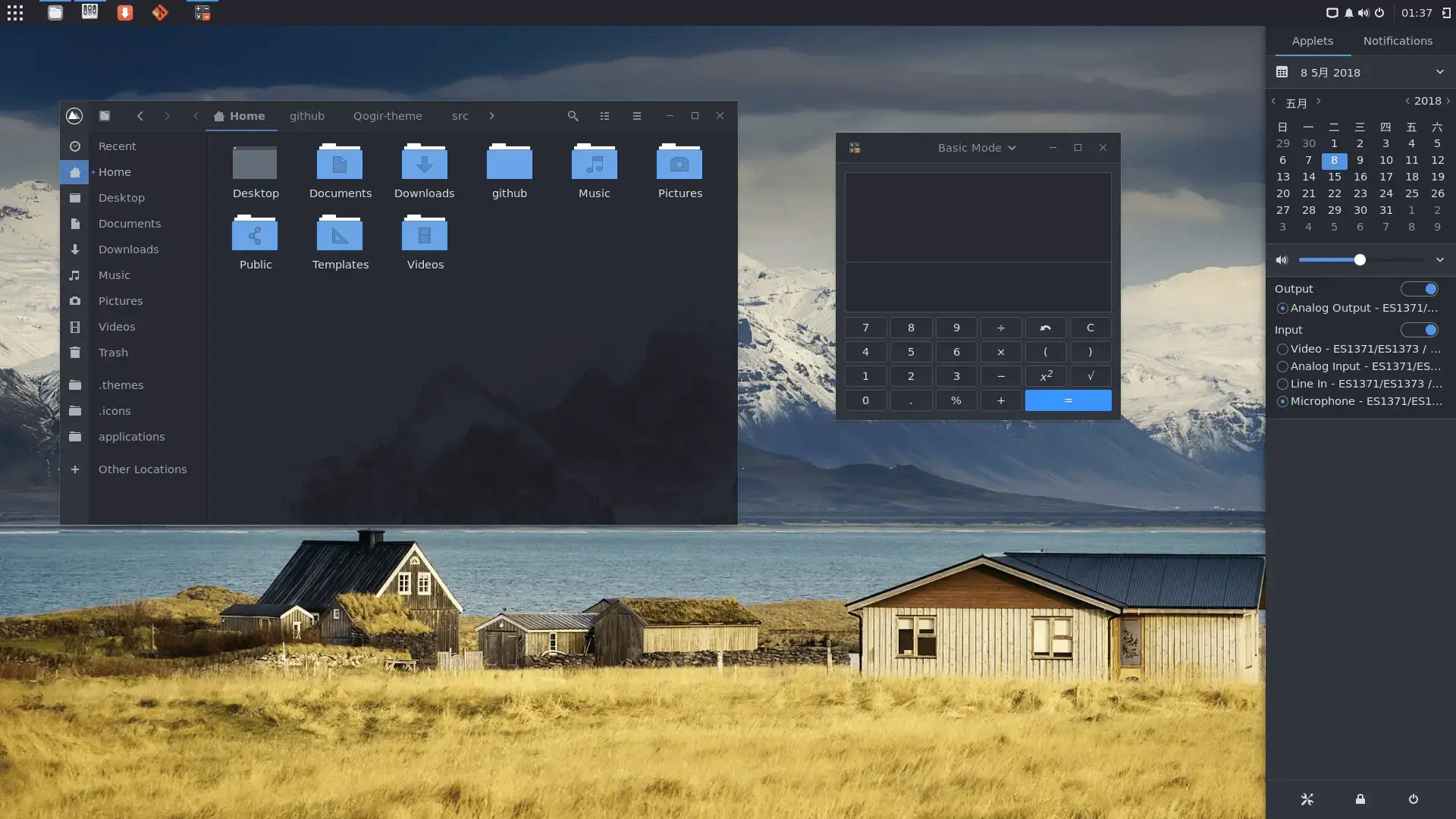
- Dark background folders from Qogir GTK Theme for Ubuntu
What Makes Qogir Worth Installing?
Qogir is one of the most underrated GTK themes in the Linux community. It delivers a clean, flat look with subtle rounded corners and well-designed window buttons that come in both Windows-style (square) and macOS-style (circular) options. What really sets it apart is the matching Qogir icon theme, which means your entire desktop can use one developer’s consistent design language. The theme covers GTK2, GTK3, and GNOME Shell, so it works across old and new apps alike.
✓ Flat + Clean ✓ Matching Icon Theme ✓ Win + Mac Buttons ✓ Multi-DE Support ✓ Actively Updated
Bonus: Install the Matching Qogir Icons
Qogir has a matching icon theme that completes the look. Install it alongside the GTK theme for a fully unified desktop.
Download Qogir GTK Theme
Get the latest version from any of these official sources.
Frequently Asked Questions
How do I install Qogir theme on Ubuntu?
Clone the GitHub repository with git clone https://github.com/vinceliuice/Qogir-theme.git, then run ./install.sh inside the folder. This installs all light and dark variants to your themes directory.
Does Qogir theme work on Ubuntu 24.04 and 26.04?
Yes. Qogir works on Ubuntu 24.04 and Ubuntu 26.04. It supports GNOME and other GTK-based desktop environments like XFCE, Budgie, and Cinnamon.
Does Qogir come with a matching icon theme?
Yes. Qogir has a matching icon theme called Qogir-icon-theme that is available separately on GitHub. You can install it with its own install script to get a fully matching desktop.
What color variants does Qogir include?
Qogir comes in multiple color variants including the default blue, and also offers a Manjaro green version. It has standard, light, and dark variants with win (square) and mac (rounded) window button styles.
Is Qogir GTK theme still maintained?
Yes. Qogir is actively maintained by vinceliuice on GitHub with regular updates and releases to support the latest GNOME versions.
More Ubuntu Customization Guides
Pair Qogir with a matching cursor theme for a fully polished desktop.