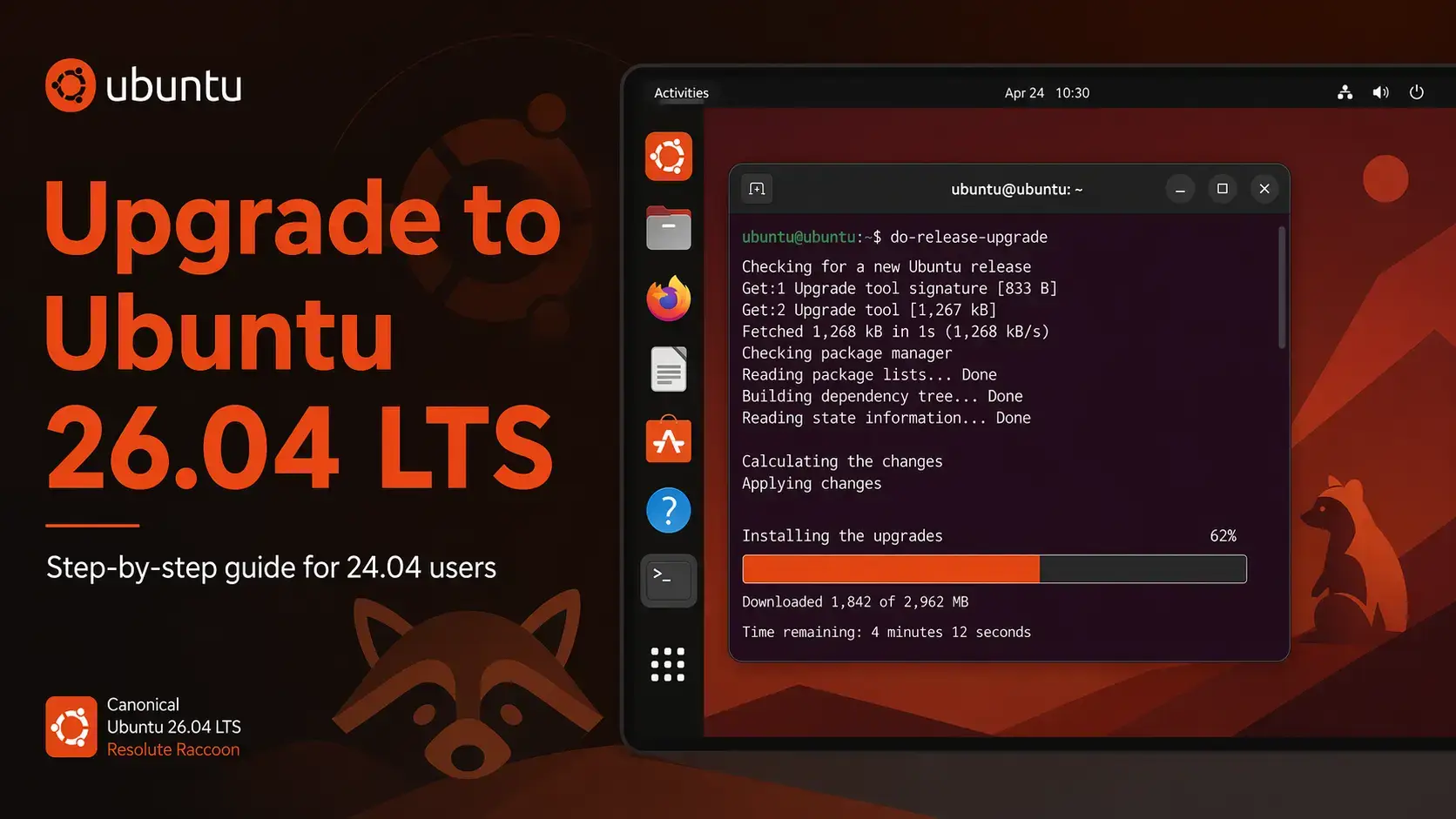
The complete step-by-step guide for upgrading Ubuntu to 26.04 LTS from 24.04 LTS. Covers terminal and GUI methods, known upgrade blockers, and what to do after the upgrade finishes.
-d flag until thenWhich Upgrade Path Applies to You?
Not every Ubuntu version can upgrade directly to 26.04. The table below shows the supported paths. If your current version is not listed as a direct source, follow the step column to know what to do first.
| Current Version | Direct to 26.04? | What to Do |
|---|---|---|
| Ubuntu 24.04 LTS | Yes | Follow this guide directly |
| Ubuntu 25.10 | Yes | Follow this guide directly |
| Ubuntu 22.04 LTS | No | Upgrade to 24.04 first, then to 26.04 |
| Ubuntu 23.10 / 25.04 (EOL) | No | These releases are end-of-life. Fresh install of 26.04 recommended |
| Ubuntu 20.04 LTS or older | No | Upgrade through each LTS in sequence, or do a fresh install |
Before You Upgrade – 4 Steps
Do not skip this section. Running the upgrade tool on a system that has not been fully updated, or that has a known blocker in place, can cause a broken installation. These steps take less than 5 minutes and prevent most problems.
The upgrade preserves your files, but hardware failures and power cuts do not care about timing. Back up anything important before starting. A full system snapshot is ideal if you are on a virtual machine.
The upgrade tool will refuse to run if your system has pending updates. Run both commands below and reboot if the kernel was updated.
sudo apt upgrade
sudo apt dist-upgrade
sudo apt autoremove
Ubuntu 26.04 ships Linux kernel 7.0. NVIDIA driver series 470 and below are not compatible with it. Run the command below to check your current driver version.
If the result shows a version below 500 (for example 470.xx), upgrade your NVIDIA driver to 535 or newer before proceeding. You can do this through Additional Drivers in Software & Updates.
Ubuntu 26.04 drops support for cgroup v1. If your system runs Docker, LXC, or any containers using cgroup v1, the upgrade will be blocked. Run this to check which version your system uses.
If the output says cgroup2fs – you are already on cgroup v2, no action needed. If it says tmpfs – you are on cgroup v1 and must migrate your container runtime to cgroup v2 before upgrading. Docker 20.10 and newer support cgroup v2 natively.
How to Upgrade via Terminal
This method works for both Desktop and Server. It is the most reliable approach, and the only one available if you do not have a graphical interface.
The update-manager-core package provides the do-release-upgrade command. It is usually already installed on Ubuntu 24.04, but this confirms it.
Because the automatic LTS-to-LTS prompt is not yet enabled (it activates with 26.04.1 in August 2026), use the -d flag. This tells the tool to fetch the newly available release directly. Ubuntu 26.04 is a full production release – the -d flag does not mean unstable.
After 26.04.1 ships in August 2026, you can drop the -d flag and run sudo do-release-upgrade on its own.
The tool walks you through a series of prompts. Here is what to expect at each stage:
The tool checks for blockers, then shows a summary: how many packages will be upgraded, installed, and removed. Read this. If anything looks unexpected, press N to cancel and investigate before continuing.
The tool downloads all required packages. This is the longest part on slower connections. The terminal shows a progress bar. Do not close the terminal or interrupt this process.
For certain system configuration files that you have previously modified, the tool asks whether to keep your version or install the package maintainer’s version. If you have not customized the file, choose the maintainer’s version. If you have, keep yours and compare the two versions manually after the upgrade.
Once all packages are installed, the tool asks if you want to restart. Choose yes. The system reboots into Ubuntu 26.04 LTS.
When you run sudo do-release-upgrade -d on a remote server over SSH, the tool automatically opens a secondary SSH port (default: 1022) as a fallback in case your main connection drops during the upgrade. Before starting, open port 1022 through your firewall. If you use UFW: sudo ufw allow 1022/tcp. The tool will remind you of this and wait for confirmation before continuing.
A clean install gives you a fresh system with no leftover packages or configurations from older releases. Get the official ISO directly from Canonical.
How to Upgrade via Software Updater (Desktop Only)
The graphical method is available on Ubuntu Desktop only. There is one important caveat right now: Software Updater will not show an upgrade prompt for 26.04 until Ubuntu 26.04.1 ships, planned for around August 2026. Until then, you need to launch the updater with a flag that tells it to check for newly available releases.
Software Updater opens and begins checking for updates. After applying any pending package updates, it will show a banner at the top: “Ubuntu 26.04 LTS is now available.” Click Upgrade to start the process.
The GUI walks you through the same process as the terminal method, but with a visual progress bar and dialog boxes for configuration file decisions. The total time is the same: 40-60 minutes.
When the upgrade finishes, Software Updater will ask you to restart. Click Restart Now. Your system boots into Ubuntu 26.04 LTS.
After the Upgrade – What to Check
Once the system reboots into Ubuntu 26.04, run through these checks to confirm everything is working correctly.
The output should show Ubuntu 26.04 LTS and codename resolute.
Should report a 7.x kernel version.
sudo apt upgrade
A handful of packages often have updates available immediately after a release upgrade.
Known Issues and Fixes
These are the issues most likely to affect users upgrading from 24.04. All three have clear solutions.
Cause: Linux kernel 7.0 dropped support for NVIDIA driver series 470.x and older. If you upgraded without checking your driver version, you may boot to a black screen or a low-resolution fallback mode.
Fix: Boot to recovery mode or a TTY (Ctrl+Alt+F2), then install a compatible driver:
Reboot after installation. Driver 535 is also compatible if 550 is not available on your hardware.
Cause: A known Wayland-related rendering issue on certain hardware configurations, logged in the official Ubuntu 26.04 release notes.
Workaround: If you encounter this, switching between workspaces or pressing Super will usually force a redraw and clear the corruption. A fix is expected in an upcoming 26.04 point release update.
Cause: The upgrade tool disables third-party PPAs during the upgrade process to prevent conflicts. They are not deleted, just disabled. Some may also not yet have packages built for Ubuntu 26.04.
Fix: Open Software & Updates, go to the Other Software tab, and re-enable the PPAs you need. Run sudo apt update after. If a PPA fails, check whether the software maintainer has released a 26.04-compatible version yet.
If the upgrade is interrupted – by a power cut, a dropped SSH connection, or a package error – do not panic and do not try to reboot straight away. Open a terminal and run these two commands in order. They repair any packages that were left in a half-installed state and resolve broken dependencies.
sudo apt install -f
Once both commands complete without errors, run the upgrade command again. The tool will pick up where it left off rather than starting from scratch.
Frequently Asked Questions
Can I upgrade directly from Ubuntu 22.04 to 26.04?
No. Ubuntu does not support skipping LTS releases. You must first upgrade from 22.04 LTS to 24.04 LTS, then from 24.04 LTS to 26.04 LTS. Run sudo do-release-upgrade on your 22.04 system first to reach 24.04, then repeat the process to reach 26.04.
Why does do-release-upgrade say no new release found on my 24.04 system?
This is expected right now. Canonical does not enable the automatic LTS-to-LTS upgrade prompt until the first point release, which for 26.04 is planned for around August 2026. To upgrade before then, run sudo do-release-upgrade -d to access the release directly. The -d flag means development or newly released, not unstable. Ubuntu 26.04 is a full production release.
How long does the upgrade from 24.04 to 26.04 take?
On a typical broadband connection, the full upgrade takes between 40 and 60 minutes including the download, package installation, and reboot. Faster connections and faster storage reduce this significantly. The process is unattended after the initial prompts, so you can leave it running.
Will my installed apps still work after upgrading to 26.04?
Most apps will continue to work without changes. Ubuntu 26.04 includes XWayland, which runs most applications that were built for the older X11 display system. Applications installed via Snap or Flatpak are generally unaffected by the OS upgrade. Some older native X11 tools, particularly certain screen recorders and remote desktop clients, may need updates from their developers.
Is it safe to upgrade a production server from 24.04 to 26.04 right now?
Canonical recommends waiting for Ubuntu 26.04.1, planned for around August 2026, before upgrading production servers. The point release bundles the first wave of post-launch fixes and is the point at which the automatic upgrade prompt is enabled. If you need to upgrade sooner, test on a staging system first and verify that your container runtimes, NVIDIA drivers, and any cgroup-dependent workloads are compatible.
What happens to my personal files and installed software during the upgrade?
The upgrade tool preserves your home directory and installed packages. It upgrades system packages to their 26.04 versions and replaces the kernel. Your personal files are not deleted. However, some configuration files may be updated and the tool will ask whether to keep your current version or install the package maintainer’s version when conflicts arise. Backing up before starting is still strongly recommended.
Can I upgrade over SSH on a remote server?
Yes. When you run sudo do-release-upgrade -d on a remote server over SSH, the tool automatically opens a secondary SSH port (default: 1022) as a fallback connection in case your main session drops during the upgrade. You will need to allow port 1022 through your firewall before starting if one is active. If you use UFW, run sudo ufw allow 1022/tcp before starting. The tool will remind you and wait for confirmation before continuing.
More Ubuntu 26.04 guides: Ubuntu Desktop 26.04 Download · Ubuntu Server 26.04 Download · Ubuntu 26.04 New Features · Resolute Raccoon Wallpapers