
A big stability drop for Linux gamers: Valve has released Proton 11.0-3 as the new stable version of its Windows-to-Linux compatibility layer for Steam. Published on 24 November 2026, this update promotes a large batch of fixes from Proton Experimental into the main Proton 11 channel that Ubuntu and SteamOS players use by default.
What stands out: 15 more Windows games now work out of the box, several high-profile titles get long-awaited controller and audio repairs, and 19 Proton 11 regressions are resolved. It builds directly on the foundation we covered when Proton 10 arrived.
15 Windows games now playable on Linux
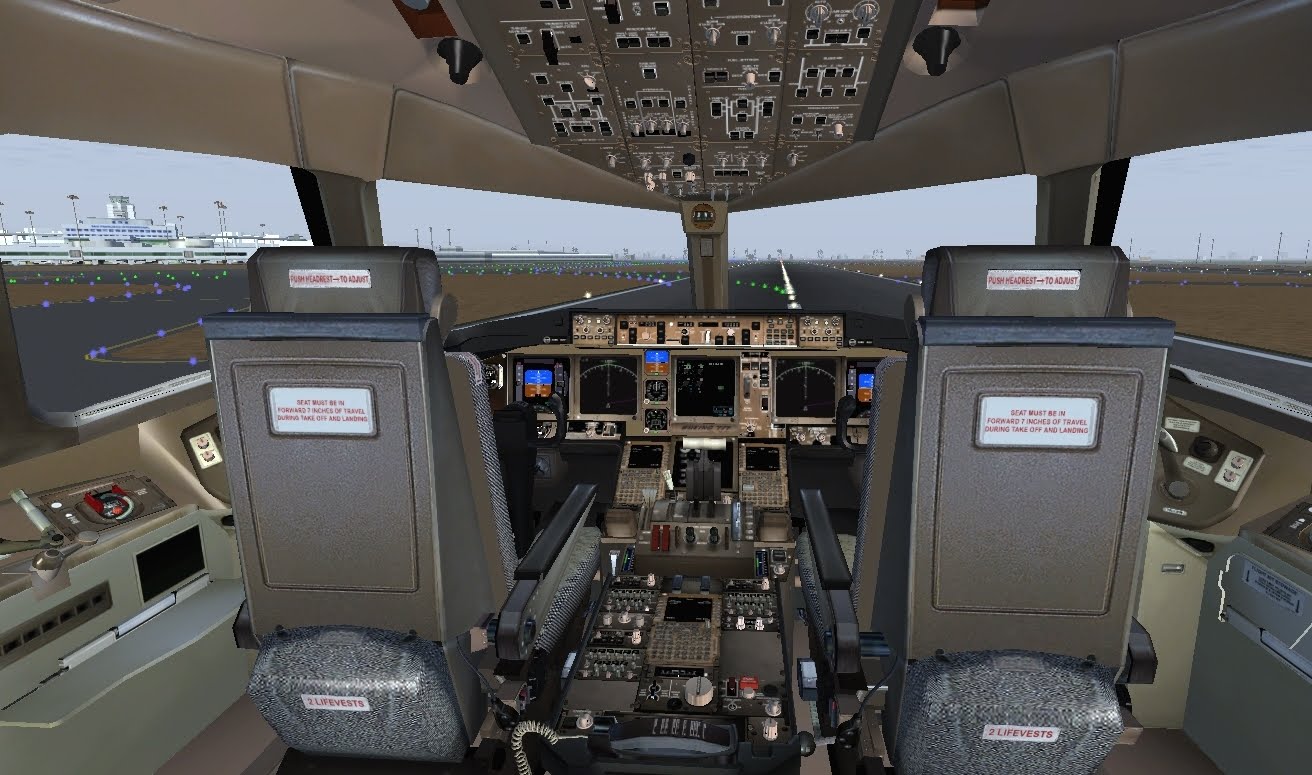
Freshly verified titles: Valve’s Proton 11.0-3 changelog promotes 15 Windows games and demos to playable status on Linux and SteamOS. The list spans driving sims, combat flight simulators, VR horror and visual novels.
| Game title | Category | Status in 11.0-3 |
|---|---|---|
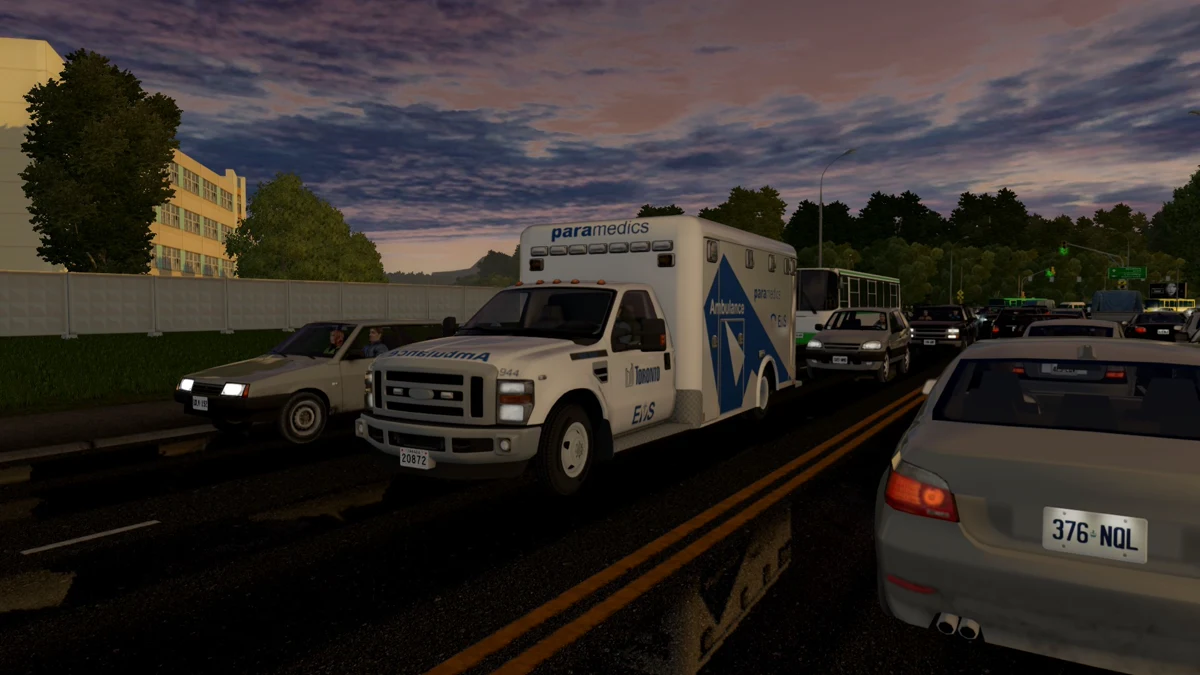
| City Car Driving | Driving simulator | Now playable |
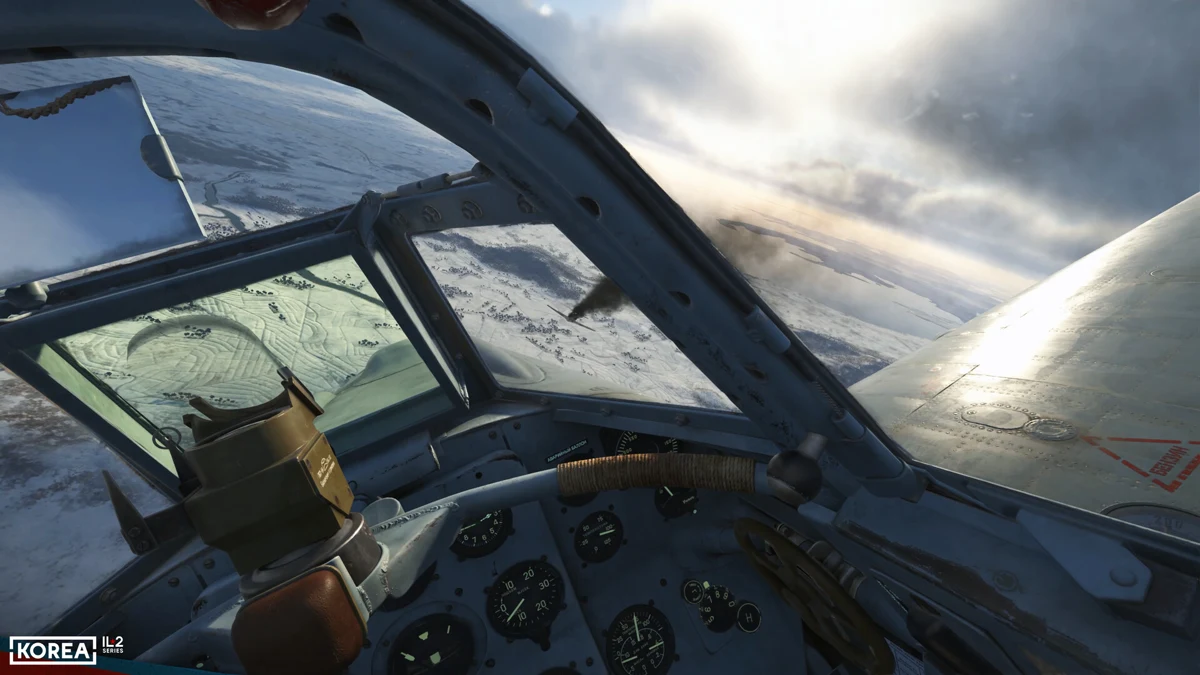
| Korea. IL-2 Series | Flight simulator | Now playable |
| Bloody Zombies | Co-op brawler | Now playable |
| Blair Witch VR | VR horror | Now playable |
| One Shot: Fading Memory | Puzzle adventure | Now playable |
| Hero Plus | Action RPG | Now playable |
| Soul Land: Awakening World | RPG | Now playable |
| Welcome to Elderfield Demo | Horror RPG demo | Now playable |
| The Heroic Legend of America: Second Revolutionary War | Action adventure | Now playable |
| Cool People Club | Indie / social | Now playable |
| The Eden of Grisaia | Visual novel | Now playable |
| The Rabbit’s Scroll | Adventure | Now playable |
| Elisa: The Innkeeper - Prequel | Visual novel | Now playable |
| Impulse Response | Action | Now playable |
| 8Bit Fiesta - The Drinking Game | Party minigames | Now playable |
Controller, audio and desktop fixes
Playability beyond new titles: most of the Proton 11.0-3 release notes focus on fixing annoying bugs in games people already own. That includes controller detection, launcher navigation with Xalia, sound dropouts and fullscreen window glitches on Linux desktops.
-
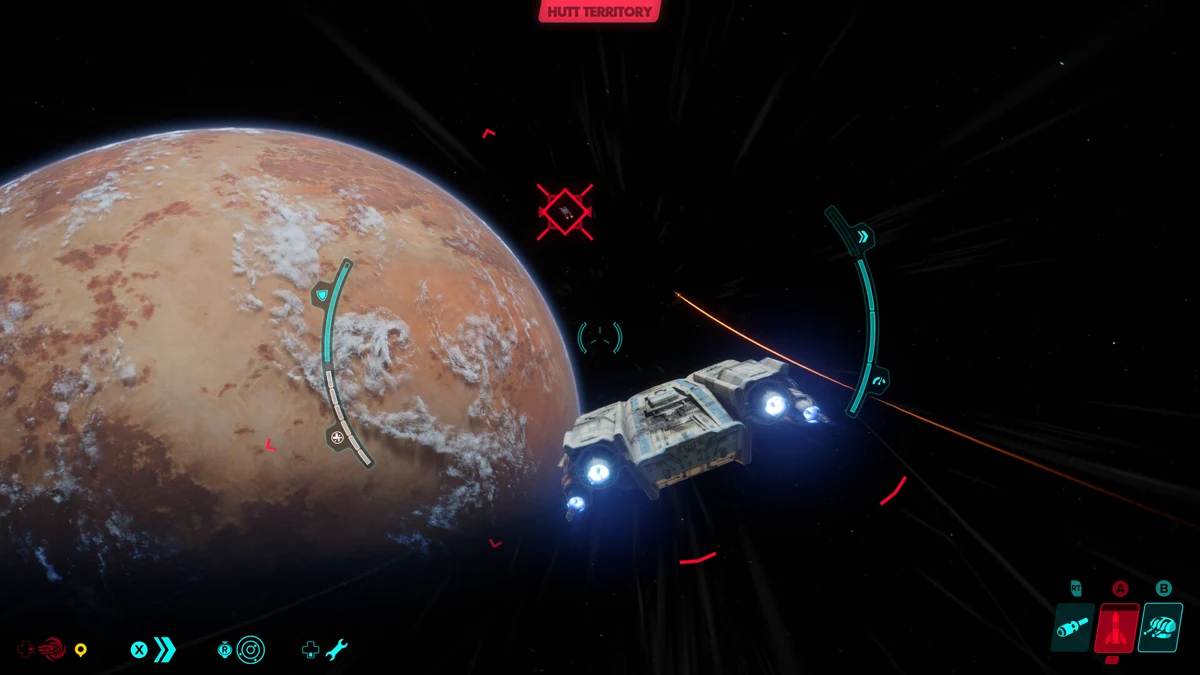
Gamepads and Steam Input: fixes missing controller detection in Star Wars Outlaws, Avatar: Frontiers of Pandora and Dragon Age: Inquisition, repairs a controller hotplugging regression in Chrono Trigger, and improves Steam Input support in Far Cry New Dawn, The Binding of Isaac: Rebirth and Split/Second.
-
Xalia launcher controller support: re-enables Xalia for Deus Ex: Mankind Divided, improves Final Fantasy XI launcher gamepad setup, and fixes launcher popup bugs in Call of Duty: Modern Warfare 2 (2009), Fallout: New Vegas and VITAL.
-
Audio fixes: resolves sound cutting out in Touhou Danmaku Kagura Phantasia Lost, audio bugs after suspend in DRAGON QUEST BUILDERS, audio problems in LEGO Batman: The Videogame, and audio glitches appearing after 30 minutes in Plants vs Zombies: Game of the Year.
-
GNOME fullscreen and OLED HDR: hides GNOME’s top bar properly when running Horizon Zero Dawn Remastered and The Last of Us Part II fullscreen on Ubuntu, and fixes HDR in Far Cry 5 on OLED Steam Decks.
-
AMD hardware and crash fixes: fixes Crysis and Crysis Wars on newer AMD CPUs with CPUID faulting, clears false old-driver warnings on AMD GPUs in Far Cry 5 and Far Cry New Dawn, fixes a VRChat fsync SuspendThread loop crash, stops a Plan B: Terraform memory leak, and skips a first-launch command prompt in Borderlands 4.
Smaller quality-of-life wins: Valve also fixed mouse-cursor interaction on the main menu of The I of the Dragon, middle-mouse camera panning in Company of Heroes 3, Steam authentication failures in Nightingale, Japanese text rendering in Killer7, and the Final Fantasy XIV launcher on the Steam Frame.
Proton 11.0-3 adds early support for 32-bit OpenXR VR applications on x86 systems. To test it, open the game’s Properties in Steam and paste this into Launch Options:
Proton 11 regressions and core component updates
Fixing what broke in Proton 11: major Proton releases sometimes introduce regressions in older games, and 11.0-3 clears 19 of them. Highlights include making Deus Ex: Mankind Divided playable again on AMD GPUs (if your graphics stack needs a refresh, check our Ubuntu AMD drivers guide), restoring playability for Lords of The Fallen, Lunacid: Tears of the Moon, Ligo and Command & Conquer: Red Alert Counterstrike and The Aftermath, and fixing a first-start memory leak in Forza Horizon 4 on KDE Wayland.
Window focus and video playback: KDE users also get taskbar and focus-loss fixes for Guild Wars 2, Overwatch and Garry’s Mod, alongside restored intro videos in Grand Theft Auto III, Locoland and Empyrion: Galactic Survival. RaceRoom Racing Experience now loads its in-game HUD during races, LARA CROFT AND THE TEMPLE OF OSIRIS drops its controller stutter, and Command & Conquer: Generals loses its menu glitches.
| Component | Version / state in Proton 11.0-3 | Role |
|---|---|---|
| dxvk & vkd3d-proton | Latest Proton 11 support branches | Direct3D 9/10/11 and 12 to Vulkan translation |
| vkd3d | 2.1 | Upstream Wine Direct3D 12 support |
| dxvk-nvapi | v0.9.2-94-g0f26995d8126 | NVIDIA NVAPI features such as DLSS and Reflex |
| Wine Mono | 11.3.0 | Open-source .NET runtime for Windows games |
| Xalia | 0.5.0.1 | Gamepad navigation for Windows launchers and dialogs |
| FEX | 2610 | x86/x86_64 emulation for ARM64 builds |
How to switch a game to Proton 11.0-3 on Ubuntu
Automatic or per-game: Steam downloads Proton 11 updates automatically in your Downloads queue, and Valve picks the default version for verified games. If a game is still pinned to an older release or you want to test Proton 11.0-3 directly on Ubuntu, switch it per game in a few clicks.
-
Update Proton 11 in Steam: open Steam on Ubuntu and check the Downloads view to make sure the Proton 11 update has finished installing.
-
Open game Properties: find the Windows game in your Steam Library, right-click it (or click the gear icon) and choose Properties.
-
Go to Compatibility: select the Compatibility tab in the left sidebar of the Properties window.
-
Force the compatibility tool: check the box labeled Force the use of a specific Steam Play compatibility tool.
-
Select Proton 11.0-3 and play: pick Proton 11.0-3 (or Proton 11) from the dropdown menu, close Properties and click Play.
Ubuntu and SteamOS share the gains: just as we noted in our SteamOS 3.9.5 coverage, Valve ships the same Proton runtime to desktop Linux users and Steam Deck owners alike. If you are building a dedicated Linux gaming box alongside Ubuntu, our roundup of the best Linux distros for gaming compares how Ubuntu stacks up against Bazzite, CachyOS and SteamOS-style setups.
Bottom line
A worthwhile update for every Steam library: Proton 11.0-3 does not reinvent Steam Play, because Proton Experimental users already had these patches, but bringing 15 newly playable games, major controller fixes, GNOME fullscreen polish and 19 regression fixes into the stable channel makes it an easy upgrade. Update Proton 11 in Steam and let your library benefit automatically.