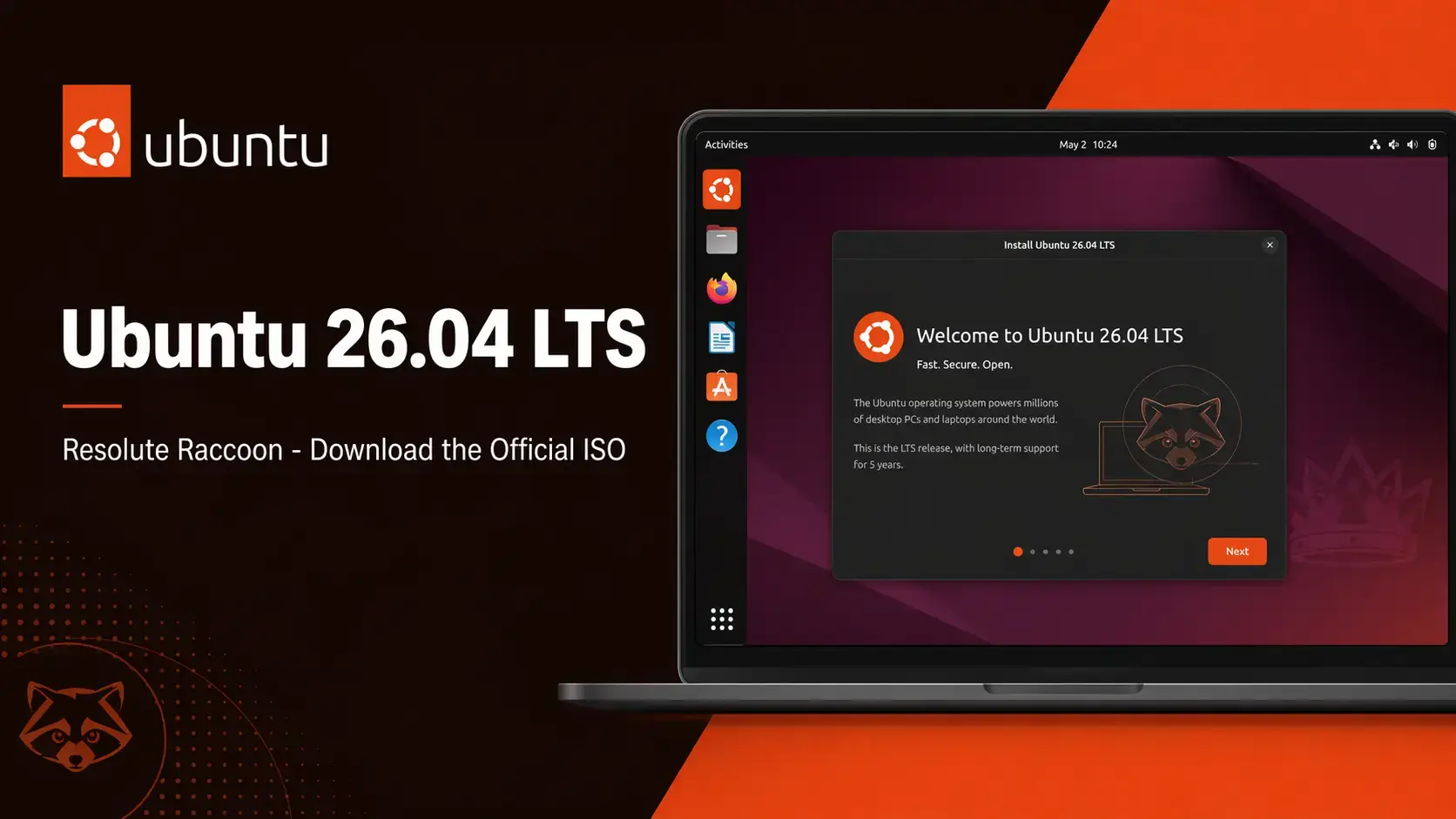
 Ubuntu 26.04 LTS Resolute Raccoon is available to download now from Canonical’s official release server. This is a long-term support release with free security updates until April 2031. Below you will find direct ISO links for Desktop (AMD64 and ARM64), torrent options, SHA256 verification steps, and system requirements.
Resolute Raccoon
The latest Ubuntu long-term support release. Free to use. Supported until April 2031.
Which ISO Should You Download?
Ubuntu 26.04 comes in several editions. Here is a plain guide to help you pick the right one.
| Edition | Who It’s For | Size | Notes |
|---|---|---|---|
| Desktop AMD64 Recommended | Most users on standard PCs and laptops (Intel or AMD processors) | ~5.7 GB | Includes GNOME 50 desktop, full app suite, graphical installer |
| Desktop ARM64 New | ARM-based computers: Snapdragon laptops, ARM development boards, ARM virtual machines | ~5.5 GB | First official ARM64 desktop ISO from Canonical |
| Desktop Minimal | Advanced users who want a clean base to build from | ~2.1 GB | No bundled apps beyond core utilities. Same graphical installer. |
| Server | Servers, cloud deployments, VPS installs | ~2.7 GB | No desktop interface. Text-based installer. See our Ubuntu Server 26.04 download guide. |
Official Download Links
All links point directly to releases.ubuntu.com, Canonical’s official release server.
Size: ~3.9 GB
Size: ~2.1 GB
How to Verify Your Download (SHA256)
Always verify your ISO before writing it to a USB drive. This confirms the file downloaded completely and was not corrupted.
SHA256SUMS file to the same folder as your ISO.Run the checksum in a terminalOn Linux or macOS:
sha256sum ubuntu-26.04-desktop-amd64.iso
On Windows (PowerShell):
Get-FileHash ubuntu-26.04-desktop-amd64.iso -Algorithm SHA256
System Requirements
Minimum and recommended specs for running Ubuntu 26.04 Desktop comfortably.
- CPU: 2 GHz dual-core processor
- RAM: 4 GB
- Storage: 25 GB free disk space
- Display: 1024 x 768
- USB: 8 GB for installation media
- CPU: 4-core 64-bit processor
- RAM: 8 GB or more
- Storage: 50 GB SSD
- Display: 1920 x 1080
- GPU: Works with most modern graphics cards
Free. Open source. Supported until April 2031.
Frequently Asked Questions
Can I try Ubuntu 26.04 without installing it?
Yes. When you boot from the USB installer, choose “Try Ubuntu” on the welcome screen. This loads a live version of Ubuntu 26.04 directly from the USB drive without touching your hard disk. You can test it as long as you like, then restart to return to your current system.
Will my old software still work on Ubuntu 26.04?
Most software continues to work. Ubuntu 26.04 includes a compatibility layer called XWayland so older apps generally open without any changes. A small number of screen recording or remote desktop tools may need updates from their developers.
What is the difference between an LTS release and a regular Ubuntu release?
LTS stands for Long Term Support. Canonical releases a new version of Ubuntu every 6 months, but only the LTS versions get 5 years of free security updates. Regular releases are only supported for 9 months. For most people on a work or home computer, LTS is the right choice.
Can I run Ubuntu 26.04 inside a virtual machine?
Yes. Ubuntu 26.04 works well inside VirtualBox, VMware, and GNOME Boxes. If your host machine uses an Intel or AMD processor, use the AMD64 ISO. If your host machine uses an ARM processor, use the new ARM64 ISO.
How do I create a bootable USB from the ISO file?
On Windows, use Rufus and select the ISO file. On macOS or Linux, use Balena Etcher. Both are free. Select your USB drive carefully as all data on it will be erased during the process.
Is Ubuntu 26.04 free to use on a business computer?
Yes. Ubuntu is free to download, install, and use on as many computers as you like, including in a business. There is no license fee. Canonical offers paid support plans for businesses that need guaranteed response times, but the software itself costs nothing.
What happened to the option to log in with X11?
Ubuntu 26.04 removed the X11 login option from the login screen. The desktop now uses Wayland only. However, a built-in layer called XWayland means most apps that relied on the older system still open and run normally. You just no longer switch between the two at login.
More Ubuntu 26.04 guides: Things to Do After Installing · Ubuntu Server 26.04 Download · How to Upgrade to 26.04 · Resolute Raccoon Wallpapers · Ubuntu 26.04 New Features