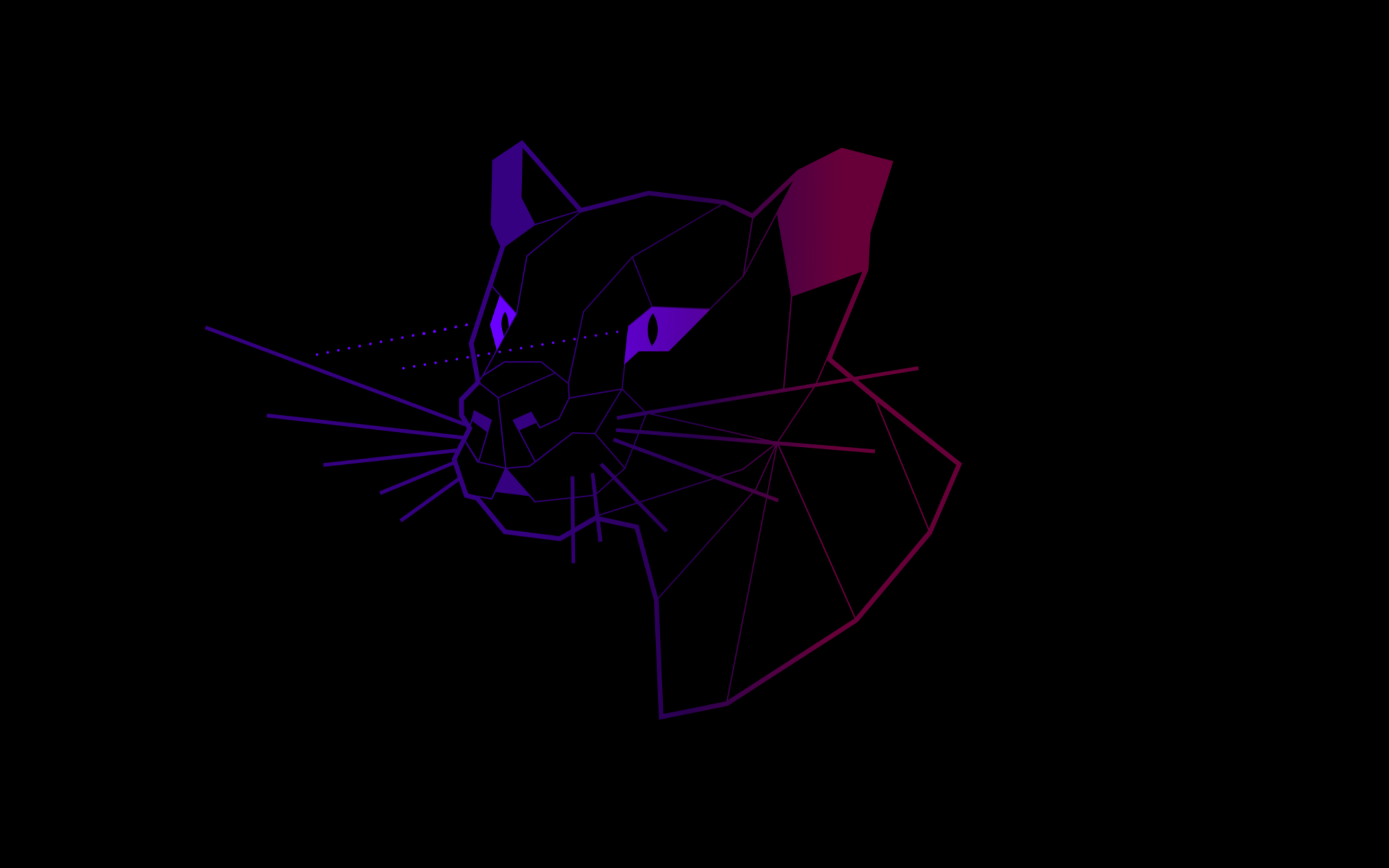
The official Ubuntu 26.04 LTS wallpaper collection. The default Resolute Raccoon background designed by Canonical, the community competition winners, and all color variants – all in HD and 4K.
Wallpaper Gallery
Browse the official Ubuntu 26.04 Resolute Raccoon wallpaper collection below. The thumbnails show the full range of styles – from the default purple gradient to the community competition winners. Click any image to open the full-size version.
-

- Resolute raccoon wallpaper color 1920×1080 from Ubuntu 26.04 Wallpapers – Official Resolute Raccoon Collection
-

- Resolute raccoon wallpaper color 2560×1440 from Ubuntu 26.04 Wallpapers – Official Resolute Raccoon Collection
-

- Resolute raccoon wallpaper color 3840×2160 from Ubuntu 26.04 Wallpapers – Official Resolute Raccoon Collection
-
- Resolute raccoon wallpaper dark 1920×1080 from Ubuntu 26.04 Wallpapers – Official Resolute Raccoon Collection
-
- Resolute raccoon wallpaper dark 2560×1440 from Ubuntu 26.04 Wallpapers – Official Resolute Raccoon Collection
-
- Resolute raccoon wallpaper dark 3840×2160 from Ubuntu 26.04 Wallpapers – Official Resolute Raccoon Collection
-
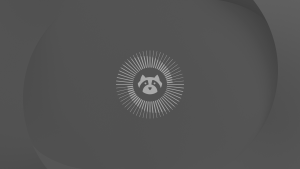
- Resolute raccoon wallpaper dimmed 1920×1080 from Ubuntu 26.04 Wallpapers – Official Resolute Raccoon Collection
-
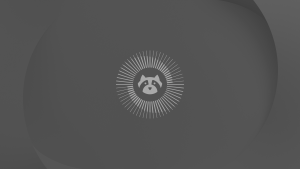
- Resolute raccoon wallpaper dimmed 2560×1440 from Ubuntu 26.04 Wallpapers – Official Resolute Raccoon Collection
-
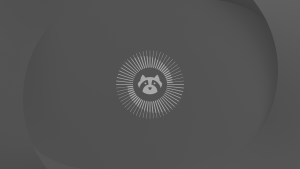
- Resolute raccoon wallpaper dimmed 3840×2160 from Ubuntu 26.04 Wallpapers – Official Resolute Raccoon Collection
-
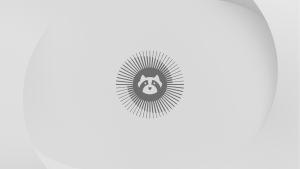
- Resolute raccoon wallpaper light 1920×1080 from Ubuntu 26.04 Wallpapers – Official Resolute Raccoon Collection
-
- Resolute raccoon wallpaper light 2560×1440 from Ubuntu 26.04 Wallpapers – Official Resolute Raccoon Collection
-
- Resolute raccoon wallpaper light 3840×2160 from Ubuntu 26.04 Wallpapers – Official Resolute Raccoon Collection
-

- Resolute raccoon animated mascot 600×600 from Ubuntu 26.04 Wallpapers – Official Resolute Raccoon Collection
-
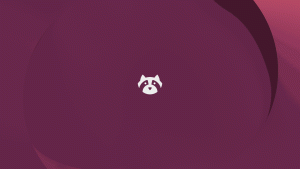
- Resolute raccoon animated mascot 1920×1080 from Ubuntu 26.04 Wallpapers – Official Resolute Raccoon Collection
-

- A little thought for grandma from Ubuntu 26.04 Wallpapers – Official Resolute Raccoon Collection
-
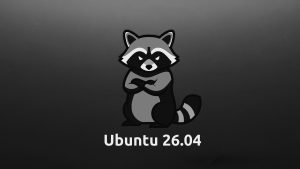
- Angry raccoon black white from Ubuntu 26.04 Wallpapers – Official Resolute Raccoon Collection
-
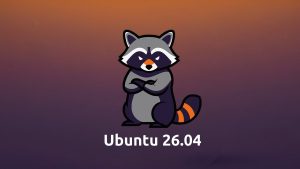
- Angry raccoon ubuntu colors from Ubuntu 26.04 Wallpapers – Official Resolute Raccoon Collection
-
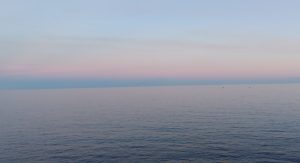
- Antibses france from Ubuntu 26.04 Wallpapers – Official Resolute Raccoon Collection
-
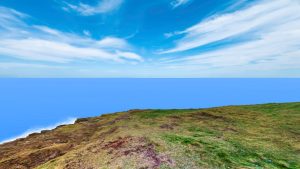
- Atlantic circle uk from Ubuntu 26.04 Wallpapers – Official Resolute Raccoon Collection
-
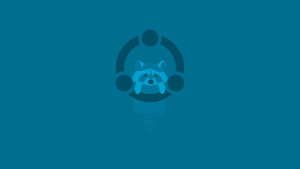
- Blue raccoon from Ubuntu 26.04 Wallpapers – Official Resolute Raccoon Collection
-

- Blurd from Ubuntu 26.04 Wallpapers – Official Resolute Raccoon Collection
-

- Canary sun from Ubuntu 26.04 Wallpapers – Official Resolute Raccoon Collection
-

- Cartoon raccoon from Ubuntu 26.04 Wallpapers – Official Resolute Raccoon Collection
-
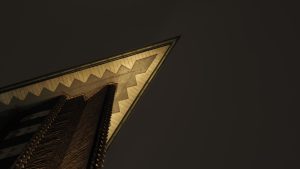
- Chilehaus at night germany from Ubuntu 26.04 Wallpapers – Official Resolute Raccoon Collection
-

- Closeup leaf from Ubuntu 26.04 Wallpapers – Official Resolute Raccoon Collection
-
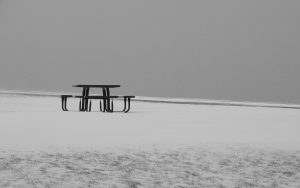
- Cold comfort canada from Ubuntu 26.04 Wallpapers – Official Resolute Raccoon Collection
-
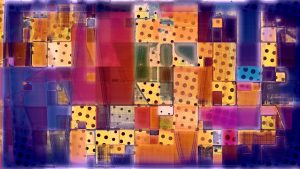
- Colored one from Ubuntu 26.04 Wallpapers – Official Resolute Raccoon Collection
-
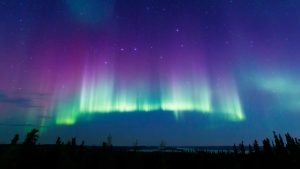
- Colored stars from Ubuntu 26.04 Wallpapers – Official Resolute Raccoon Collection
-
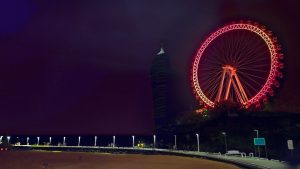
- Crimson horizon brazil from Ubuntu 26.04 Wallpapers – Official Resolute Raccoon Collection
-
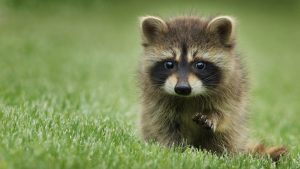
- Cute baby raccoon wallpaper hd from Ubuntu 26.04 Wallpapers – Official Resolute Raccoon Collection
-

- Cute dog drinking water in river austria from Ubuntu 26.04 Wallpapers – Official Resolute Raccoon Collection
-
- Different dynamic from Ubuntu 26.04 Wallpapers – Official Resolute Raccoon Collection
-

- Diligent bee from Ubuntu 26.04 Wallpapers – Official Resolute Raccoon Collection
-
- Dynamic from Ubuntu 26.04 Wallpapers – Official Resolute Raccoon Collection
-

- Essex usa from Ubuntu 26.04 Wallpapers – Official Resolute Raccoon Collection
-
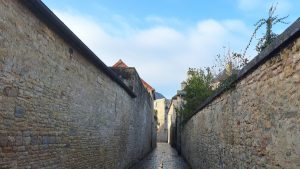
- Europe from Ubuntu 26.04 Wallpapers – Official Resolute Raccoon Collection
-

- Fan pier boston from Ubuntu 26.04 Wallpapers – Official Resolute Raccoon Collection
-
- Flat one from Ubuntu 26.04 Wallpapers – Official Resolute Raccoon Collection
-

- Geese from Ubuntu 26.04 Wallpapers – Official Resolute Raccoon Collection
-

- Japan from Ubuntu 26.04 Wallpapers – Official Resolute Raccoon Collection
-

- Lighthouse from Ubuntu 26.04 Wallpapers – Official Resolute Raccoon Collection
-

- Mascot theme from Ubuntu 26.04 Wallpapers – Official Resolute Raccoon Collection
-
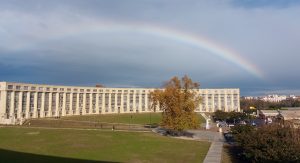
- Montpellier france from Ubuntu 26.04 Wallpapers – Official Resolute Raccoon Collection
-

- Mountain region from Ubuntu 26.04 Wallpapers – Official Resolute Raccoon Collection
-

- Nerves of steel from Ubuntu 26.04 Wallpapers – Official Resolute Raccoon Collection
-
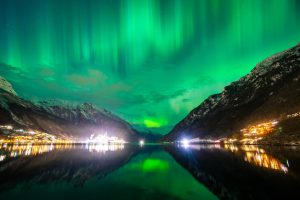
- Norway lights from Ubuntu 26.04 Wallpapers – Official Resolute Raccoon Collection
-

- Orange blurd from Ubuntu 26.04 Wallpapers – Official Resolute Raccoon Collection
-
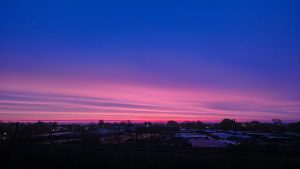
- Purple dawn denmark from Ubuntu 26.04 Wallpapers – Official Resolute Raccoon Collection
-
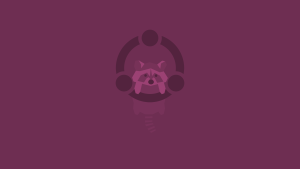
- Purple raccoon from Ubuntu 26.04 Wallpapers – Official Resolute Raccoon Collection
-
- Racc blackout from Ubuntu 26.04 Wallpapers – Official Resolute Raccoon Collection
-
- Racc dark from Ubuntu 26.04 Wallpapers – Official Resolute Raccoon Collection
-
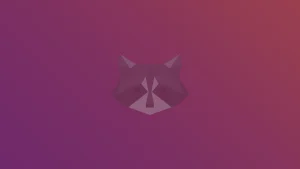
- Racc light from Ubuntu 26.04 Wallpapers – Official Resolute Raccoon Collection
-

- Raccoon out of ubuntu tool box from Ubuntu 26.04 Wallpapers – Official Resolute Raccoon Collection
-
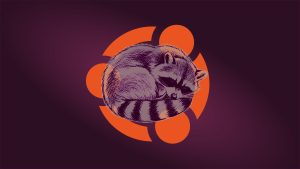
- Resolute raccoon regenerating from Ubuntu 26.04 Wallpapers – Official Resolute Raccoon Collection
-

- Riverside in suncheonman national garden south korea from Ubuntu 26.04 Wallpapers – Official Resolute Raccoon Collection
-

- Rocks wallpaper from Ubuntu 26.04 Wallpapers – Official Resolute Raccoon Collection
-
- South station boston from Ubuntu 26.04 Wallpapers – Official Resolute Raccoon Collection
-

- Stars from Ubuntu 26.04 Wallpapers – Official Resolute Raccoon Collection
-
- Storm sky from Ubuntu 26.04 Wallpapers – Official Resolute Raccoon Collection
-

- Summer flower russia from Ubuntu 26.04 Wallpapers – Official Resolute Raccoon Collection
-

- Summer sunset from Ubuntu 26.04 Wallpapers – Official Resolute Raccoon Collection
-
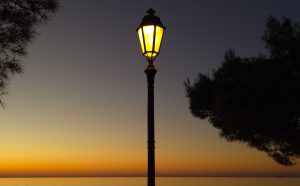
- Sunset in trieste italy from Ubuntu 26.04 Wallpapers – Official Resolute Raccoon Collection
-

- Sunset croatia from Ubuntu 26.04 Wallpapers – Official Resolute Raccoon Collection
-

- Sunset south korea from Ubuntu 26.04 Wallpapers – Official Resolute Raccoon Collection
-
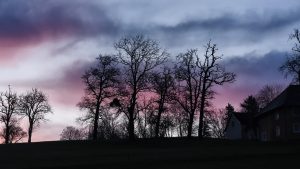
- Tall trees from Ubuntu 26.04 Wallpapers – Official Resolute Raccoon Collection
-

- Teal the end from Ubuntu 26.04 Wallpapers – Official Resolute Raccoon Collection
-

- Thunder from Ubuntu 26.04 Wallpapers – Official Resolute Raccoon Collection
-

- Twin brothers from Ubuntu 26.04 Wallpapers – Official Resolute Raccoon Collection
-
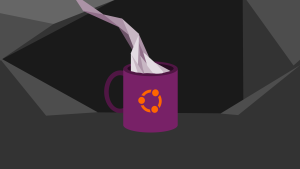
- Ubuntu coffee mug dark mode from Ubuntu 26.04 Wallpapers – Official Resolute Raccoon Collection
-

- Ubuntu coffee mug light from Ubuntu 26.04 Wallpapers – Official Resolute Raccoon Collection
-

- Ubuntu with frutiger metro from Ubuntu 26.04 Wallpapers – Official Resolute Raccoon Collection
-

- Unique from Ubuntu 26.04 Wallpapers – Official Resolute Raccoon Collection
-
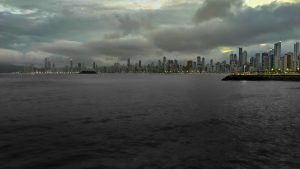
- Urban storm from Ubuntu 26.04 Wallpapers – Official Resolute Raccoon Collection
-
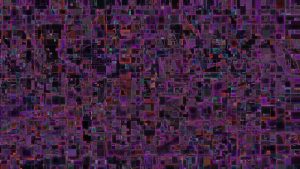
- Virtual downtown from Ubuntu 26.04 Wallpapers – Official Resolute Raccoon Collection
-

- Vor from Ubuntu 26.04 Wallpapers – Official Resolute Raccoon Collection
-

- Water waves from Ubuntu 26.04 Wallpapers – Official Resolute Raccoon Collection
-
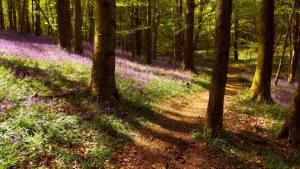
- Woods from Ubuntu 26.04 Wallpapers – Official Resolute Raccoon Collection
-
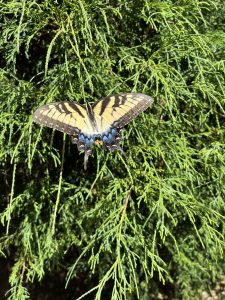
- Yellow monarch resting on a leyland cypress from Ubuntu 26.04 Wallpapers – Official Resolute Raccoon Collection
About the Default Wallpaper
The Ubuntu 26.04 default wallpaper was designed by Canonical to introduce the Resolute Raccoon mascot. It keeps the purple gradient that has become a recognizable part of Ubuntu’s visual identity but drops the sharp geometric angles of previous releases in favor of a cleaner, softer composition with the raccoon mascot centered in the design.
The official default. Raccoon mascot on a deep purple gradient. Ships with every Ubuntu 26.04 install.
A lighter version of the default for users who prefer a brighter desktop. Same raccoon, softer background.
The official Google Drive folder includes the mascot in multiple color palettes including the Ubuntu orange and aubergine family.
Community Competition Winners
Canonical ran an open wallpaper competition for Ubuntu 26.04. The community submitted nearly 200 designs and cast thousands of votes. The top-voted entries were selected to ship alongside the default wallpaper on every Ubuntu 26.04 installation. These range from abstract geometric designs to landscape photography with Ubuntu-inspired color grading.
The community wallpapers are already on your system if you installed Ubuntu 26.04 fresh. Open Settings > Appearance and scroll through the background picker to find them. If you want to download them separately, they are included below from our media server.
Download the Wallpapers
There are two sources for the wallpapers. The official Canonical Google Drive folder has the complete collection at full resolution including all color variants, phone crops, and the community competition winners. The media server links below are direct downloads served from this site for faster access.
The complete official collection directly from Canonical. All variants, all resolutions, phone and tablet crops included. This is the original source.
Direct download links for the most popular wallpapers served from our media server. Faster single-file downloads without needing to open Google Drive.
⬇ Desktop Wallpapers (ZIP)
⬇ Community Wallpapers (ZIP)
⬇ Mobile Wallpapers (ZIP)
Available Resolutions
All official wallpapers come in multiple sizes. Pick the resolution that matches your screen for the sharpest result. WebP files are smaller with no visible quality difference on most monitors.
| Resolution | Name | Best For |
|---|---|---|
| 1920 x 1080 | Full HD | Most laptops and standard desktop monitors |
| 2560 x 1440 | 1440p / QHD | Sharper 27″ and larger desktop displays |
| 3840 x 2160 | 4K / UHD | 4K monitors and HiDPI displays |
| Phone & Tablet | Various | Portrait crops for mobile devices – in the official Drive folder only |
How to Set Your Wallpaper on Ubuntu 26.04
Two methods – pick whichever suits how you work.
Frequently Asked Questions
What is the default wallpaper in Ubuntu 26.04?
The default wallpaper in Ubuntu 26.04 LTS is the official Resolute Raccoon design created by Canonical. It features the raccoon mascot set against a rich purple gradient background. It ships on every fresh Ubuntu 26.04 installation automatically.
Where can I download the official Ubuntu 26.04 wallpapers?
The official Ubuntu 26.04 wallpapers are available directly from Canonical’s Google Drive folder. The link is on the Ubuntu blog at ubuntu.com/blog/unmasking-the-resolute-raccoon. You can also download them from this page using the links in the download section above.
Are the Ubuntu 26.04 wallpapers free to use?
Yes. The official Ubuntu 26.04 Resolute Raccoon wallpapers are free to download and use on your own desktop. They are released by Canonical under open terms for personal use.
Do the Ubuntu 26.04 wallpapers work on other Linux distributions or Windows?
Yes. They are standard image files (.png and .webp). They work on any desktop operating system including other Linux distributions, Windows, and macOS. They were designed for Ubuntu but there is nothing Ubuntu-specific about the file format.
What resolutions are the Ubuntu 26.04 wallpapers available in?
The official wallpapers are available in HD (1920×1080), 1440p (2560×1440), and 4K (3840×2160). Some variants also include phone and tablet crops. The Google Drive folder from Canonical contains all size options.
What are the community competition wallpapers?
Canonical ran a wallpaper competition for Ubuntu 26.04 where the community submitted designs and voted on their favourites. The winning entries ship as additional bundled wallpapers alongside the default Resolute Raccoon background. Almost 200 submissions were entered and thousands of votes were cast.
How do I set a wallpaper on Ubuntu 26.04?
Download the image file, then right-click on the file in Files (Nautilus) and select Set as Wallpaper. Alternatively open Settings, go to Appearance, and drag the image file into the background picker. Ubuntu 26.04 also lets you set a separate wallpaper for the lock screen in the same Appearance panel.
More Ubuntu 26.04 guides: Ubuntu 26.04 Download · Ubuntu 26.04 New Features · Upgrade to Ubuntu 26.04 · Mountain Ubuntu Wallpapers · Black Ubuntu Wallpapers