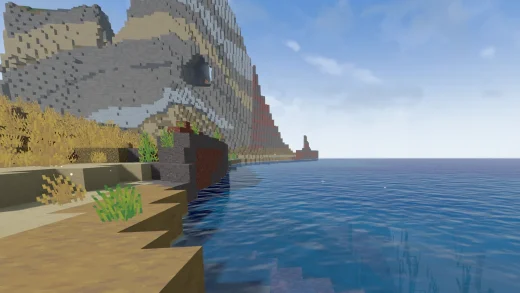

A free RPG built from blocks: Far Worlds is a free co-op voxel RPG from HYTOPIA, Inc. It mixes Minecraft style block worlds with the feel of a classic MMO adventure, and you can play it solo, with friends, or by dropping into a stranger’s expedition.
Good news for Linux players: the game runs right in your browser, and there is also a desktop app for Linux, Windows and Mac. On Ubuntu you get a proper .deb package that keeps itself updated, and every other distro gets an AppImage.
Still early days: Far Worlds is in alpha, with a new update every week. Here is what the game offers, what is coming next, and how to install it on Ubuntu.
What is Far Worlds?
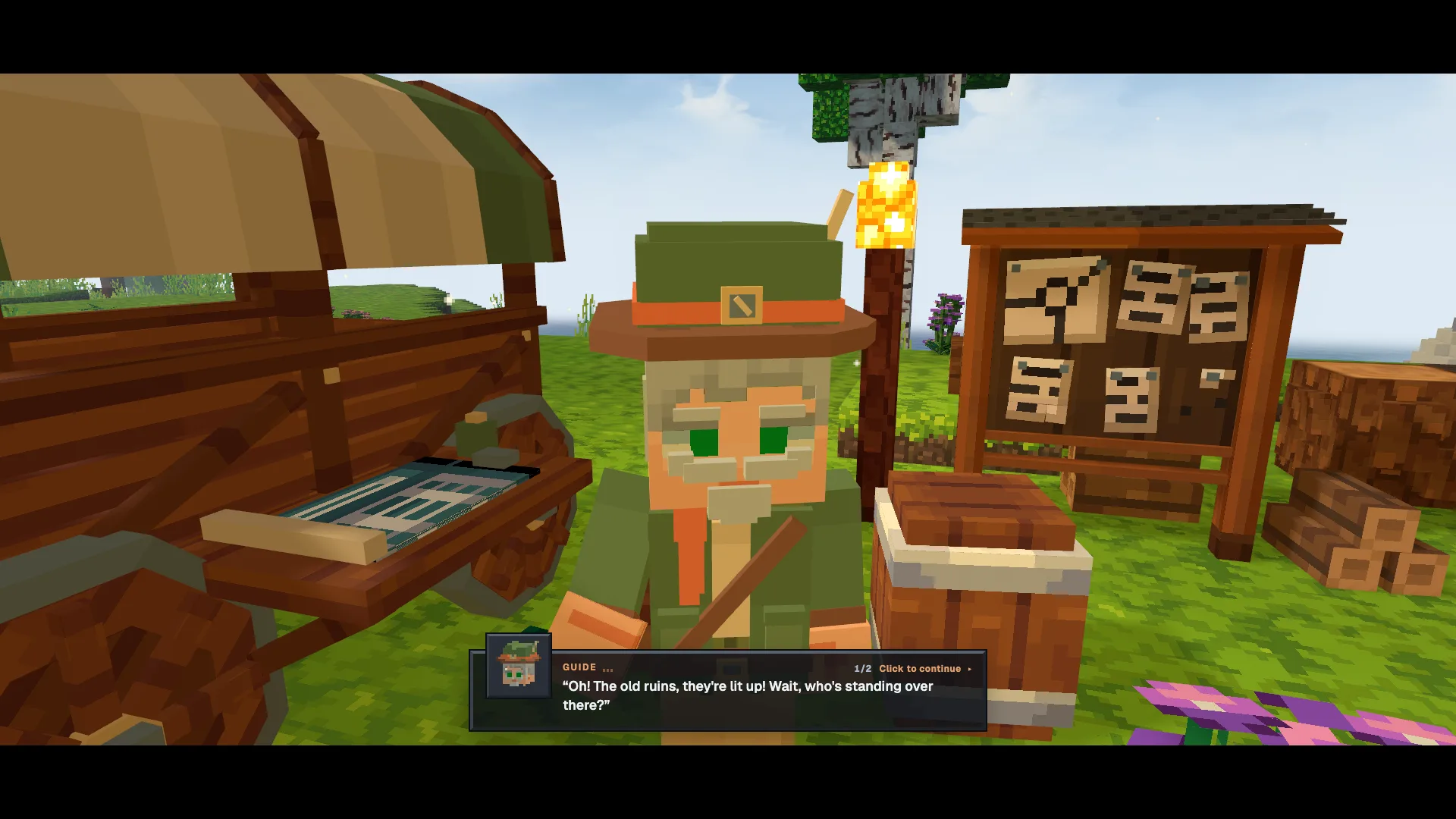
The idea: Far Worlds is an MMORPG style co-op adventure. You live at a home camp, gear up, then set out on expeditions to worlds you have never seen. Make it back alive and you keep what you found.
Free to play: there is no price tag. You can play in the browser, in the desktop app, or on the Android and iOS test apps, which are in early access. Your character, home and gear follow you between all of them, because progress saves to your account.
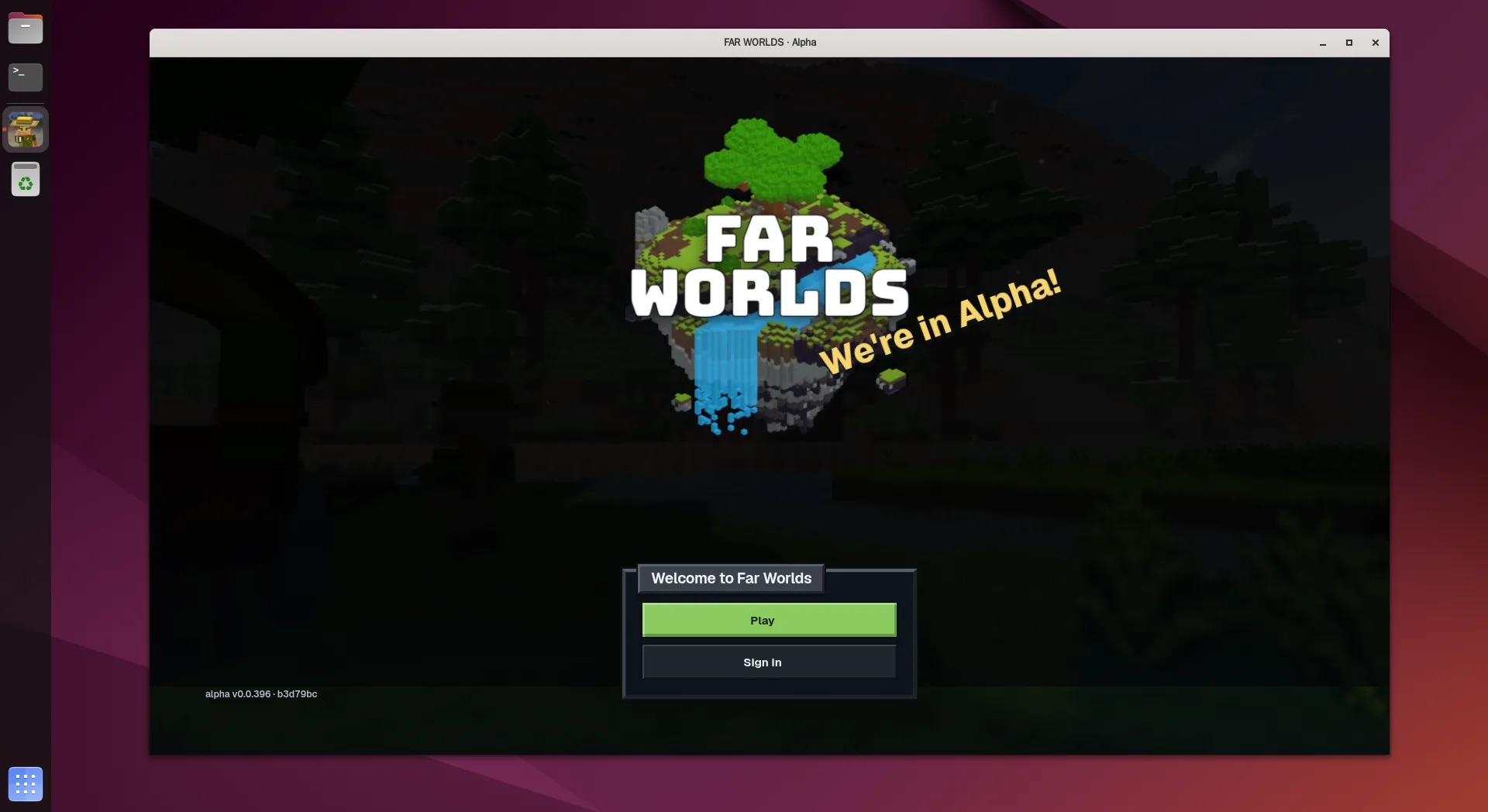
Native on Linux: the desktop app opens the game in its own window, as you can see on this Ubuntu 24.04 desktop.
What Far Worlds lets you do
The highlights: here is what you can do in the game right now.
-
A new world every expedition: each trip has its own terrain, weather, caves, loot and bosses. You pick how dangerous it is, and harder worlds hold better loot.
-
12 skills that grow with you: Exploration, Mining, Fishing, Woodcutting, Foraging, Combat, Climbing, Diving, Smelting, Crafting, Cooking and Alchemy all level up as you use them, so you can spend your time on the ones you enjoy.
-
A home to rebuild: your home is a whole world of its own. You start at an old camp and rebuild it piece by piece with what you bring back, and travellers you help, like a trader and a hunter, can move in.
-
Co-op for up to 8 players: send friends a link, or join an expedition that is already going. Friends can visit your home too.
-
Progress that sticks: your character, gear and skills go with you every time, and everything saves to your account.
-
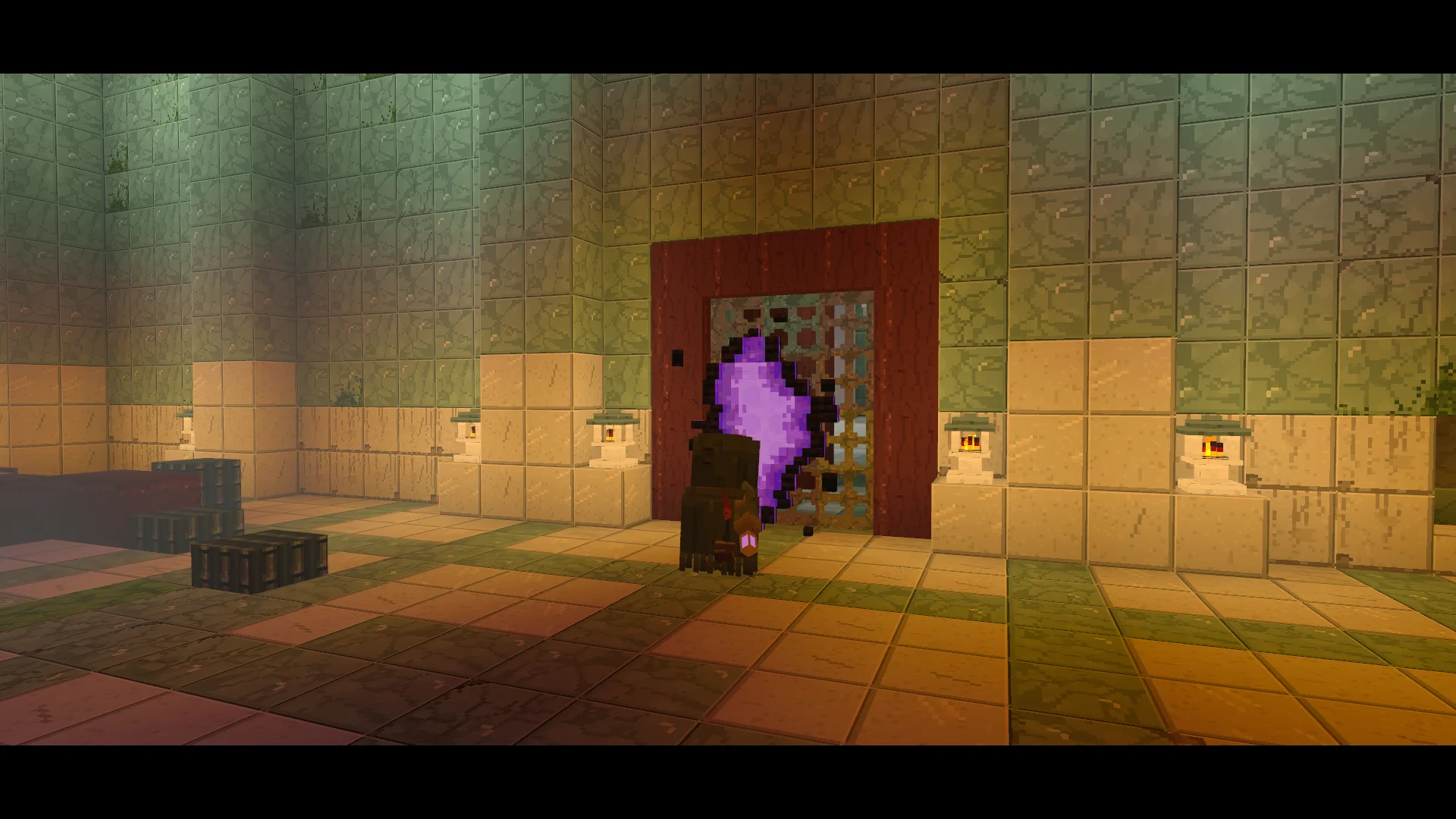
A mystery to solve: there is a broken stone arch with an empty socket at your home, and the last adventurer who lived there vanished without a trace.
How an expedition works
The core loop: every run follows the same simple rhythm, which makes it easy to jump in for a quick session.
-
Gear up: get ready at your home camp with the tools, weapons and food you have.
-
Set out: talk to the Guide and travel to a world you have never seen.
-
Explore and fight: find loot, treasure and danger, and take on the bosses waiting at the end.
-
Come home stronger: bring back what you found, upgrade your gear and grow your camp.
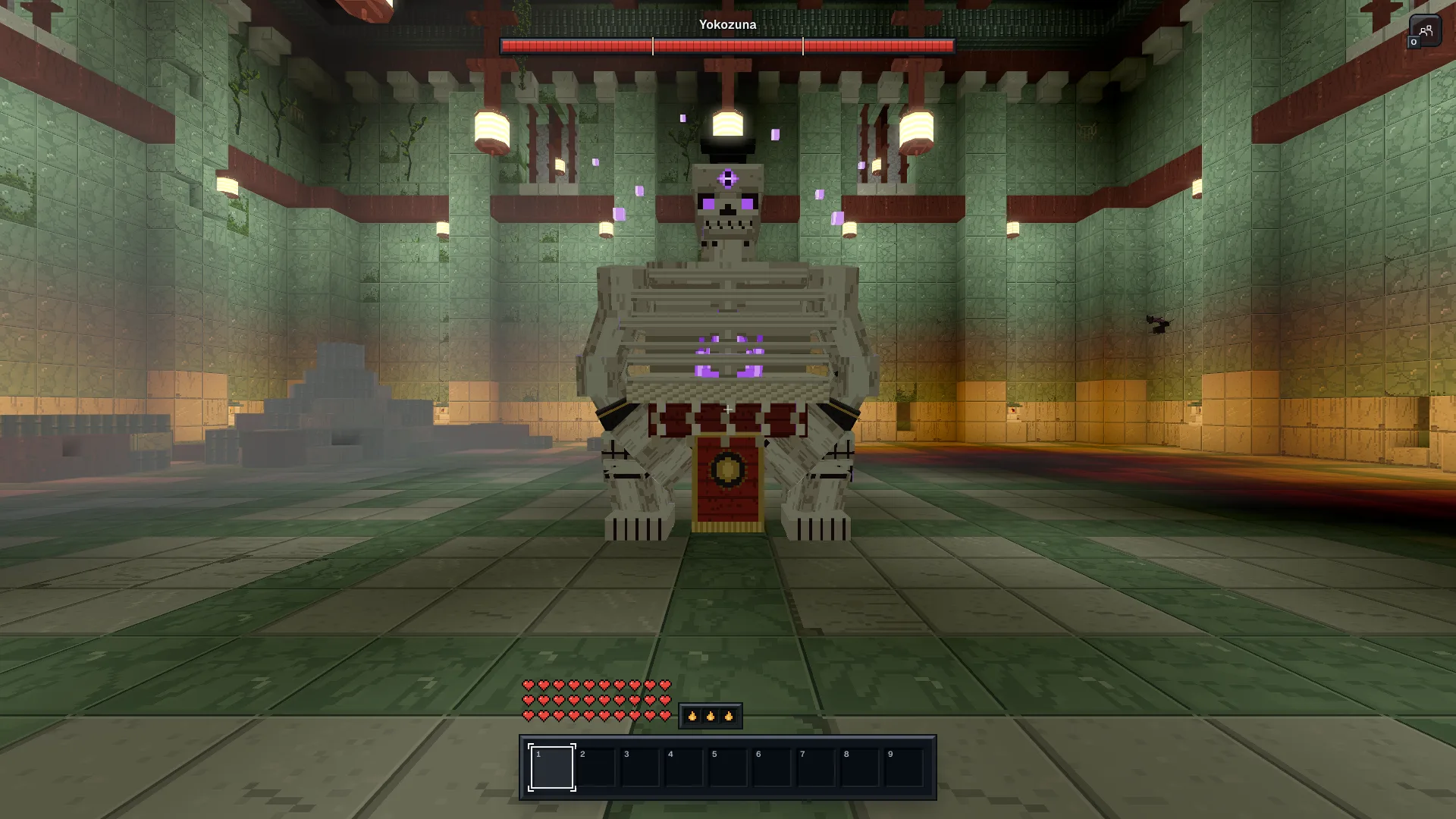
Boss fights: the first big test is Yokozuna, a giant skeleton warrior who waits in a temple arena.
What is coming in the weekly updates
One update every week: the developer says these features are next in line.
- Trader quests: quests from the market trader that lead to his rarer goods.
- Junk to sell: junk items dropped by enemies and chests that you can sell to the trader for coins.
- Animals at home: catching animals and leading them back to your camp, with a short tutorial the first time.
- More to rebuild: extra camp buildings to restore.
How to install Far Worlds on Ubuntu and Linux
Pick your package: the Linux app is 64 bit only. Use the .deb on Ubuntu, Linux Mint, Pop!_OS, Debian and other Debian based distros, and the AppImage everywhere else. The version below is 0.0.349, the current one at the time of writing. The official download page always has the newest build, so swap in the new file name if it has changed.
-
A 64 bit PC: the Linux builds are for x86_64 (amd64) systems.
-
Graphics: Intel UHD Graphics 620 or better.
-
An internet connection: the app plays the live game, and your progress saves to your account.
Option 1: Install the .deb on Ubuntu
-
Download the package: grab the .deb from the download page, or fetch it in a terminal:
-
Install it: double click the file to open it in the App Center, or run this in the folder you saved it to:
-
Launch the game: open Far Worlds from your app grid, or start it from the terminal:
Automatic updates: the .deb adds a signed Far Worlds package source to your system, so new versions arrive through Ubuntu’s Software Updater like any other app. You can also update by hand:
To remove it: purge the package, which also takes away its package source:
Option 2: Run the AppImage on any distro
-
Download the AppImage: use the “Or get the AppImage” link on the download page, or run:
-
Make it executable:
-
Run it:
No libfuse2 needed: the AppImage uses a static runtime, so it opens on a stock Ubuntu 24.04 install without the extra FUSE 2 package. If it ever refuses to start on Ubuntu, use the .deb instead, since it sets up everything the app needs.
You do not have to install anything. Far Worlds plays free in the browser too, and it runs best in Chrome, Brave or Edge. Sign in and your character, home and gear are waiting for you.
Far Worlds system requirements
| Item | What you need |
|---|---|
| Operating system | 64 bit Linux, Windows or Mac for the desktop app |
| Linux packages | .deb (97 MB) or AppImage (113 MB) |
| Graphics | Intel UHD Graphics 620 or better |
| Browser | Chrome, Brave or Edge if you play on the web |
| Connection | Internet required, progress saves to your account |
| Price | Free |
Our take
Worth a look: Far Worlds is free, it treats Linux as a first class platform, and the .deb with its own signed package source is a nicer setup than many indie games bother with. The expedition loop is simple to learn, and the skill system gives you plenty to chase.
Keep the alpha in mind: saves may be reset and features are still landing every week, so treat it as an early look rather than a finished game. If you like playing with friends, it slots nicely next to the picks in our best co-op and multiplayer games for Ubuntu list, and RPG fans can find more ideas in our best RPG games for Ubuntu roundup.
Source: Far Worlds official website