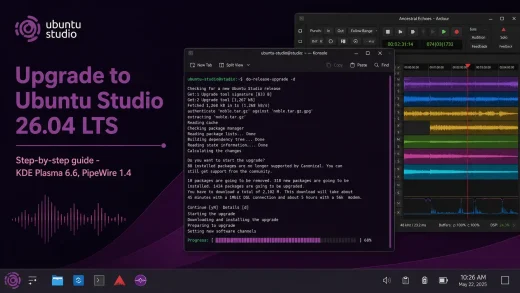
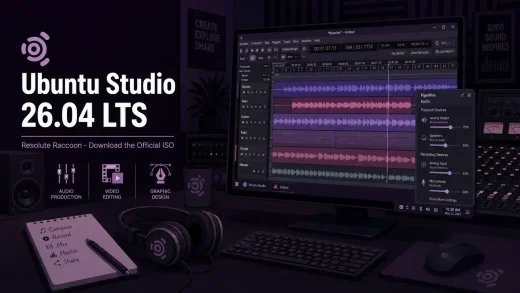
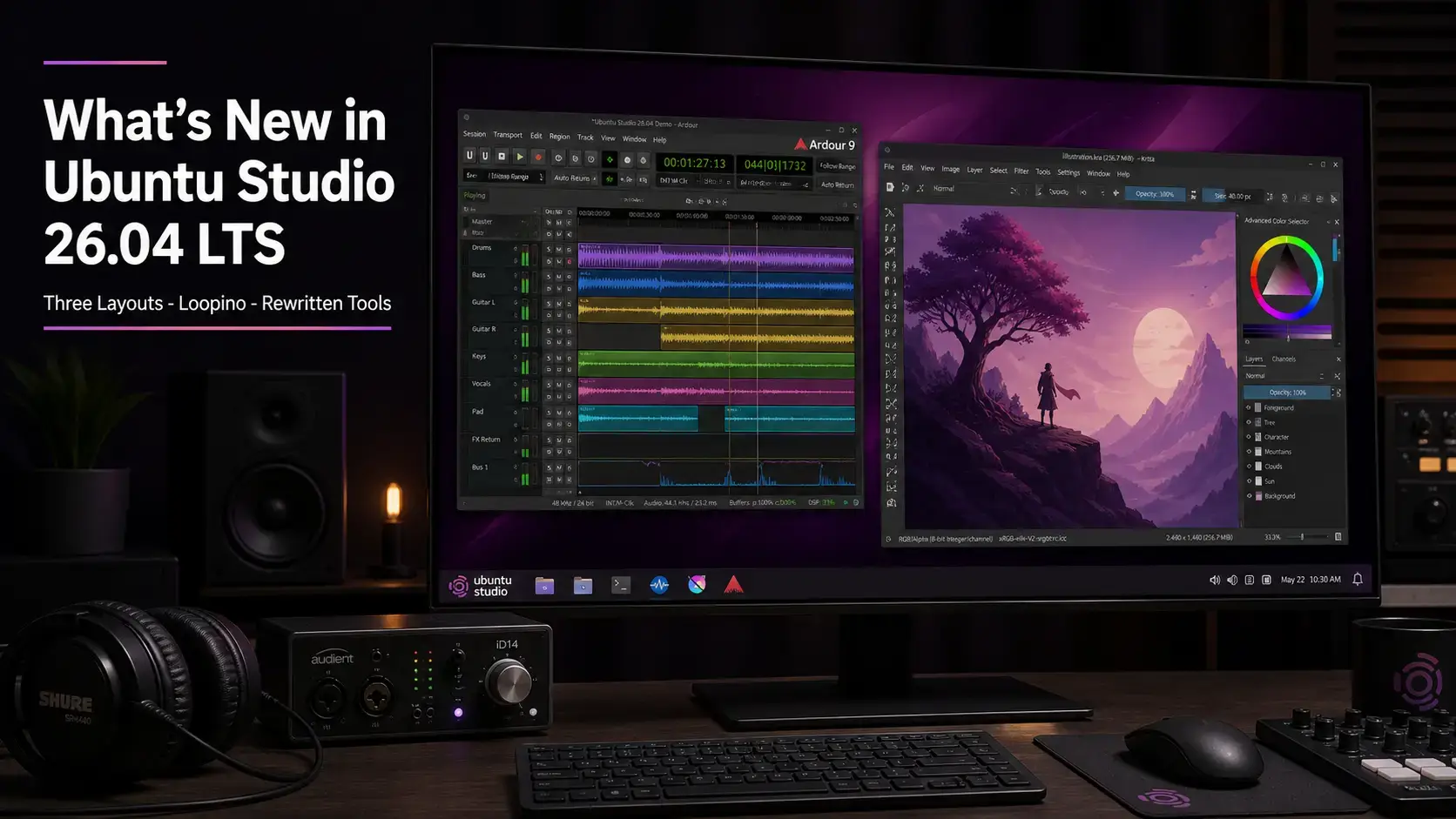
 Ubuntu Studio 26.04 LTS Resolute Raccoon is the 38th release of Ubuntu Studio, shipping KDE Plasma 6.6 on Wayland with Linux kernel 7.0. The headline changes are three selectable desktop layouts with a community-voted default, completely rewritten Installer and Audio Configuration tools, and a new Loopino audio sampler plugin installed out of the box. Below is a complete breakdown of every change worth knowing about since Ubuntu Studio 24.04 LTS. Official release notes are on the Ubuntu Community Hub.
Resolute Raccoon
KDE Plasma 6.6. Three desktop layouts. Rewritten tools. Updated creative apps. Every change since Ubuntu Studio 24.04 LTS, explained plainly.
The Big Picture – The 38th Release
Ubuntu Studio 26.04 is the 38th release of a project that has been serving audio engineers, video editors, graphic designers, and photographers since 2007. Every two years, the LTS release sets the foundation for production systems that cannot afford instability. This cycle, the focus was practical: give creators a better first experience, modernize the setup tools, and add workflow flexibility without breaking anything that already works.
There is no single dramatic pivot here the way some earlier LTS cycles had. The KDE Plasma era is settled and stable. PipeWire is mature. The emphasis in 26.04 is on removing friction: three desktop layout choices instead of one, setup tools that speak your language, and audio configuration that does not require editing config files by hand. These are the kinds of improvements that compound over years of daily use.
Three Desktop Layouts – Pick Your Starting Point
The most immediately visible change in Ubuntu Studio 26.04 is three selectable desktop layouts. In previous releases, every user started with the same panel configuration. In 26.04, you get three options that reflect how different creators actually work.
The original Ubuntu Studio layout: a single panel across the top with the application menu, taskbar, and system tray. Familiar to anyone who has used Ubuntu Studio before 26.04. A good choice if you have an established workflow and do not want anything to change.
A global menu bar at the top with application menus displayed there rather than inside each window, and a dock at the bottom for application shortcuts. Uses the Plasma Window Title Applet to show the active window in the top bar. A natural fit for creators coming from macOS.
A taskbar across the bottom with the application menu on the left and system tray on the right. This layout was selected as the default for new installs by community vote. It is the most broadly familiar layout for users coming from Windows or general desktop Linux use.
Rewritten Installer and Audio Configuration Tools
Two of the most important Ubuntu Studio-specific tools have been completely rewritten for 26.04. Both were rebuilt from scratch in Python with two separate visual interfaces: one that fits GNOME-based desktops and one for KDE. The tool detects your desktop automatically and opens the right interface without any setup on your part.
Both tools now support 21 languages: Arabic, Chinese (Simplified), Czech, Estonian, French, German, Hindi, Italian, Japanese, Korean, Latvian, Lithuanian, Dutch, Polish, Portuguese, Brazilian Portuguese, Russian, Slovak, Spanish, Turkish, and Ukrainian. For a project used heavily in non-English-speaking music and film communities, this is a meaningful expansion.
• Auto-detects your desktop environment
• Add workflows after installation: Audio, Video, Graphics, Photography, Publishing
• Works on a minimal install or any Ubuntu flavor
• 21-language interface support
• Audio buffer size and sample rate via dropdowns (no manual text entry)
• FFADO FireWire device support built in
• CPU governor control
• Real-time privileges management
• Interface profiles
• 21-language interface support
Audio Production – PipeWire and New Tools
PipeWire 1.4.x is the sole audio server in Ubuntu Studio 26.04. There is no separate audio routing layer to manage – PipeWire handles low-latency audio directly and is fully compatible with any recording software or audio tool that was built for JACK, the professional Linux audio standard. The audio architecture has been stable since the 24.04 LTS cycle; the work in 26.04 is about making it easier to tune.
A new panel widget that lives in the system tray by default. It lets you adjust the audio buffer size and sample rate on the fly from the panel, without opening a terminal or editing configuration files. Pairs directly with Ubuntu Studio Audio Configuration for the most common real-time tuning tasks.
A lightweight audio sampler added in this release. Drag-and-drop sample loading, on-the-fly recording, a built-in volume envelope (attack, decay, sustain, release), filters, and effects. Available as a standalone application and as CLAP and VST2 plugins – compatible with Ardour and most modern DAWs. Installed by default. See the full section below for details.
RaySession, the session manager used to save and restore audio application states, has been upgraded from 0.14.x to 0.17.4. This is a significant jump that includes numerous bugfixes and improvements for managing complex multi-application audio setups.
Patchance, the visual audio routing tool that lets you connect apps and devices to each other, is now at 1.3.2 including the 1.3.0 feature release and subsequent fixes. Geonkick, the percussion synthesizer, upgrades to 3.7.0. BChoppr, the rhythmic audio processor, is at 1.12.8.
New Packages in 26.04
Five new packages join the Ubuntu Studio 26.04 release – three installed by default, two available in the repositories for users who need them.
A lightweight creative audio sampler. Features drag-and-drop sample loading, on-the-fly recording, a built-in volume envelope, filters, and effects. Runs as a standalone application or as a plugin inside your recording software. Compatible with Ardour and any other recording app that supports CLAP, VST2, or LV2 plugins.
A panel widget for adjusting your audio buffer size and sample rate from the system tray, without touching configuration files. Shown in the system tray by default in all three desktop layouts.
Formerly known as OBS-NDI. Brings NDI (Network Audio/Video) support to OBS Studio, enabling high-quality, low-latency multi-track A/V streaming over a local network. A practical addition for live streaming and networked studio setups. Install it with: sudo apt install distroav
A panel applet that shows the name of the active window in the taskbar. Used in the macOS-style layout to complete the global-menu experience, where the menu bar sits at the top and the window title needs to be visible alongside it.
An updated kernel driver for RME HDSPe PCIe sound cards: MADI, AES, RayDAT, AIO, and AIO Pro. It installs as a loadable module so it works across kernel updates without reinstalling. If you use supported RME hardware, install it with: sudo apt install alsa-hdspe-dkms
Default Application Changes
Several default applications have been swapped out in 26.04. Each change has a practical reason behind it.
| Was | Now | Why |
|---|---|---|
| Haruna | VLC | VLC supports a broader range of formats and is more familiar to creators coming from other platforms. Better Wayland support in the 26.04 session. |
| jack-keyboard | vmpk | vmpk (Virtual MIDI Piano Keyboard) is a more modern virtual MIDI keyboard with a better interface and broader compatibility with current MIDI workflows. |
| Skanlite | Skanpage | Skanpage adds multi-page document scanning and straightforward saving to common formats. Better suited for document and artwork scanning workflows common in design and publishing. |
| rubberband-ladspa | rubberband-lv2 | The same high-quality Rubber Band time-stretching and pitch-shifting library, now packaged as an LV2 plugin instead of LADSPA. LV2 is the current standard plugin format for Linux audio – LADSPA is the older format being phased out. The audio quality is identical. |
Minimal Install – Start Lean, Add What You Need
Ubuntu Studio 26.04 fully supports a minimal install path. When you choose minimal installation during setup, you get the Ubuntu Studio desktop, theming, and core configuration – without the full creative software stack. Then you open Ubuntu Studio Installer and add only the workflow packages you actually use.
You can also install Ubuntu Studio on top of any existing Ubuntu flavor – install Kubuntu, Ubuntu Desktop, or any other Ubuntu-based system, then use Ubuntu Studio Installer to add the creative tool workflows without reinstalling. The full install remains available for users who want the complete creative workstation experience out of the box.
Desktop and Visual Polish
Several visual and quality-of-life improvements landed across the desktop and login experience in 26.04.
New wallpapers ship with a refreshed visual identity for the Resolute Raccoon cycle, across all three desktop layout themes. The wallpaper set reflects the Ubuntu Studio project aesthetic rather than the general Ubuntu palette.
The SDDM login screen has been updated with improved login box colors and a new activity spinner. The splash screen busy widget has been replaced with a spinning Ubuntu Studio logo for a more branded first impression after boot.
The screensaver and lock screen are now inhibited for the entire live session. Previously, Ubuntu Studio’s live mode could lock the screen and prompt for a password that does not exist in a live environment. This has been a long-standing complaint and is now fixed.
The Orchis KDE theme has been updated with patches to fix decoration shade mismatches and to disable transparency and blur in solid Kvantum themes. Desktop theme metadata has been converted from .desktop to .json format for full Plasma 6 compatibility. Desktop menus now include translation coverage.
What the KDE Plasma 6.6 Base Brings
Ubuntu Studio 26.04 shares its KDE Plasma base with Kubuntu 26.04. The full Kubuntu “What’s New” breakdown covers those changes in detail – here is what matters most for Ubuntu Studio users specifically.
Linux kernel 7.0 with dynamic low-latency scheduling built in. Ubuntu Studio uses the standard kernel with low-latency settings enabled by default – the separate LowLatency kernel was dropped in a previous cycle. Kernel 7.0 brings better hardware support across audio interfaces, USB devices, and newer graphics hardware.
Qt 6.10.2 and KDE Frameworks 6.24.0 underpin this release. For creative apps built with Qt – Kdenlive, Krita, and others – this means better Wayland rendering, improved HiDPI support, and smoother performance across all three desktop layouts.
Wayland is the default session in KDE Plasma 6. For audio and creative work on Ubuntu Studio, this has been stable since 24.04. Most professional audio tools work correctly under Wayland. X11 applications run through XWayland automatically if needed.
Do not install tlp on Ubuntu Studio 26.04. It conflicts with power-profiles-daemon, which is required by KDE Plasma. Removing it will trigger auto-removal of the entire desktop environment. Use the built-in Power Profiles in the system tray instead. For fine CPU tuning, cpupower-gui is installed by default.
Creative Application Versions
All creative applications ship at their latest stable versions as of release. Here is the complete version reference for Ubuntu Studio 26.04 LTS.
| Application | Version | Category |
|---|---|---|
| Ardour | 9.0.0 | Digital Audio Workstation |
| Blender | 5.0.1 | 3D modeling, animation, VFX, rendering |
| Kdenlive | 25.12.3 | Video editor |
| Krita | 6.0.1 | Digital painting and illustration |
| GIMP | 3.2.2 | Image editor and photo retouching |
| OBS Studio | 32.1.0 | Screen recording and live streaming |
| Inkscape | 4.3 | Vector graphics editor |
| Scribus | 6.5 | Desktop publishing and layout |
| Darktable | 5.4.1 | Raw photo processing and darkroom |
| Audacity | 3.7.7 | Audio editor and recorder |
| Carla | 2.5.10 | Audio plugin host (LV2, VST2, VST3, JACK) |
| MyPaint | 2.0.1 | Digital painting, brush-focused |
| QPrompt | 2.0.1 | Teleprompter app – fully rebuilt for Qt6 in this version |
| FreeShow | 1.5.9 | Presentation software (snap) |
| RaySession | 0.17.4 | Audio session manager |
| Patchance | 1.3.2 | Visual audio routing tool – connect apps, devices, and plugins to each other |
| Loopino | 0.5.0 | Audio sampler – new in 26.04 (standalone + CLAP/VST2/LV2) |
Free to download. Full creative toolkit. 3-year support included.
Known Issues
Ubuntu Studio 26.04 is stable for everyday creative work. There are two specific things worth knowing about before you install or upgrade.
When any new user logs in for the first time, you will see a prompt asking you to reboot. This is intentional. Ubuntu Studio needs to apply audio-production group configuration for the new user account, and the installer cannot do this automatically. The reboot prompt is expected behavior – accept it and the audio system will be correctly configured.
Ubuntu Studio shares KDE Plasma with Kubuntu. Any KDE Plasma or core Ubuntu known issues from the release notes may also apply. The Ubuntu Studio team tracks Studio-specific issues separately – if something is not working after installation, the release notes page is the right place to check first.
Frequently Asked Questions
What is new in Ubuntu Studio 26.04 LTS?
Ubuntu Studio 26.04 ships three selectable desktop layouts with a community-voted default, completely rewritten Installer and Audio Configuration tools with 21-language support, a new Loopino audio sampler plugin, Plasma PipeWire Settings in the system tray, FFADO FireWire support, VLC as the default media player, vmpk replacing jack-keyboard, and updated versions of Ardour 9.0.0, Blender 5.0.1, Krita 6.0.1, GIMP 3.2.2, and OBS Studio 32.1.0. It runs KDE Plasma 6.6 on Wayland with Linux kernel 7.0 and is supported until April 2029.
Does Ubuntu Studio 26.04 use Wayland or X11?
Ubuntu Studio 26.04 uses Wayland as the default session via KDE Plasma 6.6. X11 applications still work through XWayland, which runs automatically in the background. Most professional audio and creative tools are fully compatible with the Wayland session.
Are my existing audio plugins compatible with Ubuntu Studio 26.04?
Yes, for the most part. Ubuntu Studio 26.04 supports LV2, CLAP, VST2, and VST3 plugin formats. PipeWire handles JACK-compatible plugins without requiring a separate JACK server. Plugins that worked on 24.04 should continue to work on 26.04. If you use VST3 plugins, check with the individual plugin developer for Linux Wayland compatibility, as support varies.
What is Loopino in Ubuntu Studio 26.04?
Loopino is a new lightweight audio sampler added in Ubuntu Studio 26.04. It supports drag-and-drop sample loading, on-the-fly recording, a a built-in volume envelope (attack, decay, sustain, release), filters, and effects. It is available as a standalone application and as CLAP and VST2 plugins, making it compatible with most modern DAWs including Ardour. It is installed by default.
What happened to Ubuntu Studio Controls in 26.04?
Ubuntu Studio Controls was replaced by Ubuntu Studio Audio Configuration, which has been completely rewritten in Python with separate interfaces for GNOME and KDE desktops. The tool automatically detects your desktop environment and opens the right one. It now includes FFADO support for FireWire audio devices, easier audio buffer and sample-rate adjustment through dropdown menus, and translations for 21 languages.
Can I do a minimal install of Ubuntu Studio 26.04?
Yes. The minimal install option gives you the Ubuntu Studio desktop, theming, and core configuration without the full creative software suite. After installation, you use Ubuntu Studio Installer to add only the workflows you want – audio, video, graphics, photography, or publishing. This is the right approach if you want a leaner system or only work in one or two creative disciplines.
How long is Ubuntu Studio 26.04 LTS supported?
Ubuntu Studio 26.04 LTS is supported until April 2029 – three years from release. As an official Ubuntu flavor, it follows the standard three-year flavor support window, not the five-year window that Ubuntu Desktop receives.
More Ubuntu Studio 26.04 guides: Ubuntu Studio 26.04 Download · Upgrade to Ubuntu Studio 26.04 · Ubuntu Studio 26.04 Wallpapers