Counter-Strike 2 works on Ubuntu through Steam, and in 2026 you also have a solid backup option: cloud gaming. This guide is for Ubuntu users who want to install Counter-Strike 2 the correct way, avoid common Linux gaming issues, and get the best performance possible.
If you want the official route: install Steam, install CS2, then play. If your Linux hardware struggles, or you want a “works anywhere” setup, Boosteroid can stream CS2 to your Ubuntu desktop.
Download and play
- Official: Counter-Strike 2 on Steam
- Cloud option: Play via Boosteroid (cloud gaming) (affiliate link)
Tip: Steam is the best choice if your PC can run CS2 well. Boosteroid is useful if your hardware is weak or you want to avoid driver troubleshooting.
Disclosure: If you use the Boosteroid link above, we may earn a small commission. It does not change the price you pay.
Steam vs Boosteroid: Which should you use?
What you need (2026 quick checklist)
- Ubuntu: Ubuntu 20.04+ recommended
- Storage: At least 85 GB free
- GPU drivers: Proper NVIDIA or AMD drivers installed
- Vulkan: Up-to-date Vulkan drivers improve stability and performance
- Internet: Stable connection for downloads (or low-latency for cloud gaming)
Linux system requirements (SteamOS + Linux)
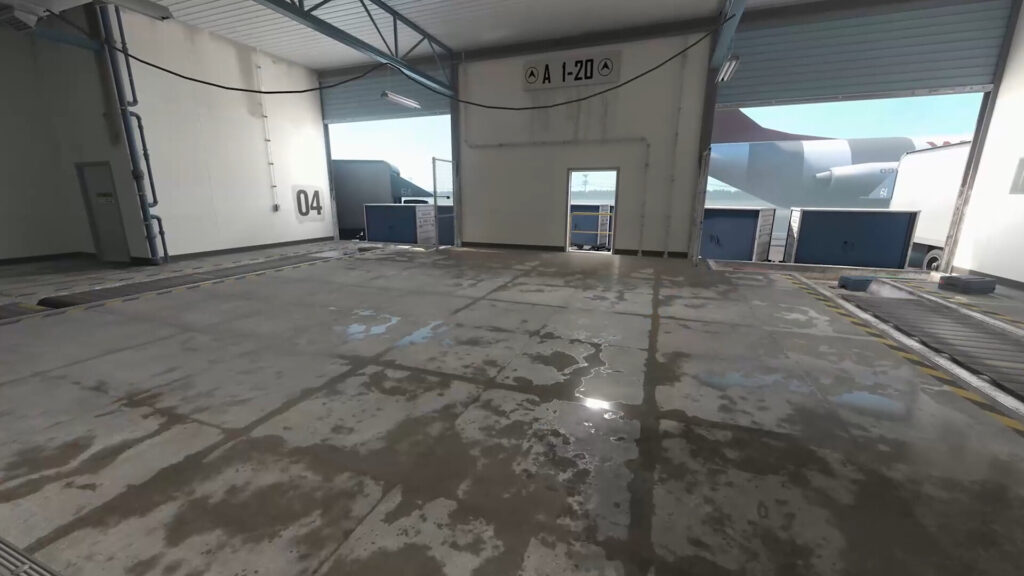
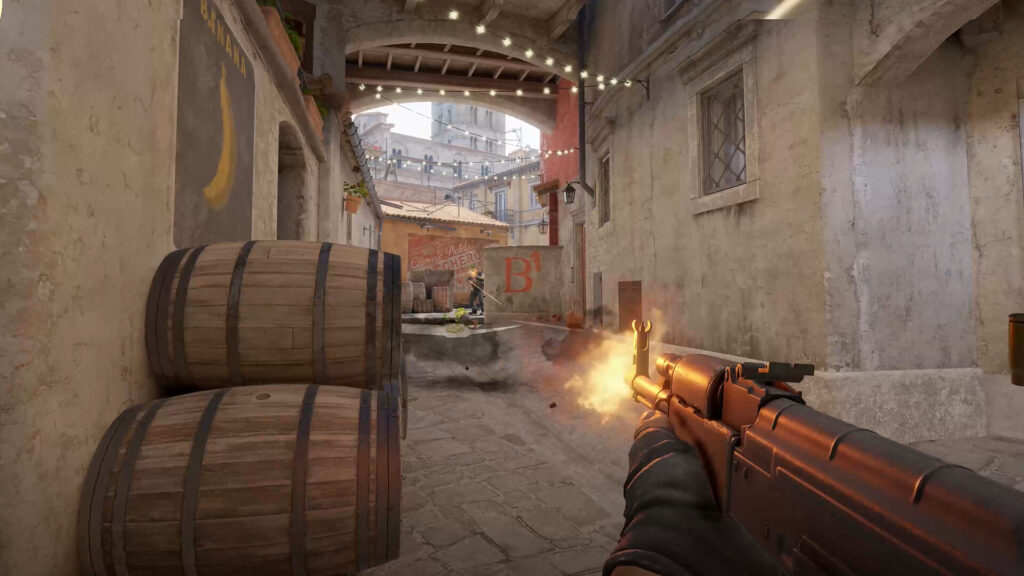
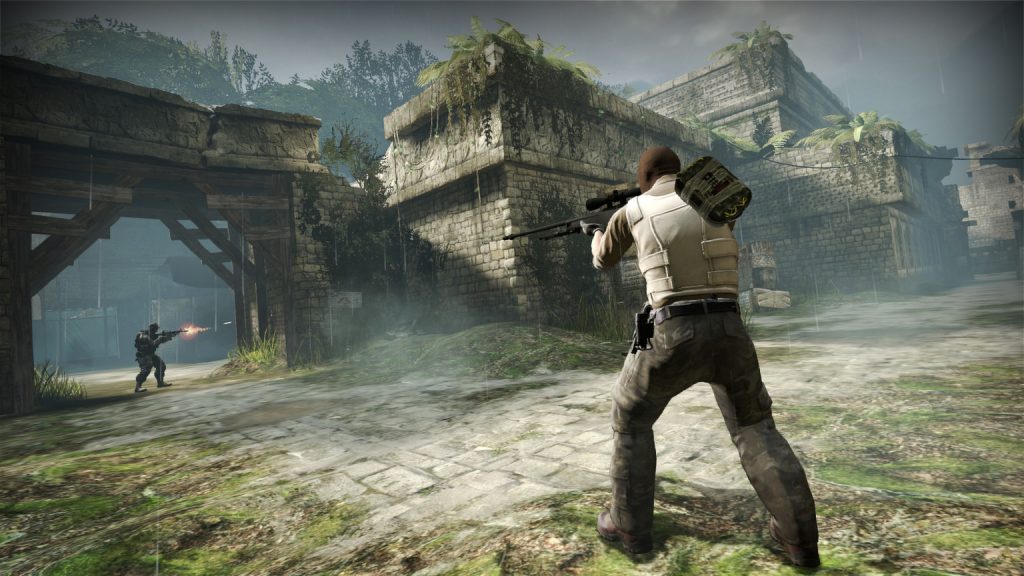
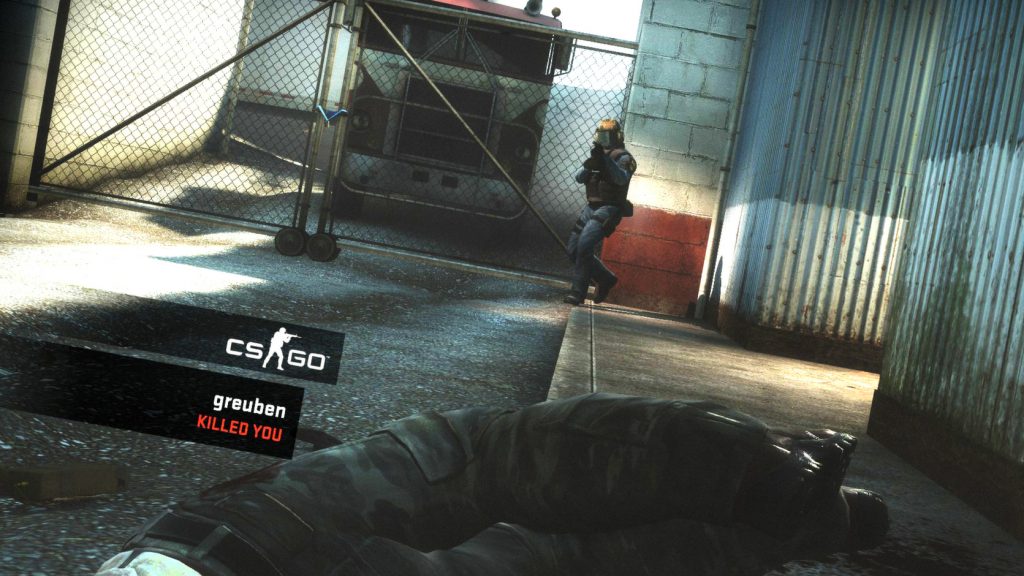
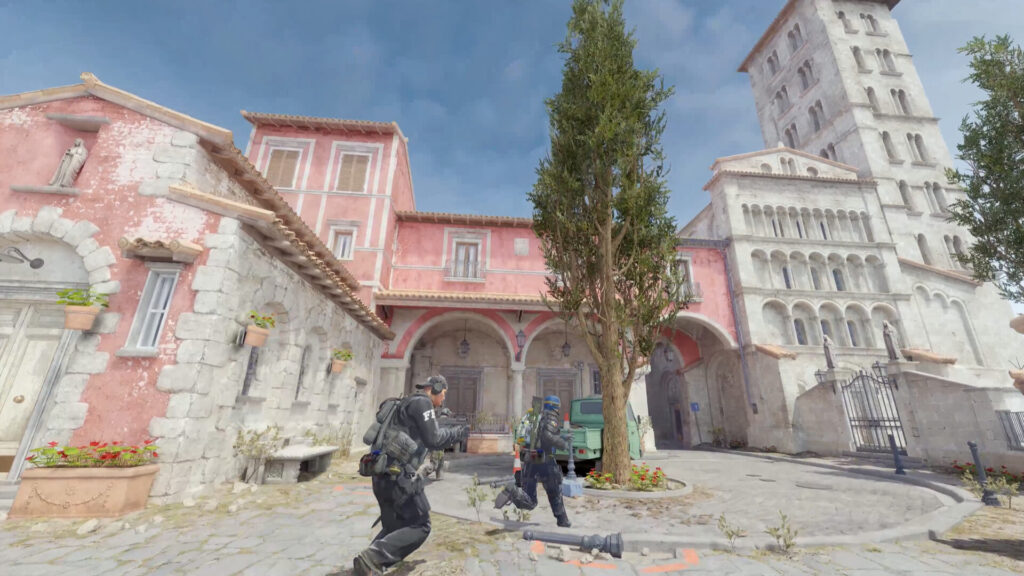
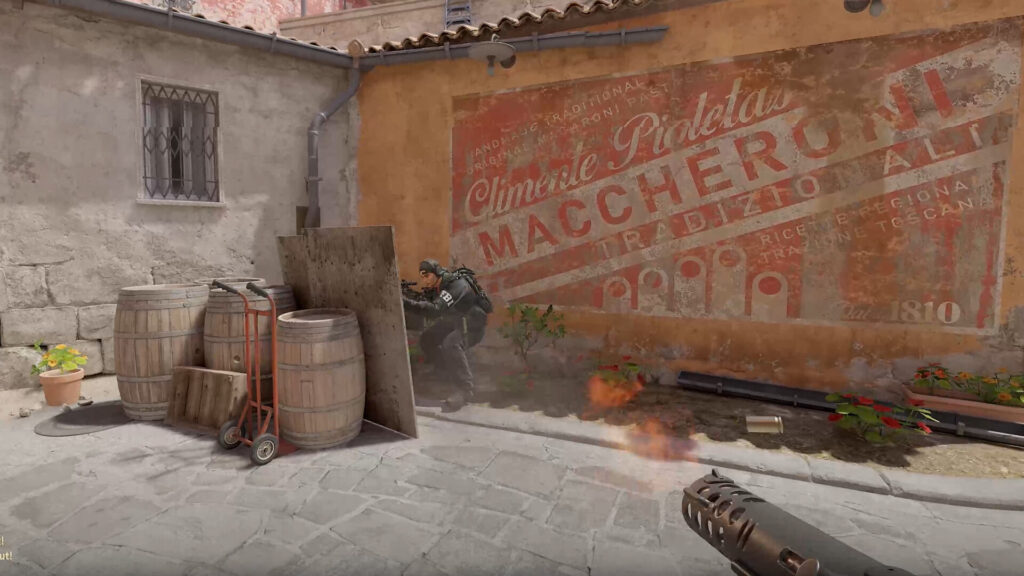
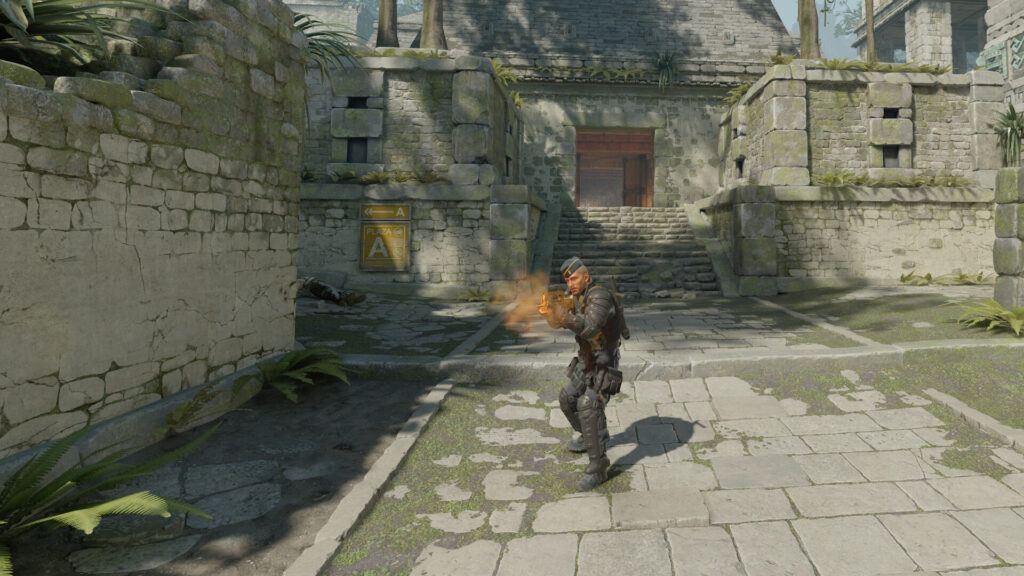
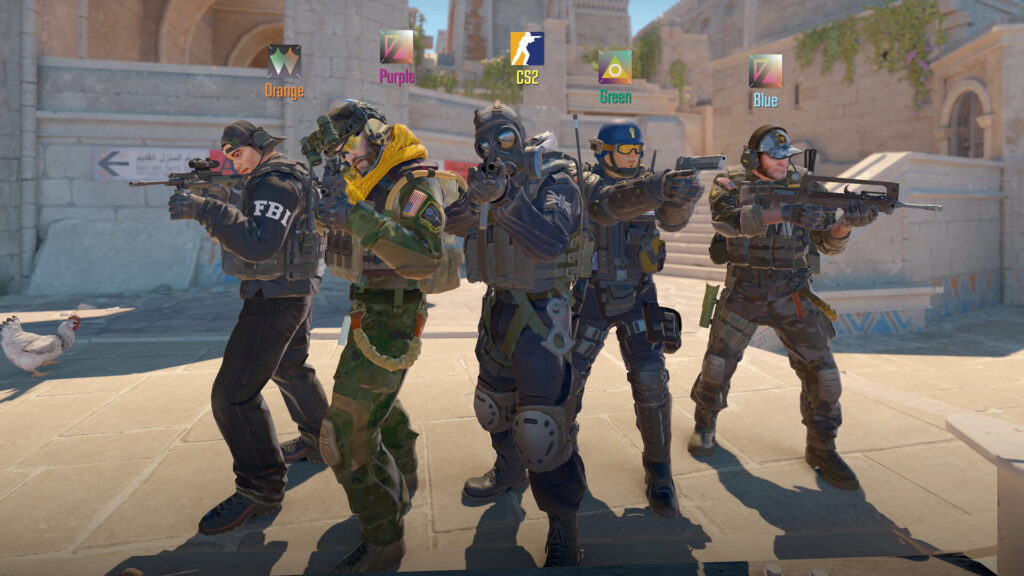
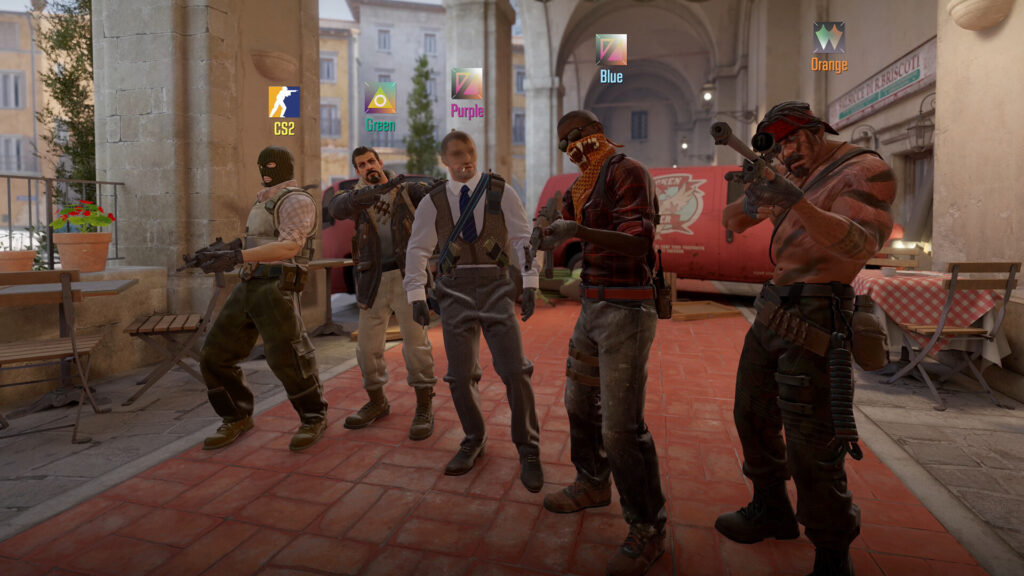
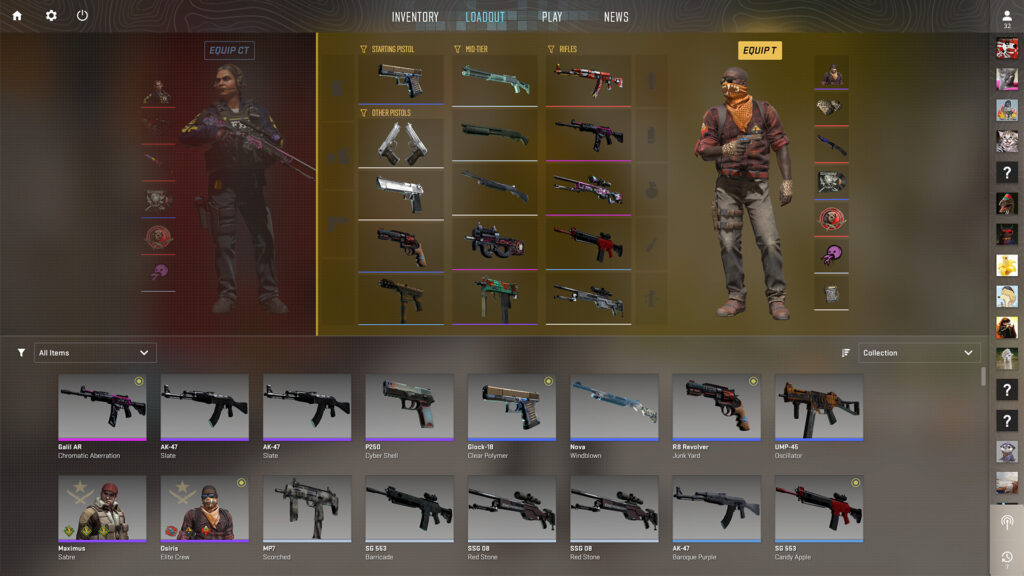
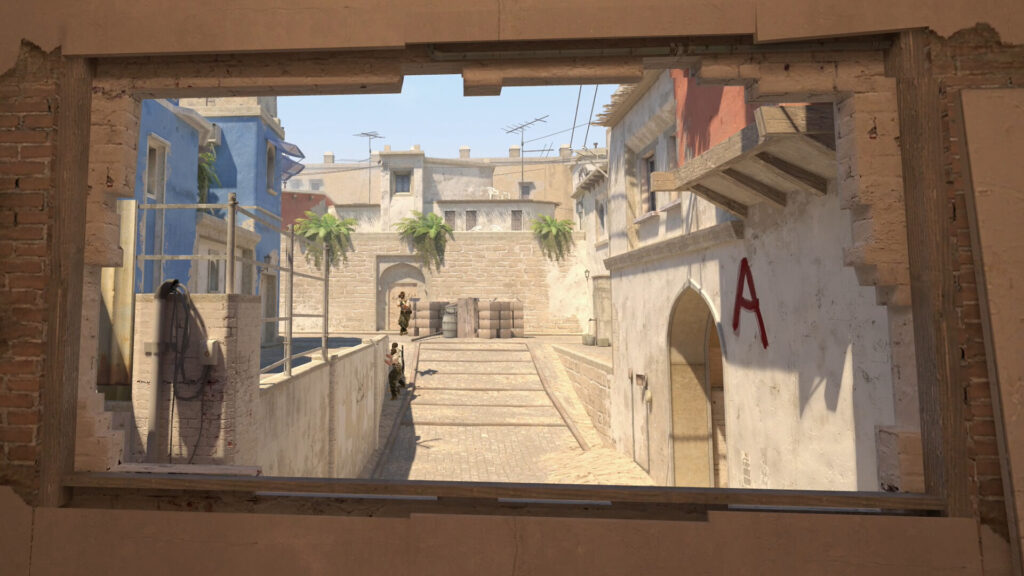
Screenshots
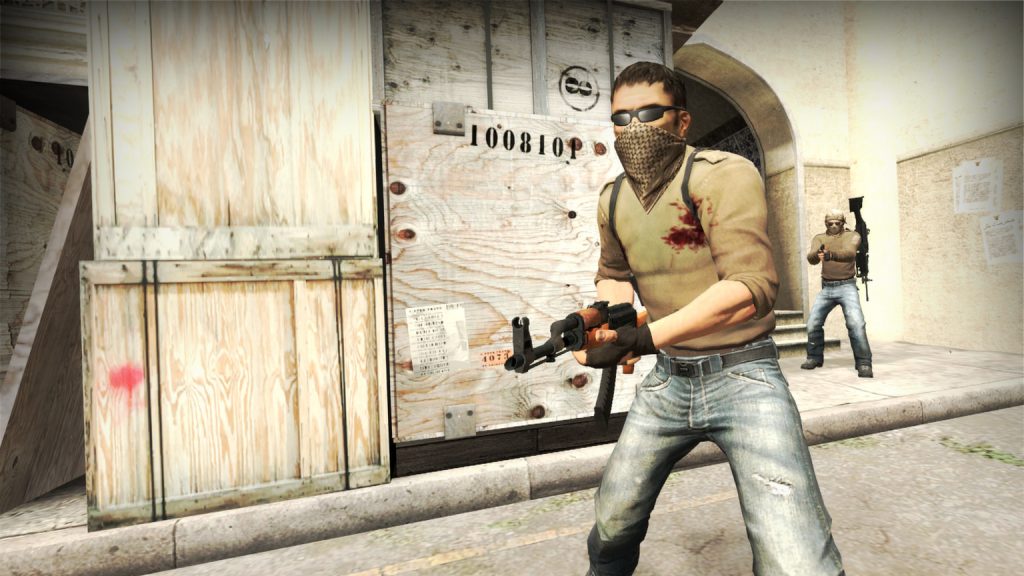
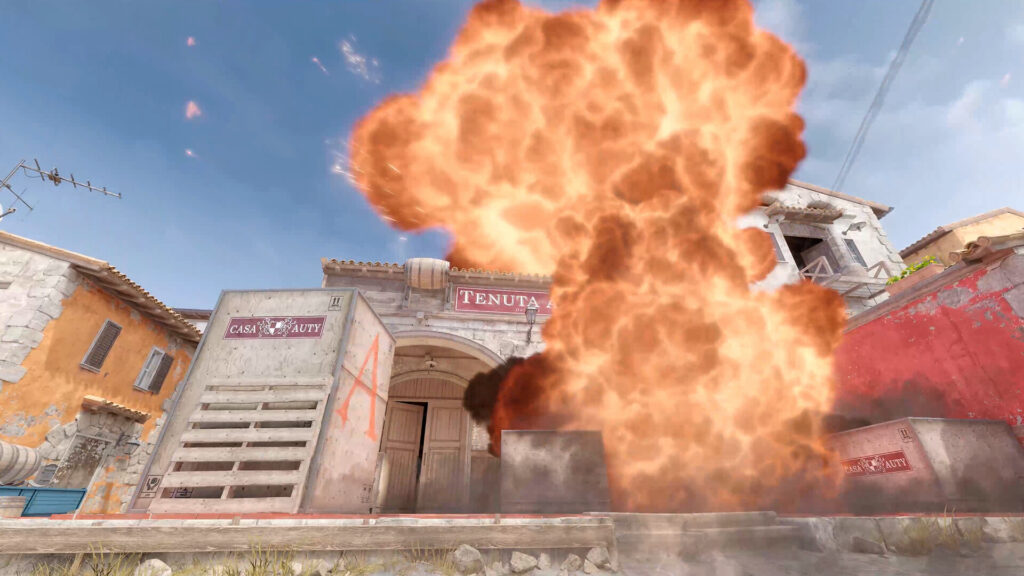
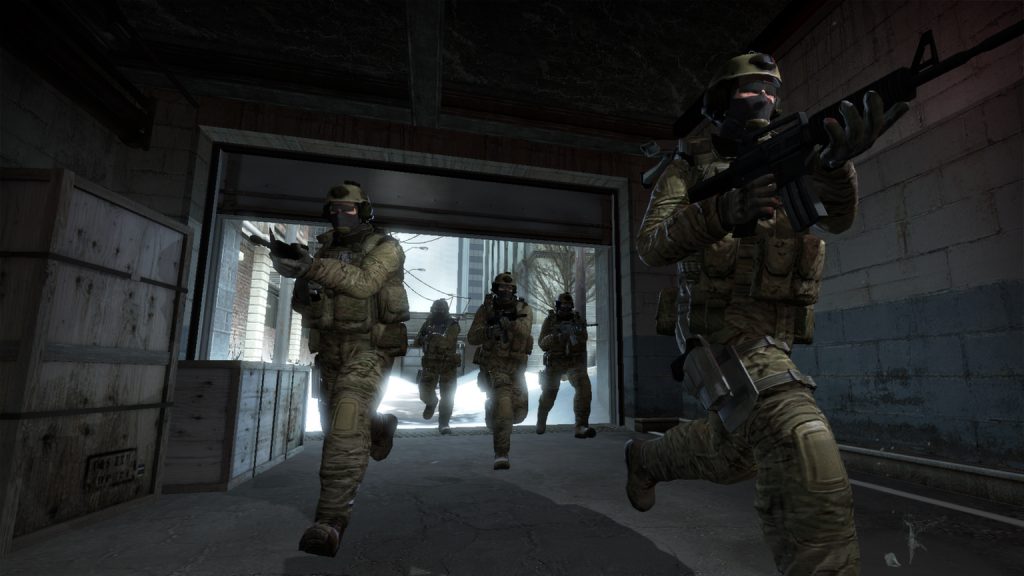
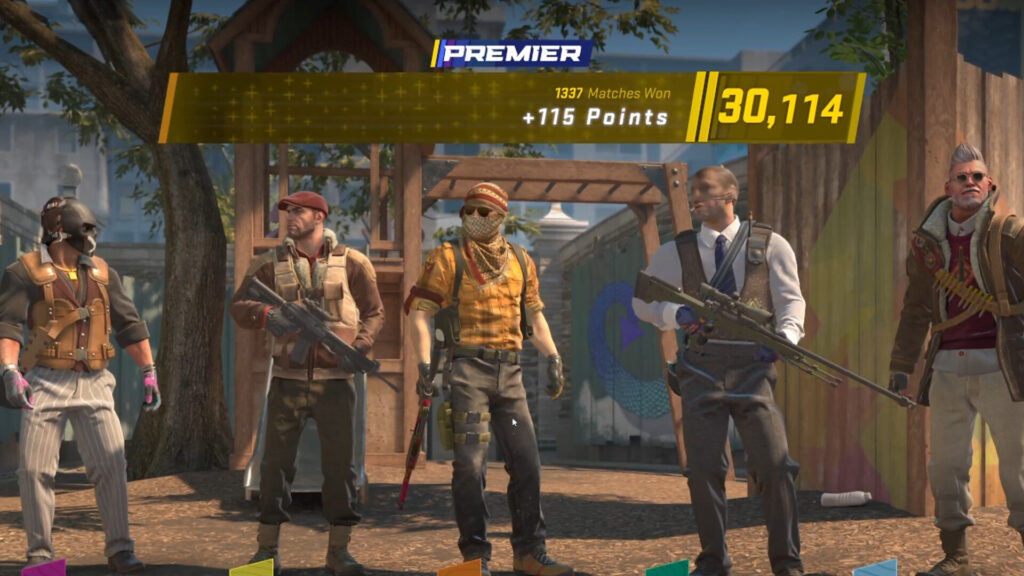
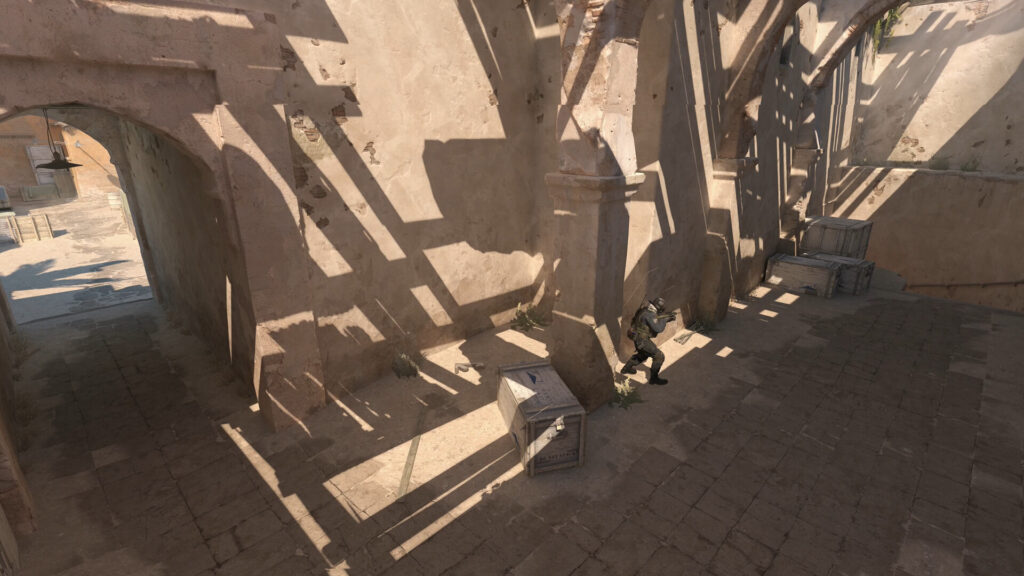
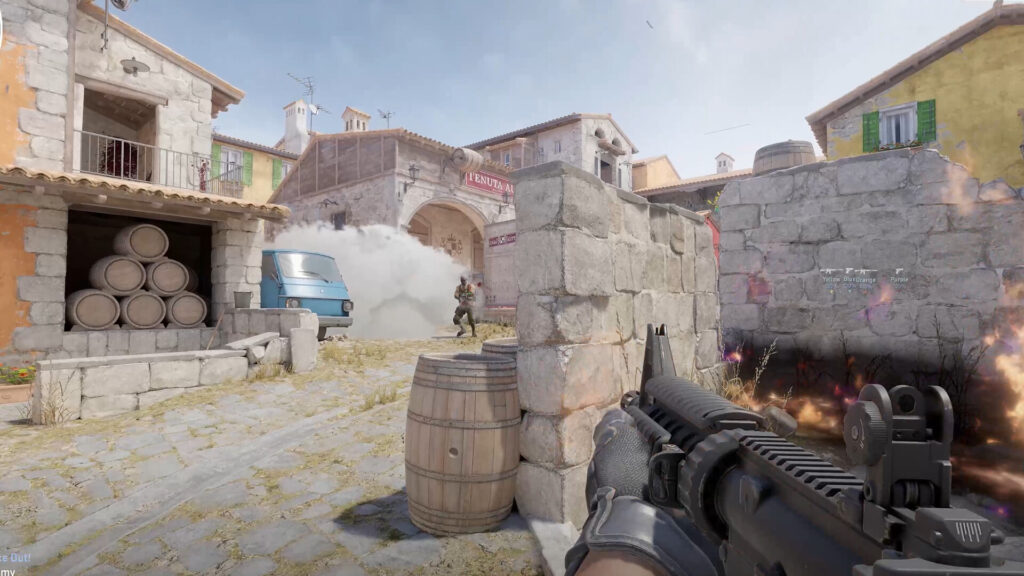
Video
Watch the CS2 gameplay trailer, it’s kinda old but, still gives you that feeling!
Method 1: Install Counter-Strike 2 on Ubuntu using Steam (official)
Counter-Strike 2 has a native Linux build on Steam. You normally do not need Proton. Start with the default configuration first.
Step 1: Install Steam on Ubuntu
sudo apt update
sudo apt install steam
Snap warning: If Steam Snap gives you issues, switch to the APT version.
Step 2: Install Counter-Strike 2
- Open Steam and sign in.
- Search for Counter-Strike 2.
- Click Play and install.
- Wait for the download to complete.
Step 3: Launch safely
- Do not force Proton unless troubleshooting.
- Keep drivers updated.
- Use fullscreen for best performance.
Method 2: Play Counter-Strike 2 on Ubuntu using Boosteroid
Boosteroid runs the game on remote servers and streams it to your device. You still need access to Counter-Strike 2 through your Steam account.
- Open Boosteroid
- Create an account
- Launch Counter-Strike 2
Use Ethernet for better latency.
Beginner tips
- Install proper GPU drivers.
- Expect some shader stutter during first matches.
- Lower graphics settings before competitive play.
- If mouse input feels strange, try Xorg instead of Wayland.
FAQ
Is Counter-Strike 2 free on Ubuntu?
Yes. Counter-Strike 2 is free-to-play on Steam. You just need a Steam account and enough storage space for the install.
Do I need Proton to play Counter-Strike 2 on Linux?
Usually no. Counter-Strike 2 has a native Linux build on Steam. Start with Steam’s default setup and only try Proton if you are troubleshooting a launch problem.
What’s the easiest way to install Counter-Strike 2 on Ubuntu?
Install Steam, search for Counter-Strike 2, then click Play to install. That’s the official method and it works for most people.
CS2 won’t launch on Ubuntu. What should I try first?
Verify game files in Steam, update your GPU drivers (Vulkan support matters), and check you have enough free disk space. If you installed Steam as a Snap and it acts weird, try the APT/DEB Steam build instead.
Can I play CS2 on Ubuntu without a strong gaming PC?
Yes. You can use cloud gaming like Boosteroid to stream Counter-Strike 2 on Ubuntu. Your internet speed and latency matter more than your GPU.
More guides: Steam on Ubuntu, Best Ubuntu Games