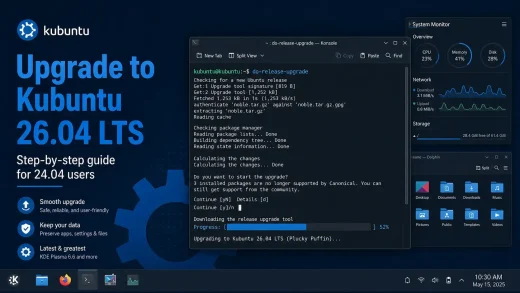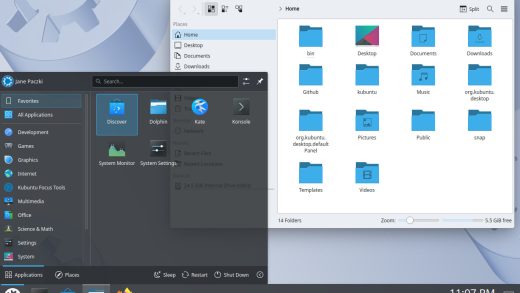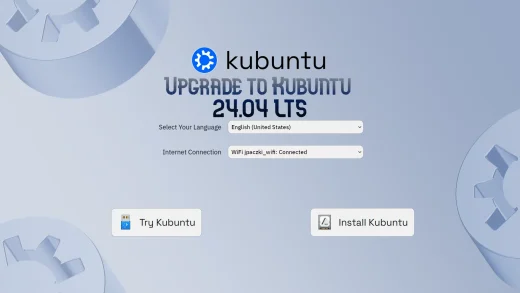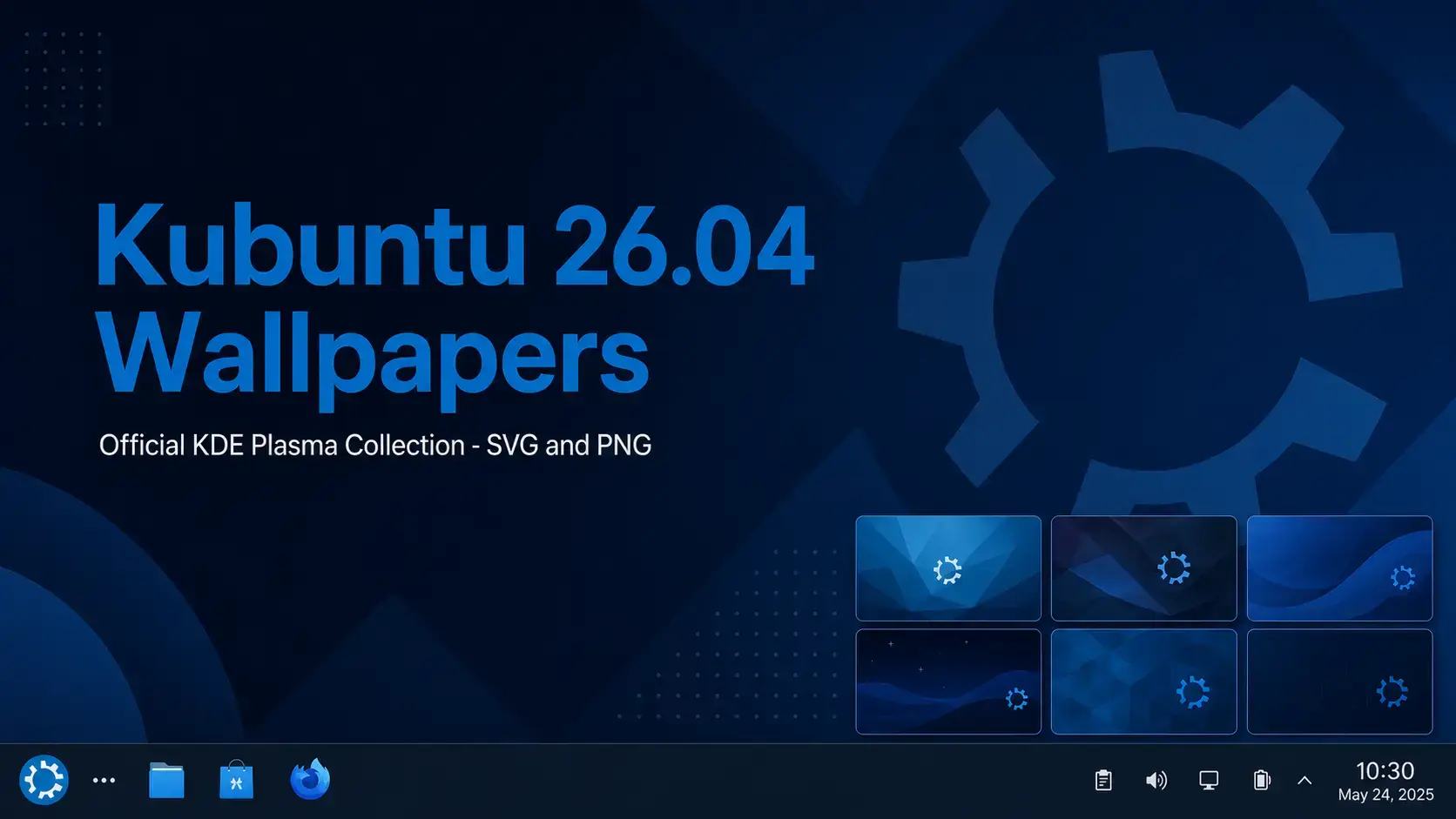
The official Kubuntu 26.04 LTS wallpapers. SVG originals sourced from Launchpad for perfect scaling on any display, plus a PNG converted pack that works everywhere right away.
Wallpaper Gallery
Browse the official Kubuntu 26.04 wallpaper collection below, we selected just a few popular sizes backgrounds, grab the full pack if you want all resolutions to choose from. Click any image to open the full-size version.
-

- Kubuntu 2604 gear dark horiz from Kubuntu 26.04 Wallpapers – Official KDE Plasma Collection
-

- Kubuntu 2604 gear light horiz from Kubuntu 26.04 Wallpapers – Official KDE Plasma Collection
-

- 1920×1080 from Kubuntu 26.04 Wallpapers – Official KDE Plasma Collection
-
- 3840×1920 from Kubuntu 26.04 Wallpapers – Official KDE Plasma Collection
-

- 1920×1080 from Kubuntu 26.04 Wallpapers – Official KDE Plasma Collection
-

- 3840×1920 from Kubuntu 26.04 Wallpapers – Official KDE Plasma Collection
-
- 5120×2880 from Kubuntu 26.04 Wallpapers – Official KDE Plasma Collection
About the Kubuntu 26.04 Wallpapers
The Kubuntu 26.04 LTS wallpapers ship as part of the release and are sourced from Launchpad, where the Kubuntu team publishes the official artwork for each version. The collection is designed to complement the KDE Plasma 6.6 desktop – clean compositions, deep blues, and a style that feels native to the Plasma environment rather than generic.
Unlike most Linux distributions that ship wallpapers as PNG or JPEG files, Kubuntu distributes its wallpapers in SVG format. This is intentional and worth understanding before you download.
SVG is a vector format. That means the wallpaper is defined mathematically rather than as a fixed grid of pixels. A single SVG file renders sharply on a 1080p laptop, a 4K monitor, and an ultrawide display – all without needing separate files for each resolution. For a desktop environment like KDE Plasma that has long prioritized HiDPI support, SVG wallpapers are the logical choice. KDE Plasma can set an SVG file as your wallpaper directly from System Settings with no conversion needed.
The primary Kubuntu 26.04 wallpaper that ships on every fresh installation. Deep blue tones matching the KDE Plasma identity.
Additional wallpapers in the official pack with varied compositions and color treatments, all staying within the Kubuntu visual style.
The source files from Launchpad. Set them directly in KDE Plasma, or open them in Inkscape to edit colors and elements at full quality.
Download the Wallpapers
Two download options are available. The SVG pack is the original source. The PNG pack is the practical choice for most users – converted to standard image files and ready to set immediately on any desktop.
The SVG originals converted to PNG at standard desktop resolutions. Works immediately on any desktop environment or operating system. No extra steps. This is what most users want.
The original vector files sourced from Launchpad. Scales perfectly to any resolution – 4K, ultrawide, HiDPI – without quality loss. Set directly in KDE Plasma, or edit in Inkscape to customize colors and elements.
SVG vs PNG – Which Should You Download?
Short answer: download the PNG pack unless you have a specific reason to want the SVGs.
| Format | Best for | Notes |
|---|---|---|
| PNG | Most users, any desktop | Works everywhere without extra steps. GNOME, Xfce, Windows, macOS all handle PNG natively. |
| SVG | KDE Plasma, 4K, ultrawide, editing | Scales to any resolution perfectly. KDE Plasma supports SVG wallpapers natively. Editable in Inkscape. |
The official Kubuntu 26.04 LTS download with KDE Plasma 6.6 and the full wallpaper collection pre-installed.
How to Set Your Wallpaper on Kubuntu 26.04
KDE Plasma gives you two ways to change your wallpaper. Both take under a minute.
Frequently Asked Questions
What is the default wallpaper in Kubuntu 26.04?
The default wallpaper in Kubuntu 26.04 LTS is the official KDE Plasma 6.6 design that ships with the release. It is part of a wallpaper set sourced from Launchpad and designed to complement the KDE Plasma desktop aesthetic.
Why are the Kubuntu 26.04 wallpapers in SVG format?
Kubuntu ships its wallpapers as SVG files, which is vector format. Unlike PNG or JPEG, SVG wallpapers scale to any resolution without any loss of quality. This makes them ideal for 4K monitors, ultrawide displays, and HiDPI screens. Most desktop environments including KDE Plasma support SVG wallpapers natively.
What is the difference between the SVG pack and the PNG pack?
The SVG pack contains the original vector files sourced from Launchpad. They scale to any size perfectly, but some apps and tools outside of Linux may not handle SVG as a wallpaper directly. The PNG pack is a converted version at standard desktop resolutions, ready to use on any system without extra steps. Most users will want the PNG pack.
Are the Kubuntu 26.04 wallpapers free to use?
Yes. The Kubuntu 26.04 wallpapers are free to download and use. They are part of the Kubuntu release and are distributed under open terms consistent with the KDE and Kubuntu project licenses.
Do the Kubuntu 26.04 wallpapers work on other desktops or operating systems?
Yes. The PNG versions are standard image files and work on any desktop environment or operating system including GNOME, Xfce, Windows, and macOS. The SVG originals work on any system or app that supports SVG rendering.
How do I set a wallpaper on Kubuntu 26.04?
Right-click anywhere on the desktop and select Configure Desktop and Wallpaper. In the panel that opens, click Add Image and select your downloaded file. Alternatively, open System Settings, go to Colors and Themes, then Wallpaper, and add the image from there. KDE Plasma also lets you set a different wallpaper on each virtual desktop independently.
Can I use the SVG wallpapers on a 4K or ultrawide monitor?
Yes, and that is the main advantage of the SVG format. Because SVG is vector-based, it renders at the native resolution of whatever display you are using with no pixelation or quality loss. You do not need a separate 4K version – the same SVG file works perfectly at 1080p, 1440p, 4K, and ultrawide resolutions.
More Kubuntu 26.04 guides: Kubuntu 26.04 Download · Upgrade to Kubuntu 26.04 · What’s New in Kubuntu 26.04