


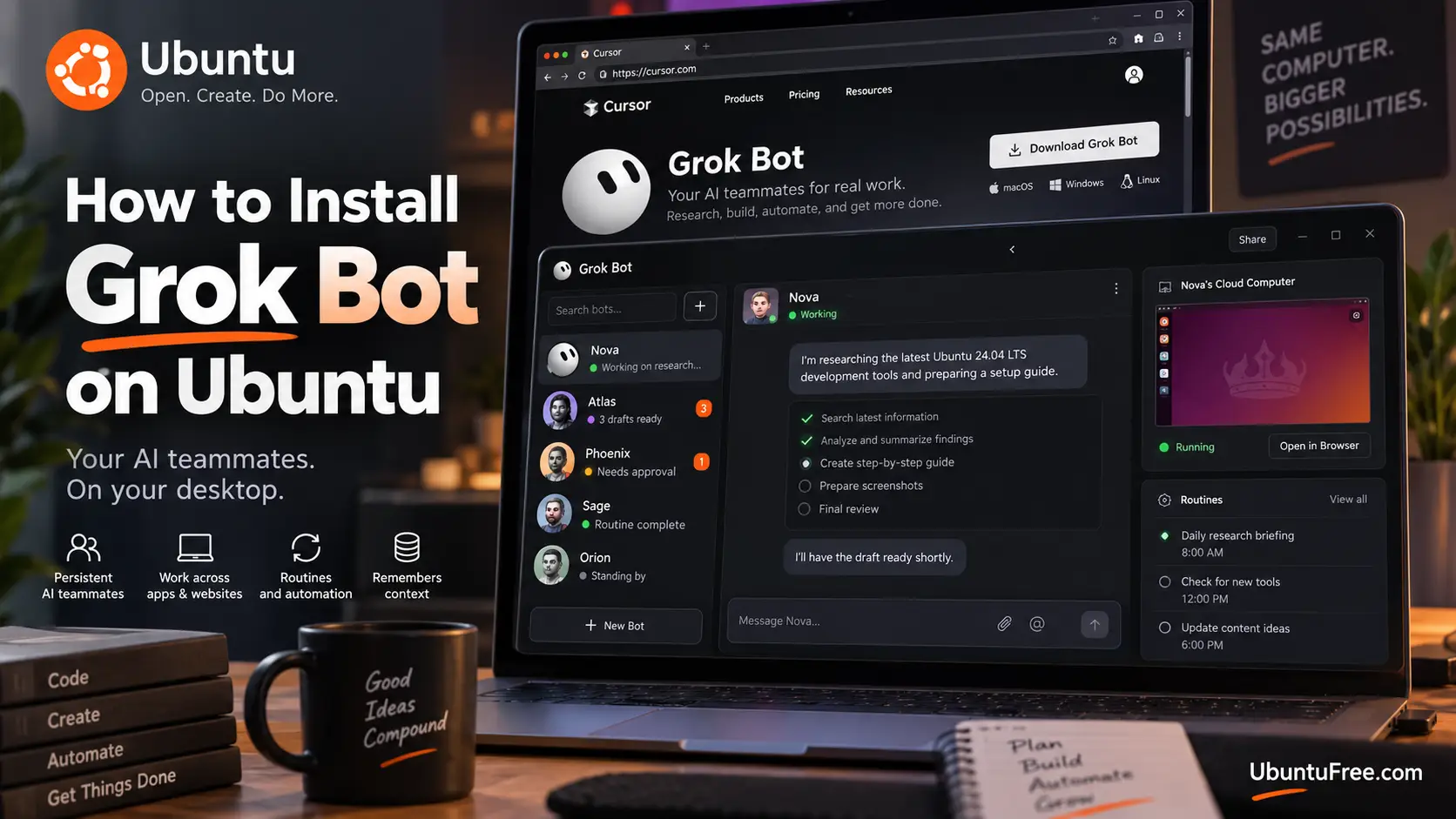
Grok Bot on Ubuntu
To install Grok Bot on Ubuntu, add its apt repository and run sudo apt install grok-bot. It is the same repository the official .deb sets up, and it works on amd64 and arm64.
Grok Bot comes with every paid Cursor plan. If a step does not work on your system, leave a comment below or contact us and we will help you sort it out.
Install Grok Bot in 3 Steps
Three steps, five minutes. Nothing here is specific to one Ubuntu release.
Step 1: Add the signing key
Open a terminal with Ctrl + Alt + T and fetch the key the Grok Bot packages are signed with:
curl -fsSL https://downloads.cursor.com/keys/anysphere.asc | gpg --dearmor | sudo tee /usr/share/keyrings/grok-bot.gpg > /dev/nullSilence means it worked. If the shell answers command not found, fetch both tools with sudo apt install curl gpg and run the line above again.
Grok Bot uses the same key as Cursor.
Step 2: Add the repository and install
Write the repository into apt’s list of sources. Copy it rather than typing it:
printf 'Types: deb\nURIs: https://downloads.cursor.com/aptrepo\nSuites: grok-bot\nComponents: main\nSigned-By: /usr/share/keyrings/grok-bot.gpg\n' | sudo tee /etc/apt/sources.list.d/grok-bot.sources > /dev/nullThen install:
sudo apt update && sudo apt install grok-botAbout 103 MB to download, 350 MB installed. If you install the .deb later, nothing changes.
Step 3: Open it and sign in
Grok Bot is in your applications menu. From a terminal, grok-bot opens it.
Choose Sign in on the welcome screen and finish in your browser with your Cursor account. Have SuperGrok or X Premium+ instead? The app offers to link it.
The Other Two Ways to Install It
Under “More downloads” on x.ai/bot there is a .deb, an .rpm and an AppImage. The .rpm is for Fedora.
| Method | Updates | Menu entry | Best for |
|---|---|---|---|
| apt repository | With your system | Yes | Everyone on Ubuntu |
| .deb file | With your system, after it adds the repository itself | Yes | Installing from a download |
| AppImage | Never. You re-download it | No | Other distributions |
The .deb file
Download the x64 or arm64 .deb, then:
cd ~/Downloads && sudo apt install ./grok-bot_*.debThe .deb adds the Grok Bot apt repository for you, so it updates like the repository install. It also adds the security permission Ubuntu 24.04 and newer need before it will start.
The AppImage
One file, nothing to install:
chmod +x Grok_Bot_*.AppImage
./Grok_Bot_*.AppImage
No menu entry and no updates. On Ubuntu 24.04 and newer it usually will not start, so use the .deb there. See When Something Goes Wrong.
What Grok Bot Is


Every Bot works on a computer in the cloud. It has a browser, a terminal and files, so a Bot can sign in to sites, fill forms and save results for you.
It keeps going when you close the app. Closing Grok Bot or your laptop does not stop a job. You step in only for passwords, two-factor codes and CAPTCHAs.
Routines run on a schedule. Ask a Bot in chat to set one up.

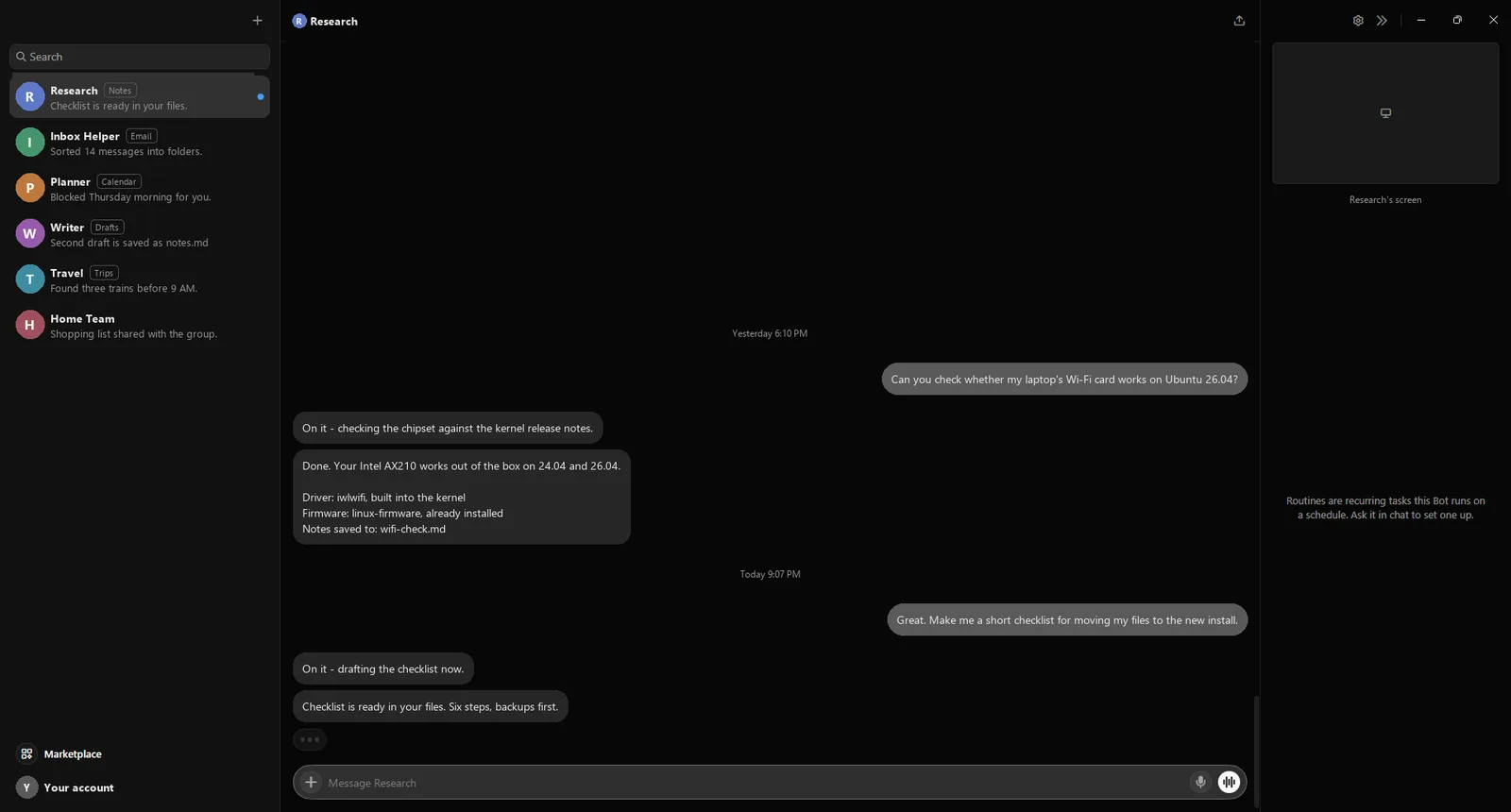
Plans: every paid Cursor plan includes it. So does a linked SuperGrok, SuperGrok Plus, SuperGrok Heavy or X Premium+ subscription. Each includes a set amount of use per week. Want the code editor too? Install Cursor on Ubuntu.
How Updates Reach You
New versions arrive with your system updates.
sudo apt update && sudo apt upgradeUbuntu’s Software Updater picks it up too. To see which version you have:
apt policy grok-botThe AppImage never updates. Download a new one to upgrade.
When Something Goes Wrong
Grok Bot exits at launch until the profile is loaded
FIX Run sudo apparmor_parser -r /etc/apparmor.d/grok-bot
The installer prints this on Ubuntu 24.04 and newer when a security permission did not load. This command loads it.
The AppImage never opens and mentions the sandbox
FIX Install the .deb or use the repository instead.
Ubuntu 24.04 and newer block it without a security permission, and only the installed package adds one.
dlopen(): error loading libfuse.so.2
FIX Run sudo apt install libfuse2t64
AppImage only. On 22.04 the package is libfuse2.
You signed in, but there is no Grok Bot access
FIX Upgrade to Pro, Pro+, Ultra or Teams, or link a SuperGrok or X Premium+ subscription.
The free Hobby plan does not include Grok Bot.
Grok Bot will not start on an account in Legacy Privacy Mode
FIX In your Cursor account settings, pick a privacy option that allows cloud storage.
Bots store their work in the cloud, which Legacy Privacy Mode does not allow.
Remove It
sudo apt remove grok-botThat also deletes its repository entry and key. Your Bots and their files live in your account, not on this machine, so they are still there if you install it again.
Helpful Resources
Frequently Asked Questions
Is Grok Bot the same as the Grok chatbot?
No. Grok Bot is a desktop app that gives you Bots with their own cloud computer. The Grok chatbot is a website and phone app with no Linux version.
Is Grok Bot free?
No. Every paid Cursor plan includes it, and so do SuperGrok and X Premium+. The free Hobby plan does not.
Which file should I download for Ubuntu?
Use the apt repository so Grok Bot updates with your system. If you want a file, take the .deb.
Does Grok Bot keep working when my laptop is off?
Yes. Bots run on a cloud computer, so closing the app or your laptop does not stop them.
Does Grok Bot run on arm64 Linux?
Yes. The .deb, .rpm and AppImage all come in x64 and arm64 builds, and the repository serves both.
The official setup guide walks through your first Bot once the app is open.
Related guides: Install Cursor on Ubuntu · Install ChatGPT on Ubuntu · Install Claude Desktop on Ubuntu · Install Google Antigravity on Linux · Install Devin Desktop on Ubuntu · More AI guides for Ubuntu