


The best icon themes for Ubuntu right now are Papirus, Yaru, Tela Icons, Flat Remix Icons, and MoreWaita. These are the icon packs that still make sense in 2026 if you want a cleaner desktop without dragging dead projects along for the ride.
Some users want the safest daily driver. Others want circle icons, a more macOS-style look, or a more modern colorful desktop. That is why this list mixes the safest mainstream picks with a few stronger style-first icon themes that are still active enough to be worth installing on Ubuntu 24.04 and Ubuntu 26.04.
If you think we missed one that deserves a spot here, leave a comment and let us know.
How We Chose These Icon Themes
We prioritized icon themes that still show recent maintenance, cover modern apps well, and still look right on current Ubuntu desktops instead of surviving on old reputation alone.
What Are The Best Themes For Ubuntu?
Safest Daily Drivers
Start here if you want icon themes that are easier to recommend broadly and less likely to break the look of your desktop once newer apps enter the mix.
Papirus Icons
Top Pick
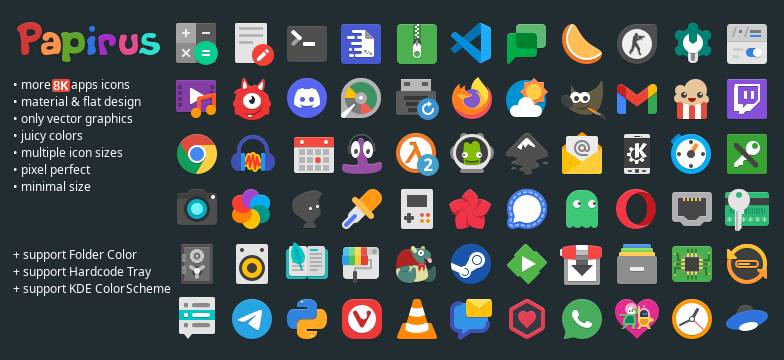

Papirus is still the safest all-around icon theme for Ubuntu because it covers a huge number of apps, still gets real updates, and usually creates fewer ugly icon gaps than older Linux icon packs.
Yaru Icons
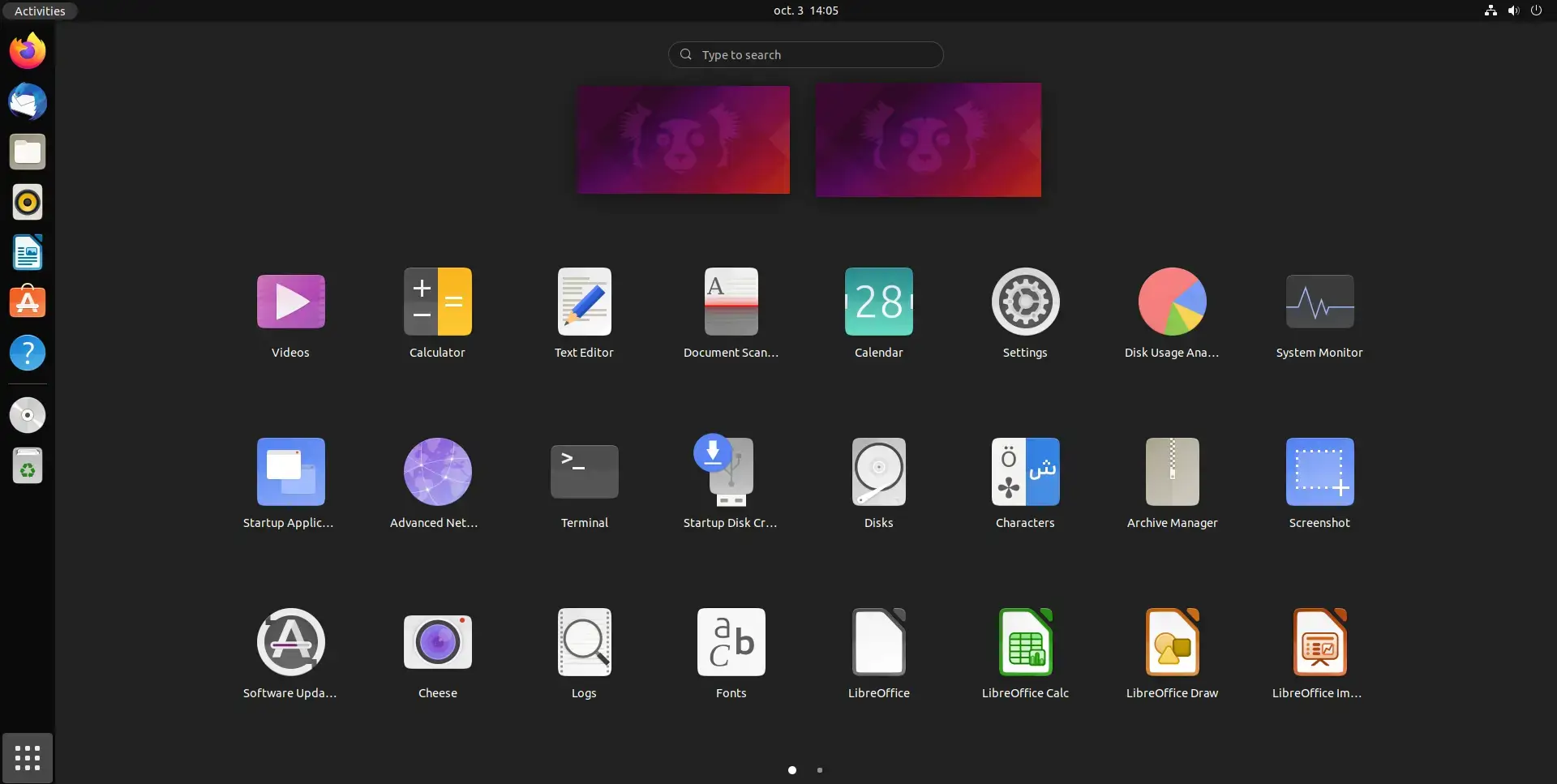

Yaru is still the best answer if you want your Ubuntu desktop to feel more polished without pushing it so far that it stops feeling like Ubuntu.
Tela Icons
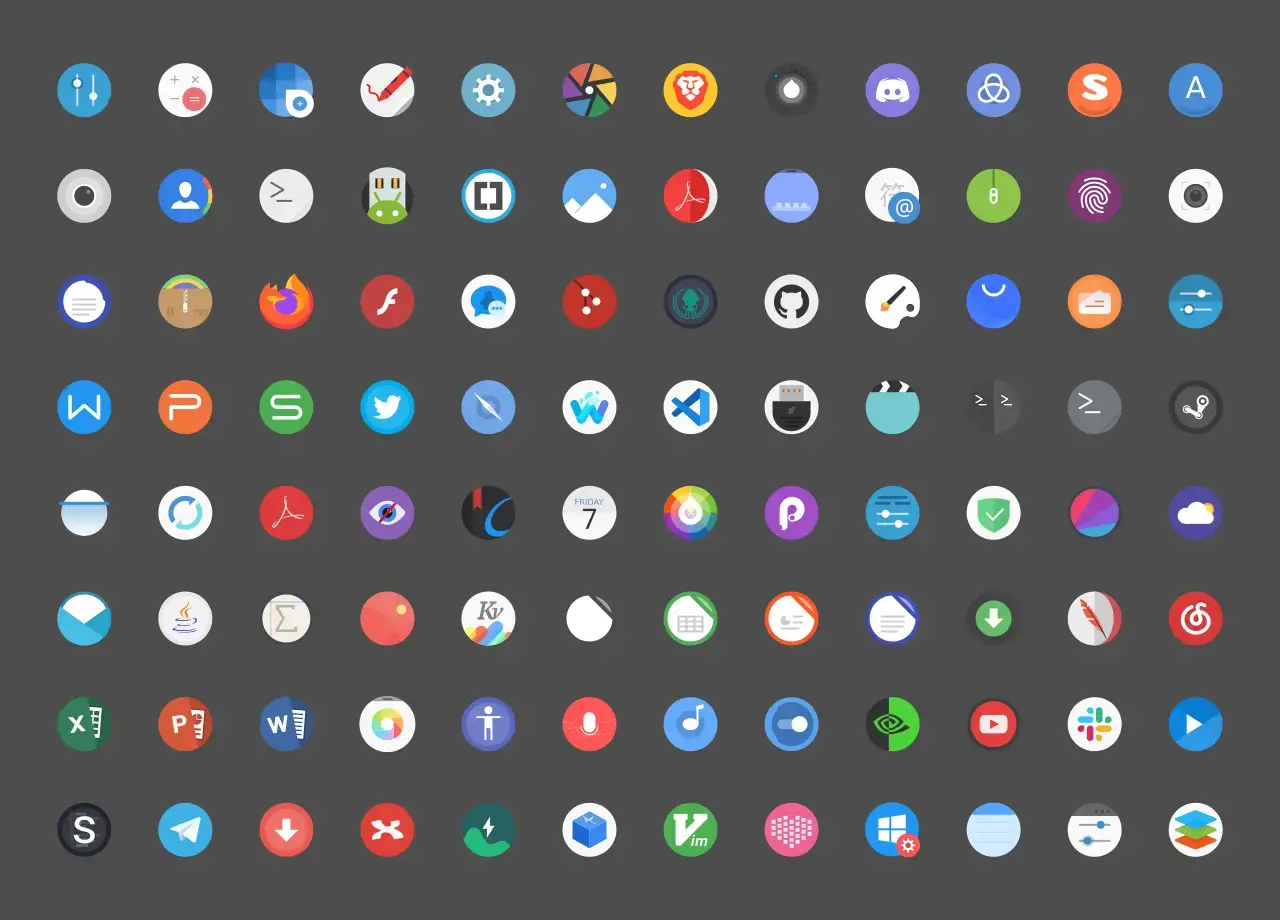

Tela is still one of the better all-around icon themes if you want something colorful and modern without turning the whole desktop into a novelty setup.
Flat Remix Icons
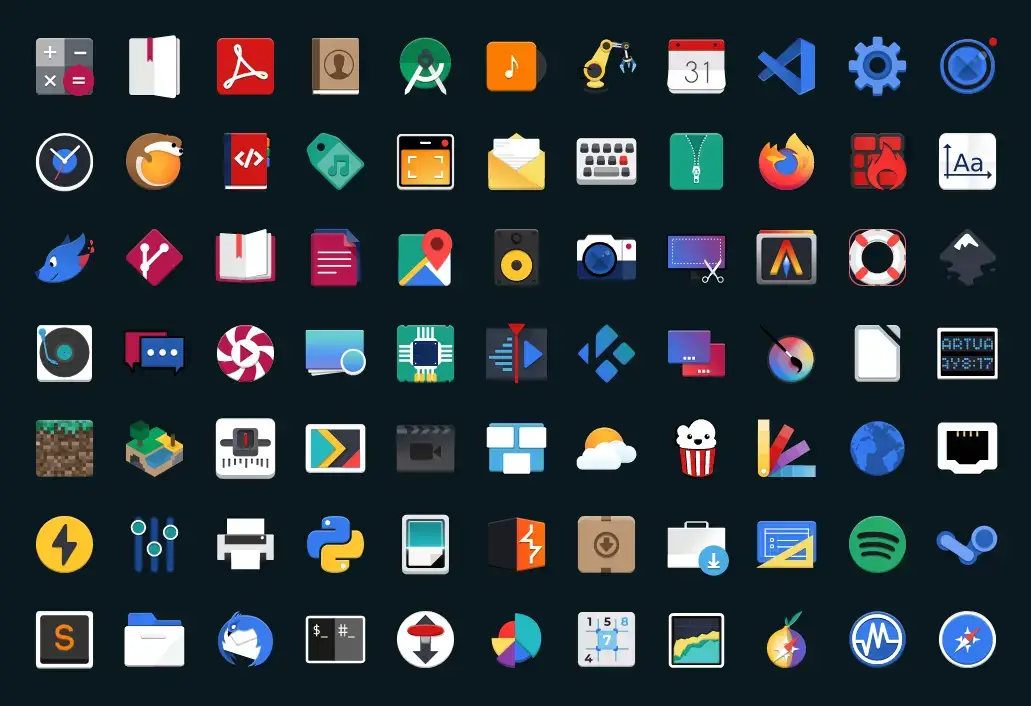

Flat Remix is still one of the easier recommendations if you want something colorful and modern without making the desktop feel chaotic or childish.
MoreWaita Icons
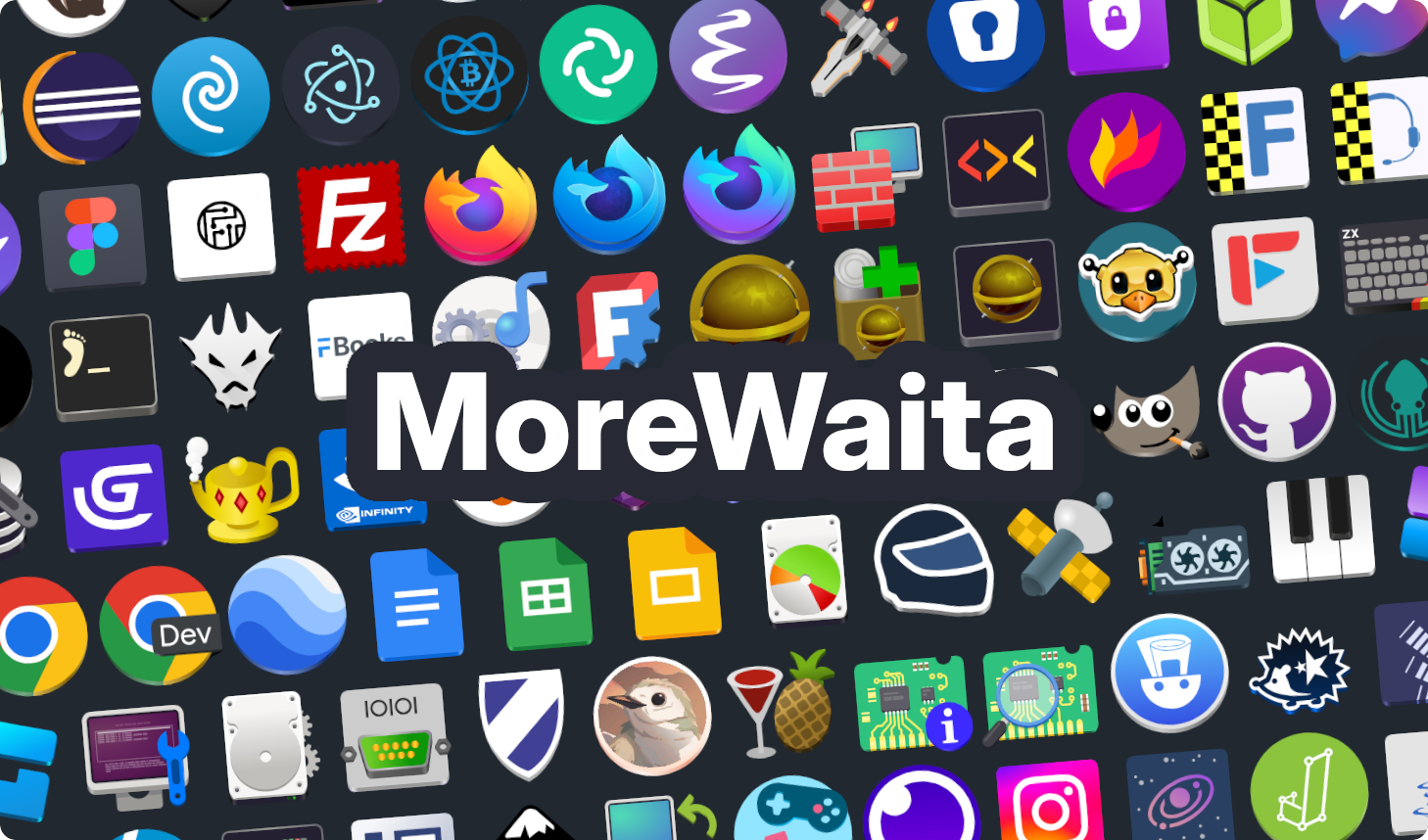

MoreWaita is a smart pick if you like GNOME’s default direction but want third-party app icons to stop looking out of place.
Modern and Polished Picks
These icon themes still look current in 2026 and make more sense if you want a desktop that feels refreshed without going all the way into novelty territory.
Colloid Icons
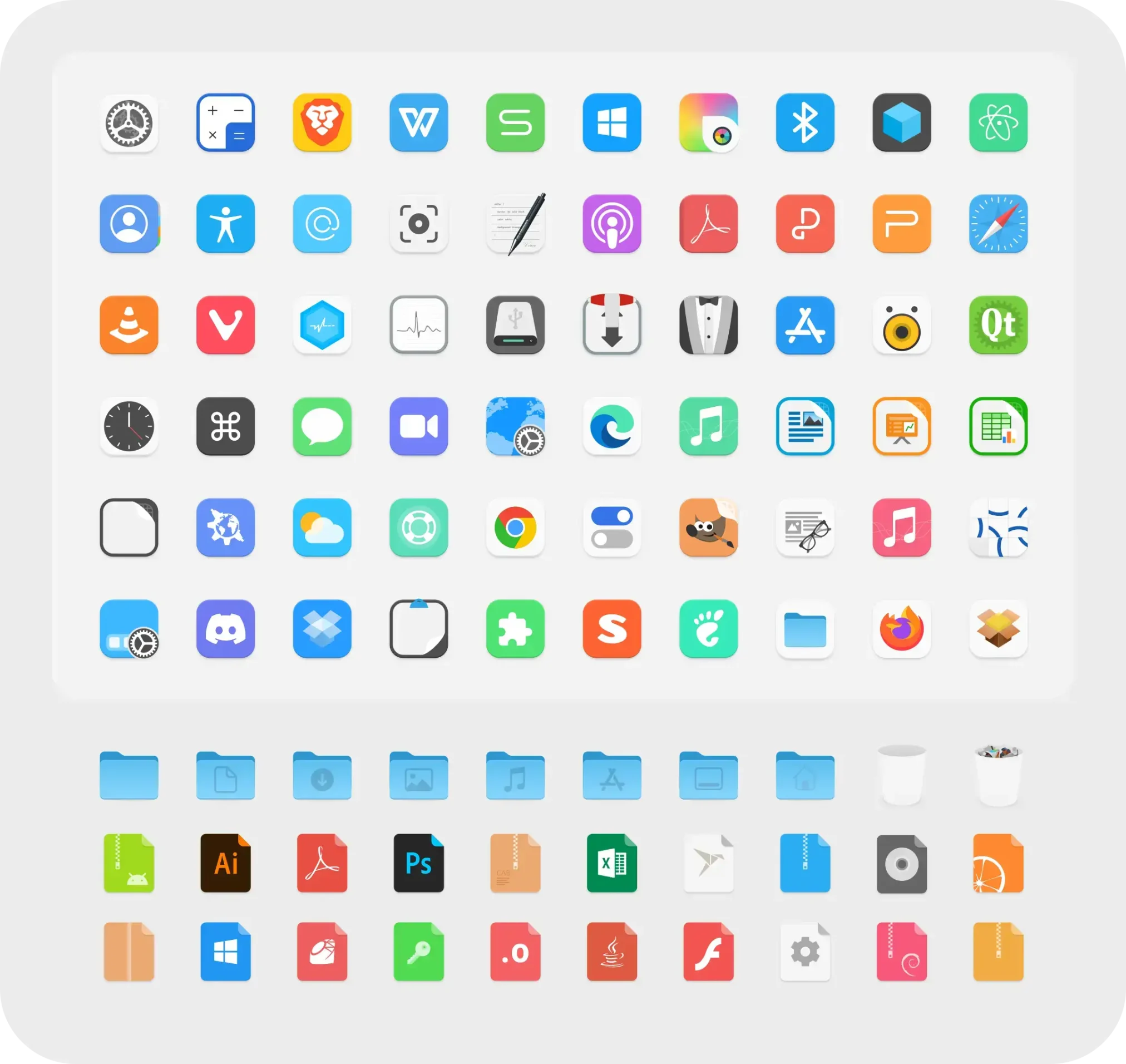

Colloid is one of the better picks if you want a more premium-looking desktop with tighter shape consistency and cleaner icon spacing.
Qogir Icons
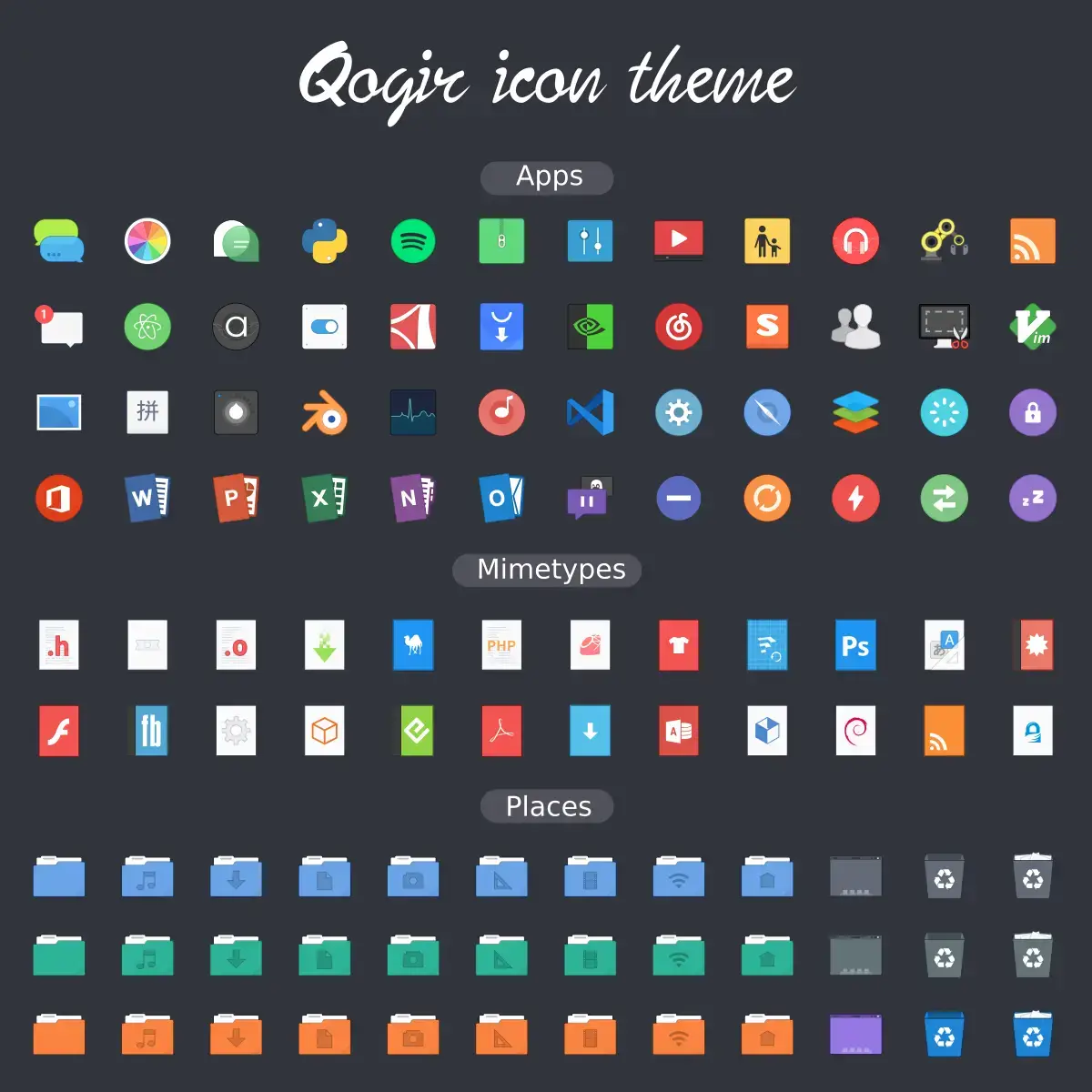

Qogir is calmer than some of the louder icon packs here, which makes it a good fit if you want a fresher desktop without turning every app icon into the main event.
Fluent Icons
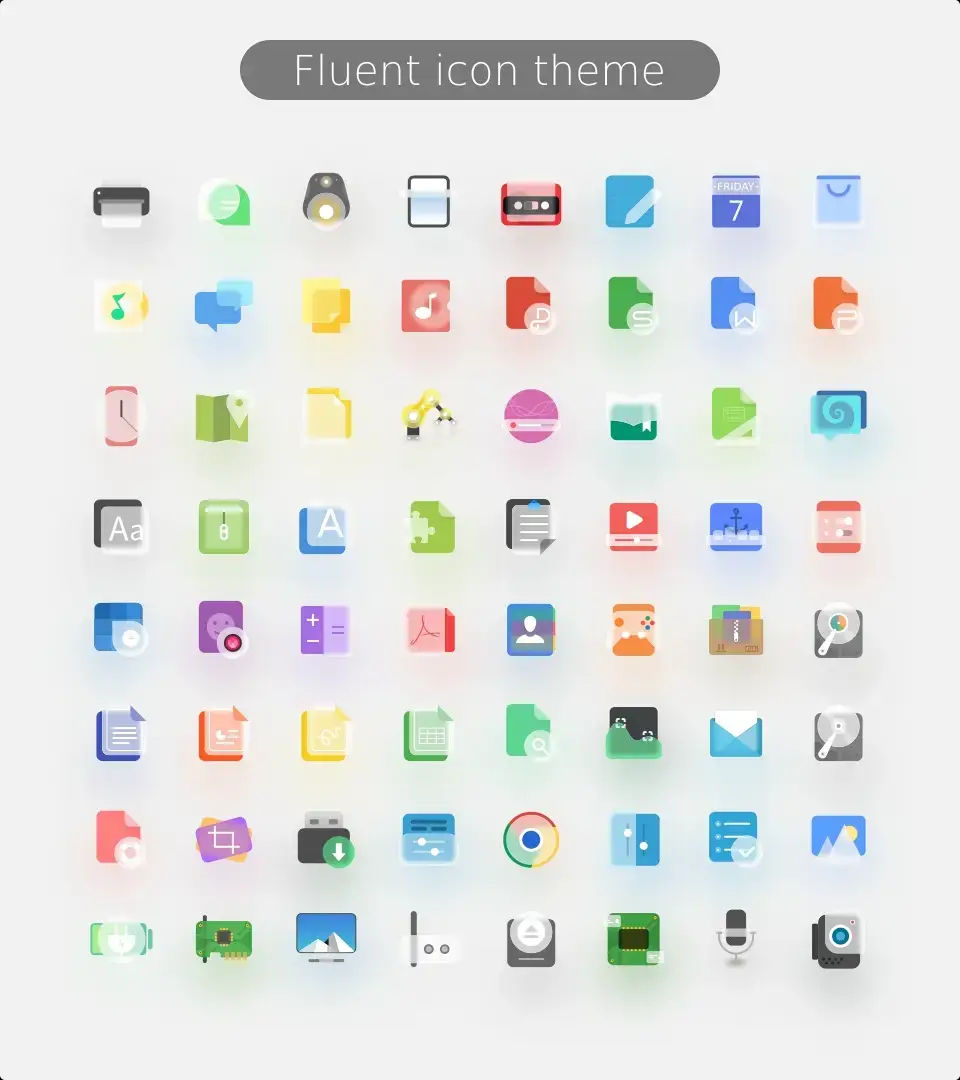

Fluent is one of the better choices if you want a more modern UI-style desktop and like a little more shape and dimensional feel than plain flat icons.
Vimix Icons
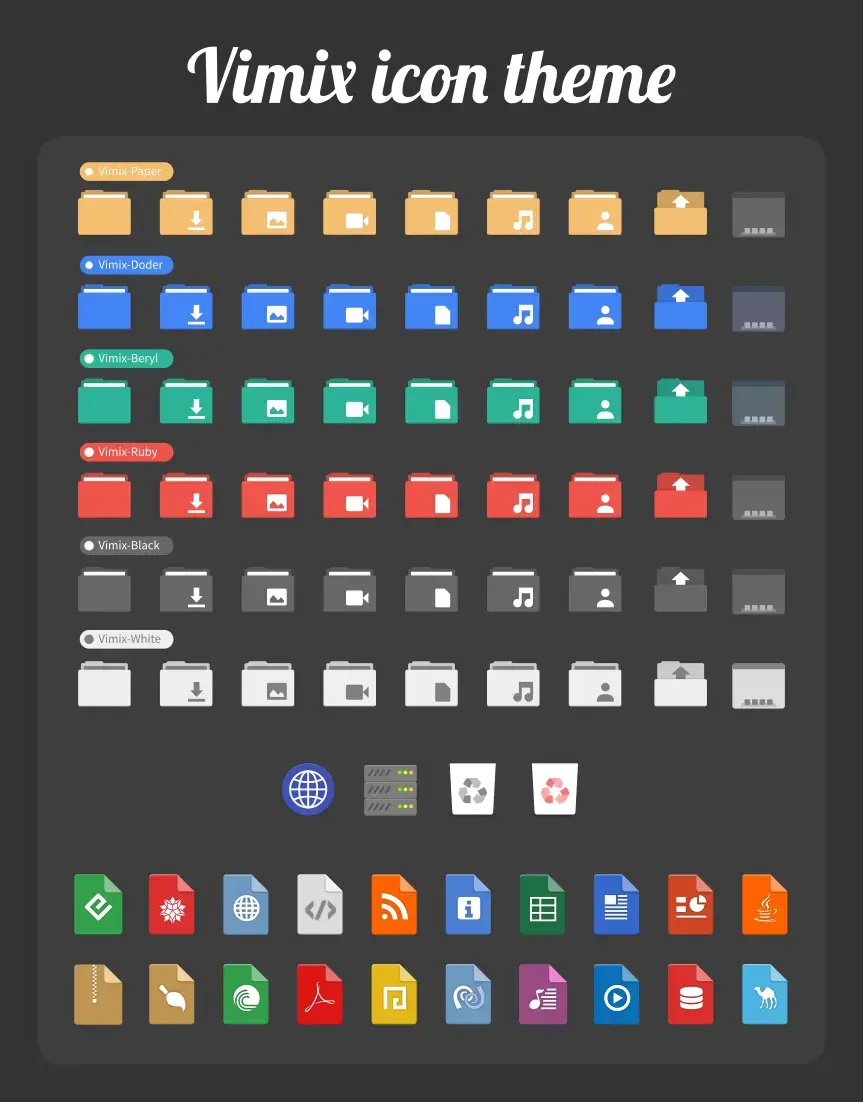

Vimix is still one of the cleaner Material-style picks if you want a modern icon pack that feels familiar without becoming boring.
Kora Icons
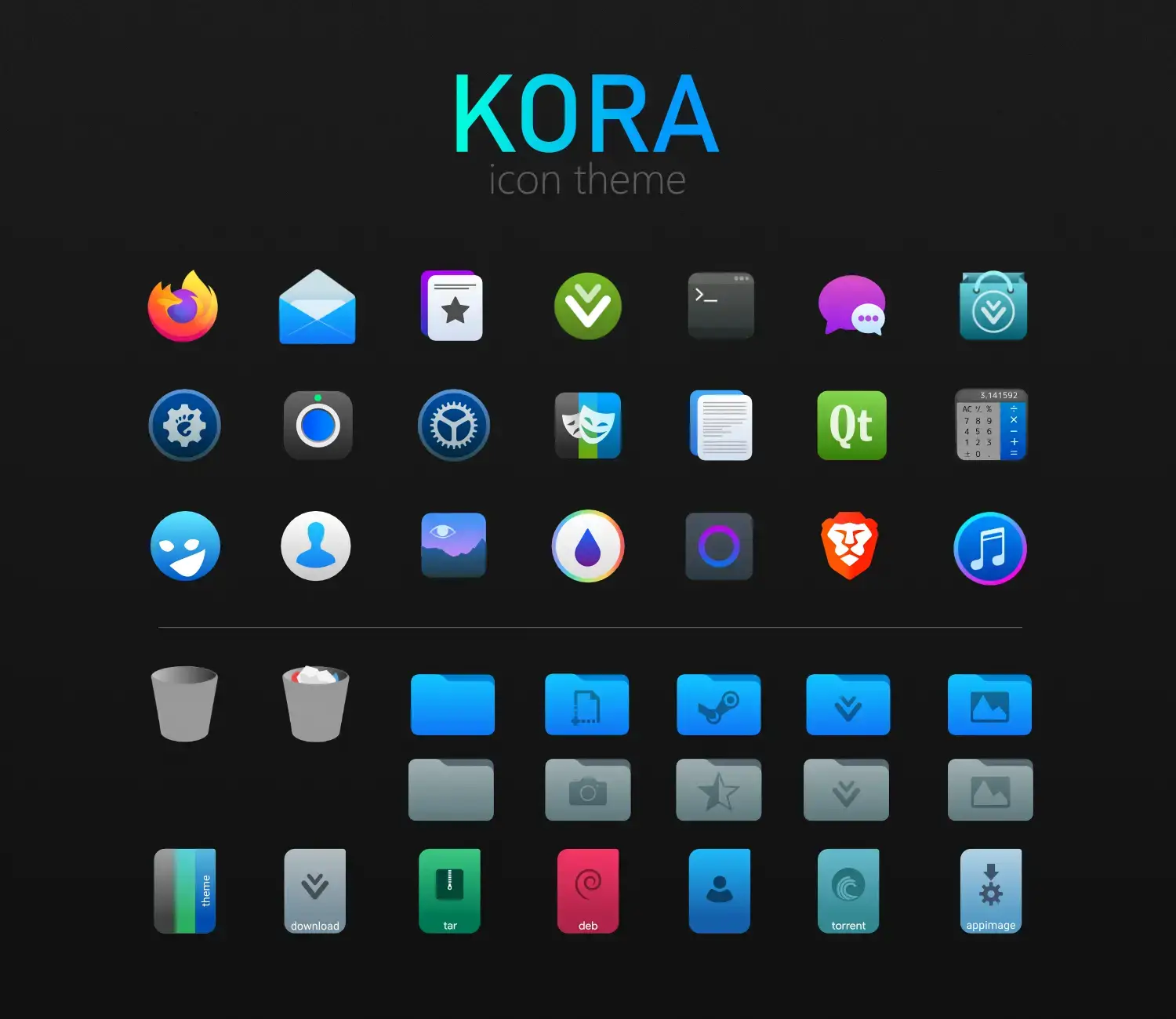

Kora is a dependable icon set if you want something colorful, readable, and still mature enough for an everyday Ubuntu desktop.
Breeze Icons
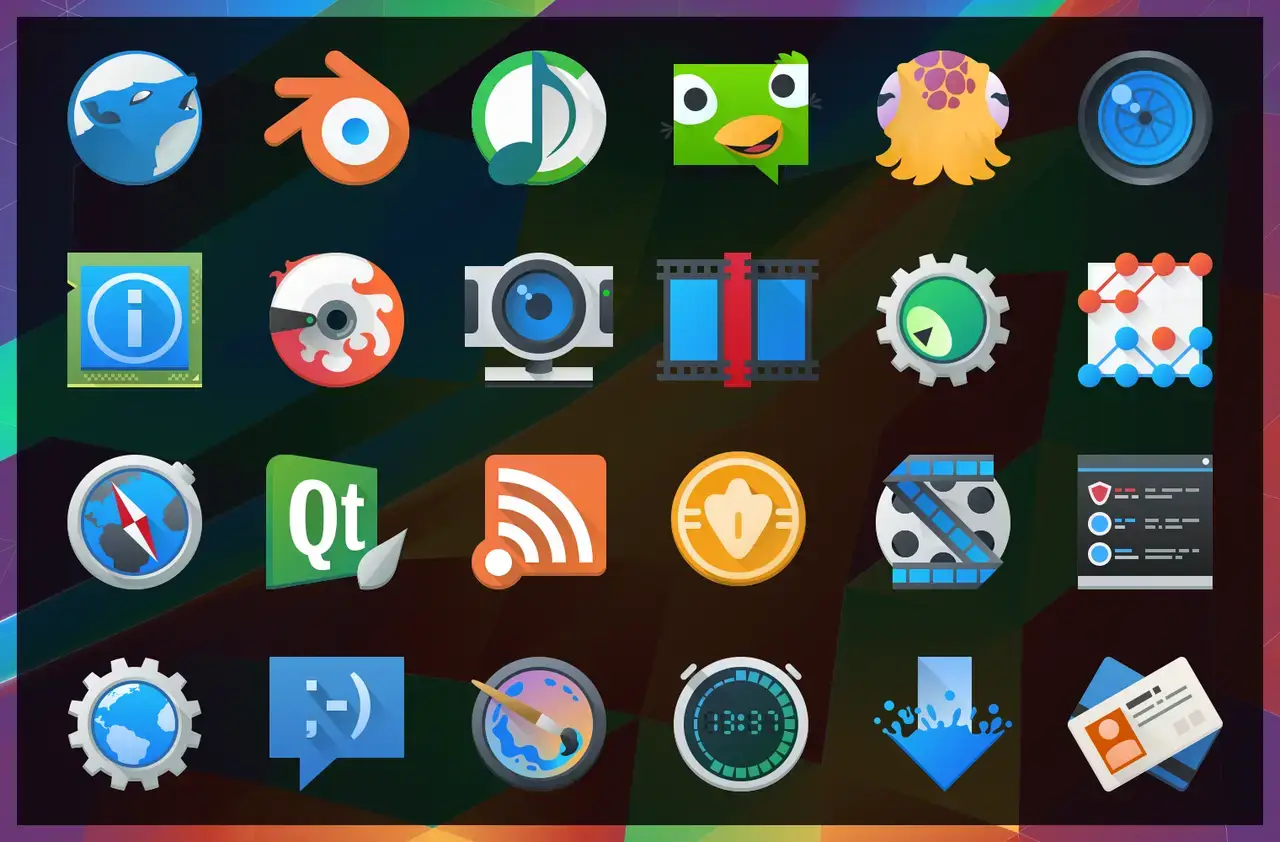

Breeze is one of the most complete icon themes on Linux, especially if you use Kubuntu or mix KDE and GTK apps on the same machine.
Adwaita Icons
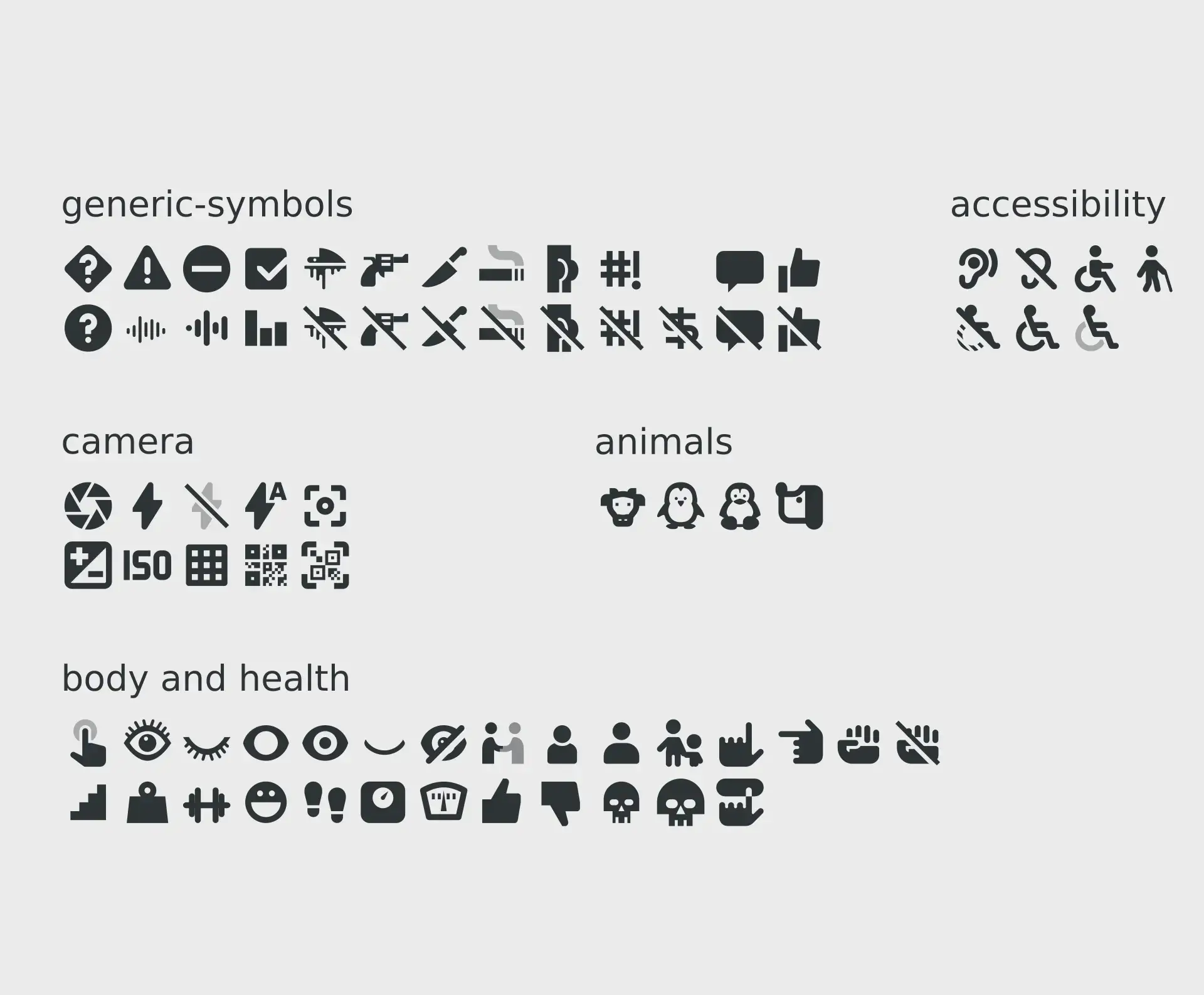

Adwaita is not here because it is flashy. It is here because it still matters as the compatibility-first baseline on GNOME-heavy Ubuntu desktops.
More Distinctive Styles
These icon themes are more style-driven. They can look fantastic, but they make the most sense when you already know the kind of desktop vibe you want.
WhiteSur Icons
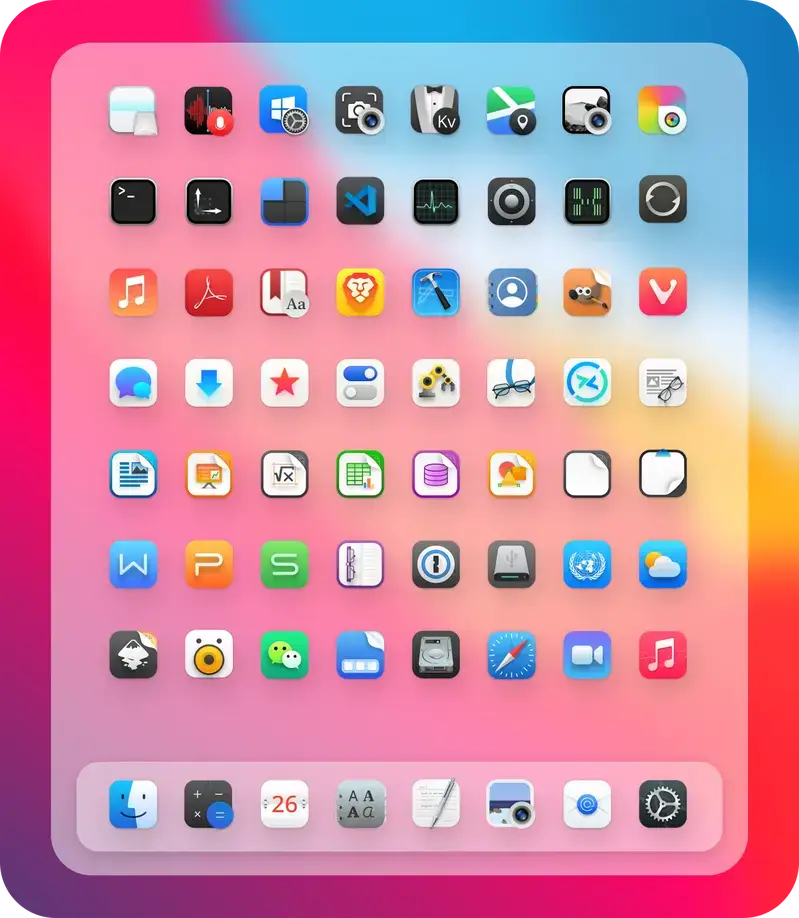

WhiteSur is still the easiest answer if you want an Ubuntu desktop that leans hard into a modern macOS-style look without feeling half-finished.
Candy Icons
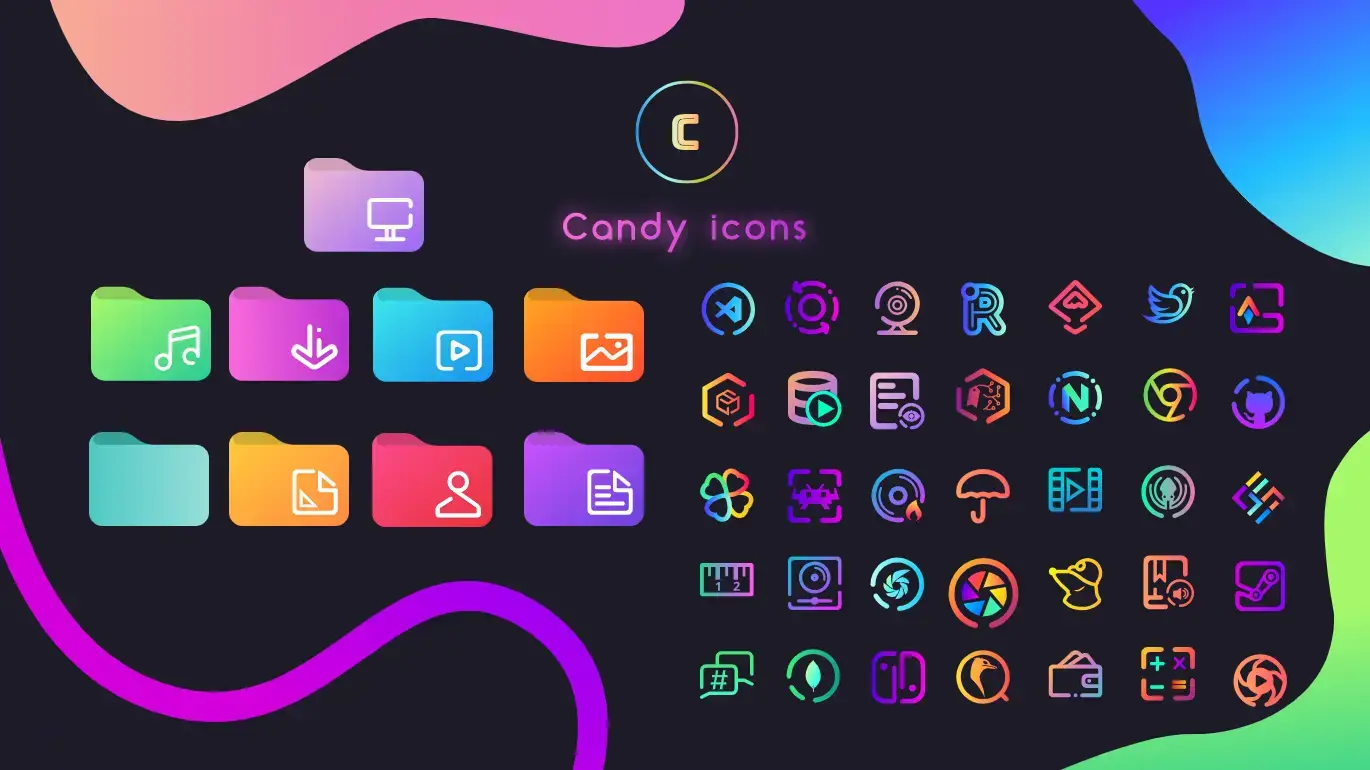

Candy Icons are still worth it if you want the icon pack itself to drive the whole look of the desktop, especially on darker Ubuntu themes.
Nordzy Icons
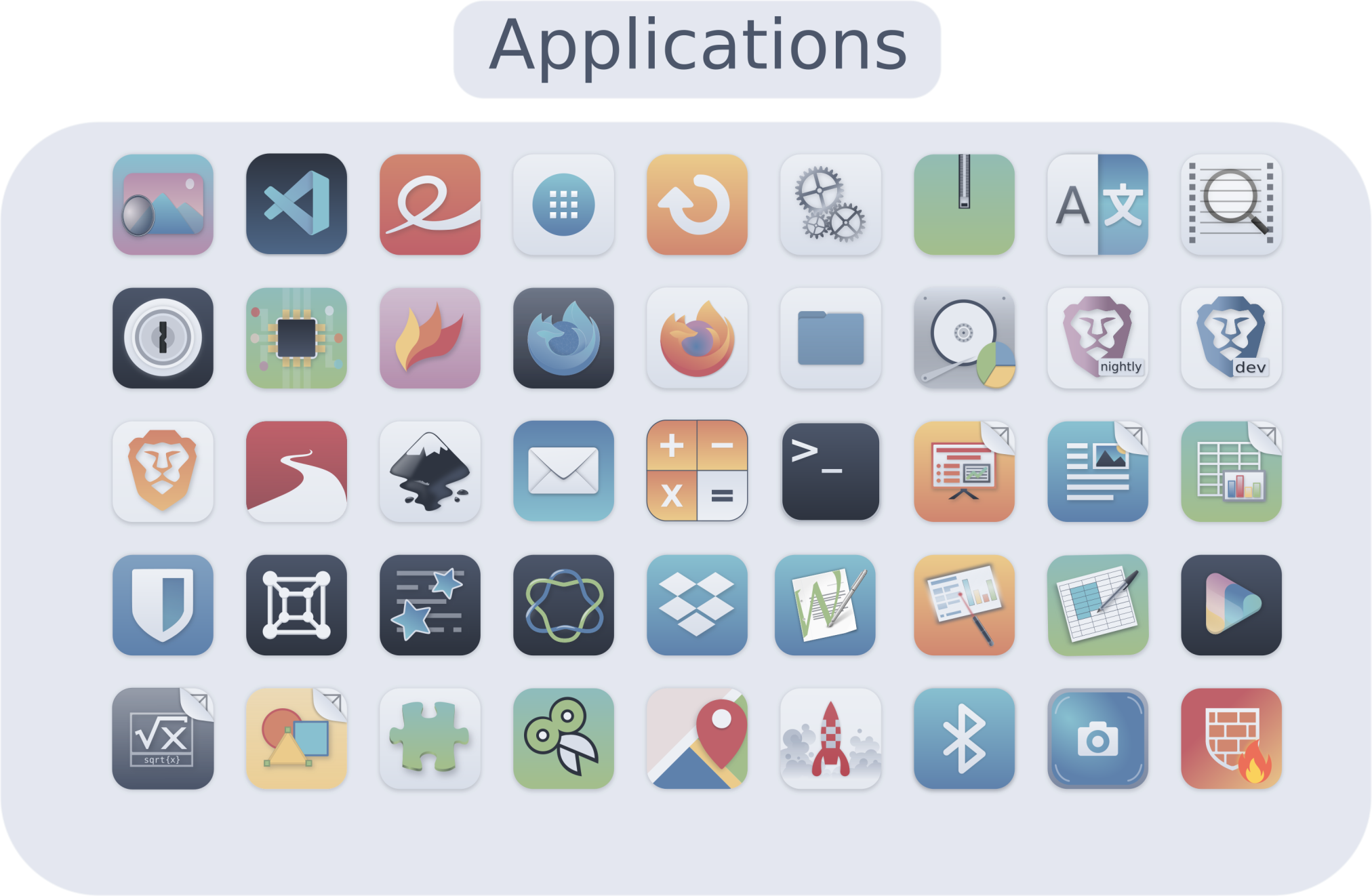

Nordzy is a smart choice if your whole setup already leans into Nord colors and you want the icons to stop feeling like an unrelated layer.
Gruvbox Plus Icons
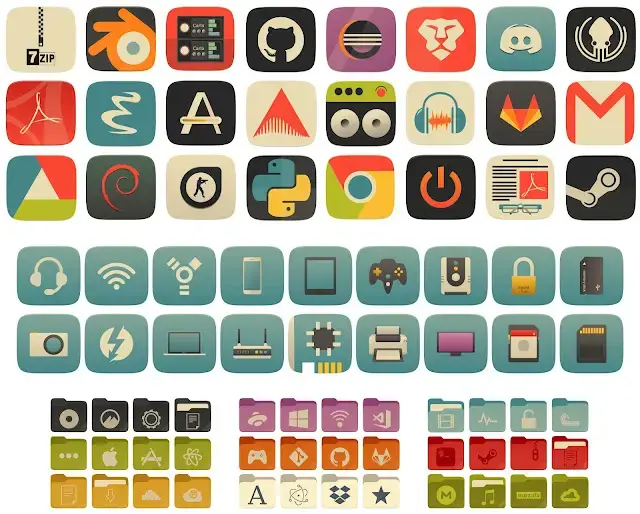

Gruvbox Plus makes the most sense if you already live in Gruvbox across your terminal, editor, and desktop and want the icons to stop breaking the palette.
Tela Circle Icons
Tela Circle is still one of the best circle-style icon themes if you want a tidier dock and more uniform launcher grid without going back to dead old circle packs.
elementary Icons
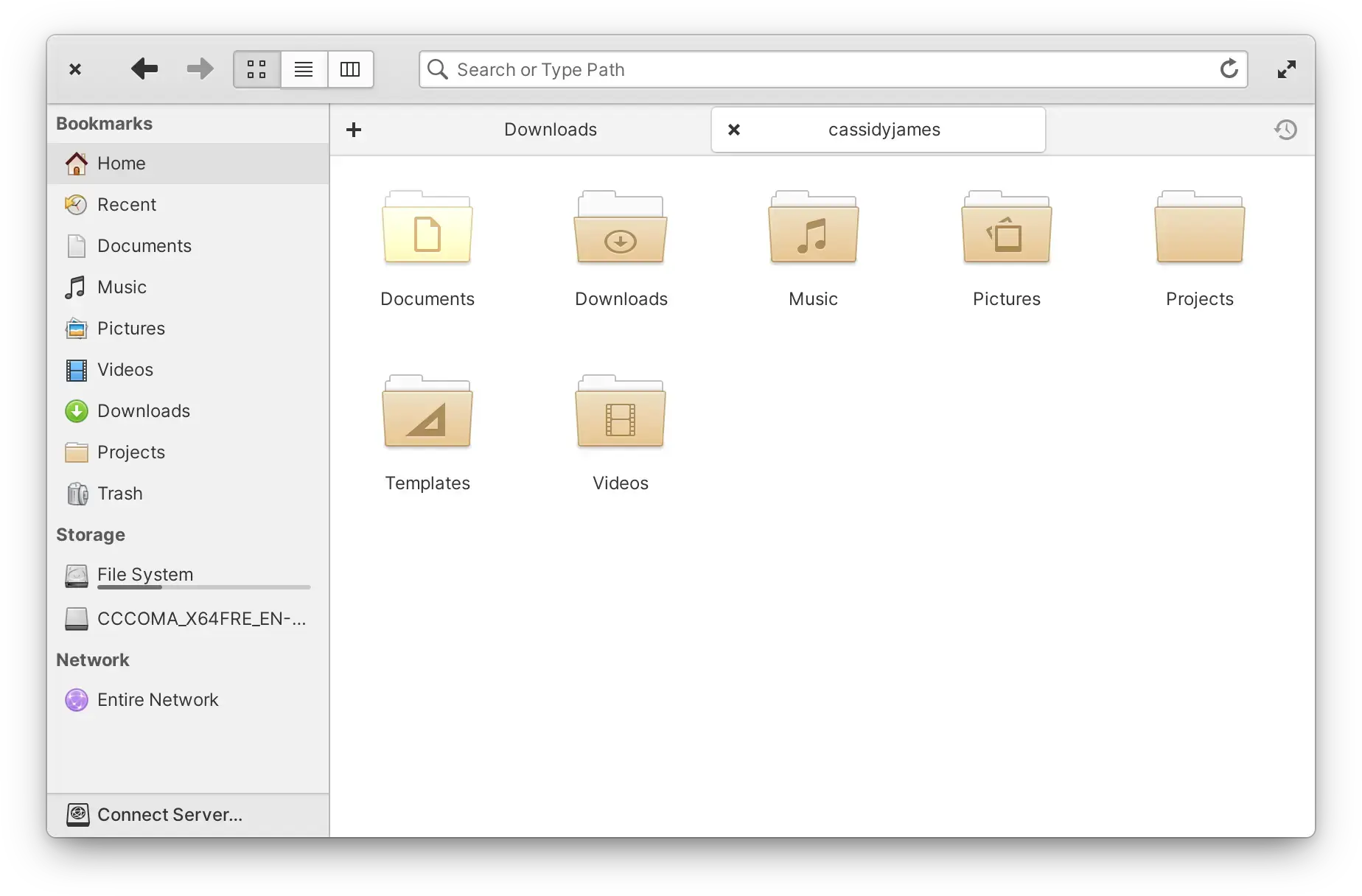

elementary Icons are still worth trying if you want a desktop that feels more designed and less pieced together from random Linux theming history.
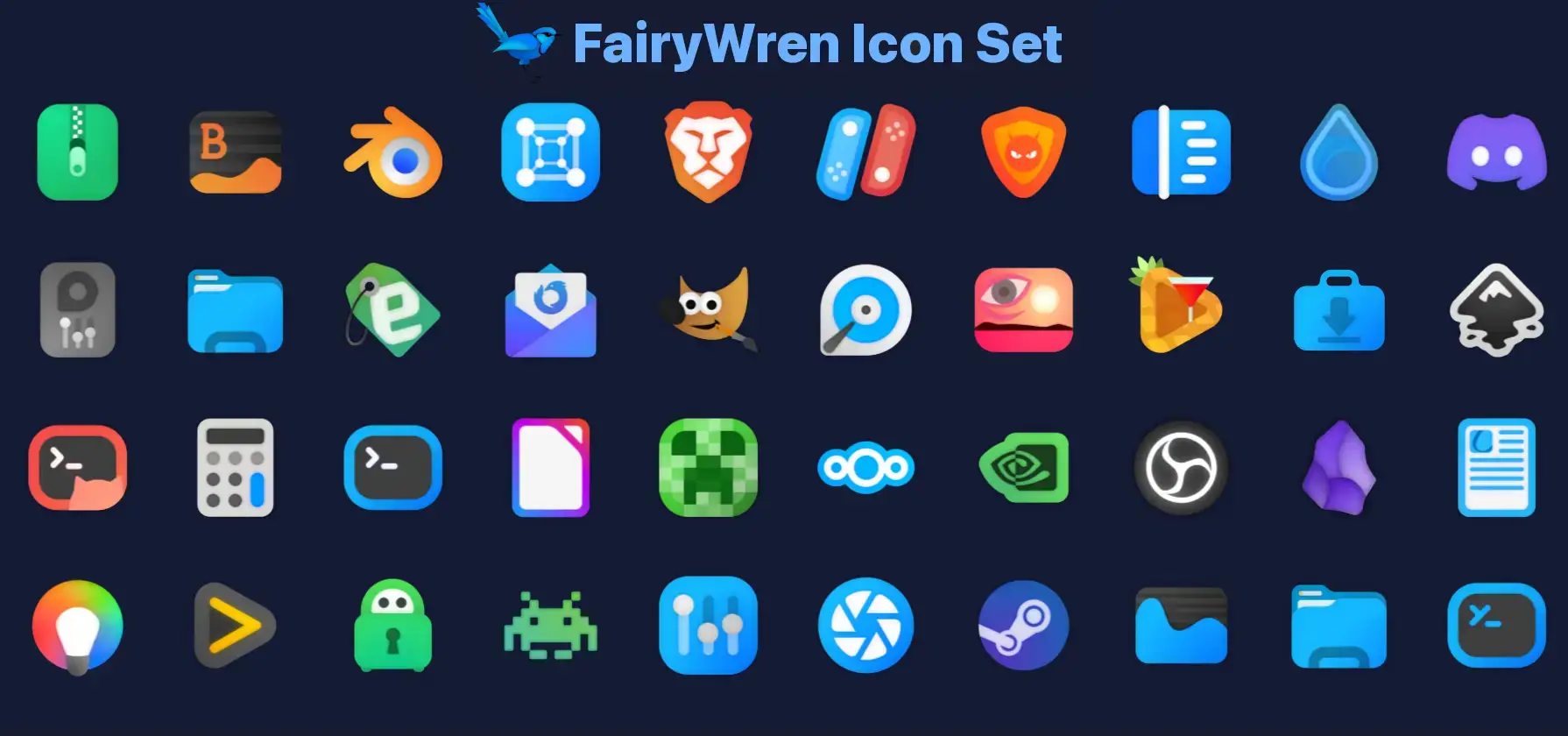
FairyWren Icons

McMojave-circle Icons
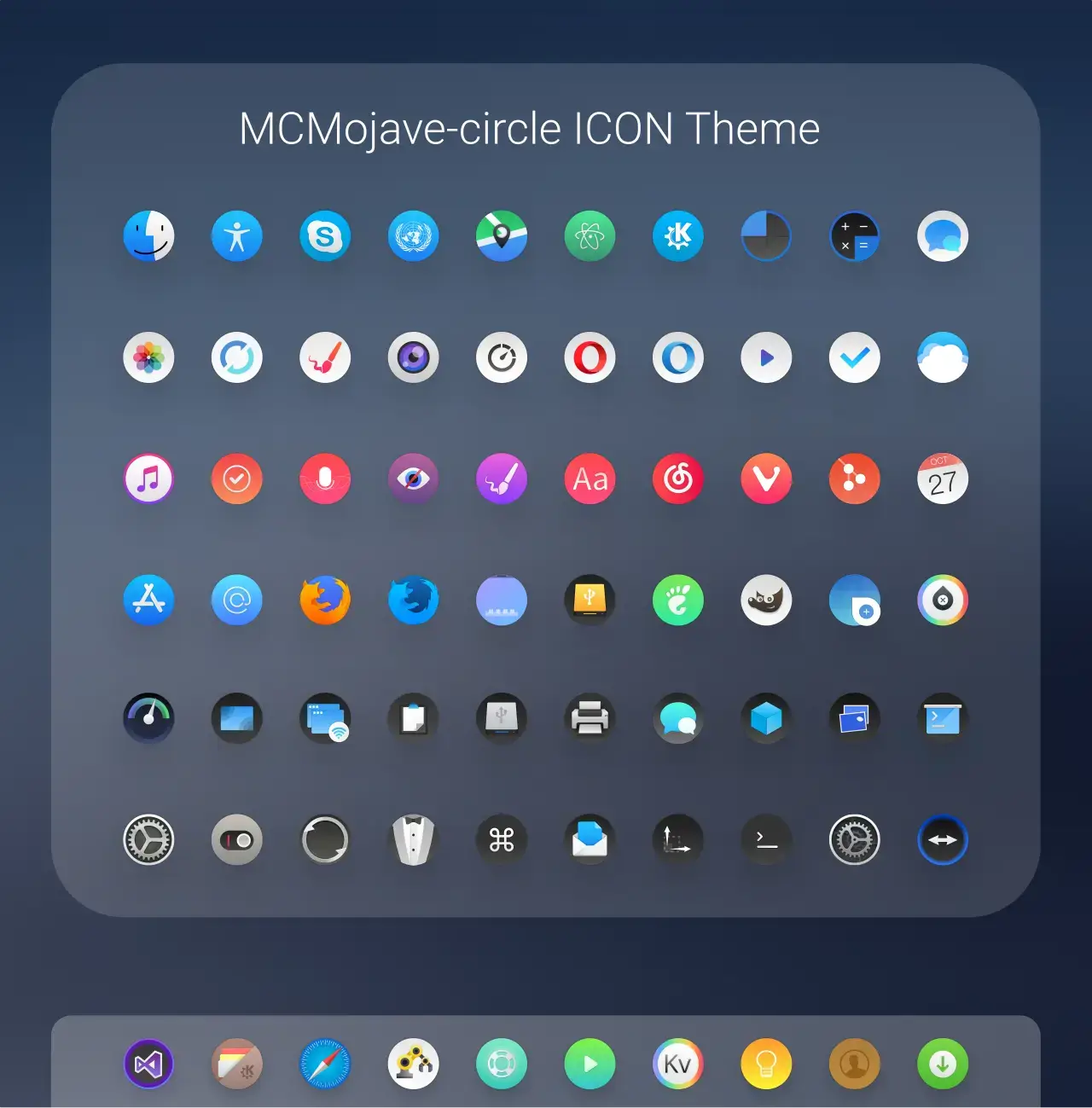

McMojave-circle still works if you want a more old-school macOS-style circular icon look instead of the newer squircle-heavy desktop clones.
How to Install Icon Themes on Ubuntu
If an icon theme ships with an install.sh script, that is usually the cleanest path. If it does not, manual install is still simple.
1. Download the icon theme
Use the GitHub, Pling, or Snapcraft link from the project you want.
2. If it is a manual install
Extract the icon folder into ~/.icons or ~/.local/share/icons.
3. Apply it
Open GNOME Tweaks, your desktop appearance settings, or the relevant theme tool and switch the icon theme.
Frequently Asked Questions
What is the best icon theme for Ubuntu right now?
Papirus is still one of the safest all-around icon themes for Ubuntu because it has broad app coverage, regular updates, and works well for most desktop setups.
Do icon themes still work on Ubuntu 24.04 and Ubuntu 26.04?
Yes, but active maintenance matters much more now. Older abandoned icon themes often miss newer app icons or look broken on modern Ubuntu desktops.
How do I change the icon theme on Ubuntu?
Install the icon theme, then open GNOME Tweaks or your desktop appearance settings and switch the icon theme from the appearance section.
Are circle icon themes still worth using on Ubuntu?
Yes. Circle icon themes are still popular for users who want a cleaner dock or launcher grid, as long as the theme is still actively maintained.
What should I avoid when choosing an Ubuntu icon theme in 2026?
Avoid abandoned icon themes that have not been updated recently. A theme may still look good in screenshots but fail badly once newer apps and package formats are involved.
More Ubuntu Customization Guides
If you are still tuning the look of your desktop, these guides pair well with the icon themes above and give you a few stronger next steps.