

Feel free to leave a comment or contact us directly for any feedback or help.

Quick Facts
How to Install Zafiro Icons on Ubuntu
You can install Zafiro on Ubuntu using the official bash script or a manual download from GitHub. Here is how.
Option 1: Install with the Bash Script (Easiest)
The official install script downloads and sets up Zafiro automatically. You just need wget and gzip, which most Ubuntu installs already have.
wget -N https://raw.githubusercontent.com/zayronxio/Zafiro-icons/master/Install-Zafiro-Icons.sh
chmod +x Install-Zafiro-Icons.sh
bash ./Install-Zafiro-Icons.sh
Option 2: Manual Install from GitHub
Clone or download the repo and copy the Dark or Light folder to your local icons directory.
git clone https://github.com/zayronxio/Zafiro-icons.git
mkdir -p ~/.local/share/icons
cp -r Zafiro-icons/Dark ~/.local/share/icons/Zafiro-icons-Dark
Apply the Icon Theme
Open GNOME Tweaks (install it with sudo apt install gnome-tweaks if you do not have it), go to Appearance, and select Zafiro-icons-Dark or Zafiro-icons-Light under the Icons dropdown.
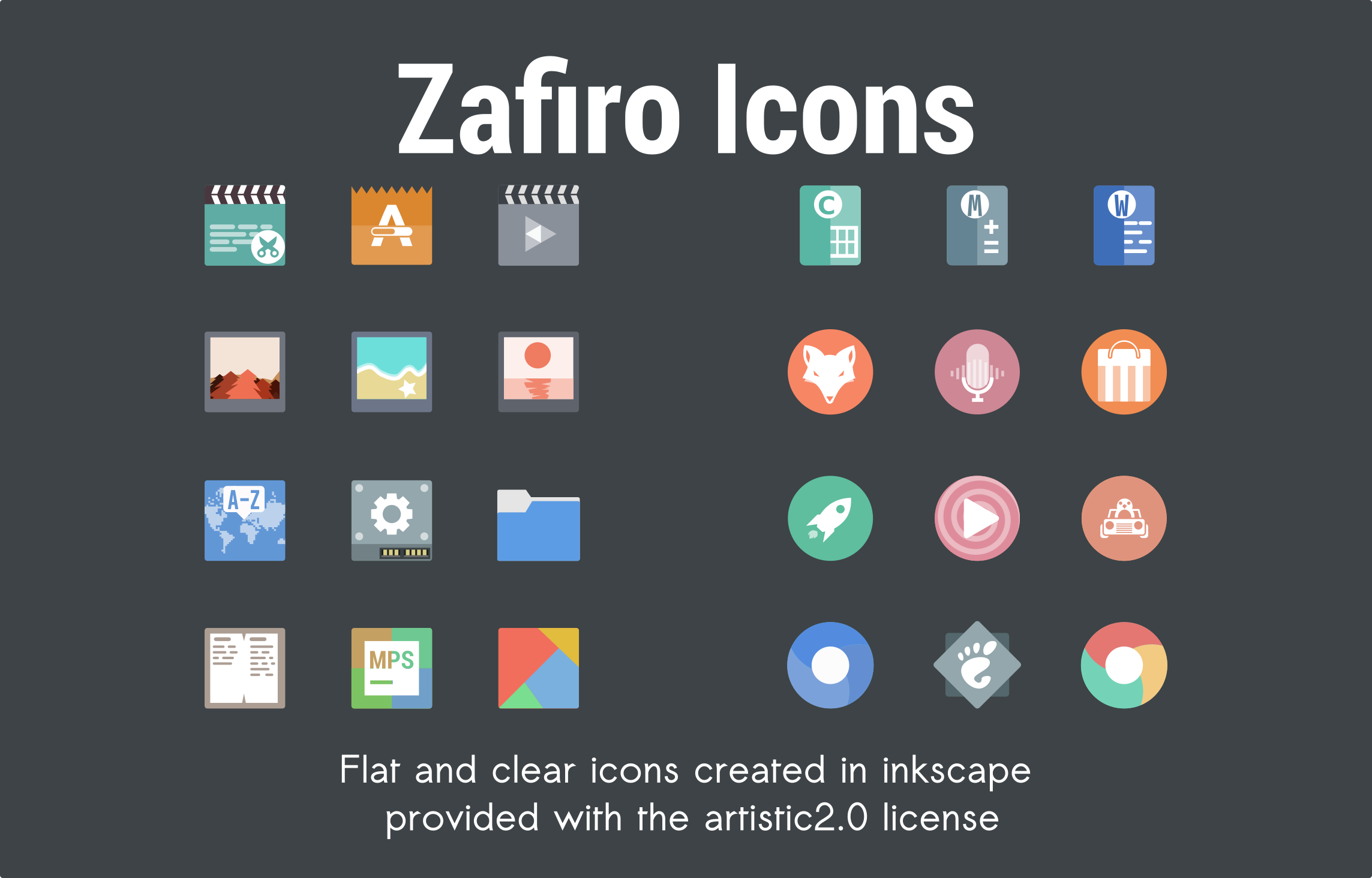
What do Zafiro Icons Look Like?
What Makes Zafiro Worth Installing?
Zafiro takes a less-is-more approach to icon design. Where most themes compete to add more colors and more detail, Zafiro strips things back to soft, washed-out tones and clean white lines. The result is a desktop that feels calm and uncluttered. It works especially well on light desktops and pairs nicely with minimal GTK themes. If you want icons that do not fight for your attention, Zafiro is a strong choice.
✓ Minimalist ✓ Soft Colors ✓ Dark + Light ✓ Multi-DE Support ✓ Clean White Lines
Download Zafiro Icon Theme
Get the latest version from any of these official sources.
Frequently Asked Questions
How do I install Zafiro icons on Ubuntu?
The easiest way is the official bash script. Run wget -N https://raw.githubusercontent.com/zayronxio/Zafiro-icons/master/Install-Zafiro-Icons.sh and then bash ./Install-Zafiro-Icons.sh in your terminal. You can also download the icons manually from GitHub or opendesktop.
Does Zafiro icon theme work on Ubuntu 24.04 and 26.04?
Yes. Zafiro works on Ubuntu 24.04 and Ubuntu 26.04. It supports GNOME, KDE, XFCE, LXQt, and most other Linux desktop environments.
Where can I download Zafiro icon theme?
You can download Zafiro from its official GitHub repository or from opendesktop.org/Pling. Opendesktop has multiple weekly versions available while GitHub releases have the major updates.
Does Zafiro come in dark and light variants?
Yes. Zafiro includes both a Dark and a Light variant. You can install whichever matches your desktop theme, or try both and switch between them.
Is Zafiro icon theme still maintained?
Zafiro receives periodic updates. The GitHub repository has nearly 400 commits and 46 releases. While updates come less frequently than some other themes, the icon set is stable and well-suited for daily use.
More Ubuntu Customization Guides
Pair Zafiro with a minimal GTK theme or cursor for a fully polished desktop.