

Feel free to leave a comment or contact us directly if you have any feedback or need help.

Quick Facts
How to Install Candy Icons on Ubuntu
You can install Candy Icons on Ubuntu by cloning the GitHub repo or downloading the zip file. Here is how.
Option 1: Install from GitHub (Recommended)
Clone the repository directly into your local icons directory. This is the fastest way to get started and makes future updates easy with a git pull.
mkdir -p ~/.local/share/icons
git clone https://github.com/EliverLara/candy-icons.git ~/.local/share/icons/candy-icons
Option 2: Download the Zip File
Download the zip from GitHub or Pling, extract it, and move the folder to your icons directory.
mkdir -p ~/.local/share/icons
unzip candy-icons-master.zip -d ~/.local/share/icons/
Apply the Icon Theme
Open GNOME Tweaks (install it with sudo apt install gnome-tweaks if you do not have it), go to Appearance, and select candy-icons under the Icons dropdown.
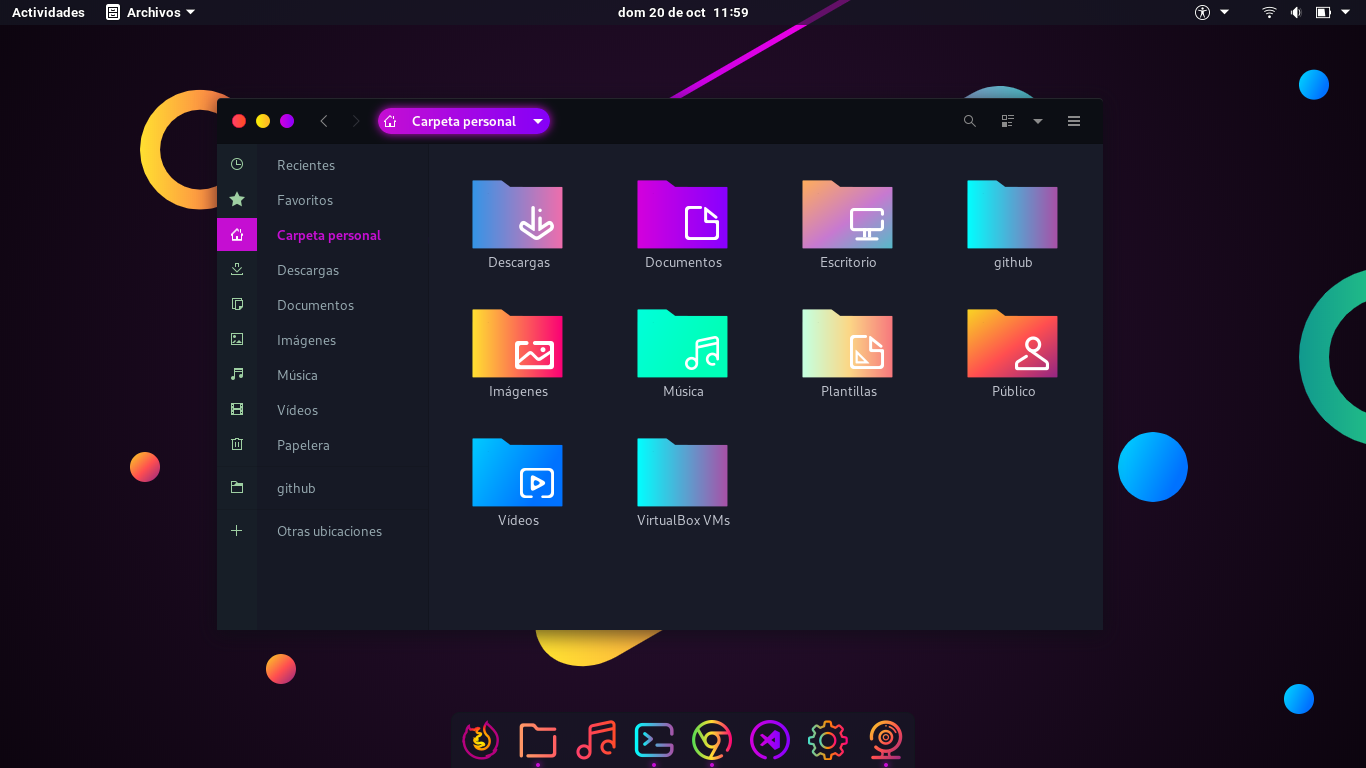
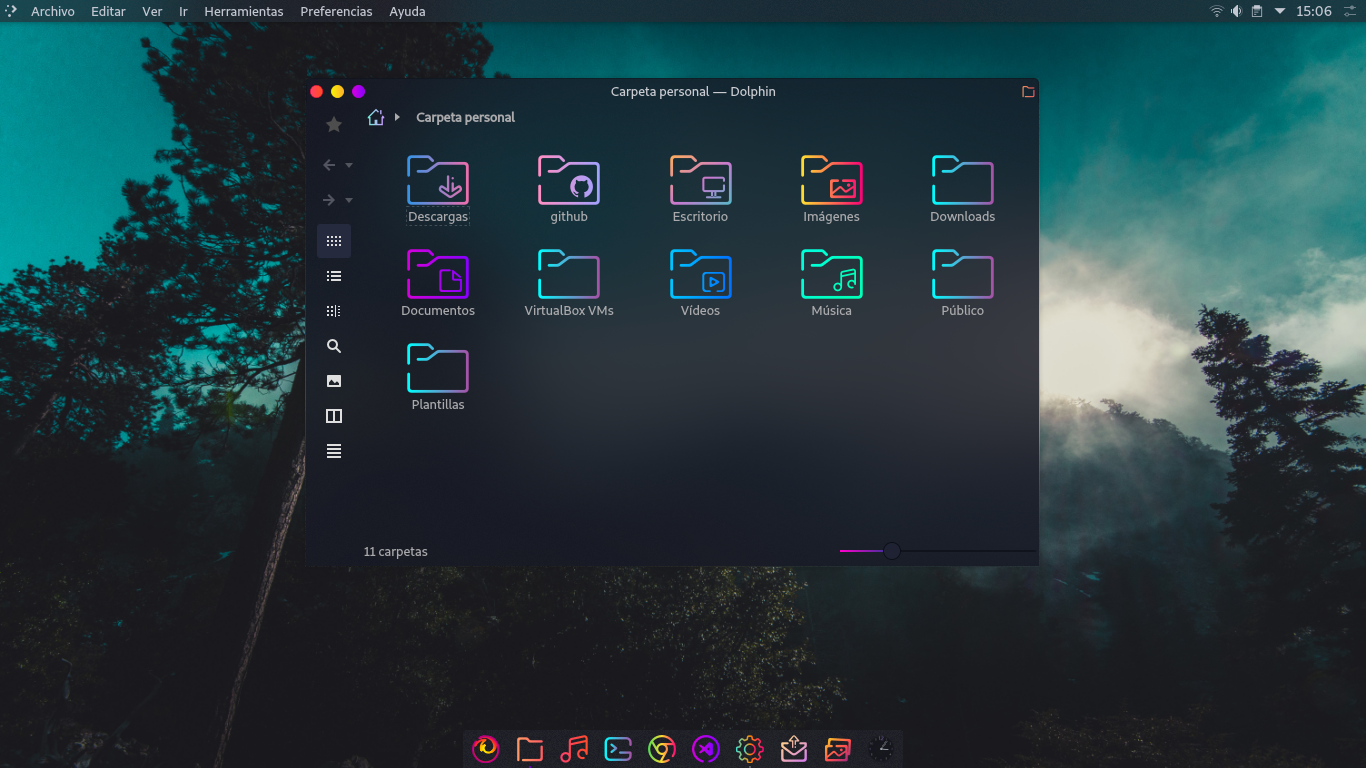
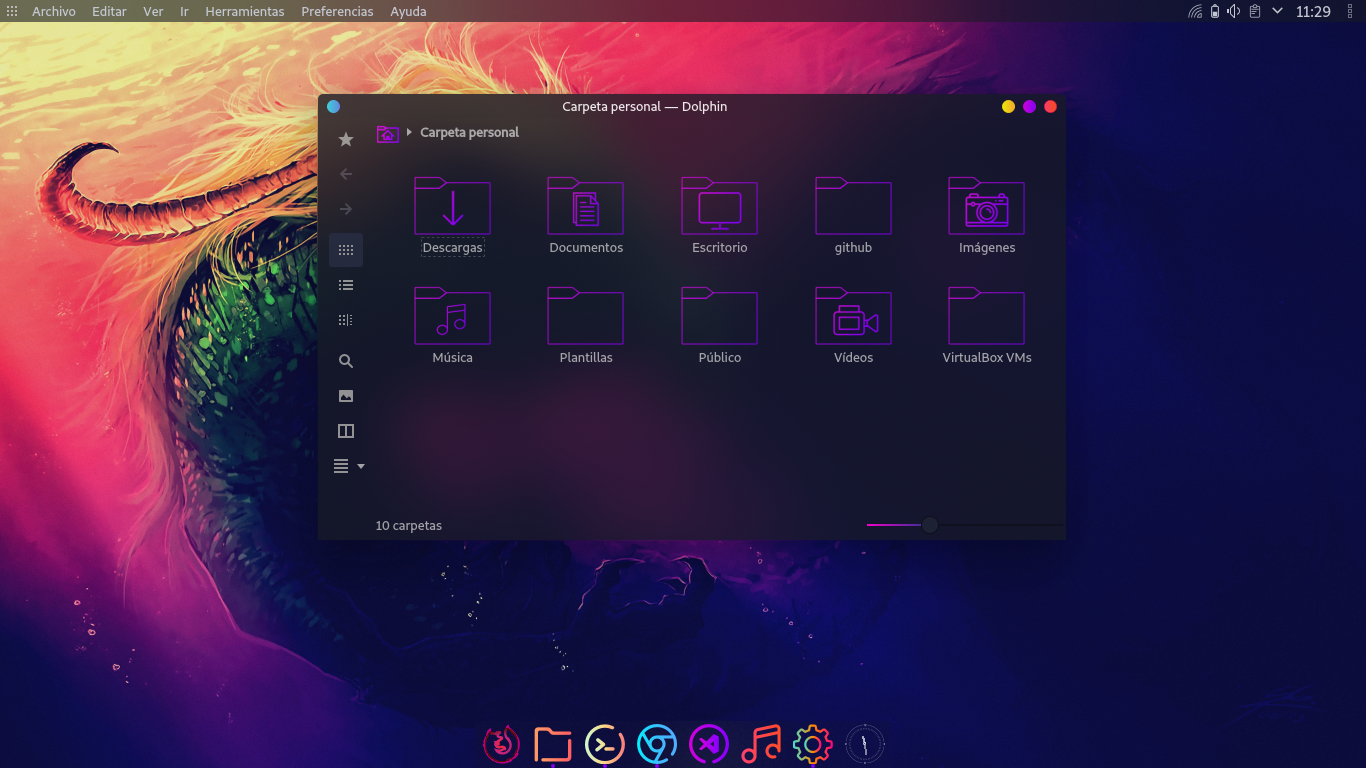
Screenshots
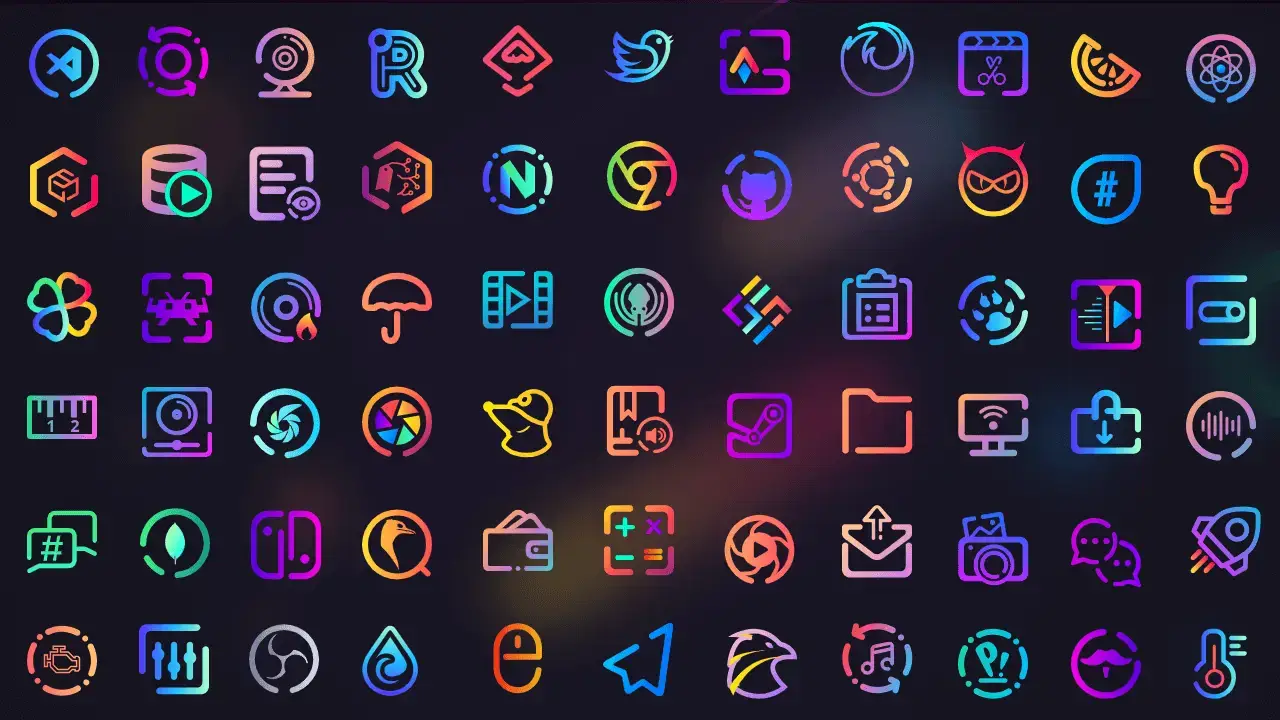
What Makes Candy Icons Worth Installing?
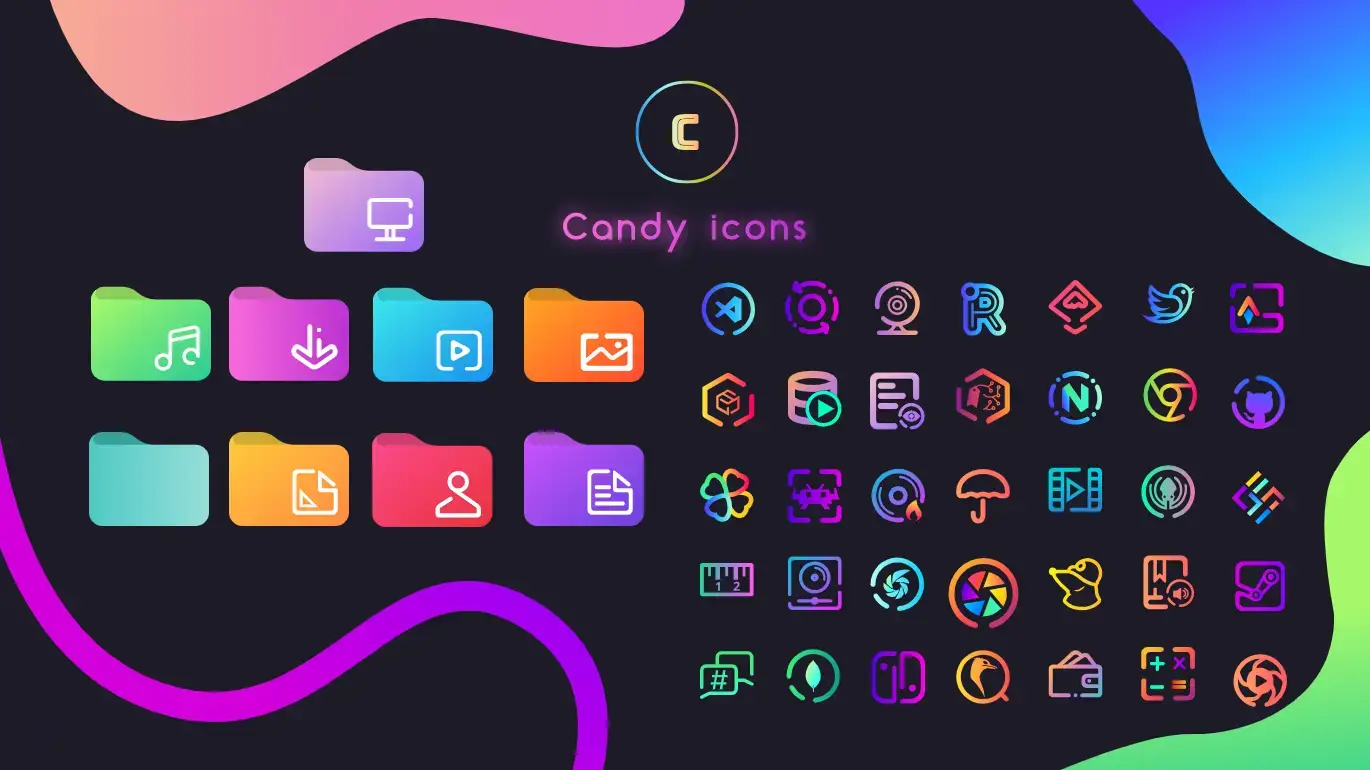
Candy Icons is one of the most visually distinct Linux icon themes available. Instead of using flat solid colors, every icon uses smooth gradients that give your desktop a vibrant, candy-like look. The theme pairs beautifully with dark GTK themes and wallpapers, and when you add the companion Sweet-folders pack by the same developer, the entire desktop feels complete. It also has strong community support through Hacktoberfest, which means new app icons get added regularly.
✓ Unique Gradients ✓ Dark Theme Friendly ✓ Sweet Folders Add-On ✓ Community Driven ✓ 1,360+ Commits
Bonus: Add Sweet Folders
The same developer makes Sweet-folders, a companion folder icon set that adds gradient-styled folders to match Candy Icons perfectly.
git clone https://github.com/EliverLara/Sweet-folders.git ~/.local/share/icons/Sweet-foldersDownload Candy Icons
Get the latest version from any of these official sources.
Frequently Asked Questions
How do I install Candy icons on Ubuntu?
Download the zip file from GitHub or Pling, extract it, and move the candy-icons folder to ~/.local/share/icons/ or ~/.icons/. Then open GNOME Tweaks and select Candy Icons under the Appearance section.
Does Candy icons theme work on Ubuntu 24.04 and 26.04?
Yes. Candy Icons works on Ubuntu 24.04 and Ubuntu 26.04. It supports GNOME and other Linux desktop environments that allow custom icon themes.
Where can I download Candy icons?
You can download Candy Icons from its official GitHub repository or from Pling (opendesktop.org). Both sources always have the latest version available.
Can I use Candy icons with Sweet folders?
Yes. Candy Icons can be combined with the Sweet-folders theme by the same developer (EliverLara) to replace the default folder icons with gradient-styled folders that match the Candy icon set.
Is Candy icons theme still maintained?
Yes. Candy Icons is actively maintained by EliverLara on GitHub with over 1,360 commits. New app icons are added regularly through community contributions and Hacktoberfest.
More Ubuntu Customization Guides
Pair Candy Icons with a dark GTK theme or cursor for a fully polished desktop.