


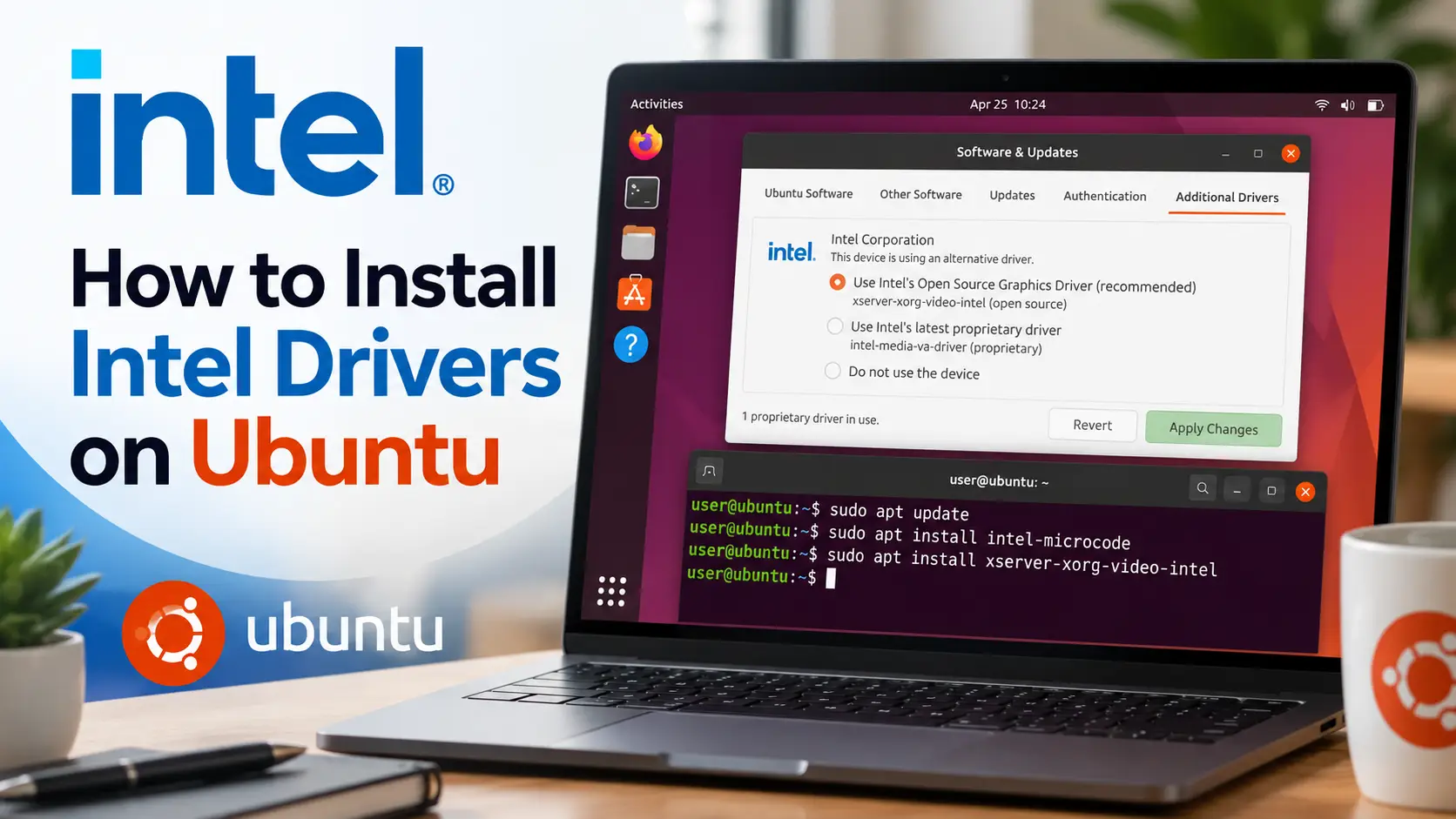
To install Intel graphics drivers on Ubuntu 26.04, run sudo apt update && sudo apt full-upgrade and reboot. The Intel driver is already built into Ubuntu, with OpenGL and Vulkan, so there is nothing to download. The one package worth adding is Intel’s video driver, which lets video apps use the graphics chip instead of the processor.
Below: how to add it, how to confirm everything works, and what an Intel Arc card needs. The fixes cover a desktop stuck on software rendering and video that still plays on the processor. If something does not work, leave a comment or contact us and we will help you sort it out.
Install Intel Graphics Drivers in 4 Steps
Open a terminal with Ctrl + Alt + T. The steps are the same for the graphics built into Intel Core and Core Ultra processors and for Intel Arc cards.
Update Ubuntu and reboot
sudo apt update && sudo apt full-upgradesudo rebootIntel driver updates reach Ubuntu this way, with the kernel, Mesa and firmware. Keep installing updates and the driver stays current.
Install Intel’s video driver
Ubuntu does not install it by default. Without it, most video apps decode on the processor, which uses more power and makes laptops run warm. Firefox is the exception, because its snap already includes the driver.
sudo apt install intel-media-va-driver-non-freeThis covers Intel graphics from 2015 onwards, 5th generation Core and newer. The non-free version adds video encoding, which screen recorders such as OBS Studio use. It comes from Ubuntu’s own repositories.
For an older Intel processor, install i965-va-driver instead.
Check which driver your graphics use
lspci -k | grep -EA3 'VGA|3D|Display'mike@ubuntu:~$ lspci -k | grep -EA3 'VGA|3D|Display'
00:02.0 VGA compatible controller: Intel Corporation Meteor Lake-P [Intel Arc Graphics] (rev 08)
Subsystem: ...
Kernel driver in use: i915
Kernel modules: i915, xeKernel driver in use shows i915 or xe. Both are Intel’s driver. Newer chips, such as Core Ultra 200V and Arc B-series cards, use xe, and older ones use i915. Either one means the driver is working.
A laptop with NVIDIA graphics as well shows two entries. For the NVIDIA one, see how to install NVIDIA drivers on Ubuntu. If the Intel entry has no driver line at all, see the first fix.
Confirm OpenGL, Vulkan and video decoding
The test tools are not installed by default. Add them:
sudo apt install mesa-utils vulkan-tools vainfoglxinfo -B | grep 'OpenGL renderer'mike@ubuntu:~$ glxinfo -B | grep 'OpenGL renderer'
OpenGL renderer string: Mesa Intel(R) Arc(tm) Graphics (MTL)vulkaninfo --summary | grep -E 'deviceName|driverName'mike@ubuntu:~$ vulkaninfo --summary | grep -E 'deviceName|driverName'
deviceName = Intel(R) Arc(tm) Graphics (MTL)
driverName = Intel open-source Mesa driver
deviceName = llvmpipe (LLVM 21.1.8, 256 bits)
driverName = llvmpipeYour chip name in both means OpenGL and Vulkan work. The extra llvmpipe entry in the Vulkan list is normal. It is a software fallback, and games use the real chip.
vainfomike@ubuntu:~$ vainfo
vainfo: VA-API version: 1.23 (libva 2.23.0)
vainfo: Driver version: Intel iHD driver for Intel(R) Gen Graphics - 26.1.2 (...)
vainfo: Supported profile and entrypoints
VAProfileH264Main : VAEntrypointVLD
VAProfileH264Main : VAEntrypointEncSliceLP
VAProfileHEVCMain : VAEntrypointVLD
VAProfileHEVCMain : VAEntrypointEncSliceLP
VAProfileVP9Profile0 : VAEntrypointVLD
VAProfileAV1Profile0 : VAEntrypointVLDEach VAEntrypointVLD line is a format the chip decodes, and each EncSlice line is one it can encode. Apps that support hardware video use it on their own.
If the OpenGL line says llvmpipe, the desktop is running without the graphics chip. If vainfo shows an error, see the video fix. For llvmpipe, go to the first fix.
Using an Intel Arc graphics card
Arc B-series cards, such as the B570, B580 and the Arc Pro B models, are fully supported by Ubuntu 26.04 with the steps above. Arc A-series cards, such as the A380, A750 and A770, work the same way.
Every Arc card needs Resizable BAR turned on in the PC’s firmware settings. Without it, games run far slower than they should. The option is sometimes called Re-Size BAR Support, and it usually needs Above 4G Decoding switched on as well.
Monitor Your Intel GPU
Intel Graphics Software is Windows only. On Ubuntu, these apps from the standard repositories show what the graphics chip is doing.
| App | What it does | Install |
|---|---|---|
| nvtop | GPU load graphs and the apps using the chip, in the terminal. Works on Intel despite the name | sudo apt install nvtop |
| intel_gpu_top | Intel’s own live view of the graphics engines, including video. Run it with sudo | sudo apt install intel-gpu-tools |
Intel Graphics for AI
Local AI apps can run on Intel graphics. Most need nothing extra.
Using Ollama or LM Studio? There is nothing to install
For developers: OpenCL and Level Zero
Tools built on Intel’s compute stack, such as OpenVINO, PyTorch on Intel GPUs or SYCL code, need Intel’s compute runtime. Add yourself to the render group, log out and back in, then install it:
sudo usermod -aG render $USERsudo apt install intel-opencl-icd libze-intel-gpu1 clinfoclinfo | grep 'Device Name'mike@ubuntu:~$ clinfo | grep 'Device Name'
Device Name Intel(R) Arc(TM) GraphicsYour chip in the list means the runtime is working. If the list is empty, check that you logged out after joining the group.
Intel’s Newer Packages (PPA)
Intel publishes newer builds of its video and compute packages in a PPA. Intel itself recommends Ubuntu’s own packages for most people, and on Ubuntu 26.04 you rarely need it.
When it helps, and how to add it
Use it when a tool asks for a newer compute runtime than Ubuntu has, or when your chip is newer than Ubuntu 26.04. It does not change the kernel driver, OpenGL or Vulkan, so it will not make games faster.
sudo add-apt-repository ppa:kobuk-team/intel-graphics
sudo apt full-upgrade
This upgrades the Intel packages you already installed from the steps above.
Remove Intel’s PPA
sudo apt install ppa-purge
sudo ppa-purge ppa:kobuk-team/intel-graphics
This removes the PPA and puts Ubuntu’s versions of each package back.
If Something Goes Wrong
The desktop uses llvmpipe instead of your graphics
llvmpipe is software drawing on the processor. The desktop works but feels slow and games will not run. Two causes cover almost every case. First, check the boot options:
cat /proc/cmdlineIf you see nomodeset, the graphics driver is being switched off at boot, usually by an old fix that was never undone. Open the boot settings, delete nomodeset from the GRUB_CMDLINE_LINUX_DEFAULT line, save with Ctrl + O, exit with Ctrl + X, and apply:
sudo nano /etc/default/grub
sudo update-grub
sudo reboot
If there is no nomodeset, look for a missing firmware file:
sudo dmesg | grep -iE 'i915|xe' | grep -i firmwareA line that says a firmware file failed to load means the package is damaged or incomplete. Reinstall it and reboot:
sudo apt install --reinstall linux-firmware-intel-graphics
sudo rebootvainfo shows an error, or video still plays on the processor
An error that mentions iHD_drv_video.so or va_openDriver means the video driver is missing. Go back to step 2 and install it.
On Intel graphics from before 2015, the new driver does not work. Install the older one, and vainfo picks it up on its own:
sudo apt install i965-va-driverIf vainfo works but one app still uses the processor, turn on hardware decoding in that app’s own settings. Some video players leave it off by default.
The wrong driver loads after following an older guide
Some older guides force the xe driver onto chips that use i915, or the reverse. On Ubuntu 26.04 the default is the right choice for every chip. Look for leftover settings:
grep -rE 'force_probe' /etc/default/grub /etc/modprobe.d/Delete every line or boot option it finds. For a result in /etc/default/grub, edit it as in the first fix and run sudo update-grub. For a file in /etc/modprobe.d/, remove the line, then run sudo update-initramfs -u and reboot.
Helpful Resources
Frequently Asked Questions
Do I need to install Intel graphics drivers on Ubuntu 26.04?
No. The Intel driver is built into Ubuntu, with OpenGL and Vulkan. Run sudo apt update && sudo apt full-upgrade and reboot to get the newest version. The one extra worth installing is intel-media-va-driver-non-free, for hardware video decoding.
Why does my Intel graphics use the xe driver instead of i915?
Both are Intel's own kernel driver. Newer chips, such as Core Ultra 200V and Arc B-series cards, use xe, and older chips use i915. Ubuntu picks the right one for you.
How do I turn on hardware video acceleration for Intel on Ubuntu?
Install intel-media-va-driver-non-free, or i965-va-driver for Intel graphics older than 2015. Then run vainfo to see which formats your chip decodes. Firefox already uses hardware decoding without it.
Does Intel Arc work on Ubuntu 26.04?
Yes. Arc A-series and B-series cards work with Ubuntu's built-in driver. Turn on Resizable BAR in the firmware settings, or games run much slower.
Is there Intel Graphics Software for Ubuntu?
No, it is Windows only. nvtop and intel_gpu_top, both in the Ubuntu repositories, show live GPU load in the terminal.
Can Ollama use Intel graphics on Ubuntu?
Yes. Ollama and LM Studio use Intel graphics through Vulkan, which Ubuntu already includes, so there is nothing extra to install.
Play your Windows games through Steam, then finish setting up the rest of Ubuntu.
More Ubuntu guides: Install AMD Drivers on Ubuntu · Upgrade to Ubuntu 26.04 · Best Linux Distros for Gaming