


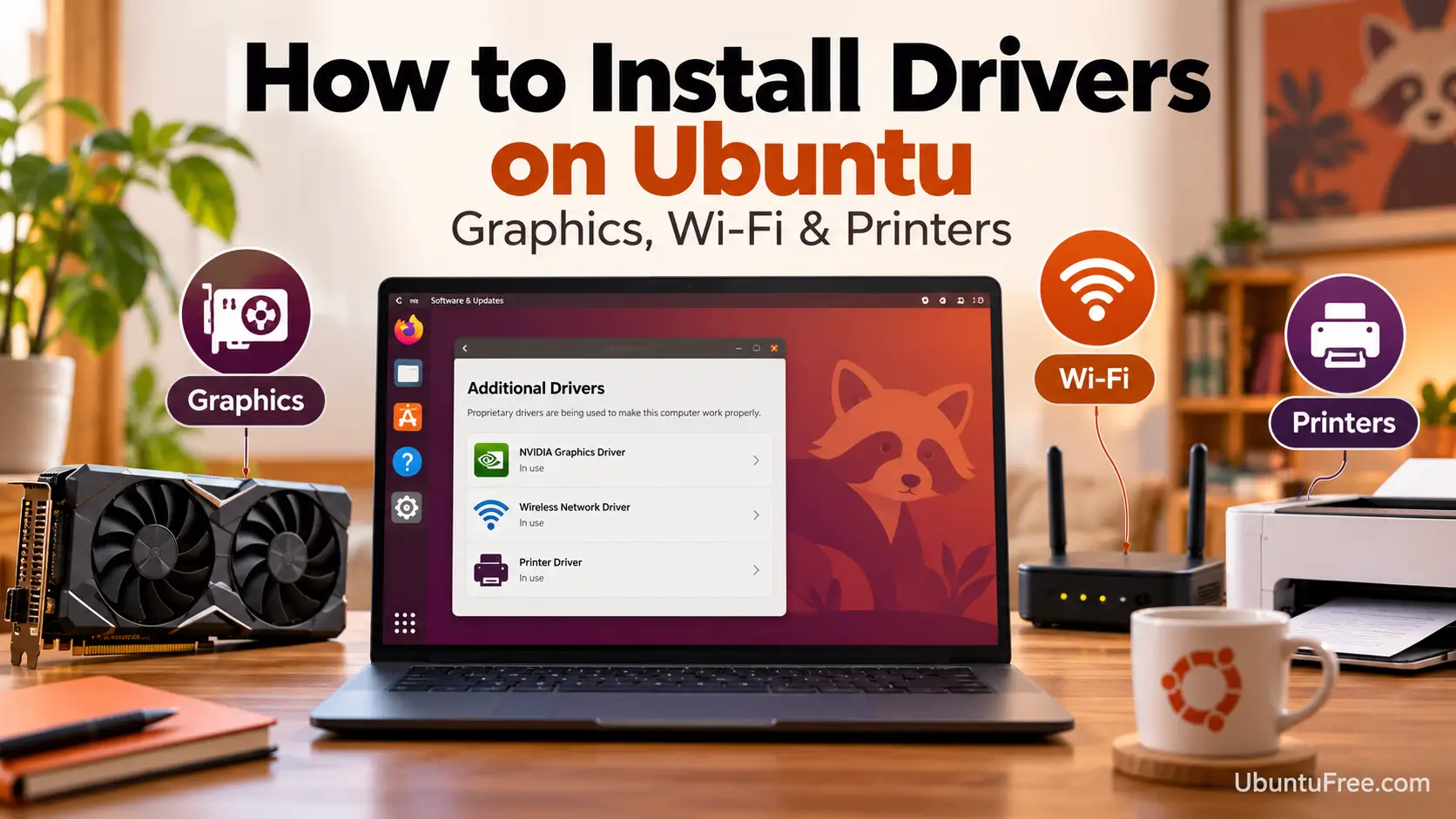
To install drivers on Ubuntu 26.04, run sudo ubuntu-drivers install in a terminal and reboot. It adds the NVIDIA driver and any other proprietary driver your hardware needs. AMD and Intel graphics, most Wi-Fi chips and most printers already have their driver built into Ubuntu.
Below: the three steps, what each kind of hardware needs, and fixes for the blue key screen at boot, an empty driver list and a kernel that asks for DKMS. If something does not work, leave a comment or contact us and we will help you sort it out.
Install Drivers in 3 Steps
Open a terminal with Ctrl + Alt + T. Plan for one reboot.
Update Ubuntu and reboot
A driver has to match the kernel you boot into, so install every waiting update first:
sudo apt update && sudo apt full-upgradeIf a new kernel came in, restart before the next step:
sudo rebootSee which drivers your hardware needs
ubuntu-drivers listEach line it prints is a driver Ubuntu can install for this computer. An empty list is normal on AMD and Intel graphics, whose drivers are already in the kernel. Older Broadcom Wi-Fi cards do not show here: see Wi-Fi below.
Install them and reboot
sudo ubuntu-drivers installsudo rebootWith nothing to add, it says:
mike@ubuntu:~$ sudo ubuntu-drivers install
All the available drivers are already installed.
Prefer a window? Ubuntu 26.04 no longer installs Software & Updates, which holds the Additional Drivers tab. Add it back with sudo apt install software-properties-gtk.
Find Your Hardware’s Driver Guide
Not sure what you have?

This lists each device with the driver it uses:
lspci -kA Kernel driver in use line means it already works. USB devices, such as a Wi-Fi adapter, show in lsusb instead.
NVIDIA graphics

Steps 2 and 3 install it. The guide covers driver versions, laptops with two GPUs and a black screen after the reboot.
AMD graphics


Radeon cards and Ryzen graphics use the amdgpu driver in the kernel. Updates keep it current.
Intel graphics


The driver is in the kernel. Add Intel’s video driver so video apps use the graphics chip: sudo apt install intel-media-va-driver-non-free
Wi-Fi

Intel, MediaTek, Realtek and Qualcomm chips are built in. An older Broadcom card needs sudo apt install broadcom-sta-dkms, which ubuntu-drivers does not detect. No internet on that computer? Install it from your Ubuntu USB.
Printers

Most printers made in the last several years print with no driver. Open Settings > Printers and click Add Printer. Older Canon and Epson inkjets need one package.
If Something Goes Wrong
A blue screen asks you to enroll a MOK
Drivers built on your own computer, such as the Broadcom Wi-Fi driver or an NVIDIA driver from a PPA, need their key enrolled once for Secure Boot. You set a one-time password during the install.
At the blue MOK management screen, choose Enroll MOK, Continue, Yes, type the password and reboot. It only waits a few seconds. Missed it? Run this and reboot:
sudo update-secureboot-policy --enroll-key
sudo reboot
If an NVIDIA driver still will not load, see the NVIDIA fixes.
ubuntu-drivers lists nothing
That is the right answer on AMD and Intel graphics. Otherwise, refresh the package lists and run step 2 again:
sudo apt update
ubuntu-drivers list
An NVIDIA card that still does not appear is switched off in the BIOS or not seated.
An older Broadcom Wi-Fi card never shows here. Install it by name, as in the Wi-Fi card.
It says your running kernel requires DKMS modules
mike@ubuntu:~$ sudo ubuntu-drivers install
Your running kernel (...) requires DKMS modules, and you have Secure Boot enabled. ...
Your kernel did not come from Ubuntu, and Ubuntu’s ready-made driver modules only exist for its own, named like 7.0.0-38-generic. Check yours:
uname -rTo fix it, restart, hold Shift or tap Esc as the computer starts, choose Advanced options for Ubuntu and pick a kernel ending in -generic. Then run step 3 again.
To keep your kernel, build the driver locally instead. With Secure Boot on, expect the blue key screen after the reboot:
sudo ubuntu-drivers install --include-dkmsHelpful Resources
Frequently Asked Questions
How do I install drivers on Ubuntu 26.04?
Install your updates, then run sudo ubuntu-drivers install in a terminal and reboot. It installs the recommended driver for each device that needs one, such as an NVIDIA graphics card.
Do I need to install drivers on Ubuntu?
Usually only for NVIDIA graphics and older Broadcom Wi-Fi cards. AMD and Intel graphics, most Wi-Fi chips and most printers work with drivers already built into Ubuntu.
Does ubuntu-drivers install Wi-Fi drivers?
Not for older Broadcom cards, which are the Wi-Fi chips that need one. ubuntu-drivers cannot detect them, so install the driver by name with sudo apt install broadcom-sta-dkms.
Where is Additional Drivers in Ubuntu 26.04?
It was a tab in Software & Updates, which Ubuntu 26.04 no longer installs. Use sudo ubuntu-drivers install, or bring the window back with sudo apt install software-properties-gtk.
Why does a blue screen ask me to enroll a key after installing a driver?
Secure Boot only loads drivers it trusts. A driver built on your own computer, such as the Broadcom Wi-Fi driver, needs its key enrolled once. Choose Enroll MOK, Continue, Yes, type the password you set during the install, and reboot.
Can I use the Windows driver from the manufacturer's website?
No. Windows drivers do not work on Ubuntu. Use the driver Ubuntu offers, or the manufacturer's Linux download if it has one.
Why did ubuntu-drivers install an oem package?
Some laptops sold with Ubuntu preinstalled get an oem package for their model. It adds an extra archive from Canonical with fixes for that laptop. In a virtual machine, ubuntu-drivers installs the guest tools instead.
Updates, codecs, apps and the settings worth changing on a new Ubuntu 26.04 install.
More Ubuntu 26.04 guides: Upgrade to Ubuntu 26.04 · Ubuntu 26.04 New Features · Download Ubuntu 26.04