Edubuntu 26.04 Wallpapers – Official Education-Themed Collection
Rebecca Williams
Edubuntu 26.04 LTS · Official Wallpapers
Education-Themed Wallpaper Collection
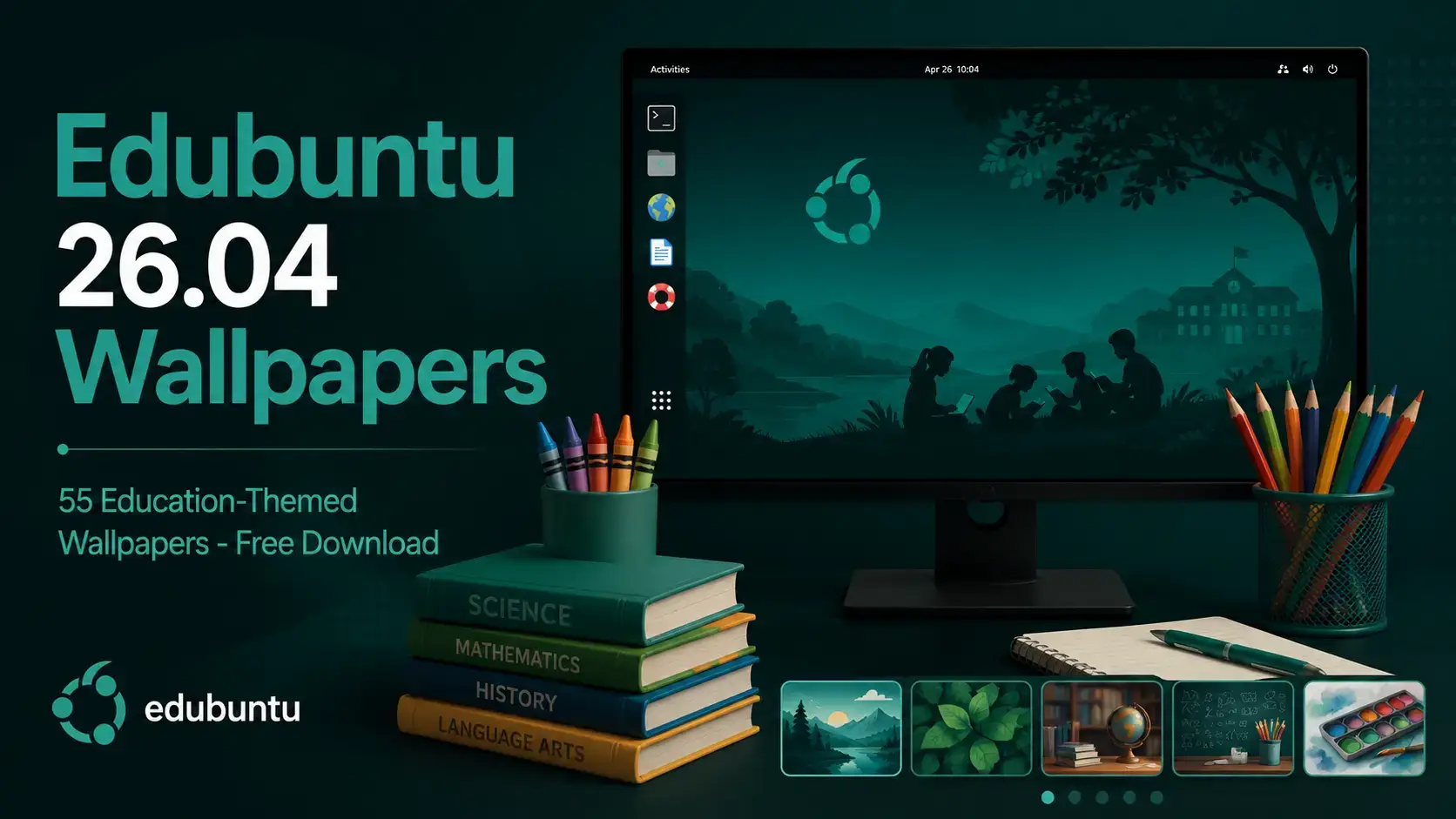
21 new education-themed photographs for Edubuntu 26.04 – crayons, books, pencils, building blocks, classroom scenes, and more. The full archive pack adds the 23.04 set and classic Edubuntu artwork, bringing the total to 55 wallpapers. All hosted on our server and free to download.
• Hosted on our server – no Google Drive, no third-party links, direct download only
• Free to download and use on any desktop – Edubuntu, other Linux desktops, Windows, or macOS
• JPG and PNG formats – standard image files, no special software needed to use them on any desktop
Wallpaper Gallery
Browse the Edubuntu 26.04 wallpaper collection below. Click any image to open the full-size version.
Edubuntu cyanicsurf from Edubuntu 26.04 Wallpapers – Official Education-Themed Collection
Edubuntu lonelytree from Edubuntu 26.04 Wallpapers – Official Education-Themed Collection
Edubuntu perspective from Edubuntu 26.04 Wallpapers – Official Education-Themed Collection
Edubuntu wire from Edubuntu 26.04 Wallpapers – Official Education-Themed Collection
Edubuntu 23.04 aaron burden 1 from Edubuntu 26.04 Wallpapers – Official Education-Themed Collection
Edubuntu 23.04 aaron burden 2 from Edubuntu 26.04 Wallpapers – Official Education-Themed Collection
Edubuntu 23.04 agence olloweb from Edubuntu 26.04 Wallpapers – Official Education-Themed Collection
Edubuntu 23.04 alexander grey from Edubuntu 26.04 Wallpapers – Official Education-Themed Collection
Edubuntu 23.04 alexandre van thuan from Edubuntu 26.04 Wallpapers – Official Education-Themed Collection
Edubuntu 23.04 annie spratt from Edubuntu 26.04 Wallpapers – Official Education-Themed Collection
Edubuntu 23.04 baim hanif from Edubuntu 26.04 Wallpapers – Official Education-Themed Collection
Edubuntu 23.04 debby hudson from Edubuntu 26.04 Wallpapers – Official Education-Themed Collection
Edubuntu 23.04 element5 digital from Edubuntu 26.04 Wallpapers – Official Education-Themed Collection
Edubuntu 23.04 gautam arora from Edubuntu 26.04 Wallpapers – Official Education-Themed Collection
Edubuntu 23.04 kimberly farmer from Edubuntu 26.04 Wallpapers – Official Education-Themed Collection
Edubuntu 23.04 markus spiske from Edubuntu 26.04 Wallpapers – Official Education-Themed Collection
Edubuntu 23.04 nic rosenau from Edubuntu 26.04 Wallpapers – Official Education-Themed Collection
Edubuntu 23.04 ramakant sharda from Edubuntu 26.04 Wallpapers – Official Education-Themed Collection
Edubuntu 23.04 robin worrall from Edubuntu 26.04 Wallpapers – Official Education-Themed Collection
Edubuntu 23.04 ryan wallace from Edubuntu 26.04 Wallpapers – Official Education-Themed Collection
Edubuntu 23.04 taylor williams from Edubuntu 26.04 Wallpapers – Official Education-Themed Collection
Edubuntu 26.04 alexander grey a bunch of crayons are lined up in a cup from Edubuntu 26.04 Wallpapers – Official Education-Themed Collection
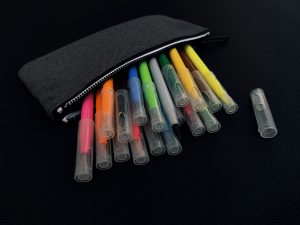
Edubuntu 26.04 anna evans a pouch of markers and pens on a black surface from Edubuntu 26.04 Wallpapers – Official Education-Themed Collection
Edubuntu 26.04 clarissa watson pile of assorted title books from Edubuntu 26.04 Wallpapers – Official Education-Themed Collection
Edubuntu 26.04 erika fletcher a child is drawing on a piece of paper from Edubuntu 26.04 Wallpapers – Official Education-Themed Collection
Edubuntu 26.04 gr stocks multi colored pencils on black surface from Edubuntu 26.04 Wallpapers – Official Education-Themed Collection
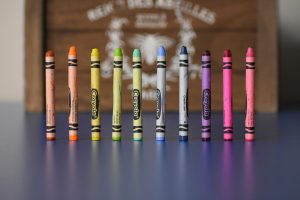
Edubuntu 26.04 josh eckstein selective focus photography of crayola crayons from Edubuntu 26.04 Wallpapers – Official Education-Themed Collection
Edubuntu 26.04 julia a keirns a yellow school bus parked in front of a building from Edubuntu 26.04 Wallpapers – Official Education-Themed Collection
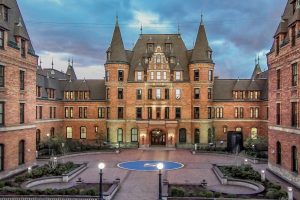
Edubuntu 26.04 laurie littlefield wells stadium high school front view from Edubuntu 26.04 Wallpapers – Official Education-Themed Collection
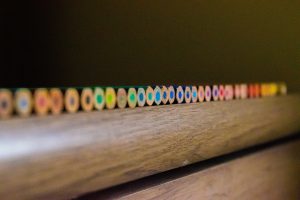
Edubuntu 26.04 lavira closeup photo of color pencil on brown surface from Edubuntu 26.04 Wallpapers – Official Education-Themed Collection
Edubuntu 26.04 lucas george wendt brown wooden heart shaped decor from Edubuntu 26.04 Wallpapers – Official Education-Themed Collection
Edubuntu 26.04 lucas george wendt purple green and pink coloring pencils from Edubuntu 26.04 Wallpapers – Official Education-Themed Collection
Edubuntu 26.04 lucas george wendt yellow blue red and purple coloring pencils from Edubuntu 26.04 Wallpapers – Official Education-Themed Collection
Edubuntu 26.04 luna davidson selective focus photography of red color pencil from Edubuntu 26.04 Wallpapers – Official Education-Themed Collection
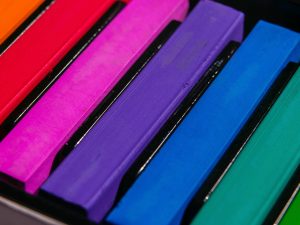
Edubuntu 26.04 manuel barroso parejo red green and blue sticks from Edubuntu 26.04 Wallpapers – Official Education-Themed Collection
Edubuntu 26.04 mick haupt pink and purple plastic blocks from Edubuntu 26.04 Wallpapers – Official Education-Themed Collection
Edubuntu 26.04 moises fattel a close up of many different colored crayons from Edubuntu 26.04 Wallpapers – Official Education-Themed Collection
Edubuntu 26.04 omar lopez rincon colorful geometric shapes and spheres arranged on a dark surface from Edubuntu 26.04 Wallpapers – Official Education-Themed Collection
Edubuntu 26.04 pang yuhao people throwing hats on air from Edubuntu 26.04 Wallpapers – Official Education-Themed Collection
Edubuntu 26.04 tamanna rumee pink yellow green and blue color pencils from Edubuntu 26.04 Wallpapers – Official Education-Themed Collection
Edubuntu getexcited from Edubuntu 26.04 Wallpapers – Official Education-Themed Collection
Edubuntu horsehead nebula from Edubuntu 26.04 Wallpapers – Official Education-Themed Collection
Edubuntu horses from Edubuntu 26.04 Wallpapers – Official Education-Themed Collection
Edubuntu ladybug from Edubuntu 26.04 Wallpapers – Official Education-Themed Collection
Edubuntu liquid blue from Edubuntu 26.04 Wallpapers – Official Education-Themed Collection
Edubuntu liquid pink from Edubuntu 26.04 Wallpapers – Official Education-Themed Collection
Edubuntu mrtau and tree by tj from Edubuntu 26.04 Wallpapers – Official Education-Themed Collection
Edubuntu northern lights from Edubuntu 26.04 Wallpapers – Official Education-Themed Collection
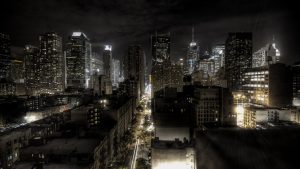
Edubuntu nyc from Edubuntu 26.04 Wallpapers – Official Education-Themed Collection
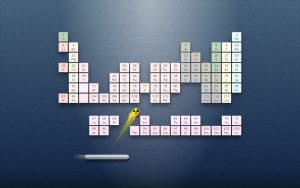
Edubuntu periodic breakout from Edubuntu 26.04 Wallpapers – Official Education-Themed Collection
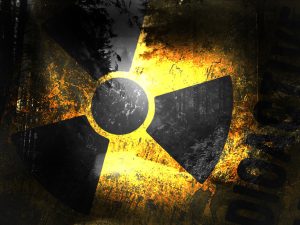
Edubuntu radioactive from Edubuntu 26.04 Wallpapers – Official Education-Themed Collection
Edubuntu rainbow burst from Edubuntu 26.04 Wallpapers – Official Education-Themed Collection
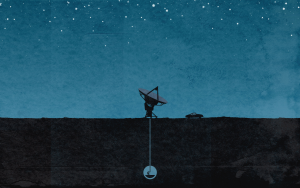
Edubuntu stargazer from Edubuntu 26.04 Wallpapers – Official Education-Themed Collection
Edubuntu 26.04 engin akyurt a row of brightly colored books sitting on top of a table from Edubuntu 26.04 Wallpapers – Official Education-Themed Collection
Edubuntu 26.04 lucas george wendt pink and white plastic sticks from Edubuntu 26.04 Wallpapers – Official Education-Themed Collection
About the Edubuntu 26.04 Wallpapers
Edubuntu takes a different approach to wallpapers than most other Ubuntu flavours. Rather than abstract art or a design contest, the wallpaper set is built around real photography chosen to reflect what the operating system is actually for – education. Every image in the 26.04 set is a photograph of something you would find in a classroom, a school bag, or a learning environment.
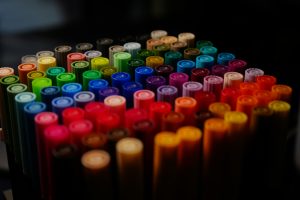
The 21 new photographs added for 26.04 cover a wide range. Close-up shots of crayons, coloured pencils, and art supplies dominate the set, but there are also stacked books, plastic building blocks in bright colours, a child drawing, geometric shapes, a yellow school bus, a high school stadium, and a crowd throwing graduation caps in the air. The filenames credit the original photographers directly, with all images sourced under open licensing. The palette across the set is naturally bright and varied – it sits well against the Prussian Teal accent that Edubuntu 26.04 uses throughout GNOME 50.
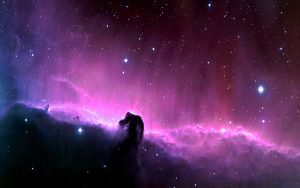
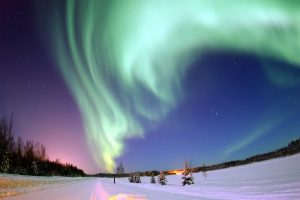
The full archive pack includes everything: the 21 new 26.04 wallpapers, 17 photographs from the Edubuntu 23.04 Lunar Lobster release, and 17 classic Edubuntu artworks and photographs from earlier releases going back to 2005. Names like edubuntu-horsehead-nebula, edubuntu-northern-lights, and edubuntu-stargazer reflect the astronomy and science themes that appeared in earlier Edubuntu releases before the education-photography direction took hold.
✏️
21 New 26.04 Education Photos
Crayons, coloured pencils, markers, books, building blocks, geometric shapes, art supplies, a school bus, a high school stadium, a child drawing, and graduation caps. Real photographs, open-licensed, bright and colourful throughout.
📷
17 Wallpapers from Edubuntu 23.04
The full Lunar Lobster (23.04) wallpaper set carried forward into the archive. Education-themed photography from 17 contributors, selected for the 23.04 release cycle.
🌏
17 Classic Edubuntu Artworks
Older Edubuntu artwork and photography from earlier releases going back to 2005. Includes space and astronomy themes (Horsehead Nebula, Northern Lights, Stargazer), abstract art, and nature photography from the project’s early years.
Download the Wallpapers
Two packs available. Download the 26.04 set if you want just the new education-themed photographs. Download the full archive if you want everything – all 55 wallpapers from 2005 through 2026 in a single ZIP.
New for 26.04 · 21 Wallpapers
Edubuntu 26.04 LTS Wallpapers – Education Photo Set
The 21 new education-themed photographs added for the 26.04 Resolute Raccoon release. Crayons, pencils, books, coloured blocks, art supplies, and classroom scenes – all in JPG format, sized for HD through 4K screens. The cleanest option if you just want the new wallpapers without the full archive.
All 55 Edubuntu wallpapers in one ZIP. Includes the 21 new 26.04 education photos, the 17 Lunar Lobster (23.04) wallpapers, and 17 classic Edubuntu artworks and photographs from releases going back to 2005 – horsehead nebula, northern lights, abstract art, and more. JPG and PNG formats included.
Edubuntu 26.04 uses GNOME 50, which handles standard image files directly – no special multi-resolution packaging needed. Each wallpaper is a single full-resolution file.
Pack
Files
Format
Best For
26.04 Education Photos
21 JPGs
JPG
Users who want just the new 26.04 wallpapers
23.04 Set
17 JPGs
JPG
Included in the full archive pack
Classic Edubuntu Art
17 files
JPG + PNG
Included in the full archive pack
Full Archive
55 files
JPG + PNG
Users who want the complete collection in one download
Running Edubuntu 26.04?
Get the Full Edubuntu 26.04 ISO
The official Edubuntu 26.04 LTS download with GNOME 50, the full education software suite, and all wallpapers pre-installed.
Edubuntu 26.04 uses GNOME 50. Changing your wallpaper takes under a minute from either the desktop or Settings.
Method 1 – Right-click the desktop (quickest)
1. Download the wallpaper file and save it somewhere on your computer.
2. Right-click anywhere on an empty area of the desktop.
3. Select Change Background.
4. Click Add Picture, navigate to your downloaded wallpaper file, and select it. It appears in your wallpaper library immediately – click it to apply.
Method 2 – Settings app (more options)
1. Open the Settings app from the app grid or by clicking the system menu in the top-right corner.
2. Click Background in the left panel.
3. Click Add Picture and navigate to your downloaded file. Select it and it is added to your wallpaper library and applied.
4. From the same screen you can set a separate wallpaper for the lock screen. Click Lock Screen and repeat the same steps to set a different image there.
Set a different login screen wallpaper (GDM)
The GDM login screen (the screen you see before you log in) does not use your desktop wallpaper. To change it, install GNOME Tweaks with sudo apt install gnome-tweaks and go to Appearance. For most users the default GDM background works fine without any changes.
Frequently Asked Questions
What is the default wallpaper in Edubuntu 26.04?
Edubuntu 26.04 LTS ships with the standard Ubuntu Resolute Raccoon wallpaper as the system default. The new Yaru Prussian Teal accent colour – the visual identity introduced with this release – is visible throughout the desktop rather than in a custom wallpaper. The 21 new education-themed wallpapers from the edubuntu-wallpapers package are available in the GNOME background picker from the first login, ready to use without any extra steps.
How many wallpapers does Edubuntu 26.04 include?
Edubuntu 26.04 ships with 21 new education-themed photographs added for this release. The complete archive pack on this page contains all 55 wallpapers – the 21 new 26.04 images, 17 wallpapers from the 23.04 Lunar Lobster release, and 17 classic Edubuntu artworks and photographs from earlier releases going back to 2005.
What subjects are in the Edubuntu 26.04 wallpapers?
All 21 new wallpapers for 26.04 are real photographs with an education theme. Subjects include bundles of crayons and coloured pencils, stacks of books, pouches of markers, plastic building blocks, colourful geometric shapes, a child drawing on paper, a yellow school bus, a high school stadium, close-up shots of art supplies, and a crowd throwing graduation caps in the air. The palette across the set is naturally bright and varied.
Do the Edubuntu 26.04 wallpapers work on other Linux distributions or Windows?
Yes. The wallpapers are standard JPG and PNG image files and work on any desktop operating system including other Linux distributions, Windows, and macOS. There is nothing Edubuntu-specific about the file format.
How do I set a wallpaper on Edubuntu 26.04?
Right-click anywhere on an empty area of the desktop and select Change Background. Click Add Picture, navigate to your downloaded wallpaper file, and select it. It appears in your wallpaper library immediately and is applied with one click. You can also open Settings and go to Background to reach the same panel, where you can also set a separate lock screen wallpaper.
Can I change the login screen wallpaper on Edubuntu 26.04?
Edubuntu 26.04 uses GDM as the login manager. The GDM login screen does not automatically use your desktop wallpaper – it has its own background. You can change it using GNOME Tweaks (install with sudo apt install gnome-tweaks, then go to Appearance) or by manually placing an image at the path GDM reads. For most users on a school or home system, changing the login screen wallpaper is not necessary.
What format are the Edubuntu 26.04 wallpapers?
The 26.04 education-themed wallpapers and the 23.04 set are all JPG files. The classic Edubuntu artworks include a mix of JPG and PNG. Unlike KDE-based Ubuntu flavours, GNOME does not use a multi-resolution wallpaper format – each file is a single full-resolution image. Most images in the 26.04 set are sized to cover HD through 4K screens without visible quality loss.