

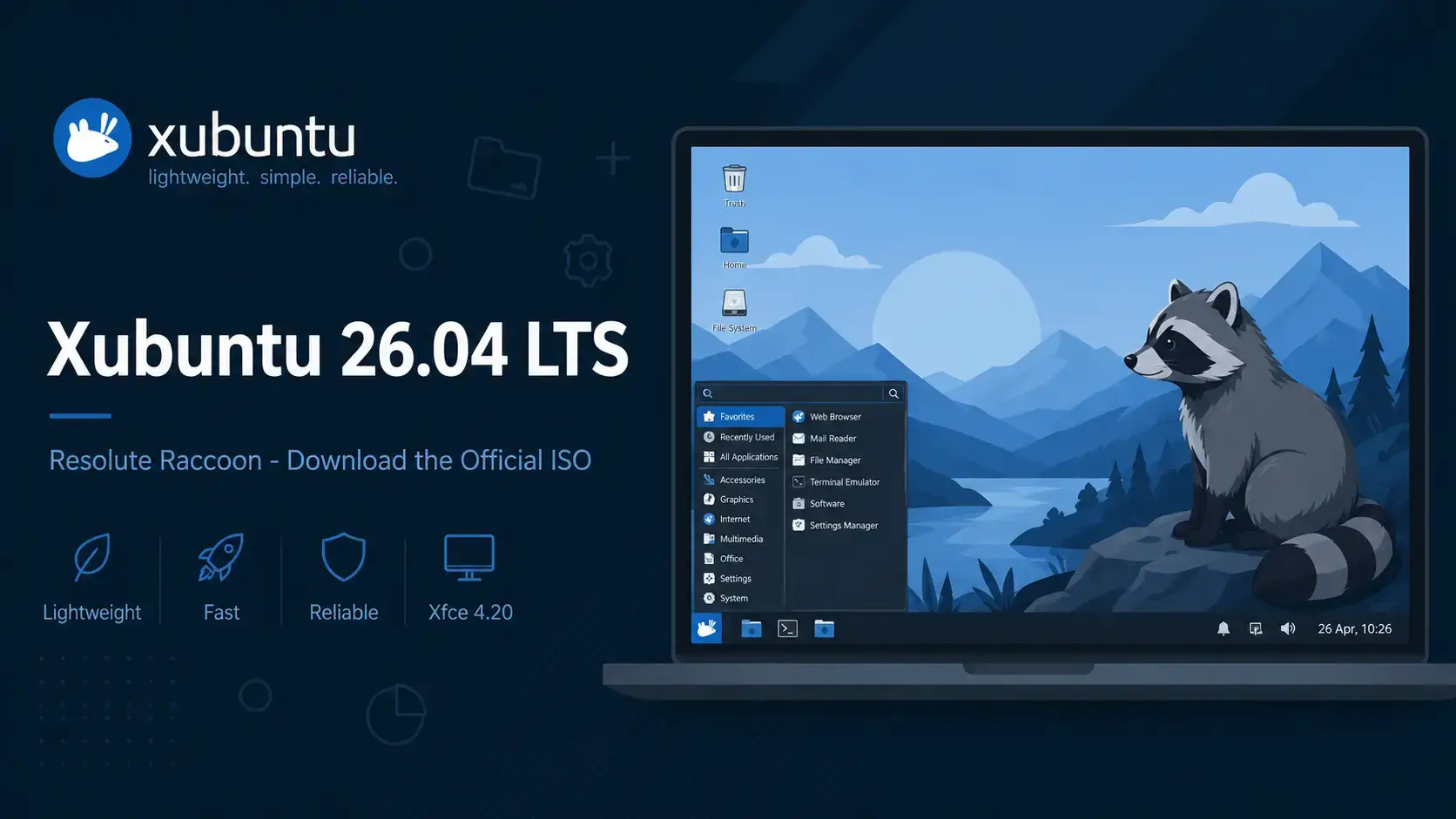

Resolute Raccoon
Ubuntu with the lightweight Xfce 4.20 desktop. Free to use. Supported until April 2029.
What Is Xubuntu?
Xubuntu is the official Ubuntu flavor that uses the Xfce desktop environment. Xfce is built to be fast and light on system resources – it runs well on hardware that GNOME or KDE Plasma would struggle with. At the same time it gives you a full, usable desktop with a file manager, application menu, panel, and all the basics you expect.
Xubuntu 26.04 is also a milestone release: it marks twenty years of Xubuntu as a project. To mark the occasion, the Xubuntu team ran two community wallpaper contests and all eight winning wallpapers ship on the default desktop installation alongside the official Resolute Raccoon wallpaper.
Xubuntu shares the same Ubuntu base, the same software repositories, and the same security update schedule as standard Ubuntu. You get a familiar apt-based system under the hood with a lighter desktop on top.
Download Xubuntu 26.04 LTS
The links below go directly to cdimage.ubuntu.com, Canonical’s official image server for Ubuntu flavors.
Size: ~4.8 GB
Includes: Full Xfce desktop with default apps
Size: ~3.0 GB
Includes: Core desktop only, no bundled apps
What’s New in Xubuntu 26.04
The headline desktop update is Xfce 4.20, released in December 2024 and now shipping in its first LTS Ubuntu flavor. It brings expanded Wayland support and stability improvements across the whole desktop stack. For the full changelog, see the official Xubuntu 26.04 release notes.
Thunar adds typeahead search in the tree view side pane, an option to show symbolic icons in the side pane, improved thumbnail scaling, and up to four emblems now always visible on file icons.
Xubuntu ships GIMP 3.2.2, part of the recently stable GIMP 3.x series. This is a significant step up from the GIMP 2.x era, with a redesigned interface and improved tools.
Parole media player 4.20.0, Mousepad text editor 0.7.0, and Catfish file search 4.20.0 are all new major versions. LibreOffice advances from 24.2 to 26.2.
The legacy indicator plugin has been removed from the default panel. Applications that display tray icons now use the modern KStatusNotifier standard, which the Xubuntu panel already supports natively.
How to Verify Your Download (SHA256)
Always verify your ISO before writing it to a USB drive. This confirms the file downloaded completely and was not corrupted.
SHA256SUMS file to the same folder as your ISO.Run the checksumOn Linux or macOS (replace filename with whichever ISO you downloaded):
sha256sum xubuntu-26.04-desktop-amd64.iso
On Windows (PowerShell):
Get-FileHash xubuntu-26.04-desktop-amd64.iso -Algorithm SHA256
How to Install Xubuntu 26.04
Once you have the ISO, the process is the same as any Ubuntu flavor.
System Requirements
Xfce is lighter than GNOME or KDE Plasma. Xubuntu runs comfortably on hardware where other desktops feel slow.
- CPU: 1.5 GHz dual-core processor
- RAM: 2 GB
- Storage: 20 GB free disk space
- Display: 1024 x 768
- USB: 8 GB for installation media
- CPU: 4-core 64-bit processor
- RAM: 4 GB or more
- Storage: 40 GB SSD
- Display: 1920 x 1080
- GPU: Works with most modern and older graphics cards
Free. Open source. Xfce 4.20. Supported until April 2029.
Frequently Asked Questions
Can I try Xubuntu 26.04 without installing it?
Yes. When you boot from the USB installer, choose “Try Xubuntu” on the welcome screen. This loads a live version directly from the USB drive without touching your hard disk. You can test it as long as you like, then restart to return to your current system.
Will my old software still work on Xubuntu 26.04?
Most software continues to work. Xubuntu 26.04 includes a compatibility layer called XWayland so older apps generally open without any changes. A small number of screen recording or remote desktop tools may need updates from their developers.
What is the difference between an LTS release and a regular Ubuntu release?
LTS stands for Long Term Support. Canonical releases a new version of Ubuntu every 6 months, but only the LTS versions get multi-year security updates. Regular releases are only supported for 9 months. For most people on a work or home computer, LTS is the right choice.
Can I run Xubuntu 26.04 inside a virtual machine?
Yes. Xubuntu 26.04 works well inside VirtualBox, VMware, and GNOME Boxes. Use the AMD64 ISO for Intel and AMD host machines. Xfce’s low resource usage makes it particularly well suited to virtual machines with limited RAM allocation.
How do I create a bootable USB from the ISO file?
On Windows, use Rufus and select the ISO file. On macOS or Linux, use Balena Etcher. Both are free. Select your USB drive carefully as all data on it will be erased during the process.
Is Xubuntu 26.04 free to use on a business computer?
Yes. Xubuntu is free to download, install, and use on as many computers as you like, including in a business. There is no license fee.
What makes Xubuntu different from standard Ubuntu?
Xubuntu uses the Xfce desktop environment instead of GNOME. Xfce uses less RAM and CPU than GNOME, which makes Xubuntu a good fit for older computers or anyone who wants a faster, more responsive desktop. It shares the same Ubuntu base, security updates, and software repositories as standard Ubuntu.
More Xubuntu 26.04 guides: What’s New in Xubuntu 26.04 · Upgrade to Xubuntu 26.04 · Xubuntu 26.04 Wallpapers · Ubuntu Desktop 26.04 Download · Kubuntu 26.04 Download