

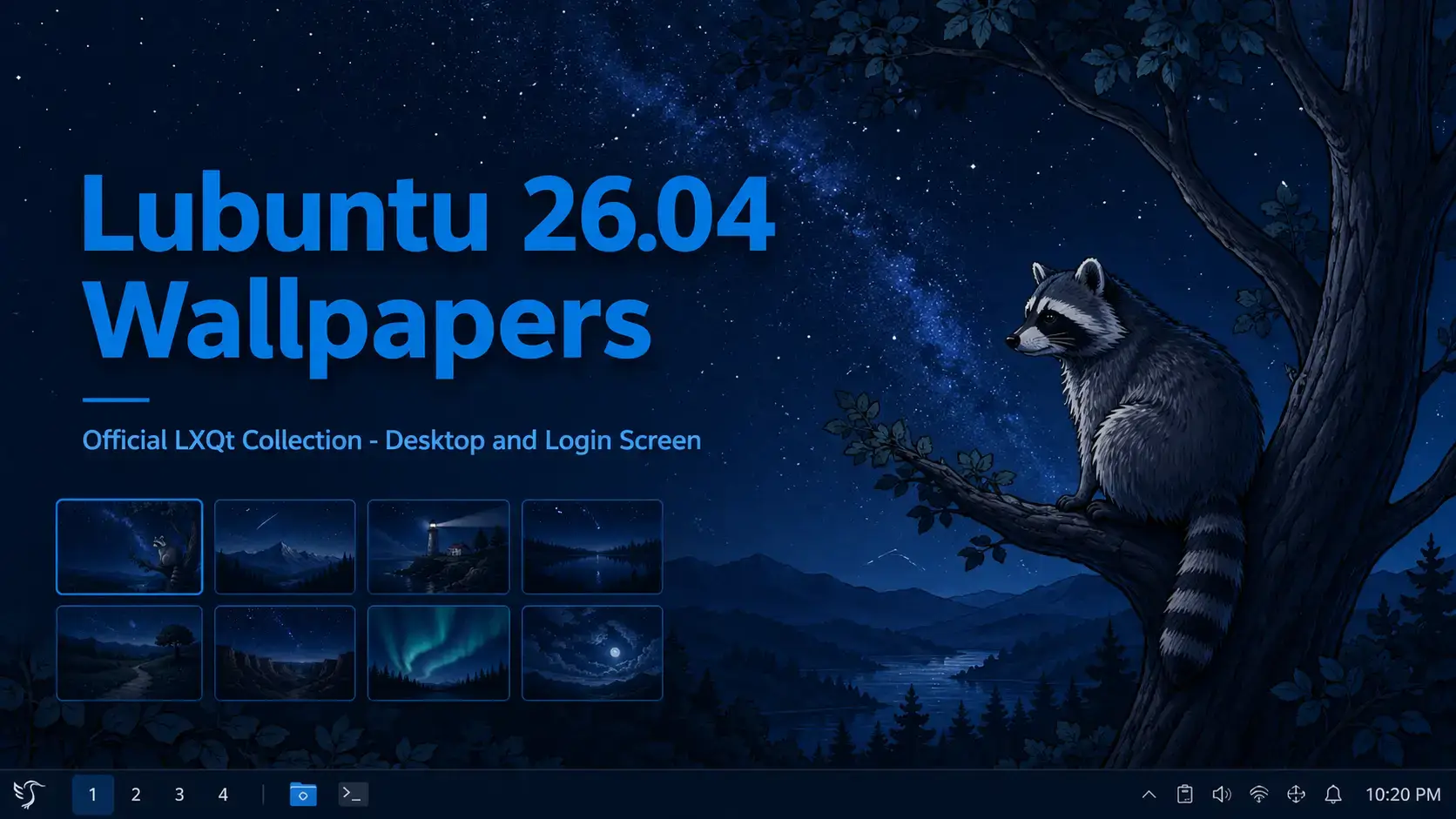

The official Lubuntu 26.04 LTS wallpapers. A hand-drawn desktop wallpaper and a fractal login screen design – both included in one free pack hosted on our server.
Wallpaper Gallery
Browse the official Lubuntu 26.04 wallpaper collection below. Click any image to open the full-size version.





















About the Lubuntu 26.04 Wallpapers
Lubuntu 26.04 LTS ships with two distinct pieces of original artwork. The desktop wallpaper and the login screen wallpaper are different in style, but both fit the tone of a minimal, focused desktop environment.
The desktop wallpaper is hand-drawn illustration work – a raccoon perched in a tree, looking upward at a night sky filled with stars and a galaxy. The image is detailed and atmospheric without being busy. It sits comfortably behind the lean LXQt panel layout without competing with it.
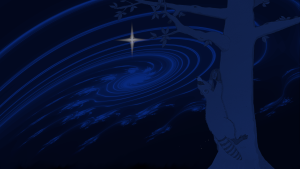
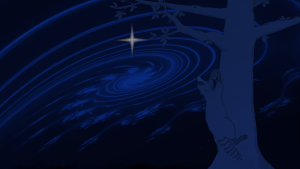
The login screen wallpaper takes a completely different direction. It is fractal art – blue wave patterns that move across a dark background in flowing, turbulent shapes. The result is elegant and abstract, a calmer visual compared to the illustrated desktop background.
Hand-drawn illustration. A raccoon climbs a tree and looks out at a starry night sky with a galaxy above. Ships as the default desktop background on every Lubuntu 26.04 install.
Fractal art. Blue waves flow in turbulent but delicate patterns over a dark background. Used as the SDDM login screen background on a fresh Lubuntu 26.04 install.
Download the Wallpapers
The official wallpaper pack contains both the desktop and login screen wallpapers in a single download. All sizes are included in one ZIP archive, hosted directly on our server.
Both official wallpapers in one download. Includes the hand-drawn desktop wallpaper and the fractal login screen design. Available in HD, 1440p, and 4K sizes as a single ZIP archive.
Available Resolutions
Both wallpapers are included at standard desktop resolutions. Pick the size that matches your screen for the sharpest result.
| Resolution | Name | Best For |
|---|---|---|
| 1920 x 1080 | Full HD | Most laptops and standard desktop monitors |
| 2560 x 1440 | 1440p / QHD | Sharper 27″ and larger desktop displays |
| 3840 x 2160 | 4K / UHD | 4K monitors and HiDPI displays |
The official Lubuntu 26.04 LTS download with LXQt 2.3 and the full wallpaper collection pre-installed.
How to Set Your Wallpaper on Lubuntu 26.04
LXQt gives you two straightforward ways to change your wallpaper. Both take under a minute.
Frequently Asked Questions
What is the default wallpaper in Lubuntu 26.04?
The default wallpaper in Lubuntu 26.04 LTS is a hand-drawn illustration of a raccoon climbing a tree, looking out at a starry night sky with a galaxy visible above. It ships on every fresh Lubuntu 26.04 installation automatically.
What is the Lubuntu 26.04 login screen wallpaper?
The Lubuntu 26.04 login screen wallpaper is a fractal art piece featuring blue waves flowing in turbulent but delicate patterns over a dark background. It is a separate design from the desktop wallpaper and is included in the same download pack.
Where can I download the official Lubuntu 26.04 wallpapers?
The official Lubuntu 26.04 wallpapers are available to download directly from this page. Both the desktop wallpaper and the login screen wallpaper are included in one pack hosted on our server. Use the download button in the section above.
Are the Lubuntu 26.04 wallpapers free to use?
Yes. The official Lubuntu 26.04 wallpapers are free to download and use on your own desktop. They are released as part of the Lubuntu project under open terms.
Do the Lubuntu 26.04 wallpapers work on other Linux distributions or Windows?
Yes. The wallpapers are standard image files and work on any desktop operating system including other Linux distributions, Windows, and macOS. There is nothing Lubuntu-specific about the file format.
How do I set a wallpaper on Lubuntu 26.04?
Right-click anywhere on an empty area of the desktop and select Desktop Preferences. In the Wallpaper tab, click the file field and browse to your downloaded image. Select it and click Open. The wallpaper applies immediately. You can also open LXQt Configuration Center and go to Desktop to reach the same settings.
What resolutions are the Lubuntu 26.04 wallpapers available in?
The wallpapers in the official pack are available at standard desktop resolutions suitable for HD (1920×1080), 1440p (2560×1440), and 4K (3840×2160) displays. The pack is distributed as a ZIP archive containing all available sizes.
More Lubuntu 26.04 guides: Lubuntu 26.04 Download · What’s New in Lubuntu 26.04 · Upgrade to Lubuntu 26.04