


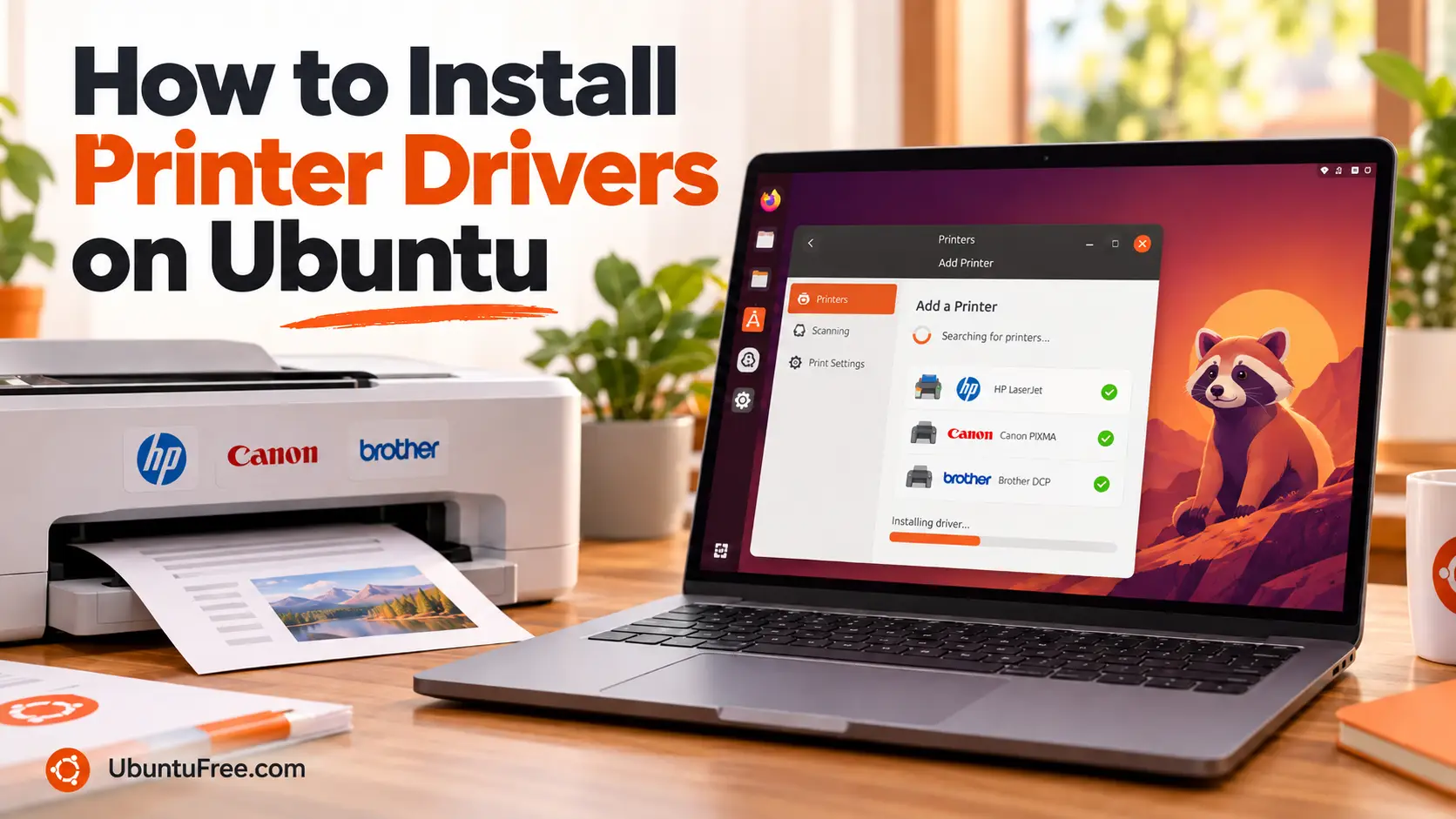
To add a printer on Ubuntu 26.04, connect it by USB or to the same network, open Settings > Printers and click Add Printer. Most printers made in the last several years need no driver at all, and Ubuntu already includes the drivers for most older HP, Brother, Samsung and Xerox models.
Below: how to check whether your printer needs a driver, the extra drivers Ubuntu leaves out, and the brand drivers for HP, Brother, Canon and Epson models that need one. It also covers scanning, and printers that will not show up or will not print. If you get stuck, leave a comment or contact us with your printer’s model and we will help.
Install Printer Drivers in 4 Steps
Open a terminal with Ctrl + Alt + T. The steps are the same for USB and network printers.
Connect the printer
- USB: turn the printer on and plug it in.
- Network: join the printer to your Wi-Fi from its own screen or setup button, or plug it into your router. It has to be on the same network as your computer.
If the computer itself has no network yet, sort that out first with the Wi-Fi drivers guide.
Check whether it needs a driver
This lists every printer that Ubuntu can use with no driver, over the network or USB:
ippfindmike@ubuntu:~$ ippfind
ipp://HP....local:631/ipp/print
ipp://localhost:60000/ipp/printYour printer is listed: it needs no driver. Go straight to step 4. A USB printer shows up as a localhost address.
Nothing is listed, or the command just waits: press Ctrl + C and do step 3.
Install the drivers Ubuntu leaves out
Ubuntu already has drivers for most HP printers, most Brother mono lasers, and Samsung and Xerox lasers. These two add most older Canon and Epson inkjets:
sudo apt install printer-driver-gutenprint printer-driver-escprNot sure what your printer uses? This installs every printer driver in Ubuntu instead:
sudo apt install printer-driver-allIf your model is still not supported after step 4, install its brand driver.
Add the printer and print a test page
Open Settings, go to Printers and click Add Printer. Pick your printer from the list and click Add. Enter your password if asked.
A driverless printer gets set up for you. If Settings asks for a driver, choose the one with your model name.
Check that it is there and set as the default:
lpstat -p -dmike@ubuntu:~$ lpstat -p -d
printer HP_LaserJet_MFP_M234sdw is idle. enabled since ...
system default destination: HP_LaserJet_MFP_M234sdwThen print a line of text to it:
echo "Hello from Ubuntu" | lpIf nothing comes out, see If Something Goes Wrong.
Drivers for HP, Brother, Canon and Epson Printers
You only need these when step 2 did not list your printer and the drivers in step 3 did not cover it.
HP printers and the HP plug-in
Ubuntu includes HP’s own driver, HPLIP, so most HP printers add in Settings with nothing to install.
A few LaserJet models also need HP’s closed-source plug-in, including the LaserJet Pro MFP M125, M126, M127, M128 and M25 to M27 series. Install it, accept HP’s licence, then add the printer in Settings:
sudo hp-plugin -iHP models released since 2024 are newer than Ubuntu’s HPLIP, but almost all of them print with no driver, so step 2 finds them. HP’s full list of models and which ones need the plug-in is on its HPLIP supported printers page.
Brother printers and the Driver Install Tool
Brother mono lasers in the HL-L2300 to HL-L2480, DCP-L2500 to DCP-L2560 and MFC-L2700 to MFC-L2800 ranges already work through Ubuntu’s brlaser driver. Add them in Settings.
For colour lasers, inkjets and other models, use Brother’s Driver Install Tool. Download linux-brprinter-installer from Brother’s support site, then run it with your model name:
cd ~/Downloads
gunzip linux-brprinter-installer-*.gz
sudo bash linux-brprinter-installer-* MFC-L3770CDW
Replace MFC-L3770CDW with your model. Answer y to the licence questions. For a network printer, answer y to Will you specify the Device URI? and pick the line with your printer’s address. The tool also installs the scanner driver.
The tool prints an error about ia32-libs. Ignore it: that package no longer exists and the driver does not need it.
Canon printers and Canon’s Linux drivers
Most Canon printers from recent years print with no driver, and step 3 covers many older PIXMA models. For one that still does not work, download the Linux driver for your model from Canon’s support site for your country:
| Your printer | Driver to download |
|---|---|
| PIXMA and MAXIFY inkjets | IJ Printer Driver for Linux (debian Packagearchive) |
| imageCLASS, i-SENSYS, imageRUNNER lasers | UFR II/UFRII LT Printer Driver for Linux |
Both come as an archive with an installer inside. For a PIXMA or MAXIFY:
cd ~/Downloads
tar xf cnijfilter2-*-deb.tar.gz
cd cnijfilter2-*-deb
sudo ./install.sh
For a laser:
cd ~/Downloads
tar xf linux-UFRII-drv-v*.tar.gz
cd linux-UFRII-drv-v*-m17n
sudo ./install.sh
Answer y to install. The installer then offers to register the printer, which does the same job as adding it in Settings.
Epson printers and the ESC/P-R drivers
Most Epson EcoTank, Expression and WorkForce printers print with no driver, and the printer-driver-escpr package from step 3 covers most older inkjets.
Some newer models use a second driver, ESC/P-R 2. Search your model on the Epson Download Center, choose Linux Deb(x64), and it shows which driver your printer needs. If it lists Epson Inkjet Printer Driver 2 (ESC/P-R), download it and install it:
cd ~/Downloads
sudo apt install ./epson-inkjet-printer-escpr2_*_amd64.deb
Then add the printer in Settings.
Scanning With an All-in-One Printer
Open Document Scanner from the app grid. It is already installed and finds most all-in-one printers on its own. To check from the terminal:
scanimage -Lmike@ubuntu:~$ scanimage -L
device `airscan:e0:HP LaserJet MFP M234sdw ...' is a eSCL HP LaserJet MFP M234sdw ...| Scanner | What to install |
|---|---|
| Most network and USB all-in-ones | Nothing. Built into Ubuntu |
| HP | Nothing. Comes with HPLIP |
| Canon PIXMA | Nothing. Built into Ubuntu |
| Brother | The Driver Install Tool above adds it |
| Epson, if not found | Epson Scan 2 from the Epson Download Center |
Epson Scan 2 comes as an archive. Extract it, open the folder and run sudo ./install.sh.
If Something Goes Wrong
The printer does not show up
Check that the printer is awake and on the same network as the computer. Then add it by its address: find the IP address on the printer’s screen or network settings page, type it into the box at the bottom of the Add Printer window, and click Add.
From the terminal, with your printer’s address in place of the example:
sudo lpadmin -p Office_Printer -E -v ipp://192.168.1.40/ipp/print -m everywhereThis only works for a printer that prints with no driver. For any other, use its brand driver.
Jobs sit in the queue and nothing prints
lpstat -o
lpstat -p
If the printer shows as disabled, it stopped after an error. Fix the paper or ink problem, then turn it back on and clear stuck jobs:
sudo cupsenable HP_LaserJet_MFP_M234sdw
cancel -a
Use your printer’s name from the lpstat output.
It prints blank pages or pages of symbols
The printer has the wrong driver. Remove it in Settings > Printers and add it again. If step 2 listed it, add that entry, which needs no driver. Otherwise install its brand driver first.
Settings cannot set up your printer
Use the printer page built into Ubuntu instead. Open http://localhost:631 in your browser, go to Administration > Add Printer and sign in with your Ubuntu username and password. It lets you pick any installed driver by make and model.
Or install the older Printers window, which does the same:
sudo apt install system-config-printerRemove a Printer or Driver
Remove a printer
In Settings > Printers, open the printer’s menu and choose Remove Printer. Or from the terminal, with your printer’s name:
sudo lpadmin -x HP_LaserJet_MFP_M234sdwRemove a driver
sudo apt purge printer-driver-gutenprint printer-driver-escprsudo apt purge cnijfilter2 cnrdrvcups-ufr2-uk epson-inkjet-printer-escpr2For Brother, find the package names the tool installed, then purge them:
dpkg -l | grep -i brotherHelpful Resources
Frequently Asked Questions
Do I need to install printer drivers on Ubuntu 26.04?
Usually not. Most printers made in the last several years print with no driver, over the network or USB. Ubuntu also includes drivers for most HP printers, Brother mono lasers, and Samsung and Xerox lasers.
How do I install an HP printer on Ubuntu?
Add it in Settings > Printers. HP's driver, HPLIP, comes with Ubuntu. A few LaserJet models also need HP's plug-in, which you install with sudo hp-plugin -i.
How do I install a Brother printer driver on Ubuntu?
Most Brother mono lasers work with the brlaser driver Ubuntu already includes. For other models, download Brother's Driver Install Tool and run it with your model name. It installs the printer and scanner drivers.
How do I install a Canon or Epson printer on Ubuntu?
Try adding it in Settings first, since most recent models need no driver. For older inkjets, install printer-driver-gutenprint and printer-driver-escpr. Otherwise download the Linux driver for your model from Canon or Epson.
Where is the old Printers window on Ubuntu?
It is no longer installed by default. Install it with sudo apt install system-config-printer, or use the printer page built into Ubuntu at http://localhost:631.
How do I scan on Ubuntu?
Open Document Scanner. It finds most all-in-one printers on its own, including HP and Canon PIXMA models. Brother and some Epson scanners need the brand's scanner driver.
Updates, codecs, apps and the settings worth changing on a new Ubuntu 26.04 install.
More driver guides: Install NVIDIA Drivers on Ubuntu · Install AMD Drivers on Ubuntu · Install Intel Graphics Drivers on Ubuntu